
Features / Communication
Push Notifications
Unlimited push is included on every plan, at $0 per message. Tell the people who already installed your app: a booking reminder, a fresh offer, a class change, without buying another SMS bundle. Open rates of 60 to 90% within minutes, against 18 to 25% for email.
- Unlimited on every plan, including Free
- $0 per message, forever
- Arrives on the lock screen, under your name
Included on every plan, including Free. No credit card required.
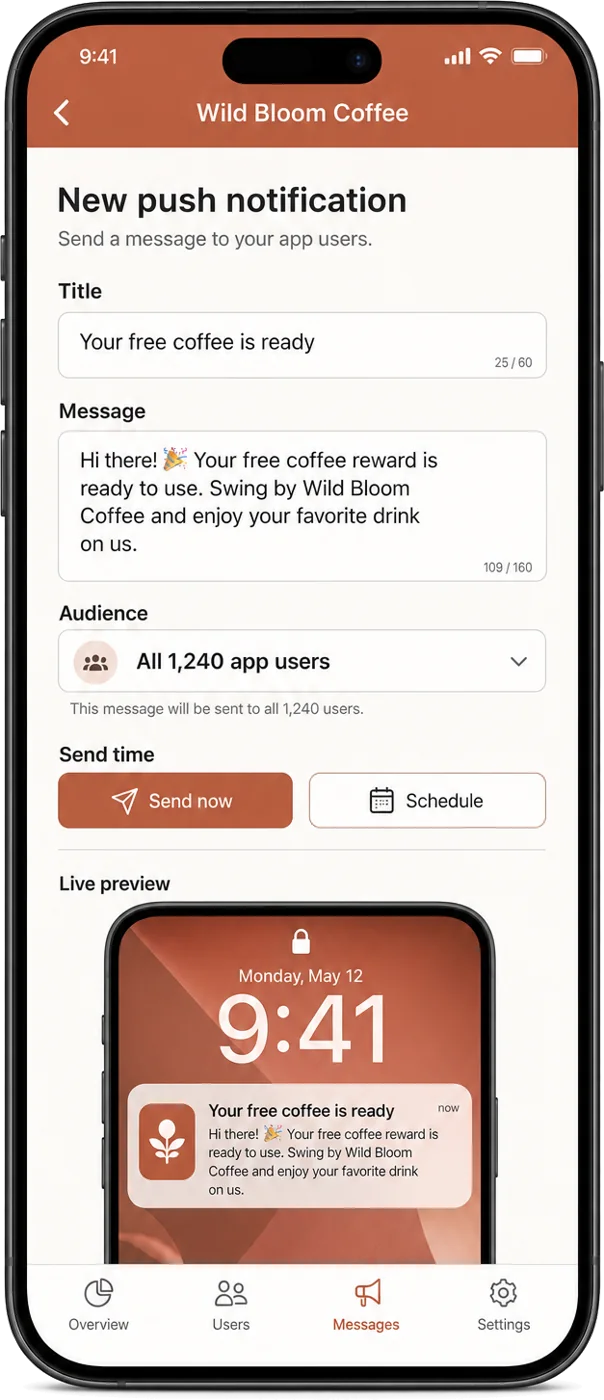
Push Notifications: the quick answer
- What it is
- Unlimited push notifications on every plan, including Free, at $0 per message. The lock-screen channel that email and social cannot match.
- Cost
- Included on every AppBuild.diy plan, including Free for up to 10 app users. Business is $49/month for up to 1,000 users and Business Pro is $99/month for unlimited users.
- Works on
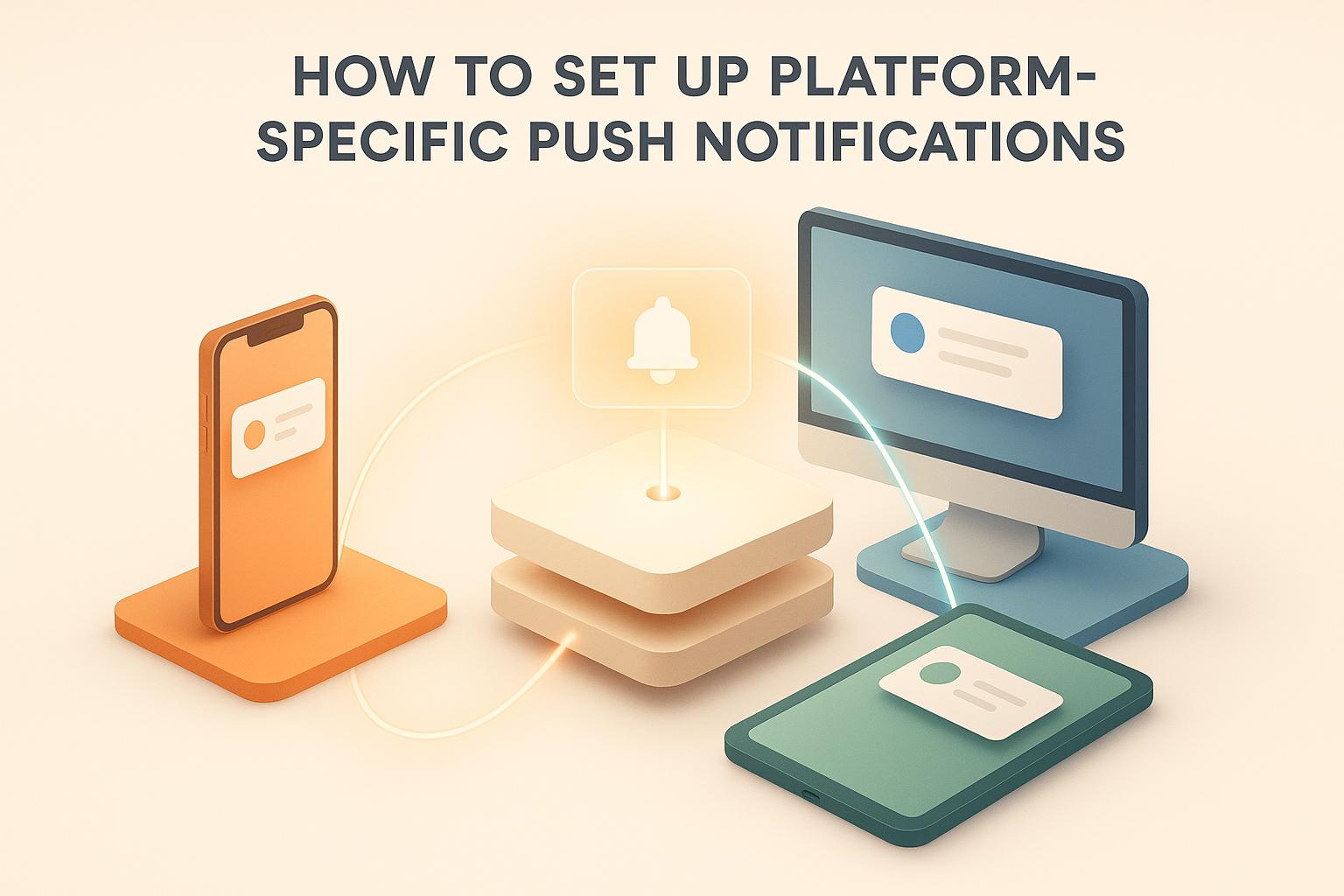
- Your app on the App Store, Google Play and as an installable web app, from one setup.
- Setup
- Add it in the AppBuild.diy editor and fill in your details. No code.
- Popular with
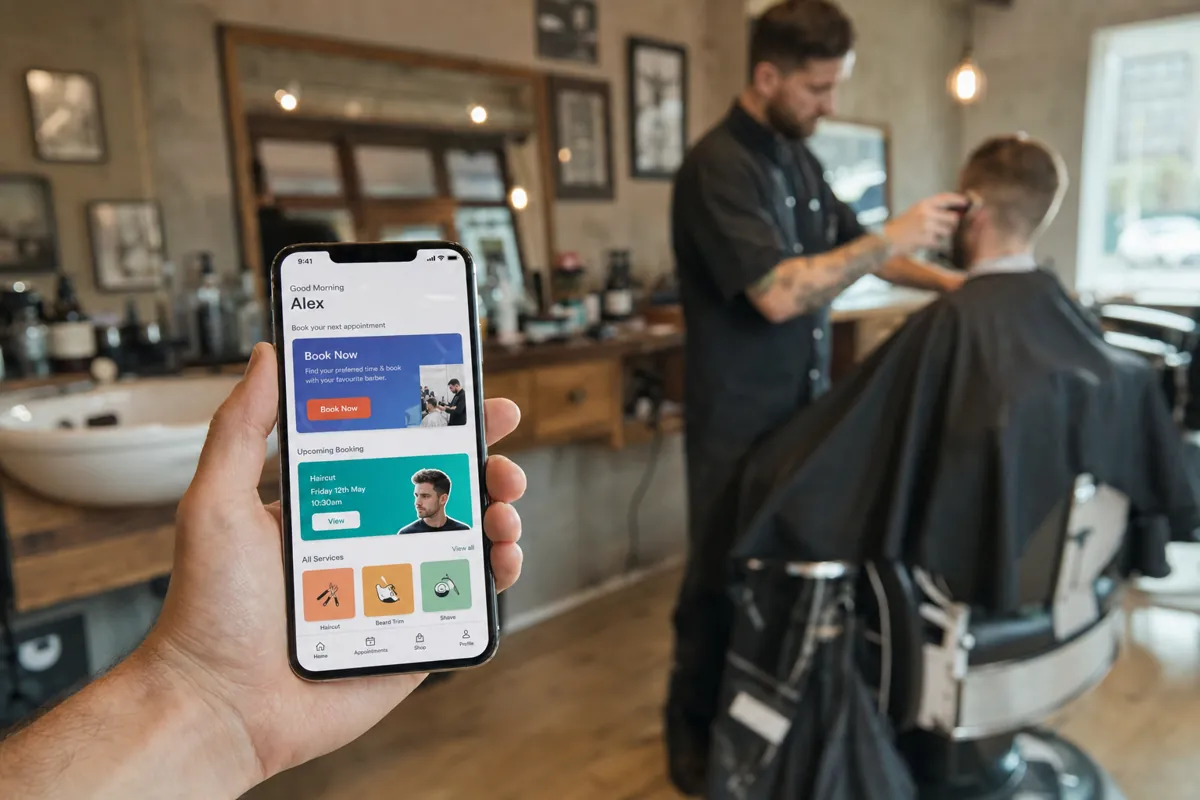
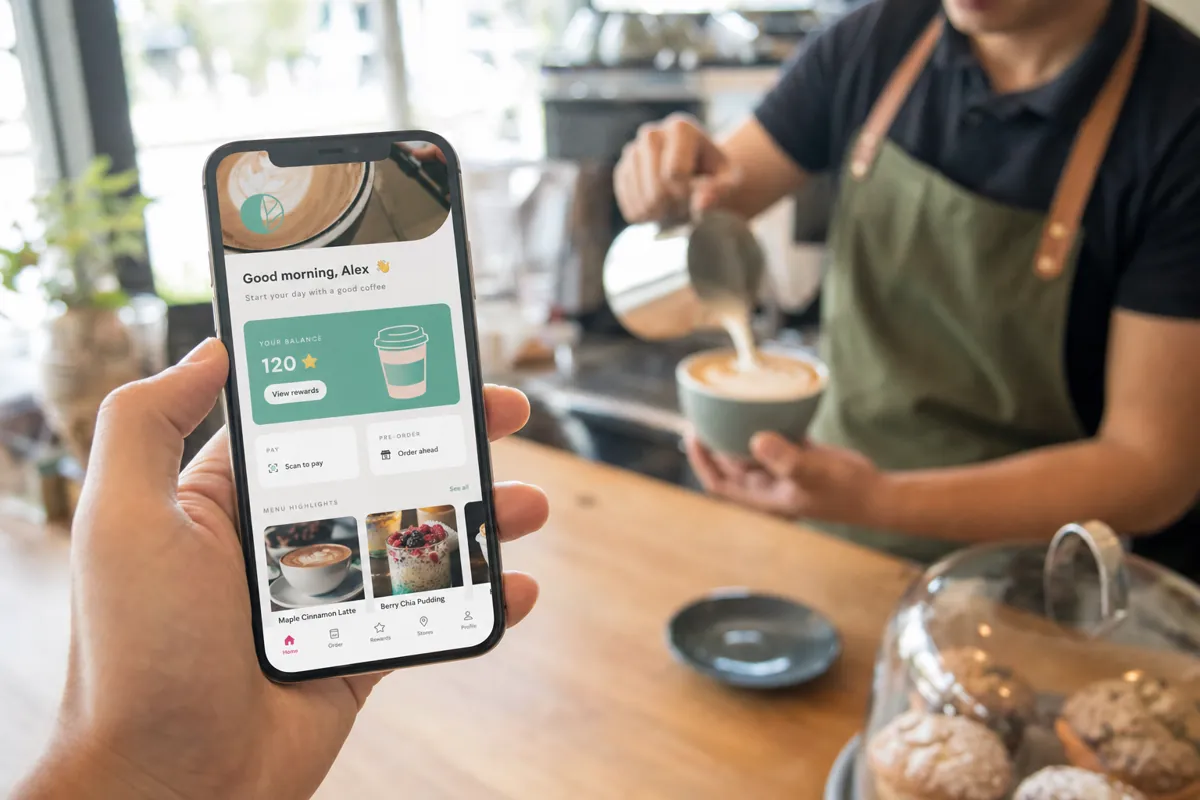
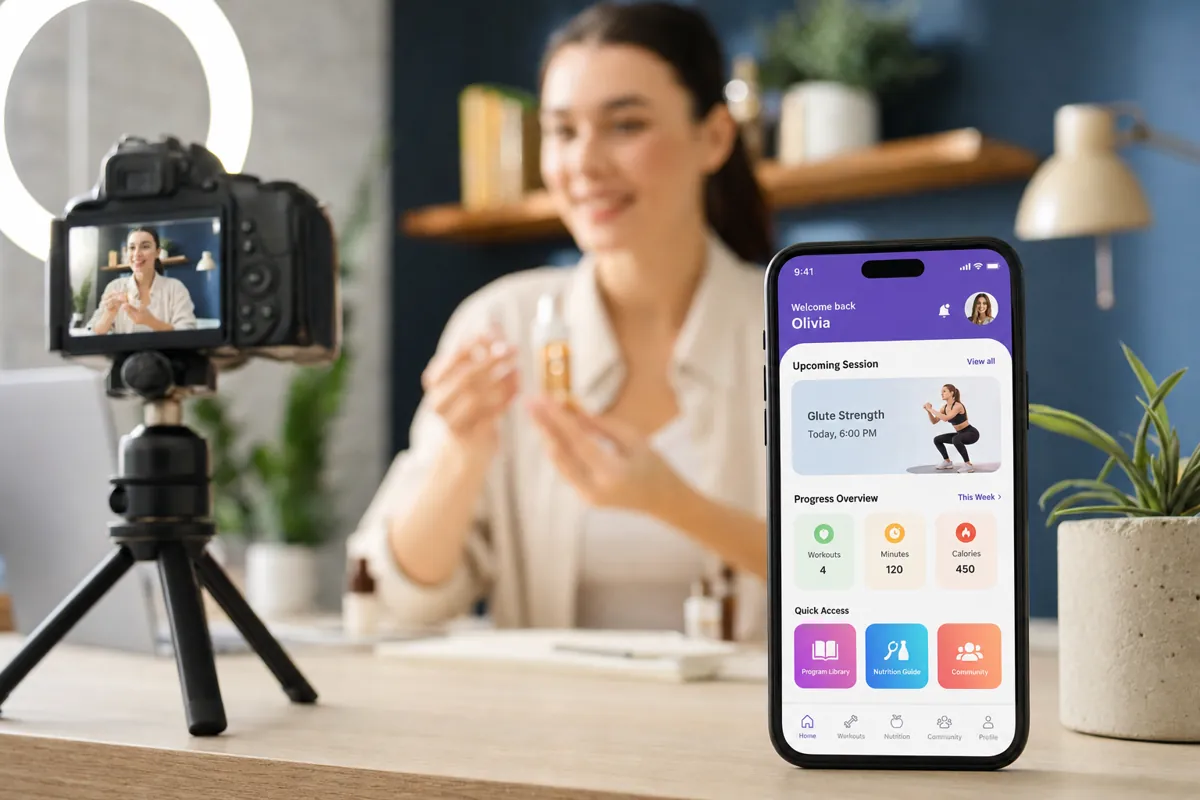
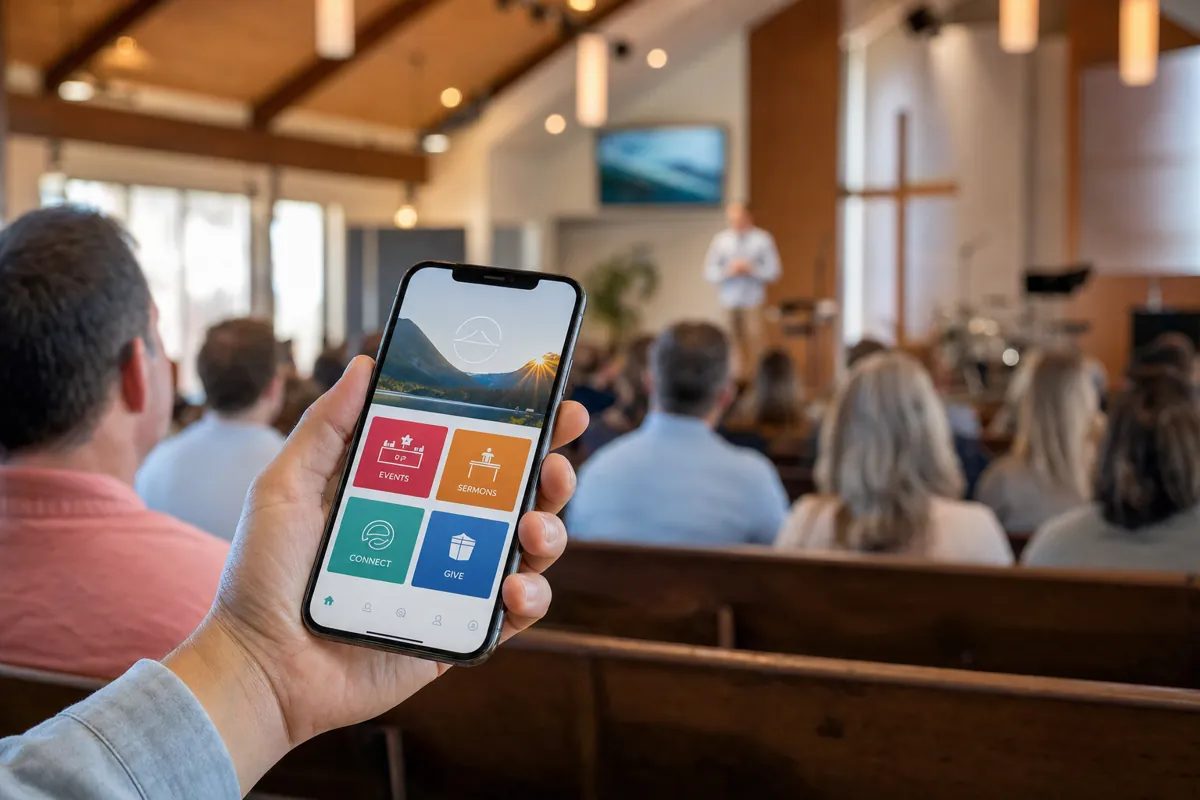
- Barbershop, Coffee shop, Creator, Church
What people use push for
The jobs our customers already hire push for, not a feature matrix.
Bring a regular back
A quiet Tuesday, a spare chair, a tray of unsold pastries. A short notice to people who already opted in.
Stop no-shows
Booking apps work harder when the reminder is a tap on the phone, not another email in a promotions tab.
Talk on your own channel
You are not renting attention from a marketplace. The message comes from your name, in your app.
How it works
Set it up once in the AppBuild.diy editor. Your customers get it in the app the same day.
You set it up
- Open Push Notifications in the editorCompose a title and message, with a live phone preview.
- Choose the audienceEveryone, or a segment such as loyalty card holders or a membership tier.
- Send now or schedulePick a time; the preview shows the lock screen.
- See the resultsDelivery and open counts in the campaign history.
Your customers see
- Allow notificationsAsked once, when they install the app.
- See it on the lock screenYour name, your message, a tap to open.
- Land on the right pageDeep link to the offer, the booking or the news.
Full step-by-step guide with screenshots: AppBuild.diy user guide →
Who uses it
Every business with customers worth talking to twice.
Included on every plan
- Free for up to 10 app users, then $49/month for up to 1,000
- Works in the web app (PWA), on iOS and on Android
- 0% commission on paid plans
- Unlimited push notifications to go with it
- Switch it on or off from the editor at any time
On the lock screen
Today's activity changed? Tell guests before they miss it.
A sign in the lobby only reaches people who pass it. Anyone who installed the app and allowed notifications gets the update on their phone.
- Instant
- Lock screen
- Unlimited
- Every plan
- $0
- Per message
Works well with
Loyalty Stamp Cards
A digital stamp card in your own app. Customers collect stamps on their phone, staff add them with any phone, and the reward is redeemed in a tap.
Coupons
Time-limited offers your customers redeem in store or against an order. Create, schedule and switch off coupons from the editor in minutes.
Booking System
Appointments with services, staff, durations, prices and opening hours. Customers book in your app around the clock, and push reminders cut no-shows by up to half.
Questions we are asked
Is push really included on the free plan?
Yes. Unlimited push is included on Free, Business and Business Pro, at $0 per message.
Do I need a developer to send one?
No. You write the notification in AppBuild.diy, from the same place you change a menu or a timetable.
Do web app users get push too?
Yes. PWAs receive push on Android and on iOS 16.4 and later once added to the home screen.
How do I get started?
Create the app on AppBuild.diy, publish a PWA the same day, and you can send your first notification once people have installed it.
What is Push Notifications in AppBuild.diy?
Unlimited push notifications on every plan, including Free, at $0 per message. The lock-screen channel that email and social cannot match.
Does Push Notifications work on iPhone and Android?
Yes. It works in your app on the App Store and Google Play, and in the installable web app, from the same setup.
Do I need to code to add Push Notifications?
No. You add Push Notifications in the AppBuild.diy editor and fill in your details. Most businesses are live in 5 to 15 minutes.
Which businesses use Push Notifications?
It is popular with Barbershop, Coffee shop, Creator, Church, among others.







Send the first notification this week
Start free for up to 10 app users. Upgrade when the room gets busier.