
Simple, transparent pricing
AppBuild.diy Pricing
Free forever for up to 10 app users. Every plan includes every feature, unlimited push notifications, and publishing to the App Store, Google Play and the web. No credit card to start.
All plans include
Every plan gets you everything you need to build and publish a professional app.
- Unlimited push notifications
- All features and integrations
- Tablet, iPad and desktop
- Unlimited team members
- Analytics and support
- Secure, cached, updates in minutes
Built on these plans
Real apps, live on real businesses
Salons, barbers, churches, radio stations and podcasters, all on the plans above. Hover to pause.
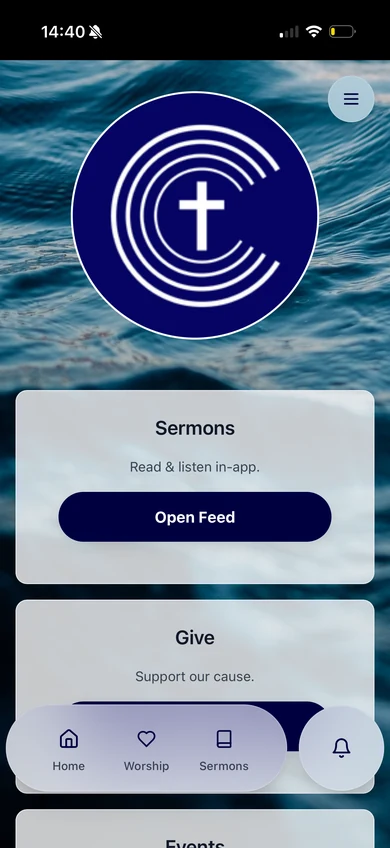
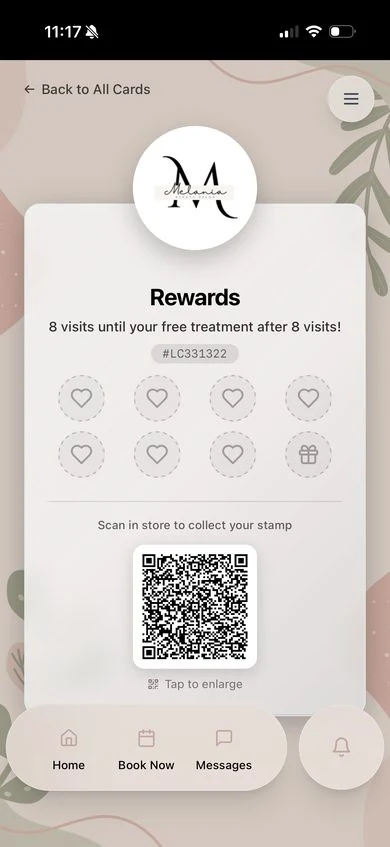
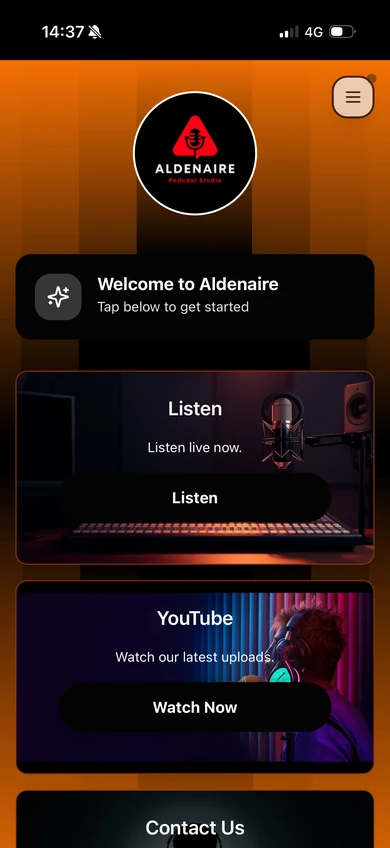
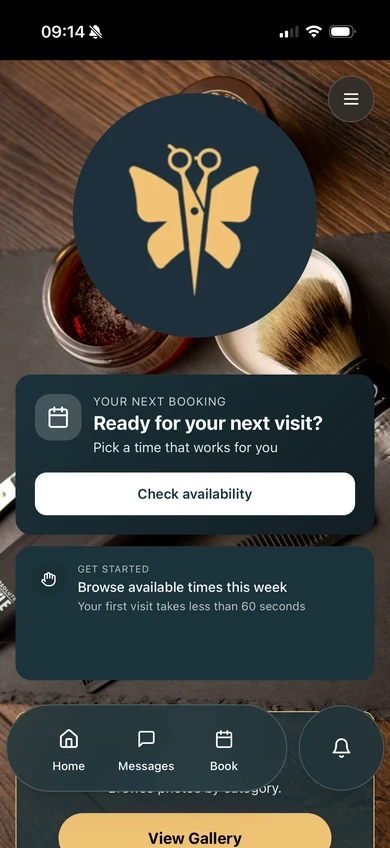
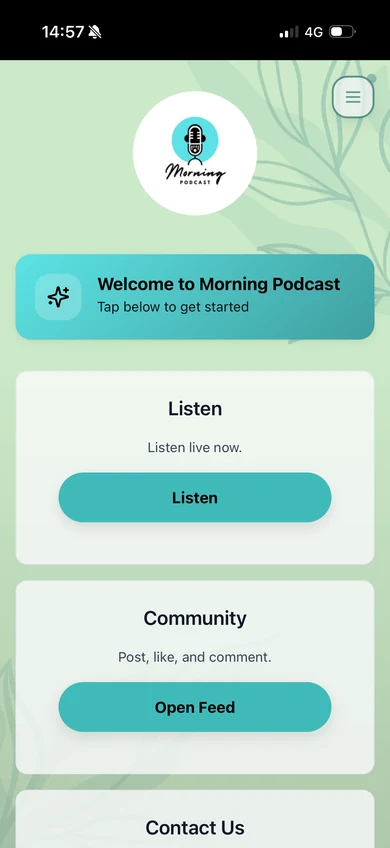
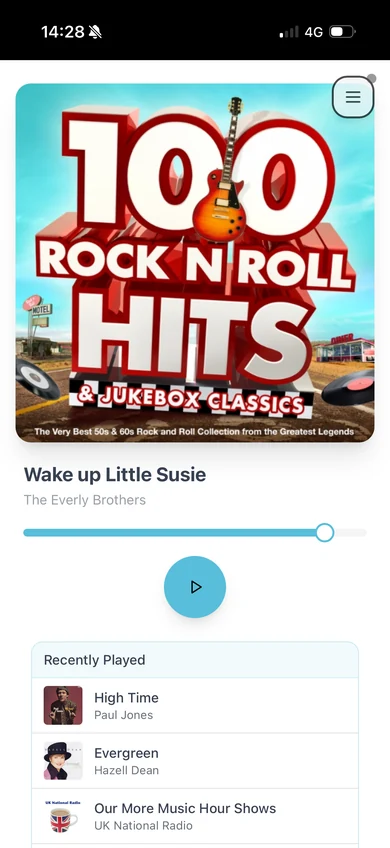
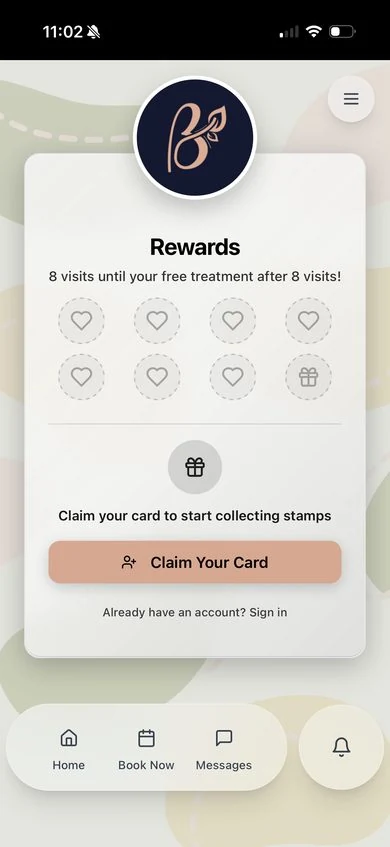
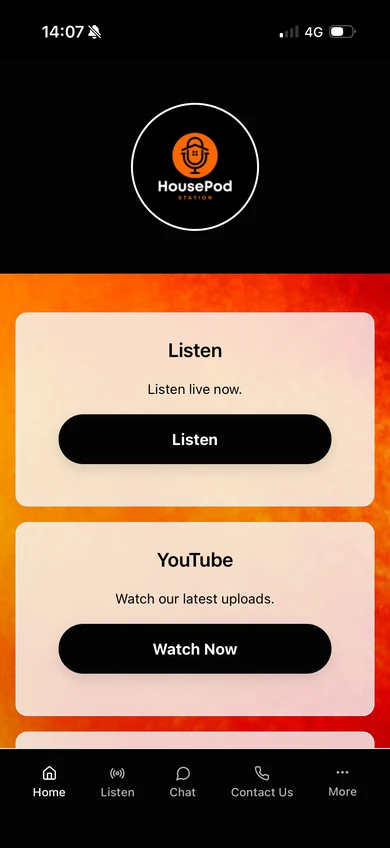
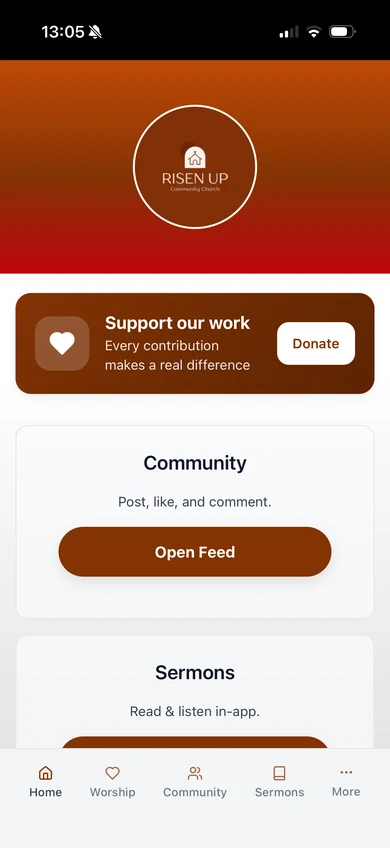
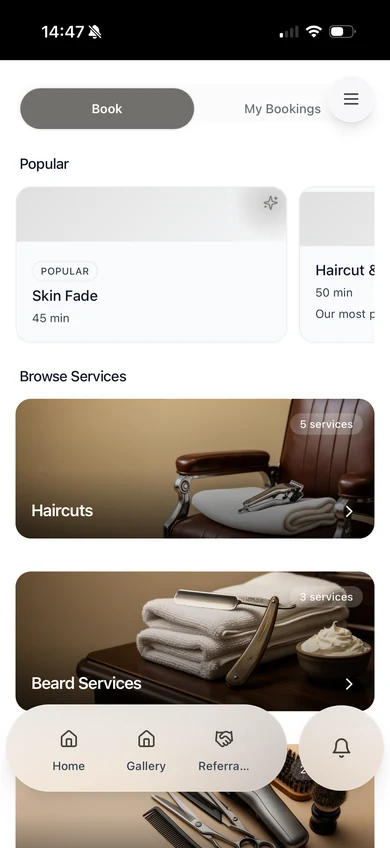
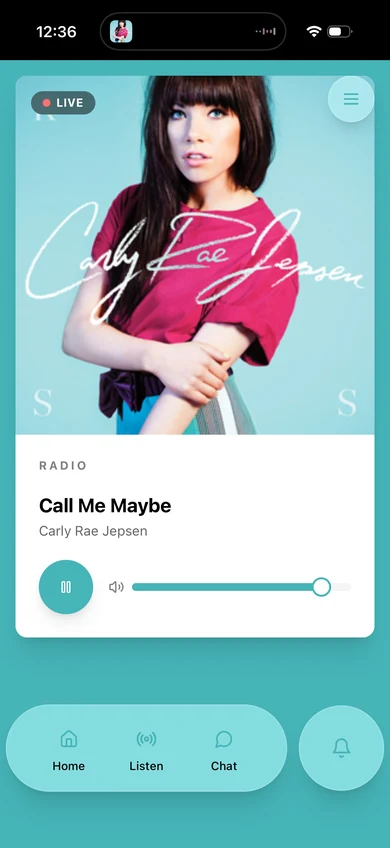
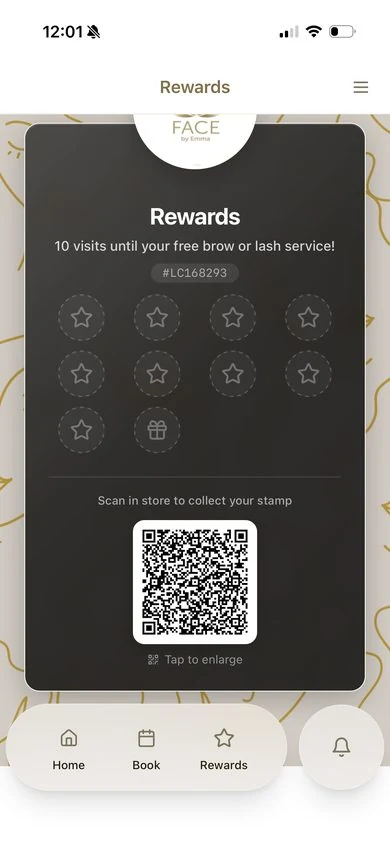
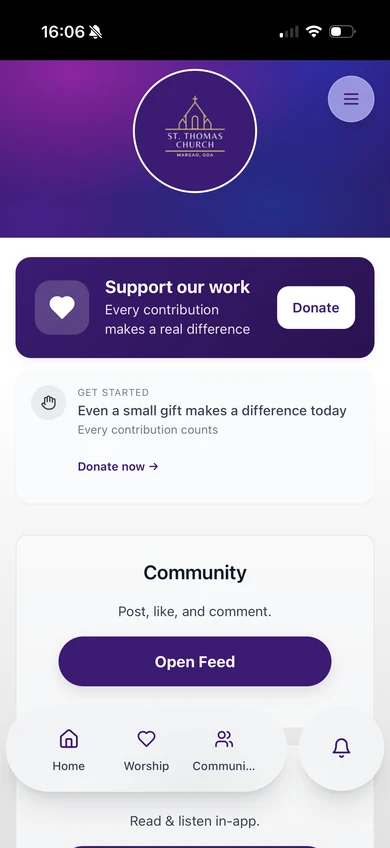
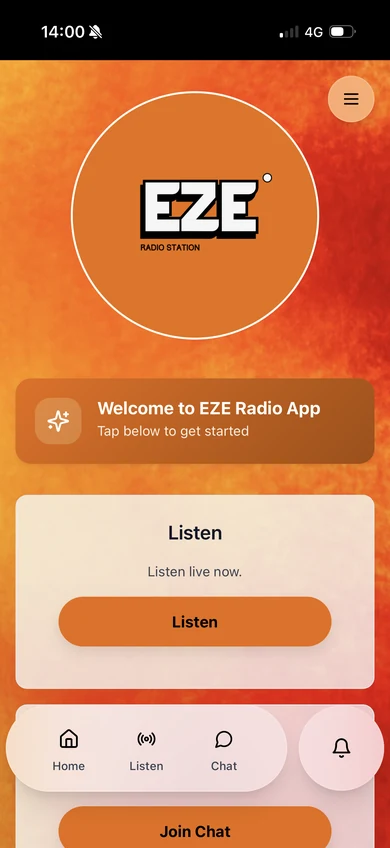
Hover to pause. Each of these was built and published by one person in under a day.
The only number that matters
What is a “user”?
A user is any unique person who opens and uses your app within a rolling 7-day period. We count distinct people, not page views, not sessions.
- Start free, no credit card
- Only pay when you grow
- No hidden fees, ever
- Full refund if your app is not approved
We never penalise engaged customers.
No personal data is required to count a user.
Your dashboard shows the live count against your plan.
Go over the limit and the app keeps working while you decide.
Live today
Progressive Web App (PWA)
Your app goes live instantly as a PWA. No app store review, no developer accounts, no waiting. It works on every device and feels just like a native app.
Why businesses start here
- Instant deploymentLive in seconds, not days
- Works everywhereiOS, Android, desktop
- No accounts neededSkip developer registrations entirely
- Auto-updatesUsers always get the latest version
- Zero store feesNo commissions or annual charges
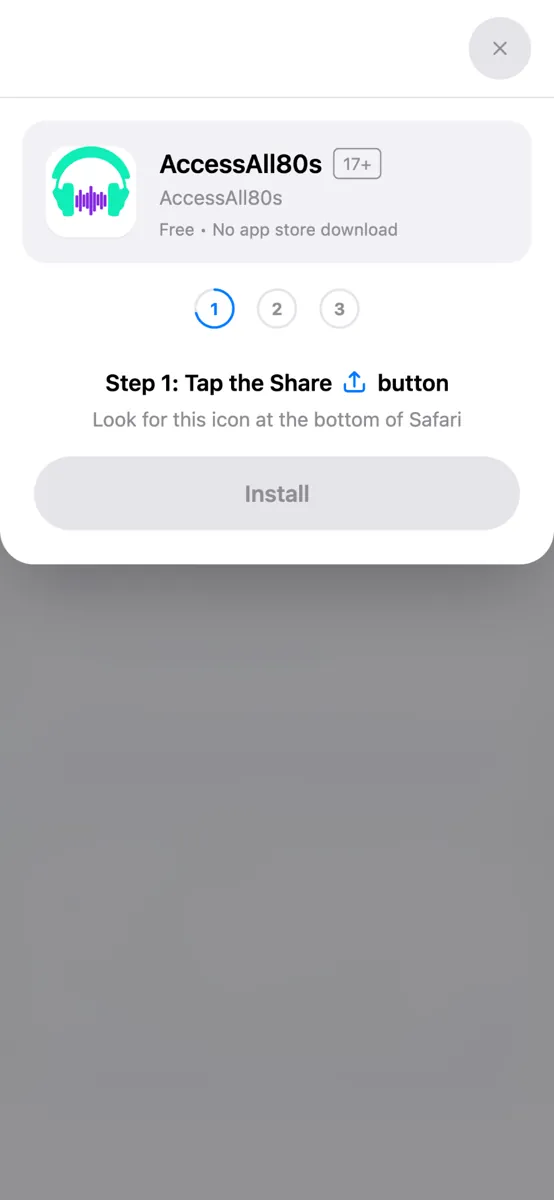
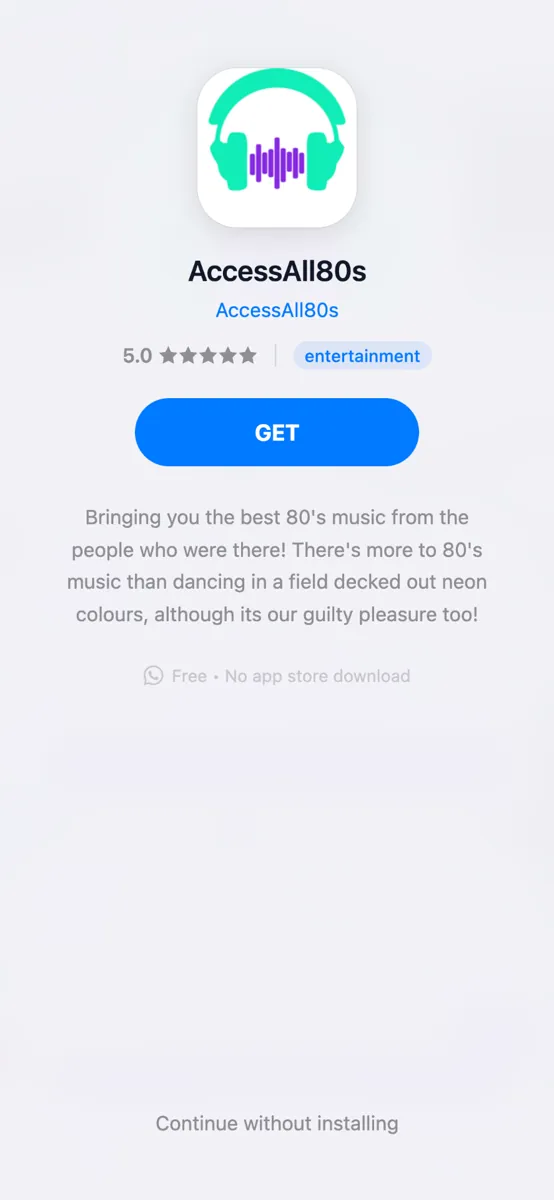
Our custom install screens make installing your app feel just like the App Store: professional and familiar.
PWA vs App Store: a quick comparison
| Feature | PWA | App Store |
|---|---|---|
| Time to launch | Instant | 3 to 7 days |
| Developer account | Not required | Required |
| Ongoing fees | None | $99/yr (Apple) |
| Updates | Automatic | Review required |
| Available on | All devices | Platform specific |
Apple App Store
To publish on the Apple App Store you need your own Apple Developer account. It is straightforward, and we guide you through every step.
Why you need your own account
- You own your app listing and reviews
- Your brand appears as the developer
- You control updates and availability
- Direct customer relationships
Personal vs business account
| Feature | Personal ($99/yr) | Business ($99/yr) |
|---|---|---|
| Name shown on App Store | Your personal name | Company name |
| D-U-N-S number required | No | Yes |
| Team management | No | Yes |
Our recommendation: For any business or brand, choose a Business account. Your company name appears on the App Store, which looks more professional and builds trust.
How to set up your account
- Visit the Apple Developer Program enrolment page
- Click Enroll and sign in with your Apple ID
- Choose Individual or Organization enrolment
- For Organization: verify your D-U-N-S number (2 to 5 days if you do not have one)
- Pay the $99/year fee
- Once approved, invite our team so we can submit your app
Google Play Store
Google Play needs a developer account too, and the good news is that it is a one-time $25 fee with no annual renewal.
Why you need your own account
- You own your Play Store presence
- Full control over your app listing
- Direct access to reviews and analytics
- Your brand identity, your app
Personal vs business account
| Feature | Personal ($25) | Business ($25) |
|---|---|---|
| Name shown on Play Store | Your personal name | Company name |
| Verification type | ID verification | Business verification |
| Fee type | One-time | One-time |
Our recommendation: Business accounts make sure your company name appears on your app listing. Google's verification process is straightforward.
How to set up your account
- Visit the Google Play Console signup page
- Sign in with your Google account
- Accept the Developer Distribution Agreement
- Pay the one-time $25 registration fee
- Complete identity verification (personal or business)
- For Business: submit business documents for verification
- Once verified, add our team so we can publish your app
The most affordable way to launch your app
Compare us to other app builders and see why AppBuild.diy is the smart choice for small businesses.
| Provider | Monthly cost* | App Store publishing | Transaction fees | Year 1 cost** |
|---|---|---|---|---|
| AppBuild.diy | $49/mo | Included | 0% | $423 |
| Adalo | $65/mo | Extra cost | Variable | $900+ |
| Glide | $99/mo | PWA only | Variable | $1,188+ |
| BuildFire | $159/mo | Included | Variable | $2,000+ |
| GoodBarber | $96/mo | $96+ extra | None | $1,400+ |
| AppMySite | $119/mo | Included | None | $1,550+ |
| Shoutem | $149/mo | Included | None | $1,900+ |
*Based on comparable plans for roughly 500 to 1,000 users (a typical small business). **Business plan billed yearly ($299) plus $99 Apple and $25 Google = $423 first-year cost ($712 if you pay $49 monthly).
Frequently Asked Questions
Is AppBuild.diy free to use?
Yes. The Free plan is free forever for up to 10 app users and includes every feature, App Store and Google Play publishing, the web app and unlimited push notifications. No credit card is required.
How do I know how many users I have?
Your dashboard shows real-time user counts over the last 7 days. You can track growth trends and see exactly where you stand against your plan limit.
What happens if I exceed my user limit?
You get a 3-day grace period to upgrade. Your app keeps working, we never cut off your users mid-session, and we email you so you have time to decide.
Can I start with the web app and add the App Stores later?
Yes. Most businesses do. Launch as a PWA today, set up your developer accounts when you are ready, and we submit the same project to Apple and Google. Nothing is rebuilt.
How long does App Store approval take?
Apple usually reviews within 1 to 3 days and Google within 1 to 3 days, so plan for 3 to 7 days from submission to live. We handle any reviewer questions and resubmit at no charge.
Do I need to renew my Apple Developer account?
Yes. Apple charges $99 a year. Google Play is a one-time $25 fee with no renewal.
What if my app gets rejected?
Rejections happen and they are our job. We answer the reviewers, fix what they ask for and resubmit, with no extra charge. If we cannot get your app approved, you get a full refund.
Can I transfer my app to a different developer account later?
Yes. Both Apple and Google support app transfers between developer accounts, so you can start on a personal account and move to a business account later.
Do you take commission on sales made in my app?
No. Paid plans carry 0% commission on orders, bookings, tickets and subscriptions. Restaurants on the optional Free Ordering plan pay $0/month plus 5% on the food and drink subtotal.
Can I change plans later?
Yes. Upgrade, downgrade or cancel at any time. Monthly plans stop at the end of the billing month; annual plans stop at the end of the year.
Where do I pay?
Plans are bought inside AppBuild.diy, AppInstitute's app builder, once your app is ready to grow past 10 users.
Quick summary
What it costs to be live everywhere.
Web app (PWA)
Free
- Instant deployment
- No accounts required
Apple App Store
$99/year
- About 5 days approval
- Apple Developer account
Google Play Store
$25 once
- About 3 days approval
- Google Play account
Total to launch on all platforms
$124
First year. Then $99/year ongoing (Apple renewal only). Your AppBuild.diy plan is separate and starts free.
AppBuild.diy pricing at a glance
| Plan | Monthly | Yearly | App users |
|---|---|---|---|
| Free | $0/month | $0 | Up to 10 app users |
| Business | $49/month | $299/year | Up to 1,000 app users |
| Business Pro | $99/month | $499/year | Unlimited app users |
| Free, Ordering (restaurants) | $0/month + 5% per paid order | - | Unlimited while eligible |
- Every plan includes your own branded app on iPhone, Android and the web, with unlimited push notifications.
- Business and Business Pro charge 0% AppBuild commission on orders. Free, Ordering takes 5% of the food and drink subtotal on paid orders, through Stripe Connect.
- Card processing fees are charged by Stripe and are not set by AppBuild.
- No credit card is needed to start on Free.





Ready to build your app?
Start free with 10 users. No credit card required. Go live in minutes.