
AppInstitute
Progressive Web Apps
A Progressive Web App opens from a link, installs to the home screen and behaves like a native app, with no store download. Every app built on AppBuild.diy, AppInstitute's no-code app builder, is published as a PWA the moment it goes live.
- Installs from a link or QR code in seconds
- One app across iPhone, Android, tablet and desktop
- Works offline where it can and updates itself
- Push notifications on Android and iOS 16.4+
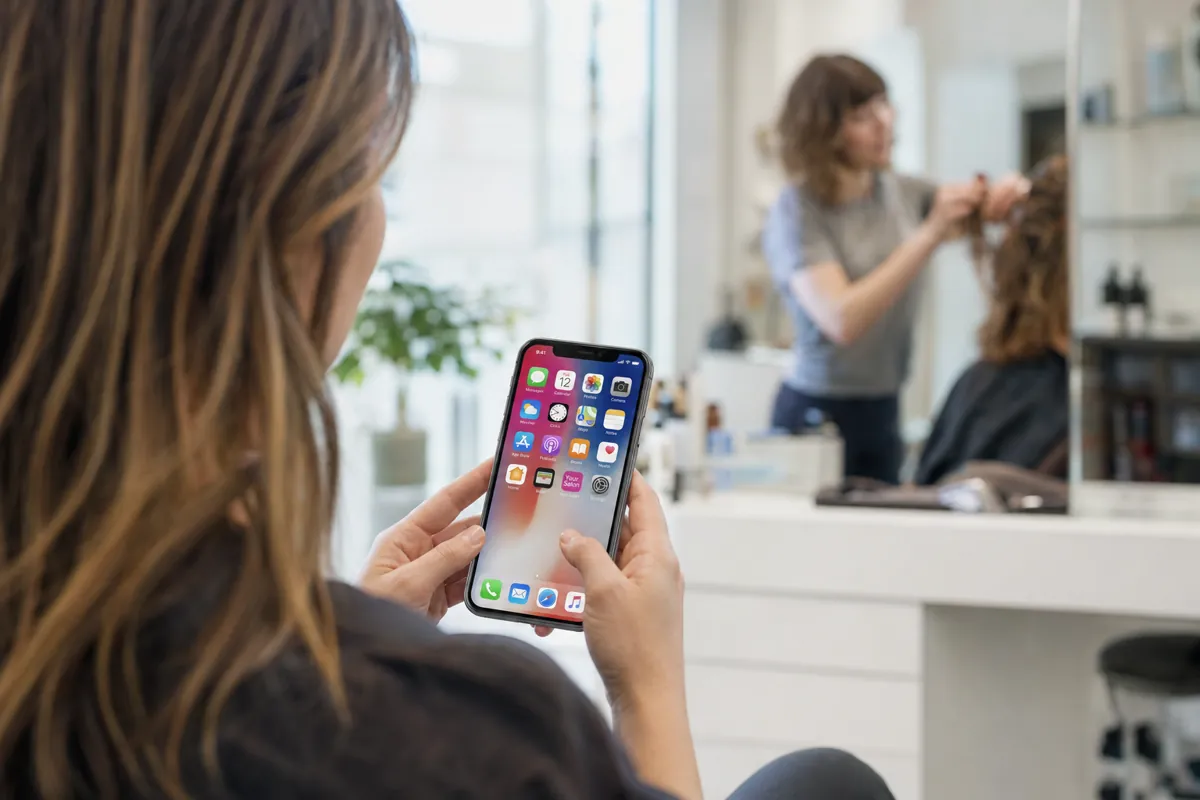
Built on AppBuild.diy
Real apps, live on real businesses
Every one of these runs as a progressive web app, installed from a link or QR code with no store visit.
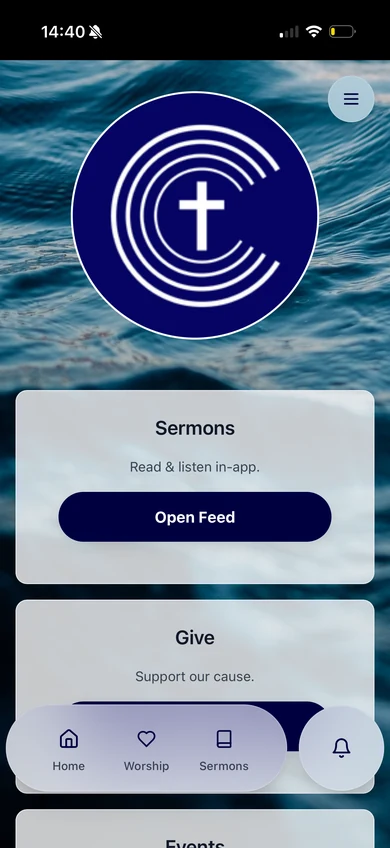
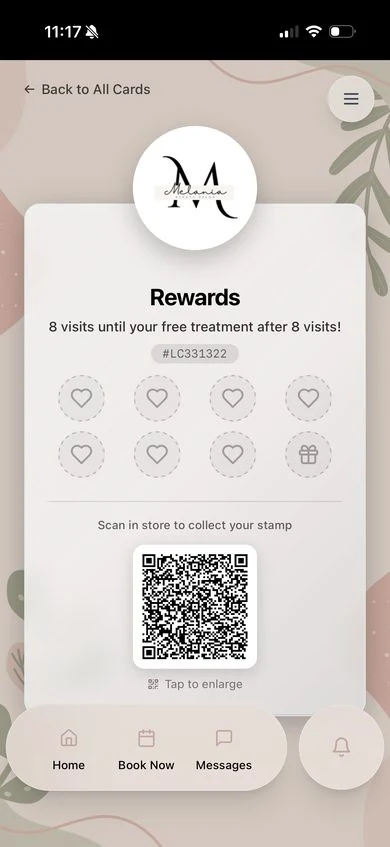
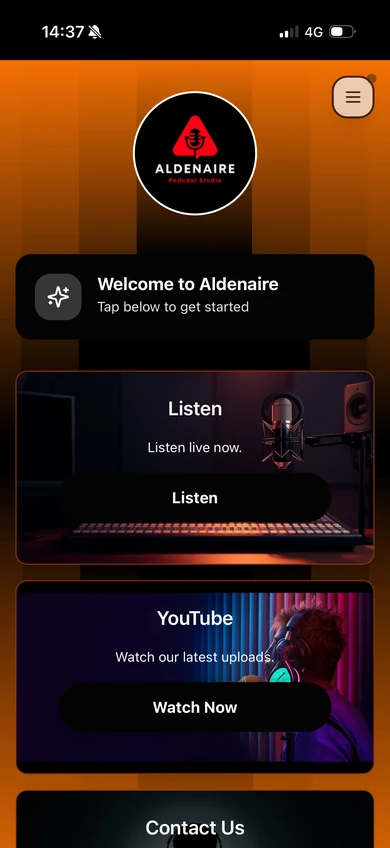
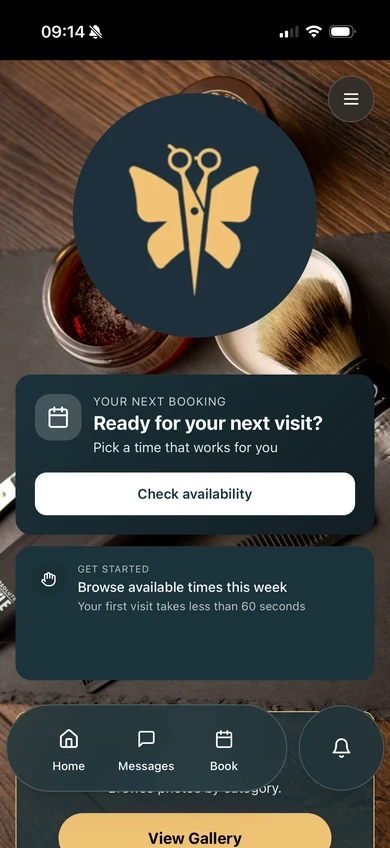
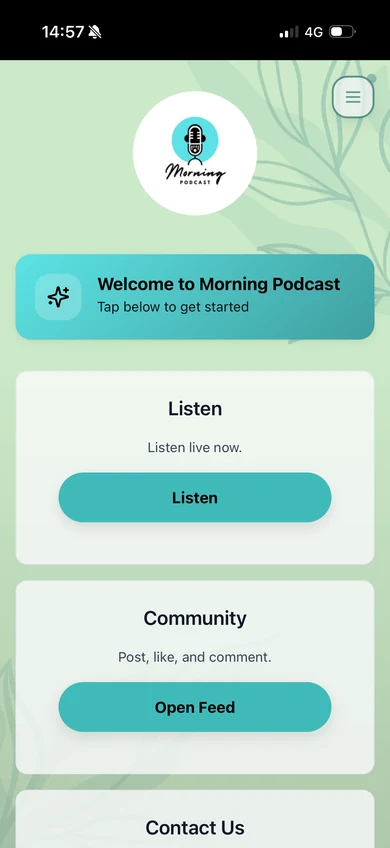
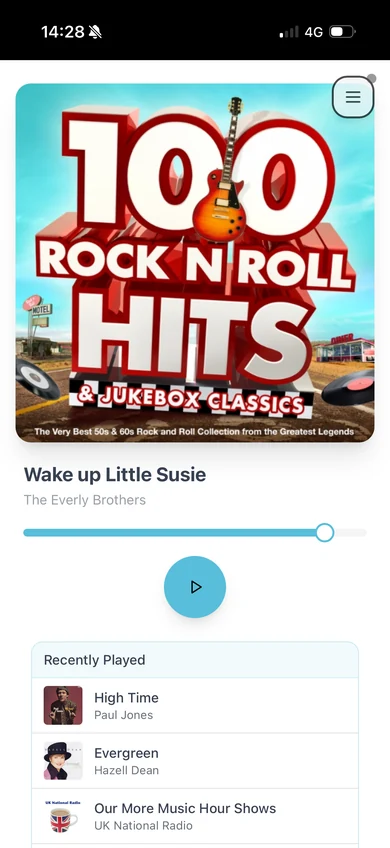
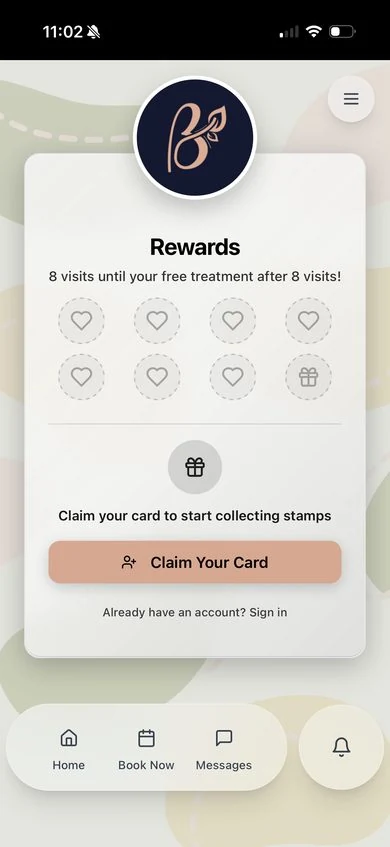
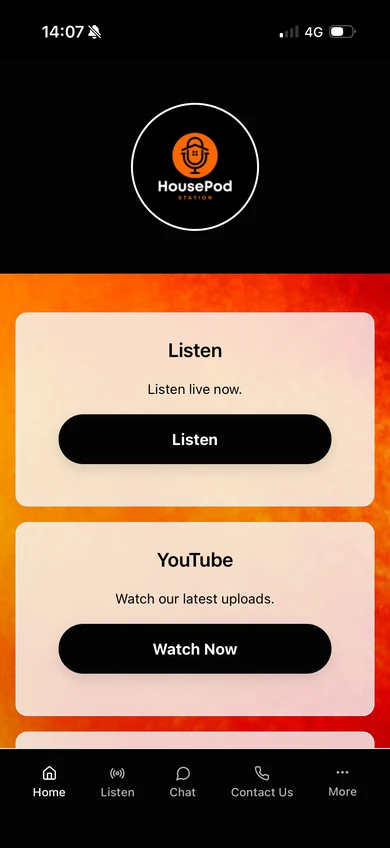
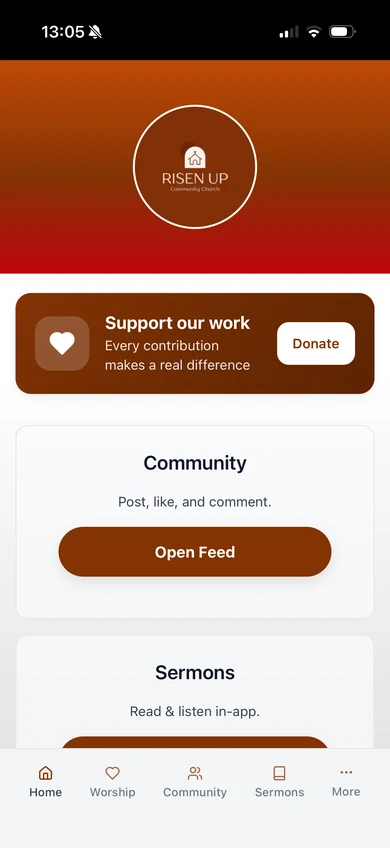
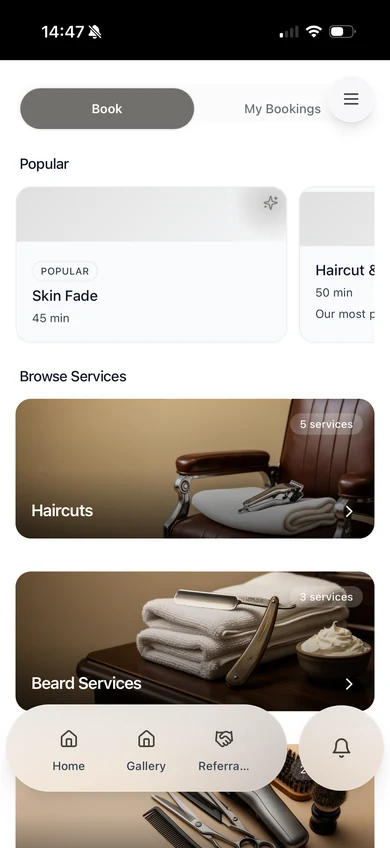
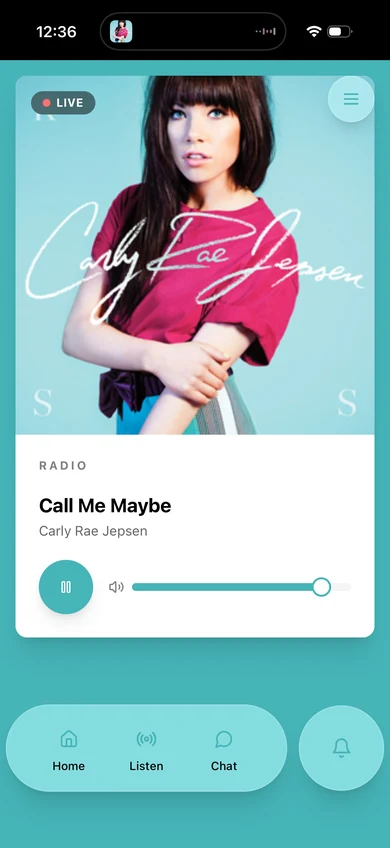
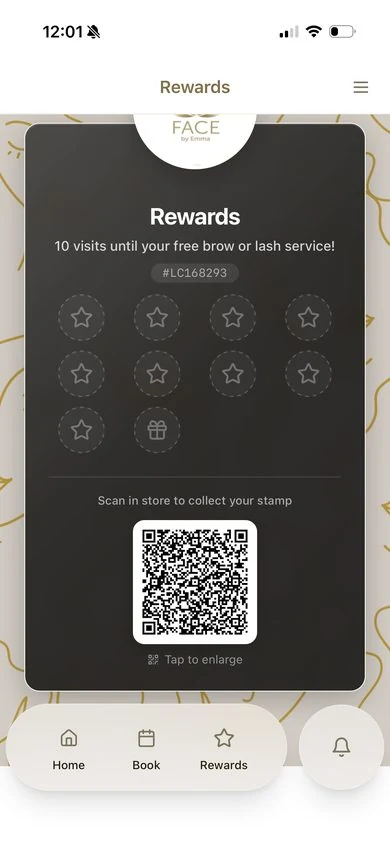
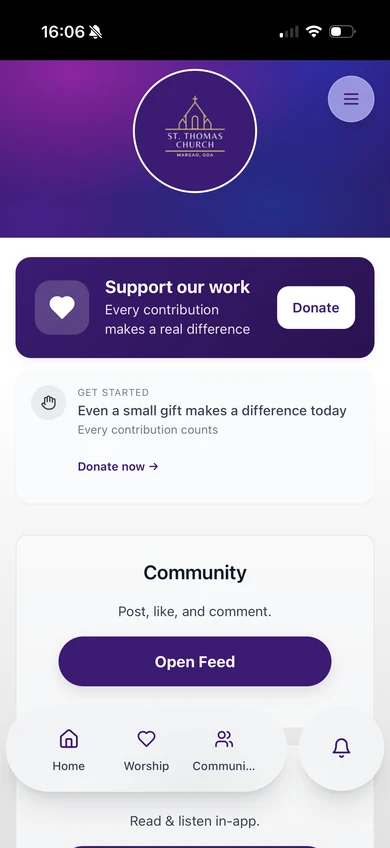
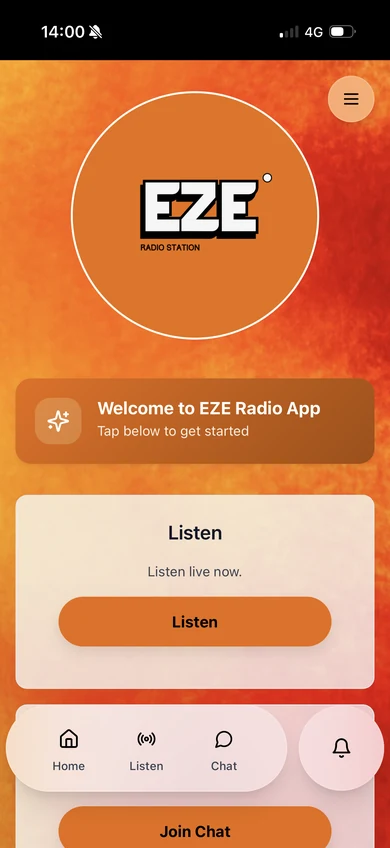
Hover to pause. Each of these was built and published by one person in under a day.
Why businesses start with a PWA
Direct installs
Share a link or a QR code and the app is on the customer's phone, with no store visit.
One app, every device
The same app runs on iOS, Android, tablets and desktops.
Publish instantly
No review queue. Change something in the editor and it is live on next open.
Better for search
A PWA has a real URL, so it can be indexed, linked and shared.
Uses less data
Screens are cached, so repeat visits are fast and light.
Secure by default
Served over HTTPS, with the same payment security (Stripe) as the native apps.
The latest in web technology, without the jargon
Behind a PWA are three pieces: a manifest that gives the app its name and icon, a service worker that caches screens for offline use, and web push for notifications. You do not need to understand any of them. AppBuild.diy generates all three for every app and keeps them up to date as browsers change.
PWA strengths
- Live the same day
- No developer accounts needed
- Updates are immediate
- Shareable link and QR code
Where native still wins
- Store search and listing
- Push on iPhones running older iOS versions
- In-app purchases through the stores
- The App Store badge on your marketing
Questions
Does a PWA work on iPhone?
Yes. Users add it to the home screen from Safari's Share menu. Push notifications work on iOS 16.4 and later.
Can I move from a PWA to the app stores later?
Yes, from the same project. Most businesses run both.
Is a PWA included?
Yes, on every plan, including Free.