
AppInstitute
Effortlessly Build Stunning Web Apps for Your Business
A web app, or PWA, is the fastest way to put your business on a customer's home screen. Build it on AppBuild.diy, AppInstitute's no-code app builder, and it is live the same day: no app store wait, no download, and it still supports push notifications.
- Live instantly from a link or QR code, no app store review
- Installs to the home screen on iOS and Android like a native app
- Push notifications supported on Android and on iOS 16.4 and later
- Included on every plan, alongside the native App Store and Google Play apps
Built on AppBuild.diy
Real apps, live on real businesses
Every one of these is live as a web app from a link or QR code, and in the App Store and Google Play too.
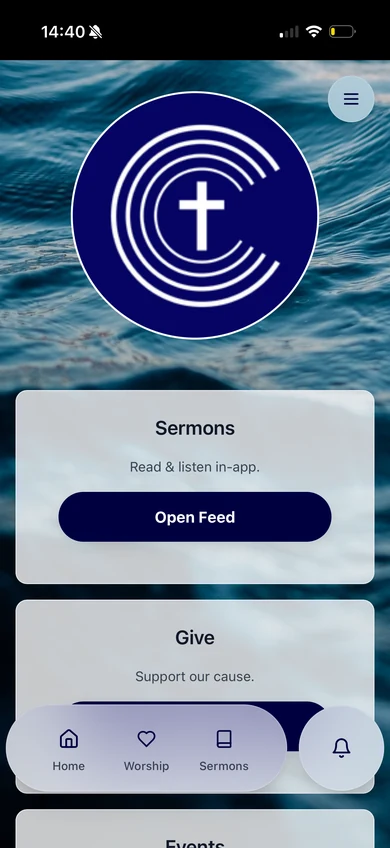
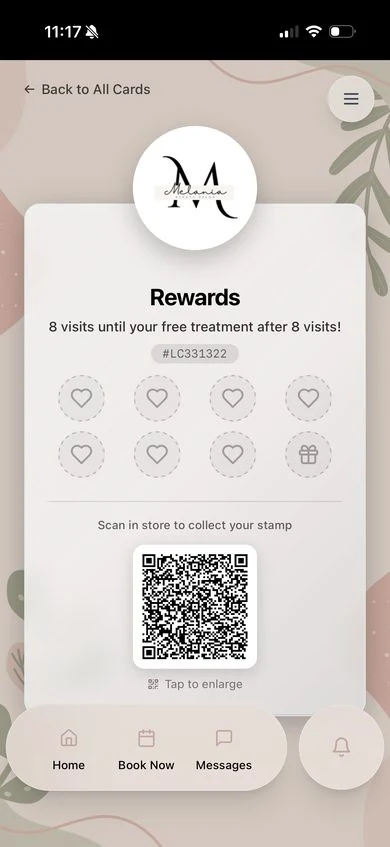
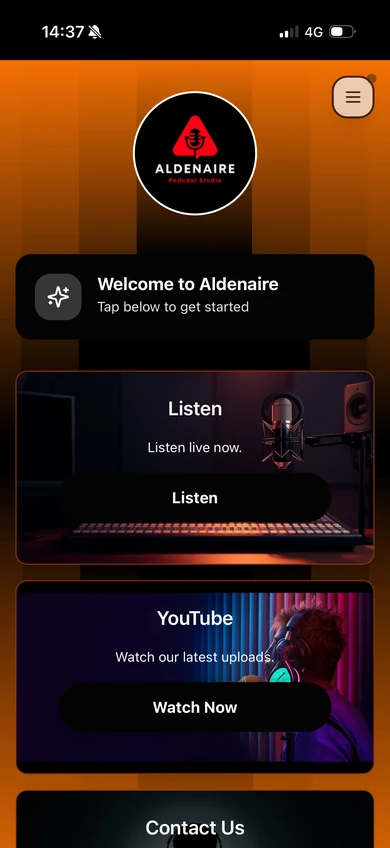
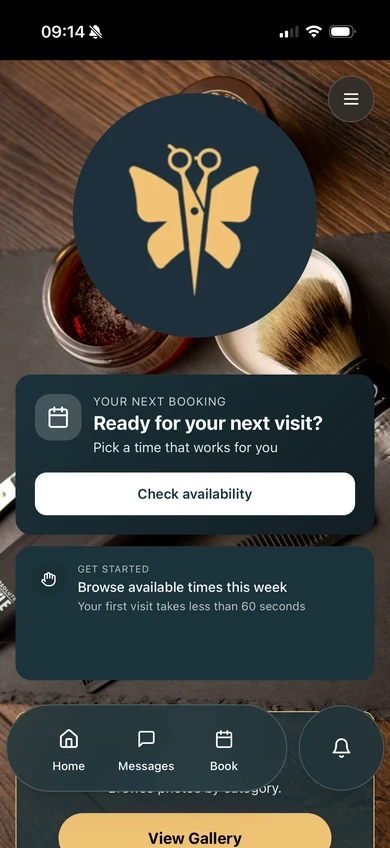
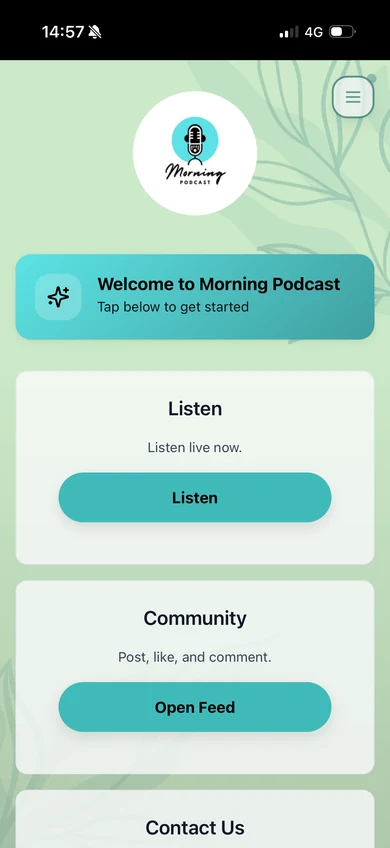
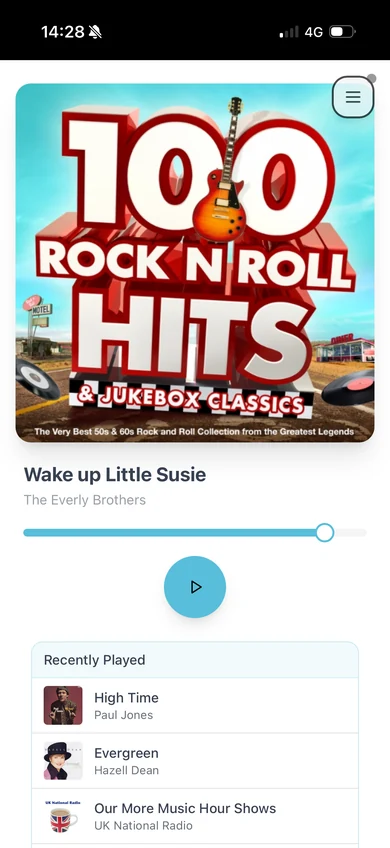
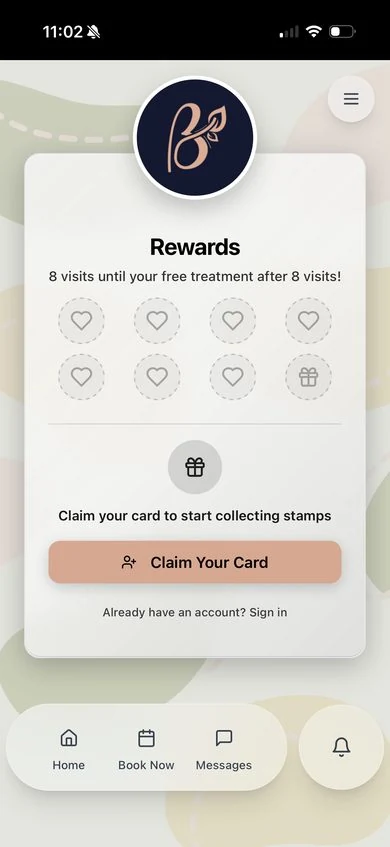
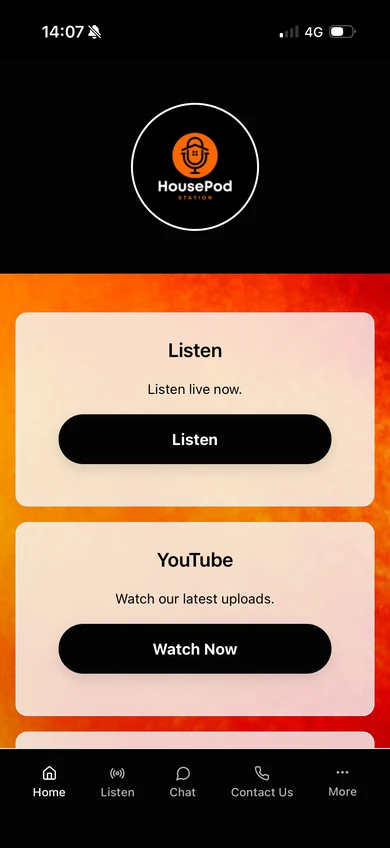
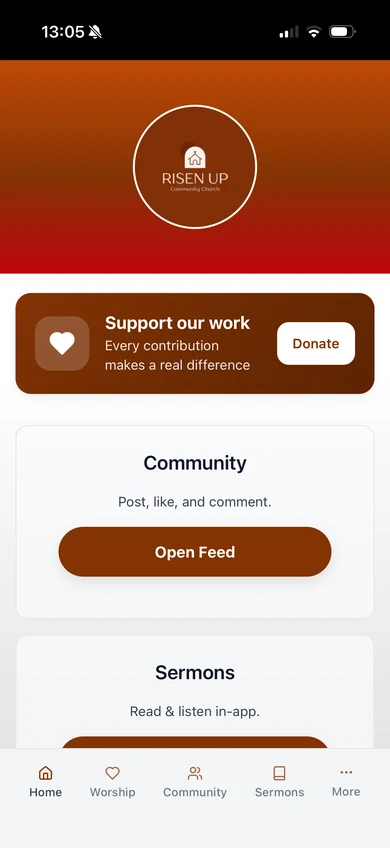
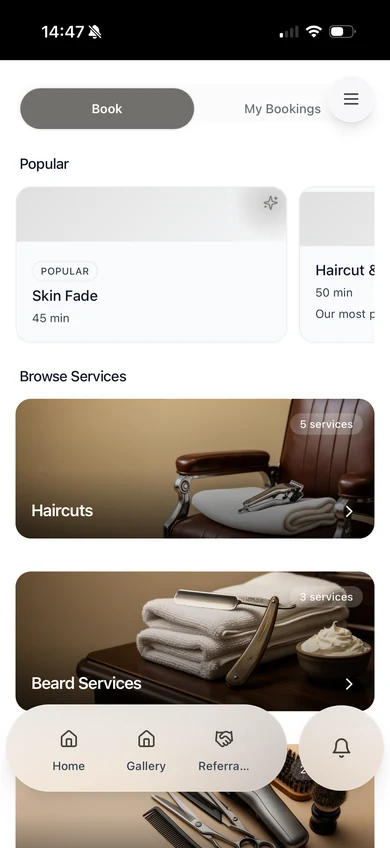
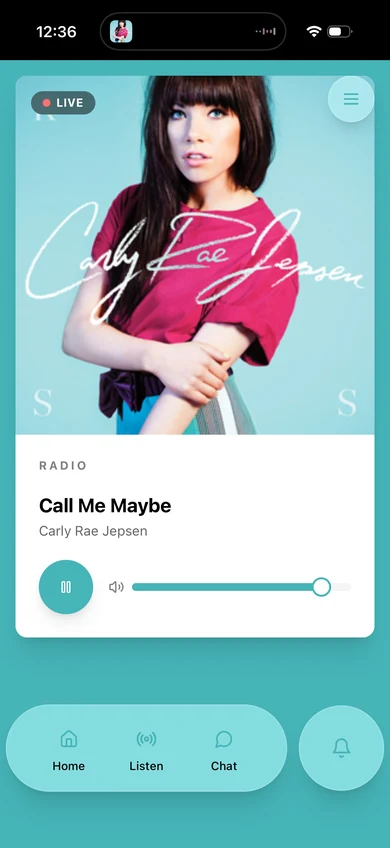
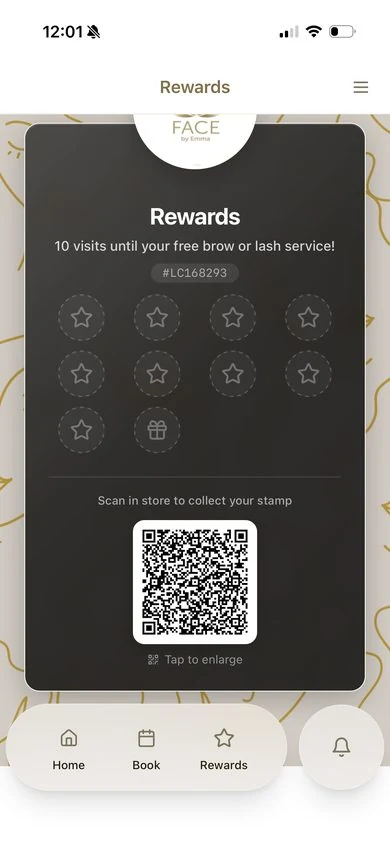
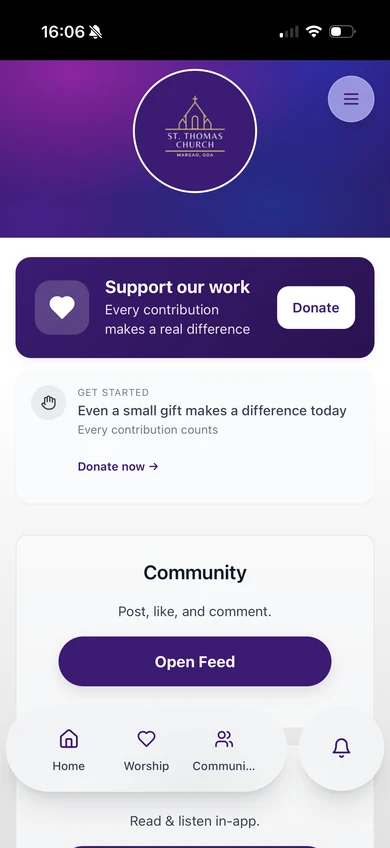
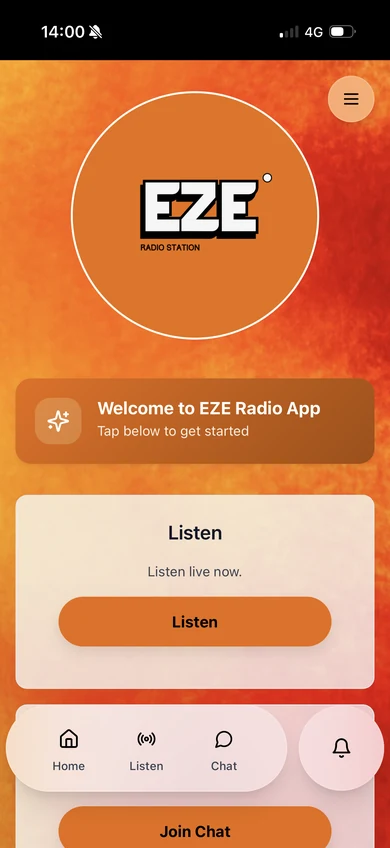
Hover to pause. Each of these was built and published by one person in under a day.
From build to live in an instant
Every app built on AppBuild.diy is published as a Progressive Web App the moment you press publish. Share the link in an email, print the QR code on a counter card, or add it to your website, and customers can open it in seconds. When you are ready for the App Store and Google Play, the same project is submitted as a native app; nothing is rebuilt.
That order matters for a small business. The web app earns its first installs this week, while store review runs in the background.
What a web app does for your customers
One tap to install
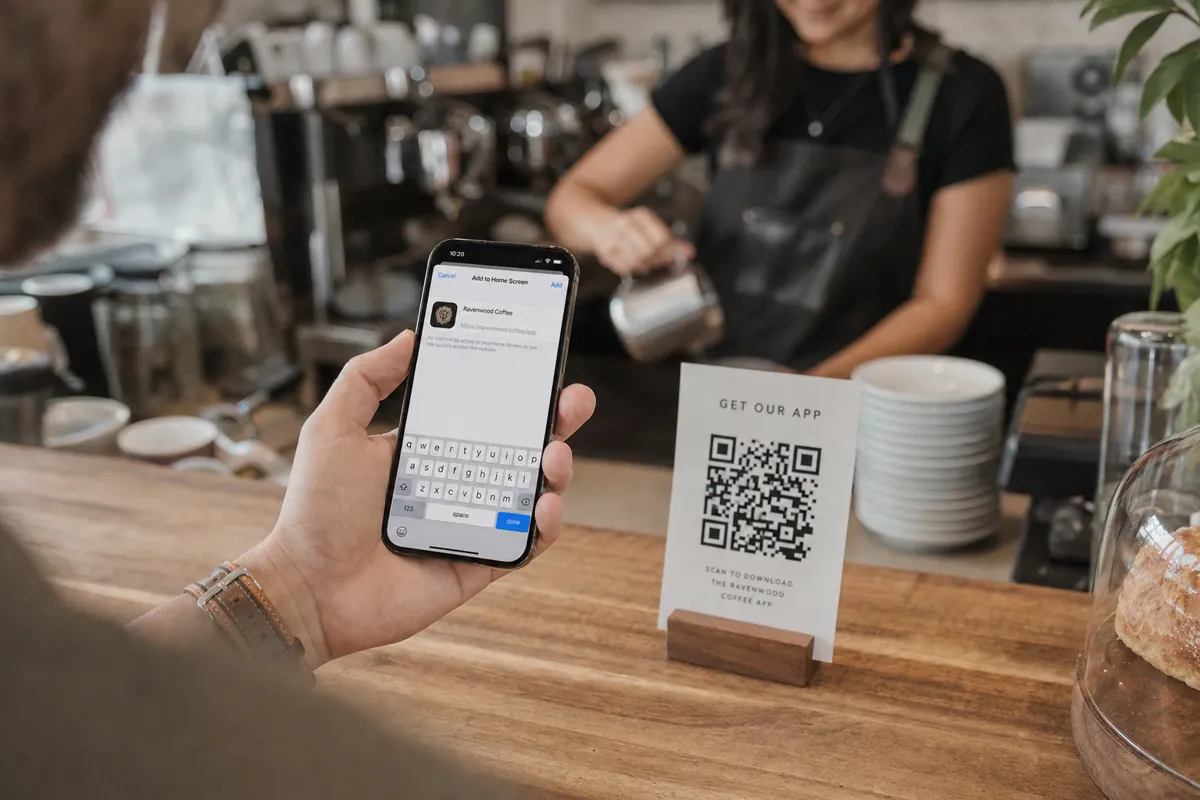
On iOS, Safari's Share then Add to Home Screen. On Android, Chrome offers the install banner itself. Either way, your icon sits next to their other apps.
Works offline where it can
Menus, guides and contact details are cached, so the app opens even on a patchy signal.
Always the latest version
Change a price or a timetable in the editor and every installed web app updates on next open. No store update to wait for.
Push notifications
Web push reaches Android users and iPhone users on iOS 16.4 or later once the app is on their home screen.
No developer accounts needed
A web app needs no Apple or Google account. Those only matter when you choose to publish natively.
Found by search engines
A web app has a real URL, so it can be linked, shared and indexed.
Web app first, if you want
- Launch this week, with no store review
- Collect installs from a QR code at the till
- Test the app with real customers before paying for developer accounts
- Keep running it alongside the native apps forever
Add the native apps when
- You want an App Store and Google Play listing for trust
- You need push notifications for iPhone users on older iOS versions
- You want in-app purchases through the stores
- Your customers search the stores for you by name
Web app and native app, side by side
Both come from the same project. Most businesses run both.
| Web app (PWA) | App Store and Google Play | |
|---|---|---|
| Live | Instantly | 3 to 5 days after submission |
| Install | Add to Home Screen from a link | Download from the store |
| Developer accounts | None | Apple $99/year, Google $25 one-off |
| Push notifications | Android, and iOS 16.4+ | All devices |
| Updates | Immediate | Content immediate; app shell through the store |
| Included in | Every plan, including Free | Every plan, including Free |
Real-world uses
Coffee shops and cafés
A loyalty stamp card customers add from a QR code on the counter.
Restaurants and takeaways
Order-ahead and table booking without a marketplace between you and the customer.
Gyms and studios
Class timetables and bookings, live the same afternoon.
Churches and clubs
Events, news and a members-only social wall shared by link.
Hotels and holiday lets
A guest guide delivered at check-in by QR code.
Radio stations
A live player that works from a link on your website.
Questions
Is a web app the same as a mobile-friendly website?
No. A web app installs to the home screen, opens full screen without browser chrome, can work offline and can send push notifications. A responsive website does none of that.
Can I have both a web app and a store app?
Yes. Every AppBuild.diy project publishes as a PWA and can also be submitted to the App Store and Google Play. Both are included on every plan.
Does a web app support Apple Pay?
Yes. Payments run through Stripe, which supports Apple Pay and Google Pay in the browser.
What does it cost?
Web app publishing is included on every plan. Free for up to 10 app users, then $49/month for up to 1,000.