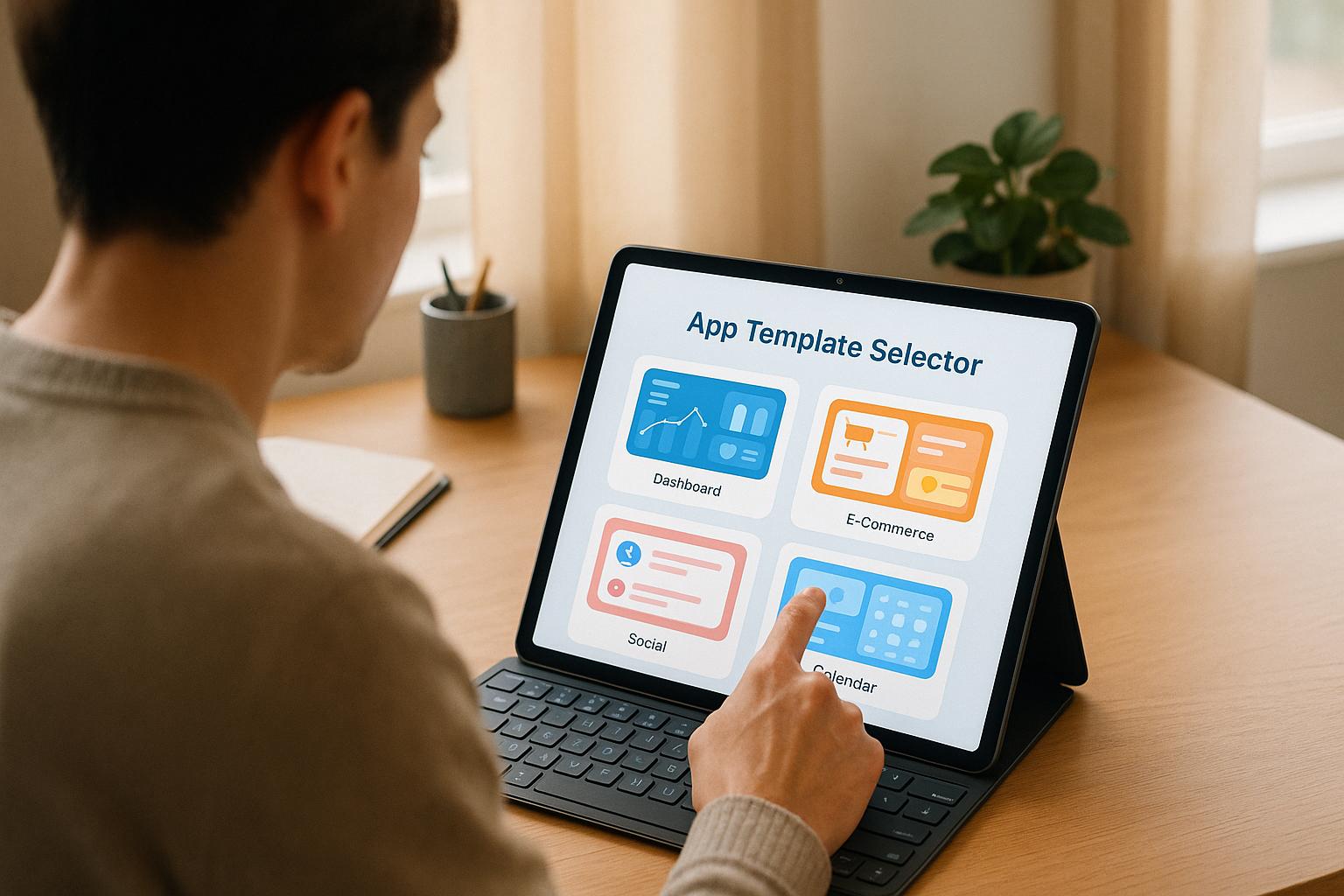
Find the Perfect App Template with an App Template Selector (2026 Guide)
Building an app is exciting but picking the right starting point can easily slow you down. With hundreds of app templates, frameworks, and starter kits out there, it’s hard to know which one actually fits your project. That’s exactly why an app template selector is so useful.
Instead of guessing or scrolling through endless template lists, an app template selector recommends the best options based on your goals, platform, skills, and preferred level of customisation. It cuts through the noise and helps you pick a reliable, future-proof foundation for your app.
Why Choosing the Right App Template Matters
Your app’s template or framework does more than organise the layout – it shapes the entire development experience. The wrong choice can mean:
-
a steep learning curve
-
features you don’t need
-
slow performance
-
painful customisation
-
wasted time
The right template, on the other hand, gives you:
✔ A clean, reliable structure
No spaghetti code and no surprises.
✔ Faster development
Perfect for MVPs, personal projects, or client work.
✔ Fewer bugs
A stable base reduces issues later.
✔ Easier customisation
Good templates grow with you instead of boxing you in.
Whether you’re building a mobile app, a blog, a portfolio, or an e-commerce store, the framework you choose is the foundation that determines how smooth — or chaotic – your build will be.
This is where an app template selector earns its keep.
How an App Template Selector Works
Modern app template selectors examine the key aspects of your project:
-
app type (ecommerce, social, learning, booking, content, portfolio)
-
target platform (iOS, Android, PWA, or web)
-
skill level (beginner, intermediate, advanced)
-
customisation needs
-
future plans (scalability, long-term features, integrations)
Based on these inputs, the selector matches you with templates or frameworks that actually make sense for your project – not just the most popular ones.
Examples the tool might recommend:
-
React Native for cross-platform mobile apps
-
Flutter UI kits for slick designs and animations
-
WordPress themes for content-heavy web apps
-
Next.js templates for fast, SEO-friendly web applications
-
No-code templates (AppInstitute, Glide, Adalo) for beginners or speed-focused builds
Instead of forcing you to figure this out alone, the selector narrows your choices to the options most likely to set you up for success.
Start Smart, Build Better
Choosing the right framework early avoids rebuilds and headaches later.
A good app template selector puts you on the right track instantly:
-
you get a shortlist of templates suited to your goals
-
you avoid wasting time testing irrelevant frameworks
-
you match your project with the tech stack your skills can handle
-
you pick templates that align with your long-term vision
It’s the difference between guessing your way through development and starting with clarity and confidence.
If you can describe your idea, even roughly, the tool can guide you.
FAQs: App Template Selector
How does the App Template Selector decide which frameworks to recommend?
The selector uses a filtering system that weighs your inputs:
-
App type & platform → highest priority
-
Skill level → ensures the tools aren’t too advanced or too basic
-
Customisation needs → recommends flexible frameworks if you need deep control
-
Long-term goals → factors in scalability and integrations
It’s not a random list — the suggestions are tailored to your answers.
Can I trust the recommendations for my specific project?
Yes, but think of them as a curated starting point, not absolute rules.
Every project has its own quirks, so the recommendations help you narrow down the options so you can evaluate them more deeply.
We always suggest reviewing the templates against your budget, timeline, and technical skills.
What if I’m stuck between two recommended templates?
That’s completely normal.
Compare the pros and cons listed for each option.
Ask yourself:
-
Which aligns better with my long-term vision?
-
Which has a stronger community or documentation?
-
Which one feels more intuitive after test-driving a demo?
If you’re still unsure, many frameworks (like React Native or WordPress) have free starter templates you can experiment with before committing.
Last Updated on December 11, 2025 by Becky Halls
0 thoughts on “App Template Selector”