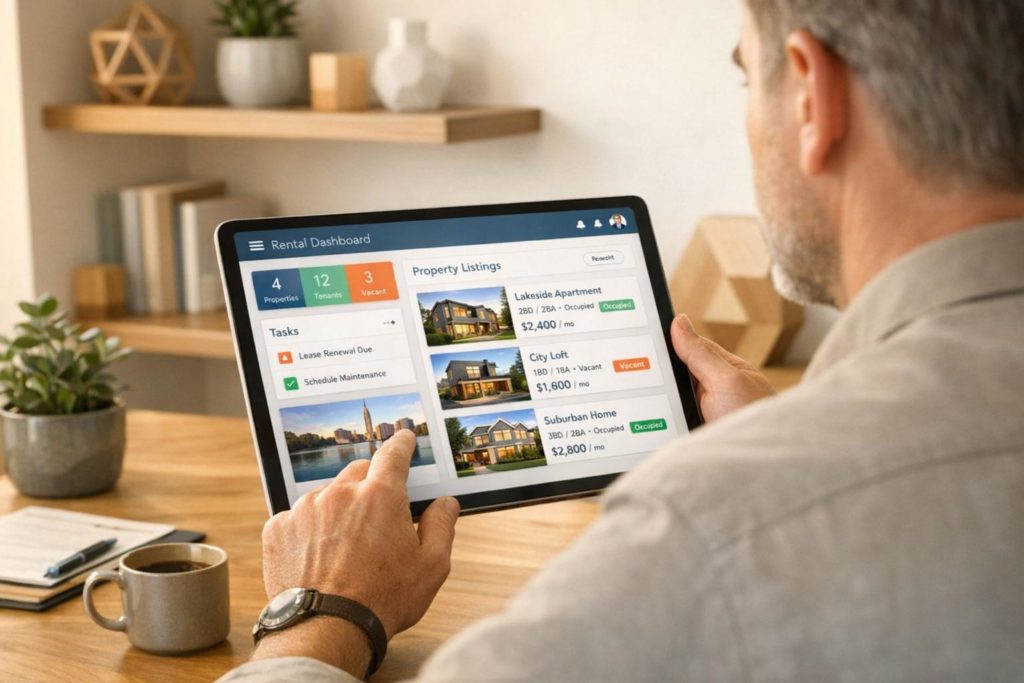
No-code platforms let you build rental management apps quickly and affordably – ideal for landlords and property managers. Instead of spending months and thousands of dollars on traditional development, these tools offer drag-and-drop interfaces, pre-made templates, and integrations with systems like Stripe and QuickBooks. Whether you need help with rent collection, tenant communication, or maintenance tracking, these platforms simplify the process and let you customize apps to fit your needs.
Here’s a quick look at four of the best options:
- AppInstitute: User-friendly with industry-specific templates, push notifications, and native app publishing. Pricing starts at $49/month.
- Glide: Turns spreadsheets into apps with flexible workflows and AI-powered tools. Best for Progressive Web Apps (PWAs). Plans start at $19/month.
- Adalo: Focused on native mobile apps with deep customization and access to device features like GPS and cameras. Pricing begins at $45/month.
- Knack: Database-first platform for complex rental setups, offering high scalability and usage-based pricing.
Each platform caters to different needs, from individual landlords to large property management agencies. Below is a comparison to help you choose the right one.
Quick Comparison
| Platform | Key Features | App Type | Starting Price | Ideal For |
|---|---|---|---|---|
| AppInstitute | Templates, push notifications, app store publishing | Native + PWA | $49/month | Small landlords |
| Glide | Spreadsheet-based apps, AI tools, PWAs | Progressive Web Apps | $19/month | Medium portfolios |
| Adalo | Native apps, GPS, camera integrations | Native Mobile Apps | $45/month | Custom workflows, inspections |
| Knack | Database-driven, scalable | Web-based | Usage-based pricing | Large data-heavy operations |
Choose based on your portfolio size, app type preference, and workflow needs.
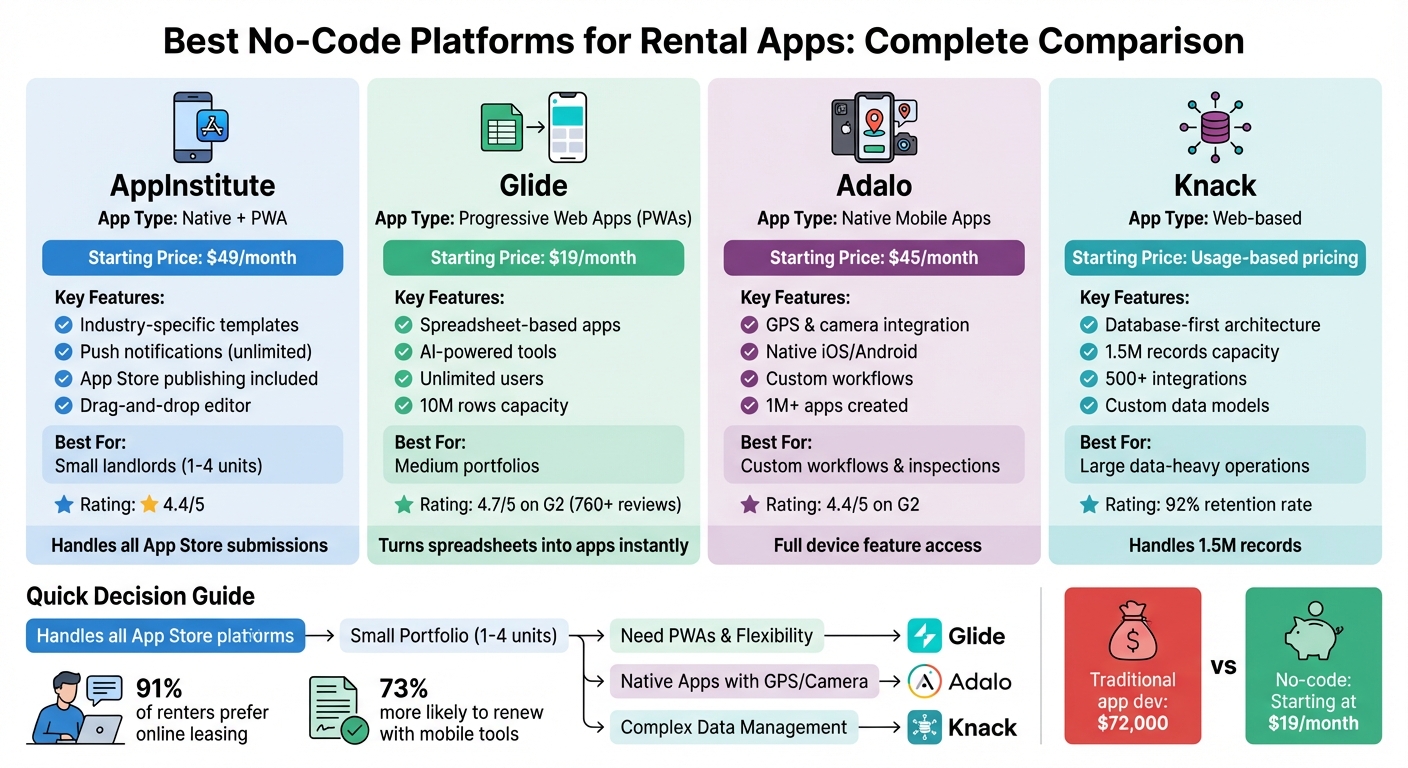
No-Code Rental App Platforms Comparison: Features, Pricing & Best Use Cases
Build Your Own Property Manager App with No Code | Glide App Tutorial

1. AppInstitute
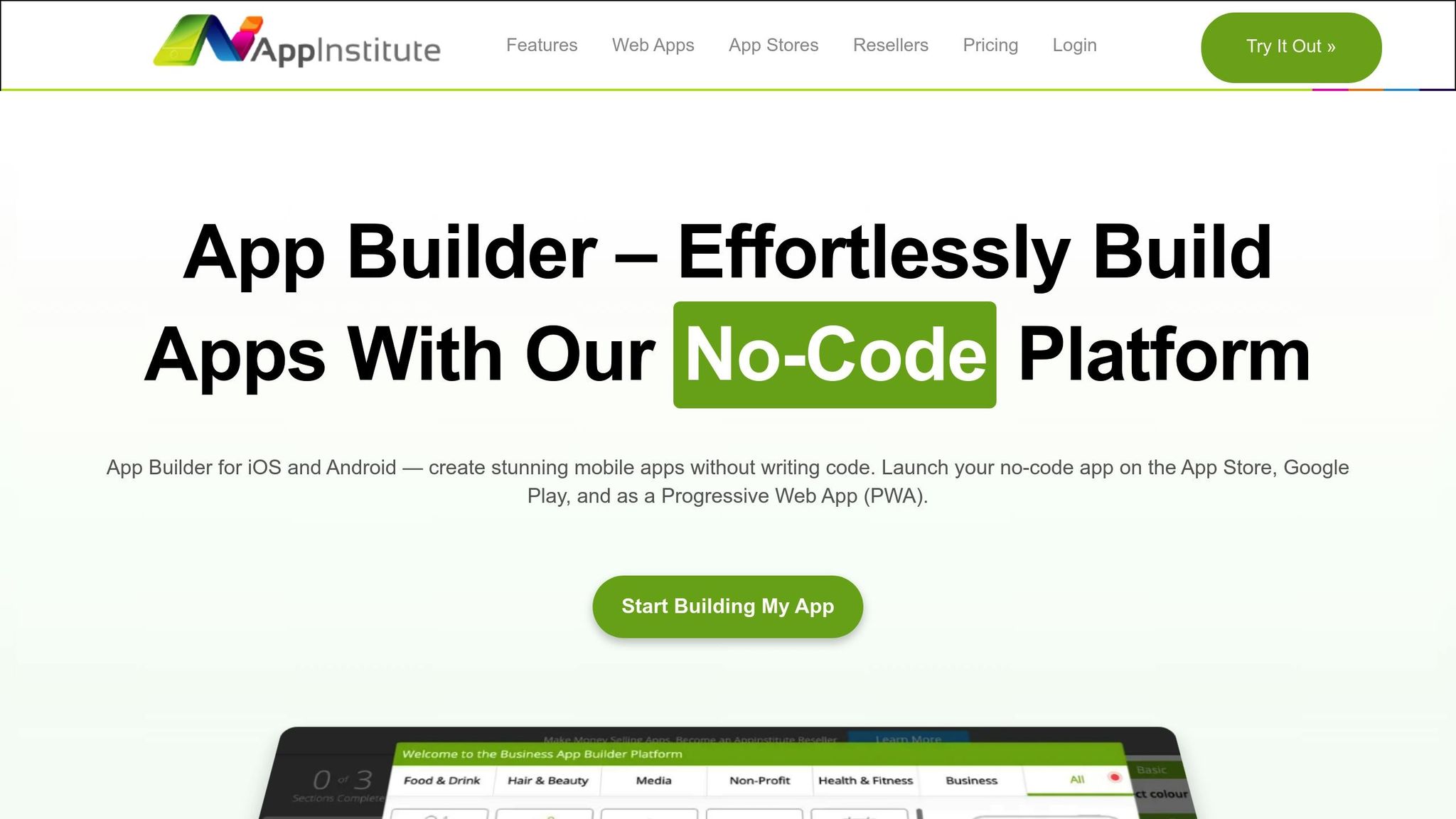
AppInstitute is a no-code platform with over a decade of experience, designed to simplify app creation with a three-step process: pick a template, customize it using a drag-and-drop editor, and launch your app on the App Store, Google Play, or as a Progressive Web App (PWA). For property managers needing customized rental workflows, the platform also offers a "Hire A Pro" service.
Rental Workflow Coverage
AppInstitute equips property managers with tools to handle key tasks through its modular features. For instance, booking forms let tenants schedule property viewings, while the built-in CRM helps track tenant data and interactions. All plans include unlimited push notifications, perfect for sending rent reminders, maintenance updates, or lease renewal notices. Geo-targeted messaging takes communication a step further by notifying tenants or staff when they’re near a specific property. Founder Ian Naylor explains:
"AppInstitute was founded on the belief that small businesses should have the same mobile capabilities as big brands without needing a developer".
Customization Options
AppInstitute’s drag-and-drop editor gives you complete control over your app’s layout and features – no coding required. AI tools can automatically generate layouts, color schemes, and features tailored to your business type, while industry-specific templates provide a strong starting point for rental management. This approach ensures your workflows are seamlessly integrated. For agencies or large property groups, the white-label reseller program allows rebranding the platform as their own. Users consistently praise its ease of use, as Kennedee shares:
"by far the most simple, thorough and user-friendly app developer" with "very easy to follow" instructions and "very fast and helpful" live chat support.
Mobile Capabilities
AppInstitute’s apps are built for performance and seamless device integration. Native apps provide optimal functionality, while PWAs offer rapid deployment via a web link and can be saved directly to a device’s home screen – ideal for immediate use while waiting for app store approval. Apple and Google app reviews typically take one to five days, and AppInstitute’s in-house team handles the submission process for you. These mobile-first features make it easy to get started and expand as your needs grow.
Pricing and Scalability
AppInstitute offers a 30-day free trial to get you started. Their Instant plan costs $49/month and launches your PWA with a custom domain. The App Stores plan, priced at $99/month, adds native iOS and Android apps, along with submission services and unlimited resubmissions. For larger operations, the App Stores Premium plan at $149/month includes tablet support, a dedicated account manager, and free access to the "Hire A Pro" service. A reseller program is also available for agencies managing multiple apps, providing even more flexibility for scaling your operations.
2. Glide
Glide takes your spreadsheets and databases and turns them into rental management apps. It connects seamlessly with tools like Google Sheets, Excel, Airtable, or SQL databases, creating a solid foundation for managing rental workflows.
Rental Workflow Coverage
Unlike platforms that rely on rigid templates, Glide uses your existing data to create highly flexible rental management solutions. For example, it employs AI to analyze tenant applications and bank statements, pulling out income details and spotting potential risks. When it comes to leases, Glide drafts agreements by inserting legal clauses tailored to your property data and integrates with DocuSign for digital signatures. Maintenance requests? Glide has that covered too. It sorts through tenant messages and photos to identify the type and urgency of issues, then directs them to the right vendor. A great example of its real-world application is Westland Real Estate Group, which manages 12,000 rental units using over 20 Glide apps for tasks like inspections, budgeting, and handling vendor contracts. CTO Shani Nowlin shared:
"Our purchasing team saw what I did with Glide, and they started drooling. They want their own apps now too".
Customization Options
Glide’s drag-and-drop editor makes customizing workflows quick and intuitive. It provides ready-made templates for property management tasks like lease approvals, turnover checklists, and mortgage calculations. With over 100,000 companies using Glide and a stellar 4.7/5 rating on G2 based on more than 760 reviews, users frequently highlight its flexibility and user-friendly design. Even teams without technical expertise can quickly adapt it to their needs.
Mobile Capabilities
Glide creates Progressive Web Apps (PWAs) that run in your browser but feel like native apps. You can even add them to your phone’s home screen for easy access. These apps are designed to work seamlessly across mobile, tablet, and desktop screens. On the go? Use Glide to scan barcodes, upload inspection photos, or get real-time notifications. Its mobile AI features can extract data from receipts or summarize tenant applications, which is especially useful as AI adoption among property managers grew from 21% in 2023 to 34% in 2024.
Pricing and Scalability
Glide offers a free plan to help you build and test your first app. For more advanced needs, its Business and Enterprise plans allow unlimited app creation, making it perfect for managing separate tools for tenants, field staff, and property owners. With its Big Tables feature, Glide can handle up to 10 million rows of data per project, scaling effortlessly to fit portfolios of any size. Considering that traditional app development can cost around $72,000, Glide eliminates this hefty upfront expense.
3. Adalo
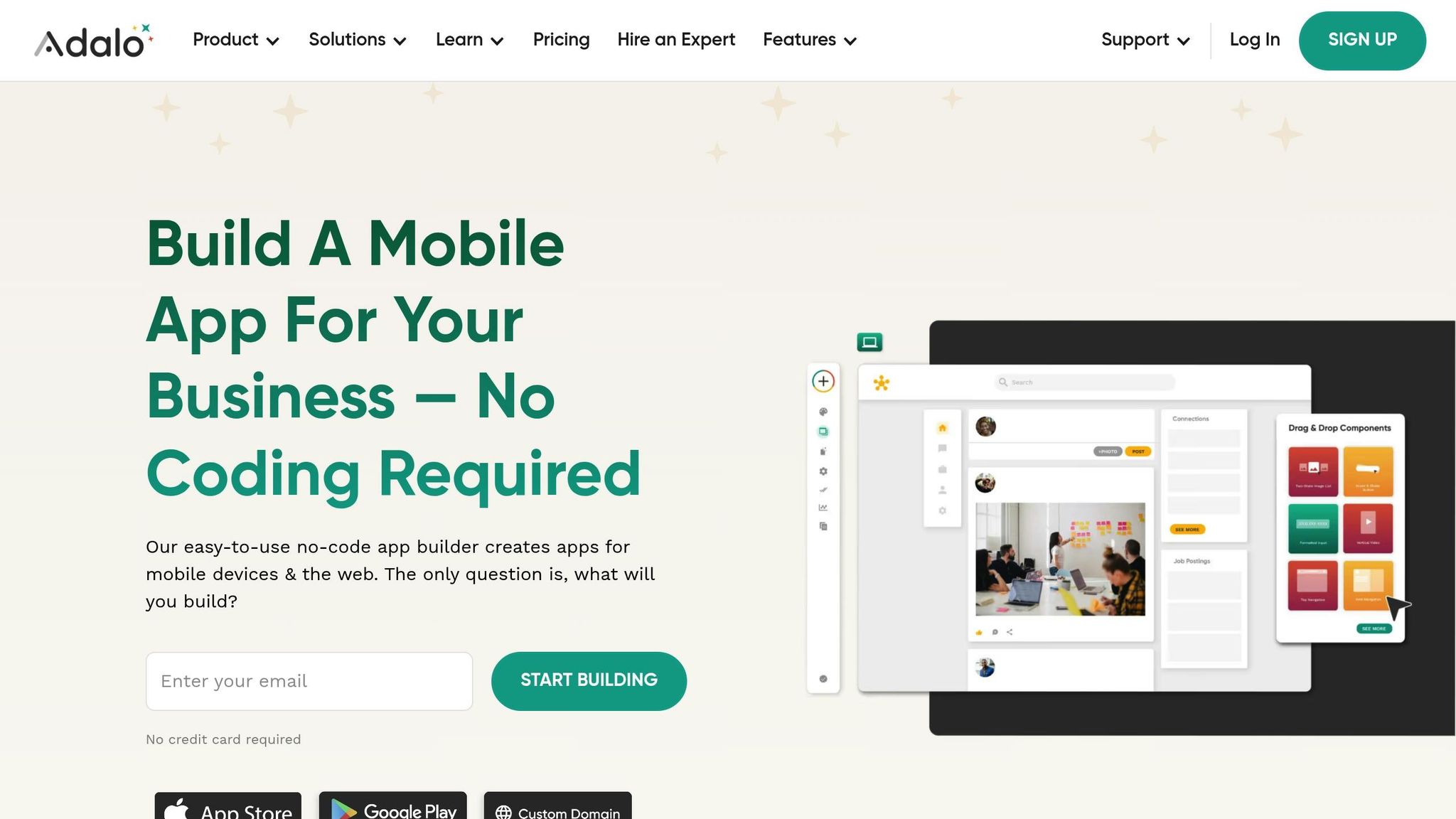
Adalo specializes in creating native mobile apps that can be published directly to the Apple App Store and Google Play Store. Unlike web-based platforms, Adalo delivers fully native mobile applications, enabling access to key device features like the camera, GPS, and push notifications. These capabilities are especially valuable for property managers who need tools for tasks like documenting inspections or offering location-based searches to tenants.
Rental Workflow Coverage
Adalo’s Real Estate Agent App Template is designed to streamline rental management workflows. It covers essential tasks such as payment processing and tenant communication. The app allows for property listing carousels, tenant profile creation, and rent collection through its native Stripe integration. Built-in chat and messaging features make it easy for landlords and tenants to stay connected. Additionally, property records help track maintenance schedules, while custom actions can automate email notifications or integrate with third-party tools like QuickBooks.
Customization Options
Adalo offers a high level of customization to tailor apps to specific needs. Its drag-and-drop builder lets users position components freely, ensuring designs align with branding through custom fonts, color schemes, and logos. The Component Marketplace adds even more functionality, offering tools like QR code readers and geolocation features for property searches. For data management, users can choose between Adalo’s built-in relational database or external options like Xano and Airtable for more complex setups. With over 1 million custom apps created, the platform is known for its flexibility. Users often praise the platform’s "pixel-perfect" visual design editor, though some mention that it has a steeper learning curve compared to simpler app builders.
Mobile Capabilities
Adalo supports seamless multi-platform deployment while ensuring access to native device features. Property managers can use the camera for inspections, the photo library for documentation, and GPS for location-based services. The platform handles over 20 million daily data requests and boasts an average uptime of 99%, providing reliable performance for users. The "Preview App" function allows testing on iPhone, Android, and tablet screens, making it easier to refine rental app interfaces.
Pricing and Scalability
Adalo’s pricing structure caters to a variety of rental management needs, making it accessible for businesses of all sizes. The free plan, which supports 200–500 records, is ideal for prototyping. The Starter plan, at $36 per month (billed annually), includes one published app, a custom domain, and App Store publishing. For advanced features like geolocation and design versions, the Professional plan costs $52 per month (annual billing). Businesses with growing needs can opt for the Team plan at $160 per month (billed annually), which supports five published apps, 10 editors, and Xano integration for a robust backend. Larger portfolios can benefit from the Business plan at $250 per month (billed annually), offering 10 published apps and unlimited editors.
"Adalo has helped me to speed up this project. I am able to fulfill my dreams in half the time & that is the largest cost-benefit."
- Alexandrina Mabonga, Maker of Sunscreen
Adalo holds a 4.4/5 rating on G2, with users appreciating its versatility in building almost any type of app. However, some users have noted occasional performance issues when working with very large databases.
sbb-itb-539ae66
4. Knack
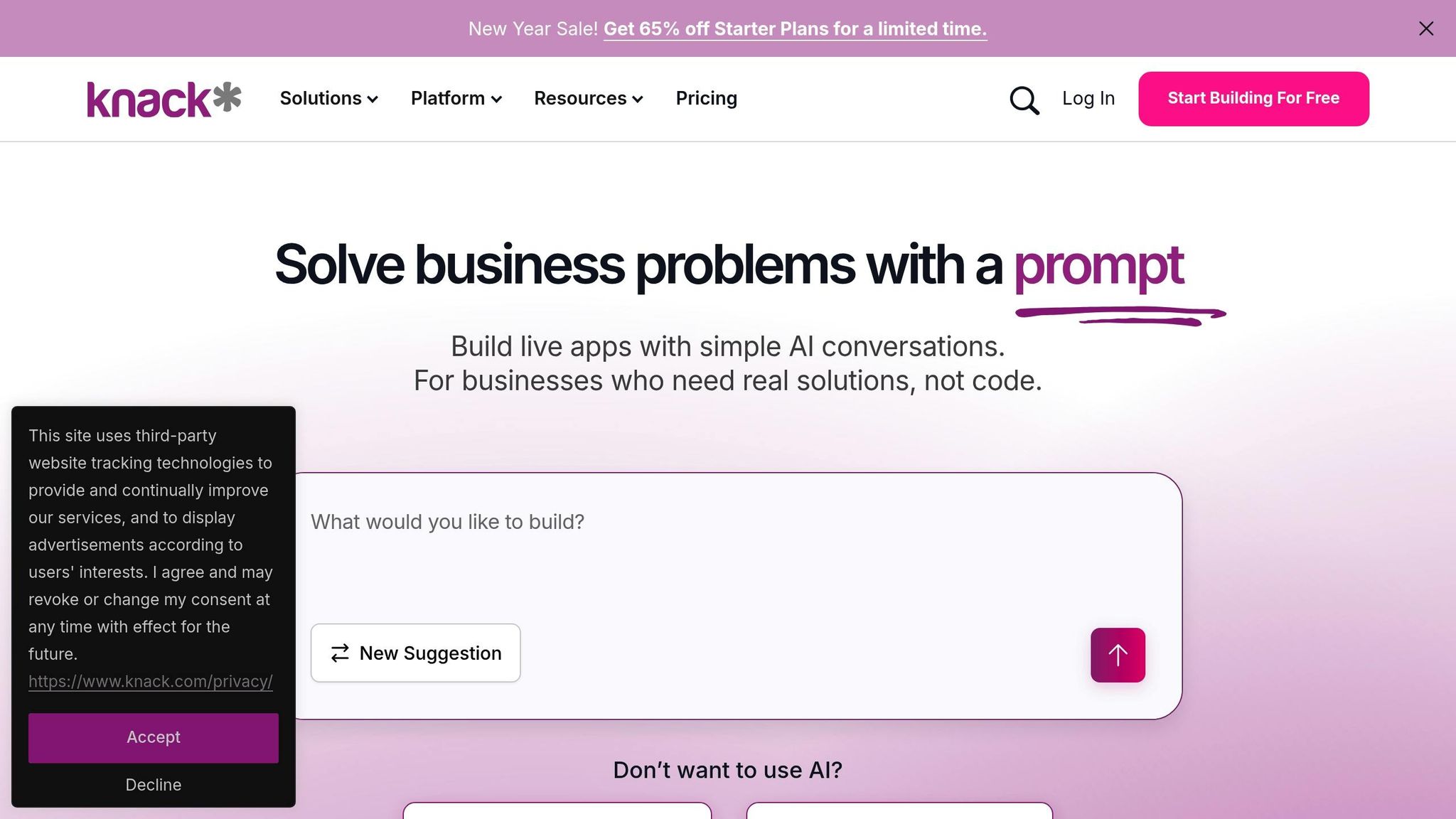
Knack stands out by offering a custom database architecture that gives you precise control over how your data is managed. Instead of relying on pre-made templates, Knack takes a database-first approach, allowing property managers to create tailored relational databases. This means you can link properties, tenants, leases, and maintenance records in ways that fit your specific needs. It’s particularly useful for handling complex setups, like multi-unit properties with shared amenities or customized workflows for lease renewals. This flexibility supports all aspects of rental management seamlessly.
Rental Workflow Coverage
Knack covers every stage of the rental management process. Tenant management tools include centralized profiles where you can store contact details, credit card information, and complete lease histories. The platform also supports tenant screening, offering background checks and credit evaluations. This feature is crucial, as nearly 90% of landlords assess a mix of income, rental history, and criminal background during the application process.
Lease tracking is automated with digital agreements, renewal reminders, and security deposit management. Tenants can submit maintenance requests through a dedicated portal, while property managers assign tasks to contractors, track progress, and maintain repair histories for each unit. Financial tools streamline rent collection, generate invoices and receipts, and send automated payment reminders, thanks to integrations with Stripe and PayPal.
"Knack is instrumental in the daily running of the business. It literally runs every facet of our company, from front to back – top to bottom."
- JD Worley, CEO, Curetech
Knack’s robust database engine can handle up to 1.5 million records without slowing down. It also integrates with over 500 SaaS tools, including QuickBooks, Slack, and Google Maps.
Customization Options
Knack’s data model allows you to deeply customize the platform to match your workflows. You can adjust user roles, control field visibility, and use conditional logic to display fields dynamically. The drag-and-drop interface makes it easy to add features like interactive calendars, dynamic maps, and real-time dashboards. Knack Flows automates multi-step processes, such as updating property statuses when leases are signed or notifying contractors when maintenance requests are submitted.
Curetech CEO JD Worley shared that Knack saved his company over $250,000 annually. Initially, building new sections took days, but now he can create new functionality in under an hour. The platform even includes an AI builder that can generate ready-to-use applications, complete with backend structures and workflows, from just a simple descriptive prompt.
Mobile Capabilities
Knack apps are fully mobile-responsive, making it easy for property managers to work on the go. You can add property listings, upload images, track rent payments, and assign maintenance tasks from any device. The cloud-based system provides real-time access, so you can monitor occupancy rates or generate financial reports directly from your phone.
Tenants also benefit from mobile accessibility. They can securely view lease details, check payment history, and submit maintenance requests online. With 91% of renters preferring to handle at least part of the leasing process online, Knack’s mobile-friendly design meets modern tenant expectations.
Pricing and Scalability
Knack uses a usage-based pricing model, charging based on data storage and the number of records. This approach includes unlimited logins for tenants, contractors, and staff. A 14-day free trial is available, and all Knack Flows automation features are included during the trial period.
The platform boasts a 92% customer retention rate and claims users can develop and deploy software 20 times faster than traditional methods. With its ability to handle up to 1.5 million records, Knack is well-suited for property portfolios of any size.
Platform Comparison: Strengths and Weaknesses
Now that we’ve explored the platforms in detail, let’s break down their strengths and challenges. Each platform has its own standout features and trade-offs, making them suitable for different needs.
AppInstitute is a great choice for property managers who want a professional app without dealing with technical hurdles. It offers industry-specific templates and a straightforward pricing structure starting at $49/month. The platform handles all the technical aspects, including App Store submissions and unlimited resubmissions, making it a hassle-free option.
Glide shines when it comes to quick design updates and flexibility. Its $60/month Maker plan includes unlimited users, making it perfect for apps that need wide tenant access. However, its monthly update limits for external data synchronization can become a bottleneck as your portfolio grows. Glide primarily supports Progressive Web Apps (PWAs) rather than native apps, but users rate it highly for ease of use, with a 4.6/5 score on G2.
Adalo focuses on creating native apps with deep customization options, starting at $45/month. It supports device-specific features like cameras and GPS, which is a big plus. However, it may struggle with more complex workflows. Its "Real Estate Management Template" provides prebuilt features, screens, and databases to simplify app creation.
Knack takes a database-first approach, offering usage-based pricing that scales with data storage and record volume. This makes it ideal for businesses with extensive data needs. However, its database-centric setup may require more planning upfront compared to template-driven platforms.
Here’s a quick comparison of their features:
| Platform | Rental Workflow Coverage | Customization Options | Mobile Capabilities | Pricing & Scalability |
|---|---|---|---|---|
| AppInstitute | Industry-specific templates with push notifications, user management, and ordering tools | Drag-and-drop editor with template customization | iOS, Android, and PWA support with tablet optimization | $49–$149/month; fixed pricing with unlimited resubmissions |
| Glide | Flexible data-driven workflows | High-quality design | Primarily PWAs; responsive across devices | $19–$249/month; unlimited users with update limits |
| Adalo | Full-stack customization covering frontend, backend, and database | Complete control over fonts, colors, layouts, and logic | Native iOS/Android apps with device feature access | $45/month+; native publishing; may lag with complex workflows |
| Knack | Database-focused platform | Customizable data models | Web-based and mobile-responsive access | Usage-based pricing |
Each platform offers unique advantages, whether you’re looking for simplicity, customization, or robust data management.
Conclusion
When selecting a platform, consider the size and specific needs of your rental operation.
For individual landlords managing smaller portfolios (1–4 units), AppInstitute is a solid choice. At $49/month, it offers industry-specific templates, fixed pricing for predictable budgeting, and a no-coding-required setup that simplifies the process.
For property management agencies overseeing medium-sized portfolios, the decision depends on your priorities. If broad tenant access through Progressive Web Apps suits your needs, Glide’s $60/month plan provides flexibility. On the other hand, if you require native mobile apps with features like GPS tracking for property inspections, Adalo’s $45/month plan allows for more customization. However, keep in mind that Adalo may face limitations with complex workflows as your operations grow.
The growing preference for digital leasing solutions is clear – 91% of renters want to handle at least part of the leasing process online, and mobile-friendly tools can significantly impact tenant satisfaction. In fact, satisfied residents are 73% more likely to renew their lease when offered convenient mobile solutions.
Each platform is designed to tackle specific challenges in rental management. To streamline tenant communications and rent collection, look for platforms with strong push notifications and payment integrations. For inspections and maintenance, focus on those with robust form-building and photo documentation tools. Before committing, use free trials to evaluate whether the platform truly simplifies your workflow and meets the needs of your team.
FAQs
What’s the difference between native apps and Progressive Web Apps (PWAs) for rental property management?
Native apps are designed specifically for iOS and Android and can be downloaded through app stores. This approach allows them to seamlessly integrate with device hardware, enabling features like offline functionality and smooth performance. On the other hand, PWAs (Progressive Web Apps) operate directly within a web browser and work across multiple platforms using a single codebase. They can even be added to a home screen without needing to go through an app store. While PWAs make updates simpler and are easier to maintain, they don’t have the same deep access to device hardware as native apps.
How can no-code platforms simplify managing rental workflows using existing data?
No-code platforms like Glide simplify the process of turning your existing data – whether it’s from Google Sheets, Excel files, or Airtable bases – into a fully operational rental management app. Your data, such as property listings, tenant information, lease dates, and rent payment records, serves as the app’s backbone. Meanwhile, Glide’s intuitive drag-and-drop editor creates user-friendly screens that automatically sync with your source file.
For more advanced tasks like tenant screening, scheduling maintenance, or tracking payments, Glide offers automation tools that eliminate the need for coding. You can set up triggers (like a new lease request), define conditional actions (such as sending notifications or updating statuses), and even calculate rent due dates or late fees instantly. With ready-to-use templates designed for property management, landlords and property managers can quickly build polished, efficient apps tailored to their specific needs – all while making the most of their existing data.
What should I look for in a no-code platform to manage a large rental property portfolio?
When managing a large rental portfolio, selecting the right no-code platform can make all the difference in building an app that’s user-friendly, scalable, and efficient as your business expands.
Look for platforms with drag-and-drop editors and pre-designed templates that simplify the process of creating features like property listings, tenant management systems, and payment processing tools. These features allow you to launch your app in just a few days, even if you don’t have a technical background. To handle growth, prioritize platforms that support large databases, bulk data imports, and real-time updates, ensuring smooth management of thousands of properties.
Seamless integration with accounting software, payment gateways, and other essential tools is another must-have for streamlining operations. Robust security features, such as encrypted data storage and role-based access controls, are critical for protecting sensitive tenant information. Lastly, platforms with clear pricing structures and dependable support services can make expanding your app less stressful and more predictable.
Related Blog Posts
- How to Build an App Without Coding Skills
- Cost Breakdown: Building Apps with No-Code Tools
- How No-Code Platform Pricing Works
- Best No-Code Platforms for Gradebook Apps
Last Updated on February 3, 2026 by Becky Halls
0 thoughts on “Best No-Code Platforms for Rental Apps”