
In 2025, cross-platform app development is more important than ever. With consumers frequently switching between devices, businesses need solutions that work across iOS, Android, and web platforms. Here’s a quick breakdown of the best tools available:
- AppInstitute: A no-code platform for businesses to create apps using a drag-and-drop editor. Ideal for small businesses with pricing starting at $39/month.
- React Native: A JavaScript framework backed by Meta, popular for consumer apps like Instagram. Open-source and free.
- Flutter: Google’s framework using Dart, known for high-performance apps and custom UI designs. Open-source and free.
- Ionic: A hybrid app platform using web technologies like HTML, CSS, and JavaScript. Free for basic use, with enterprise options starting at $499/month.
- Xamarin (.NET MAUI): A Microsoft-integrated tool using C# and .NET for secure, enterprise-grade apps. Free for individuals, with professional plans starting at $45/month.
Each tool has strengths and suits different needs – from no-code simplicity to enterprise-level integrations. Below is a quick comparison to help you decide.
Quick Comparison
| Tool | Key Features | Platforms Supported | Programming Language | Pricing (USD) | Best For |
|---|---|---|---|---|---|
| AppInstitute | Drag-and-drop editor, templates | iOS, Android, PWAs | None (No-code) | $39/month (starting) | Small businesses, quick launches |
| React Native | Hot reload, native modules | iOS, Android | JavaScript, React | Free (open-source) | Consumer apps, startups |
| Flutter | Widget-based design, high performance | iOS, Android, Web | Dart | Free (open-source) | Custom designs, fintech, e-commerce |
| Ionic | Web-based, Cordova plugins | iOS, Android, PWAs | HTML, CSS, JavaScript | Free core, $499/month | Hybrid apps, content-heavy apps |
| Xamarin | .NET integration, enterprise security | iOS, Android, Windows | C#, .NET | Free, $45/month (pro) | Enterprise apps, Microsoft users |
Choosing the right tool depends on your budget, technical skills, and business goals. Dive into the details to find the best fit for your app development needs.
Mobile App Development in 2025 – Choosing between Flutter, React Native and more

Top Cross-Platform Tools for Compatibility Solutions
These tools tackle challenges like code fragmentation, inconsistent user experiences, and integrating native features. Each option has its strengths, and the best choice depends on your team’s technical skills, budget, and business goals.
AppInstitute: Build Apps Without Coding

If you’re a business looking to dive into mobile app development without writing a single line of code, AppInstitute is a solid choice. This no-code platform allows users to create apps for iOS, Android, and Progressive Web Apps (PWAs) using a straightforward drag-and-drop editor.
AppInstitute offers industry-specific templates tailored to businesses like restaurants, coffee shops, beauty salons, and educational institutions. Features such as unlimited push notifications and managed store compliance (PWAs are ready instantly, while App Store reviews take 1–5 days) make the development process seamless.
With over 100,000 businesses already using the platform and more than 10 years in the no-code space, AppInstitute has built a reputation for reliability. Pricing starts at $39/month, with a 15% discount for annual plans and a 30-day free trial.
React Native: JavaScript for Cross-Platform Apps
React Native, developed by Facebook, is a leader in the cross-platform development space. It enables developers to use a single JavaScript codebase to create apps for both iOS and Android. Features like hot reload for instant feedback and access to native APIs have made React Native a go-to solution for apps like Facebook and Instagram.
Its extensive library of third-party plugins and strong community support make it an appealing choice for businesses looking for scalable and maintainable solutions.
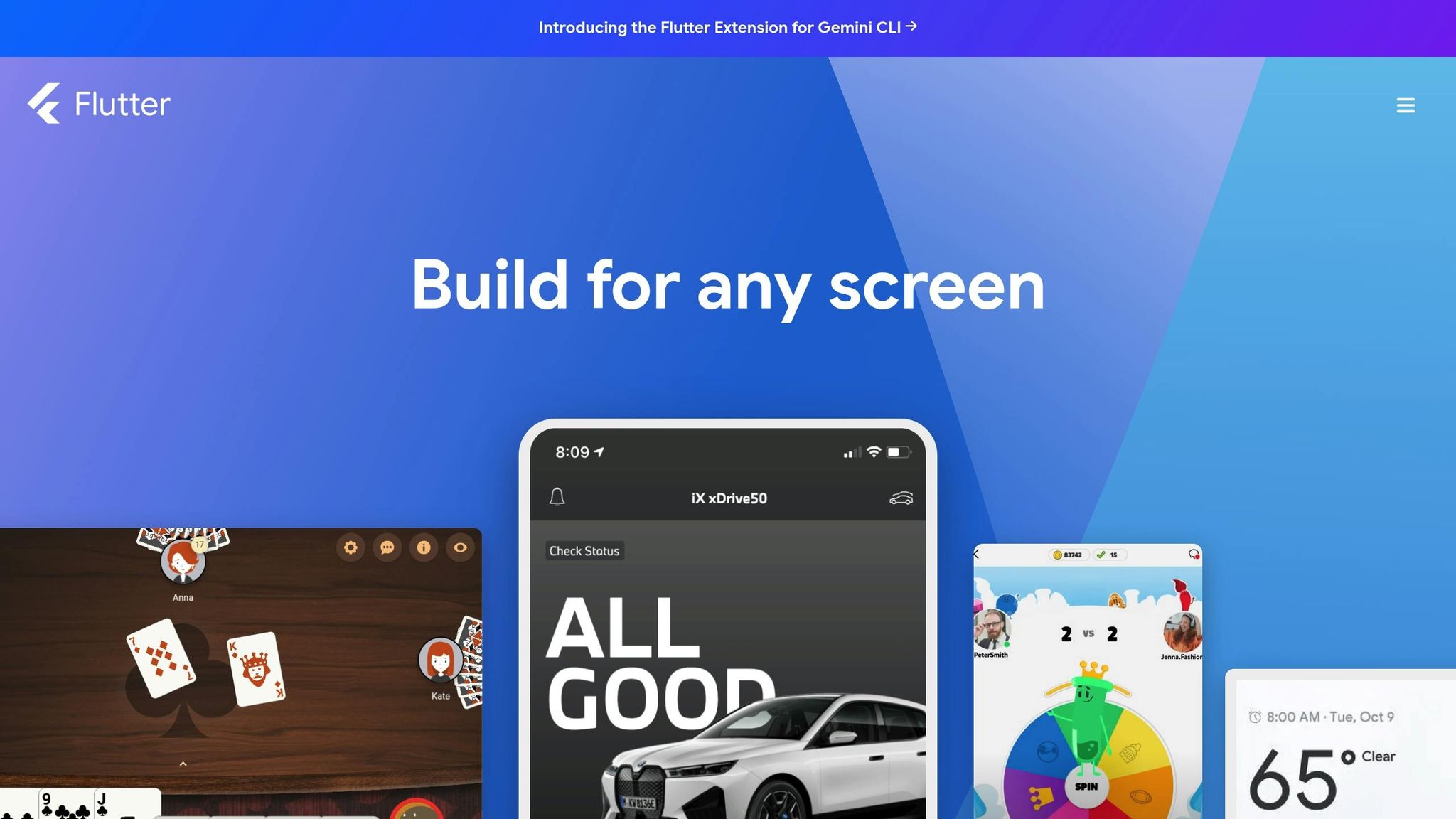
Flutter: Crafting High-Performance UIs
Google’s Flutter has been making waves since its launch in 2017, with developer adoption steadily rising, according to Stack Overflow trends. Flutter stands out with its "everything is a widget" approach, giving developers precise control over every screen element.
By compiling directly to native ARM code and using the Dart programming language, Flutter ensures high performance and smooth multi-platform deployment. Real-world examples like eBay Motors, Google Pay, and ByteDance apps showcase its capabilities. For businesses focused on custom UI design and rapid prototyping, Flutter delivers both visual and technical excellence.
Ionic: Hybrid Apps with Web Technologies
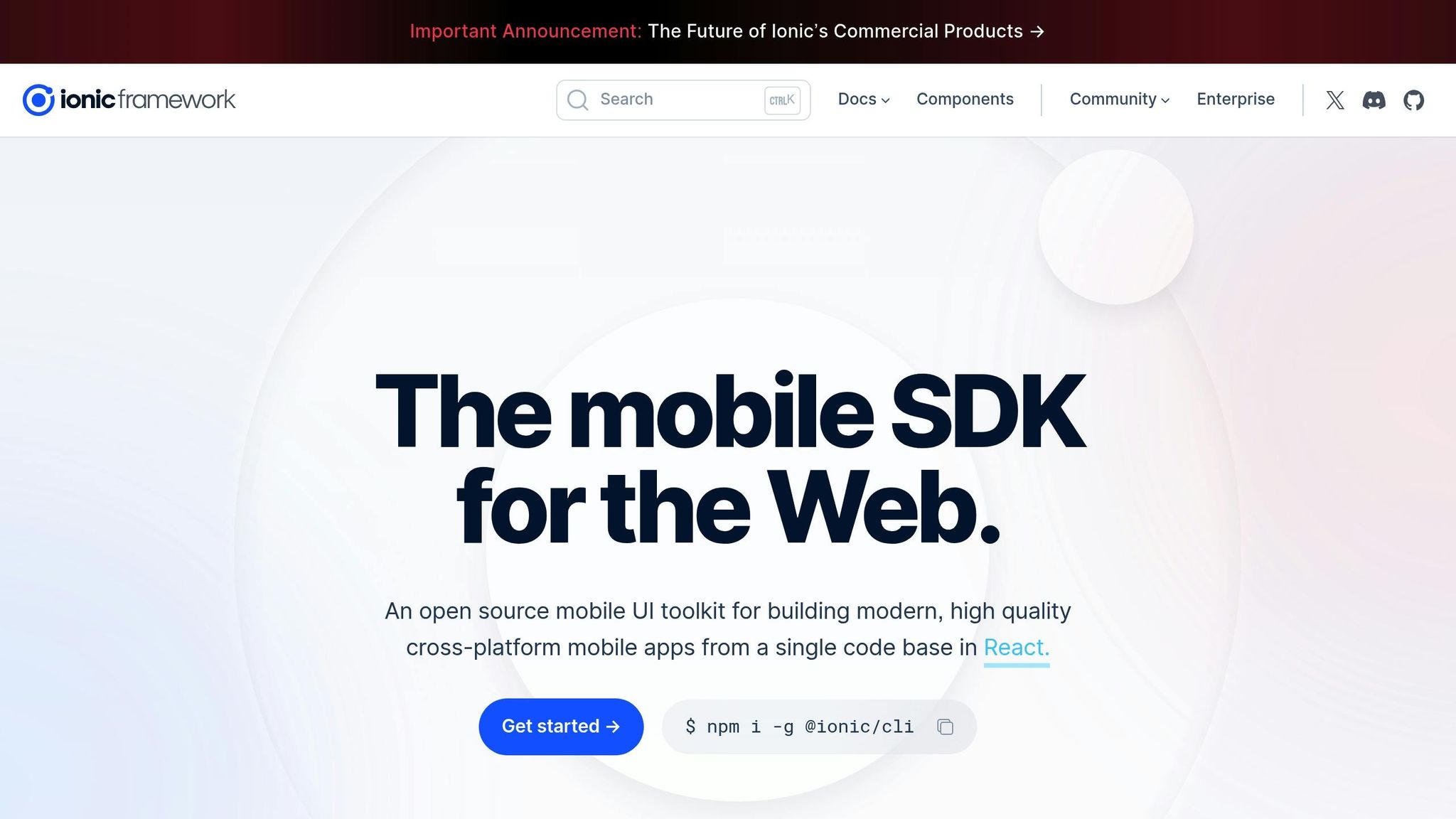
Ionic takes a web-based approach, using familiar technologies like HTML, CSS, and JavaScript to create hybrid apps that work on iOS, Android, and as PWAs. This makes it an excellent option for teams already proficient in web development.
Ionic offers a robust library of UI components and themes, allowing developers to create native-like experiences without diving deep into platform-specific complexities. Its integration with Cordova plugins ensures access to native device features, bridging the gap between web and native functionalities.
For startups and small-to-medium businesses aiming for quick deployment across multiple platforms, Ionic simplifies development and maintenance. Centralized updates and a familiar tech stack reduce the learning curve for development teams.
Xamarin: Cross-Platform Apps with C#
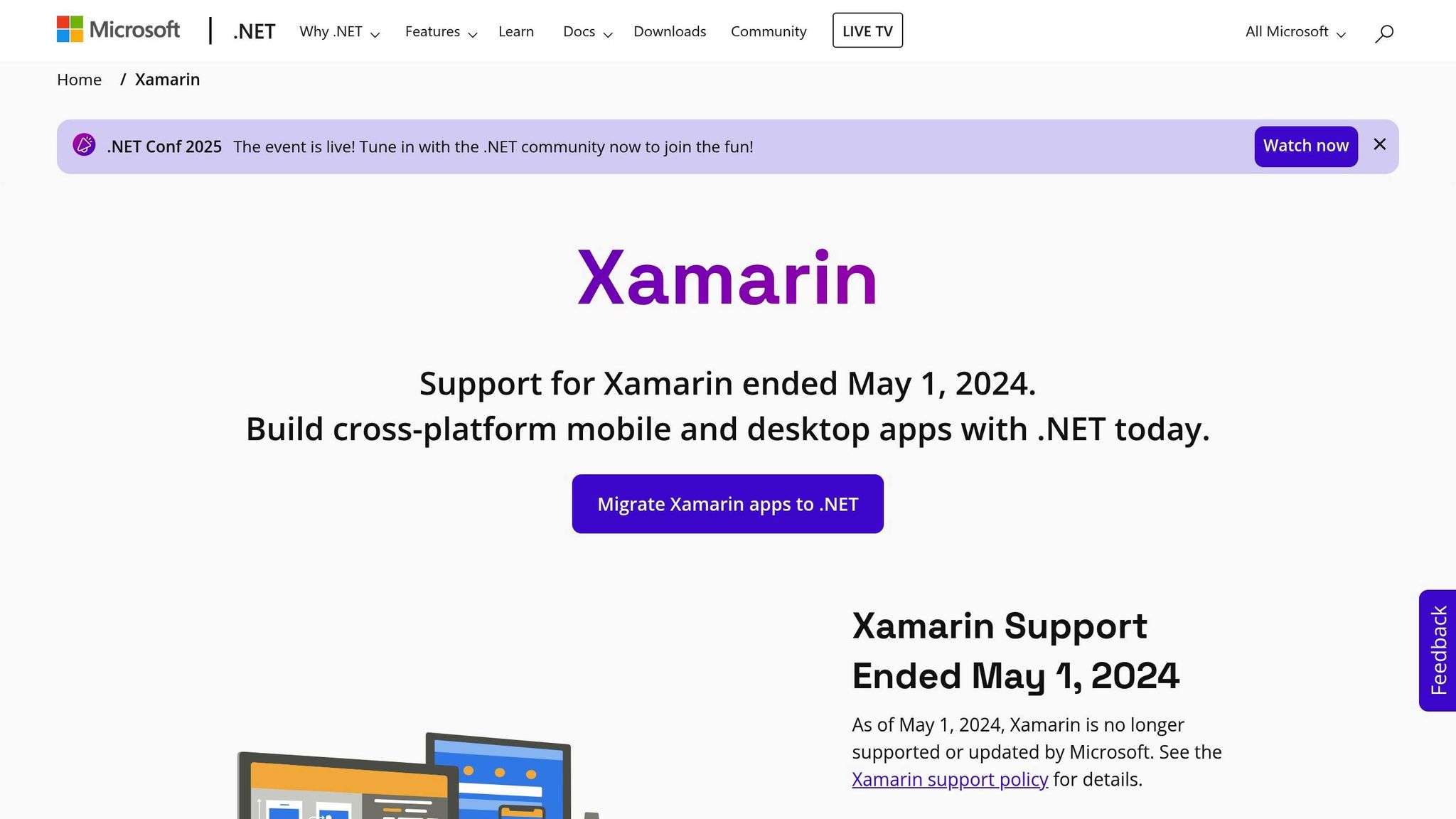
Now part of .NET MAUI, Xamarin is ideal for enterprises invested in Microsoft’s ecosystem. It uses C# and .NET to create apps with a shared codebase across iOS, Android, and Windows platforms.
Xamarin’s deep integration with Microsoft tools like Azure cloud services and Visual Studio makes it particularly valuable for businesses already using Microsoft technologies. With support for native APIs and architectural patterns like MVVM, Xamarin delivers high performance and secure, enterprise-grade solutions.
sbb-itb-539ae66
Cross-Platform Tools Comparison
Features, Platforms, and Pricing Comparison
Choosing the right tool depends on your specific needs, whether it’s quick deployment for small businesses or powerful solutions for enterprise-level applications. Here’s a breakdown of key features, supported platforms, programming languages, and pricing to help you make an informed decision.
| Tool | Key Features | Supported Platforms | Programming Language | Pricing (USD) | Ideal Use Cases |
|---|---|---|---|---|---|
| AppInstitute | Drag-and-drop editor, templates tailored to industries, unlimited push notifications, App Store submission support, user management, reseller program | iOS, Android, PWAs | None (No-code) | Starts at $39/month (15% off annual plans), 30-day free trial | Small businesses, restaurants, salons, agencies, quick launches |
| React Native | Hot reload, native modules, extensive third-party libraries, JavaScript ecosystem, native API access | iOS, Android | JavaScript, React | Free (open-source) | Consumer apps, startups, web developers moving to mobile |
| Flutter | Widget-based design, hot reload, native ARM compilation, custom UI control, multi-platform deployment | iOS, Android, Web, Desktop (Windows, macOS, Linux) | Dart | Free (open-source) | High-performance apps, custom designs, fintech, e-commerce |
| Ionic | Web technologies, Cordova/Capacitor plugins, UI component library, PWA support, familiar web stack | iOS, Android, Web (PWAs) | HTML5, CSS, JavaScript/TypeScript | Free core framework, enterprise features from $499/month | Web developers, hybrid apps, MVPs, content-heavy apps |
| Xamarin (.NET MAUI) | Native API access, .NET integration, MVVM architecture, Microsoft ecosystem, enterprise security | iOS, Android, Windows, macOS | C#, .NET | Free (Visual Studio Community), Professional starts at $45/month | Enterprise apps, Microsoft-integrated solutions, secure business tools |
This table gives a snapshot of each tool’s strengths, but let’s dive deeper into specific aspects.
Performance and scalability vary widely. React Native and Flutter stand out for near-native performance, making them great for demanding apps like financial platforms or social media. AppInstitute prioritizes business functionality over computational power, while Ionic’s web-based approach is ideal for content-driven apps but may fall short for graphics-heavy needs.
For development speed, no-code platforms like AppInstitute take the lead, enabling rapid deployment without technical expertise. On the other hand, traditional frameworks like React Native, Flutter, and Xamarin require more time but offer greater flexibility and customization.
Community support and ecosystems are essential for long-term success. React Native benefits from Meta’s backing and a large developer base, while Flutter enjoys Google’s support and a rapidly growing user community. Xamarin leverages Microsoft’s enterprise ecosystem, and Ionic thrives on its open-source community.
The learning curve is another factor to consider. AppInstitute requires no technical knowledge, making it accessible to business owners. React Native appeals to web developers familiar with JavaScript, while Flutter introduces Dart, which many find intuitive. Ionic feels natural for web developers, and Xamarin is a logical choice for teams already using Microsoft technologies.
As your app grows, integration capabilities become crucial. AppInstitute offers built-in business integrations, while React Native and Flutter provide extensive plugin ecosystems. Ionic handles web service integration effectively, and Xamarin excels in connecting with Microsoft cloud services and enterprise systems.
Finally, think about the total cost of ownership. While React Native and Flutter are free, hiring skilled developers can be expensive, with salaries ranging from $75,000 to $150,000 annually in the US. AppInstitute’s subscription model provides predictable costs, making it easier for small and medium-sized businesses to budget effectively.
How to Choose the Right Tool for Your Business
Picking the right cross-platform development tool is about more than just features. It’s about finding a solution that aligns with your team’s expertise, budget, and long-term goals. To make the best choice, consider these key factors and how they fit into your overall business strategy.
Evaluate your technical resources. If your team lacks coding experience or in-house developers, a no-code platform like AppInstitute can be a game-changer. Over 100,000 businesses have built apps through AppInstitute. One customer shared their experience:
"After a few years of looking for companies to create my app through, I found AppInstitute. They are by far the most simple, thorough and user-friendly app developer. Their instructions are very easy to follow, and their live chat is very fast and helpful. I would definitely recommend this service to others."
– Kennedee
Budget is a crucial consideration for small and medium businesses in the US. While open-source frameworks like React Native and Flutter are free to use, they often require hiring skilled developers to customize and implement features. On the other hand, AppInstitute offers a subscription model starting at $39 per month, with no contracts and a 15% discount for annual billing. This predictable pricing can be a huge advantage, especially when paired with the platform’s ability to speed up time-to-market.
Speed to market matters for staying competitive. No-code platforms like AppInstitute shine in this area, allowing businesses to launch Progressive Web Apps almost instantly. In contrast, traditional frameworks often require weeks or months of development, potentially delaying your entry into the market.
Think about scalability. If your app needs are relatively straightforward – like push notifications, user management, or industry-specific features – AppInstitute’s pre-designed templates and drag-and-drop tools can cover those bases. However, for more complex needs, such as advanced customizations or enterprise-level integrations, frameworks like React Native or Flutter may offer more flexibility.
Ensure platform compatibility matches your audience. To maximize your app’s reach, it’s essential to support iOS, Android, and Progressive Web Apps. AppInstitute handles all three, saving you the extra work that traditional frameworks might require for web deployment.
Consider support and guidance. Small businesses often need help with app store submissions and ongoing maintenance. AppInstitute provides dedicated support for these processes, which can be invaluable for first-time app creators. As one business owner noted:
"Superb company, our first time entering the app market, but they have thought of everything. Communication was superb, and we were guided through every step, from design to launch. Couldn’t praise them enough!"
– Craig Meredith
Test before committing. Many platforms offer free trials or demos. AppInstitute, for example, provides a 30-day free trial that lets you build, test, and even send push notifications without any upfront cost. This hands-on trial helps you determine whether the platform meets your specific needs before making a financial commitment.
FAQs
What should I consider when selecting a cross-platform development tool for my business and budget?
When deciding on a cross-platform development tool, it’s important to align your choice with your business goals, technical skills, and budget. Prioritize platforms that provide flexibility, are easy to navigate, and include features that match your objectives, such as drag-and-drop editors, push notifications, and user management tools.
For those interested in no-code solutions, focus on tools that streamline app creation while offering clear, upfront pricing. This way, you can develop professional apps for iOS, Android, and PWAs without exceeding your budget or locking yourself into lengthy contracts.
What are the benefits of using a no-code platform like AppInstitute for small businesses?
Using a no-code platform such as AppInstitute gives small businesses the chance to build professional mobile apps for iOS, Android, and Progressive Web Apps (PWAs) without writing a single line of code. This approach not only saves time but also cuts down on development costs, making app creation more accessible for those without a tech background.
AppInstitute simplifies the process with industry-focused templates, an intuitive drag-and-drop editor, and handy features like push notifications and user management. Plus, the platform assists with App Store submissions, streamlining the publishing process so businesses can get their apps live without unnecessary hassle.
How do tools like React Native and Flutter enhance long-term app development?
Tools like React Native and Flutter simplify the app development process by enabling developers to create a single codebase that works seamlessly across platforms like iOS and Android. This approach not only cuts down on development time and costs but also ensures a consistent user experience in terms of performance and design across different devices.
These frameworks also excel when it comes to integrating third-party services, APIs, and plugins. This adaptability allows apps to grow and improve alongside user demands and emerging technologies, making it easier to handle updates and scale effectively over time.
Related Blog Posts
- How to Build an App Without Coding Skills
- Guide to Cross-Platform UI Component Libraries
- Top 7 No-Code Trends for Cross-Platform Apps 2025
- Top 7 Error Monitoring Tools for Cross-Platform Apps
Last Updated on April 1, 2026 by Becky Halls
0 thoughts on “Top Cross-Platform Tools for Compatibility Solutions”