Somewhere in the last few weeks, if you built an app with AppBuild, you probably also wrote something to announce it. A line on your homepage. A blog post. A banner telling regulars to go download the thing. You picked a headline, a button label, a bit of copy explaining why it’s worth ten seconds of someone’s time, and then you published it and moved on to the next task.
Here’s the uncomfortable question nobody asks after that: was any of that wording actually the right choice, or was it just the first version that sounded fine at the time?
Most small businesses never find out. The page goes live, gets traffic, and everyone assumes it’s working because there’s no obvious sign it isn’t. But copy isn’t neutral. The exact words on a button, the exact headline above the fold, the exact way you explain a benefit, all of it moves the number of people who actually click, sign up, or download. Sometimes by a little. Sometimes by a lot.
A Small Wording Change, A Big Difference
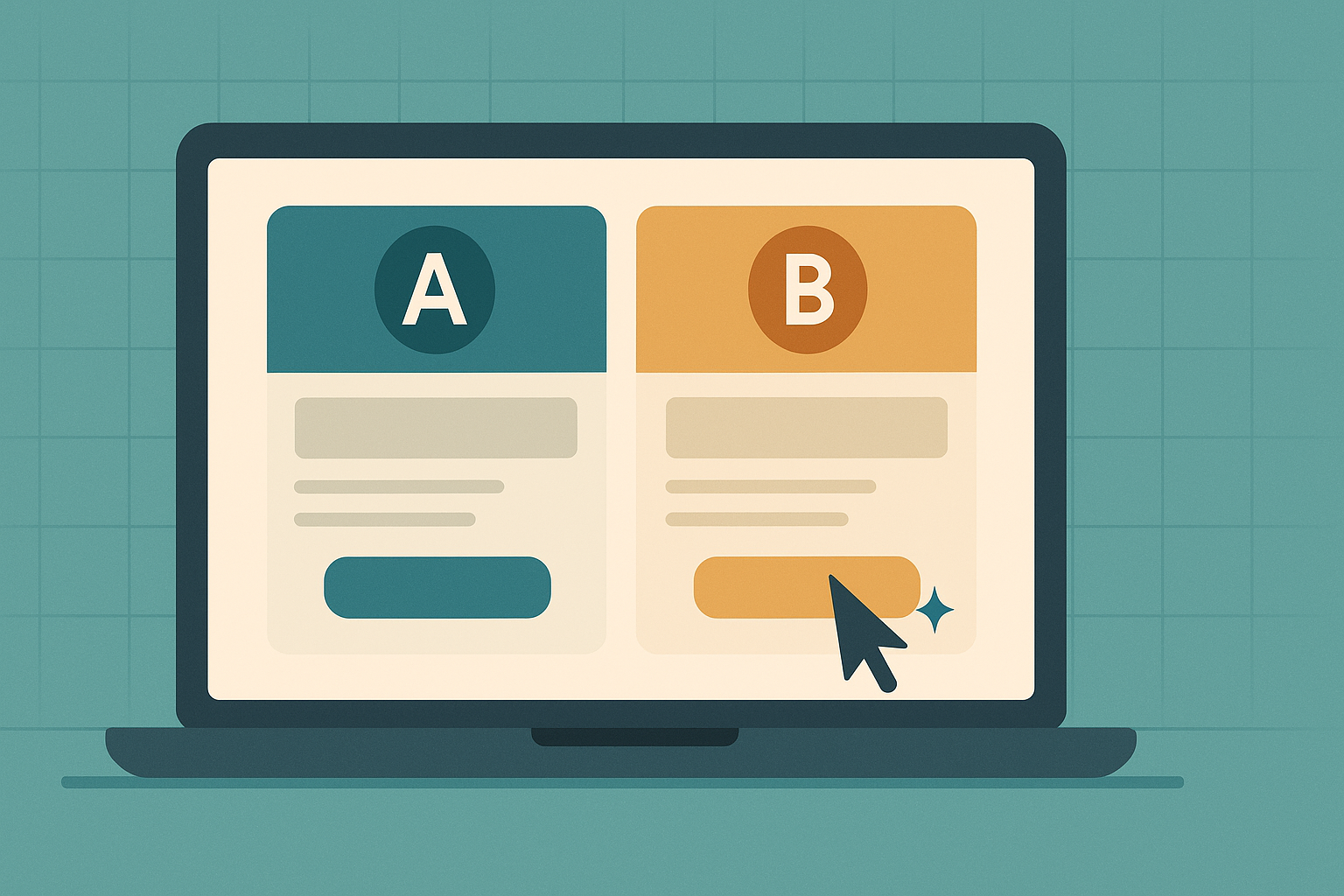
There’s a real example worth knowing about here, because it’s close to home. A CTA button on an app promotion page was tested with two versions: “Generate my app free” against “Make my app free and easy.” Same offer, same page, same audience. The second version got 297% more engagement than the first. Eleven clicks instead of two.
That’s not a copywriting trick. It’s a reminder that you can’t tell which version of a sentence will work better just by reading it and having a feeling about it. You have to actually show both versions to real visitors and count what happens.
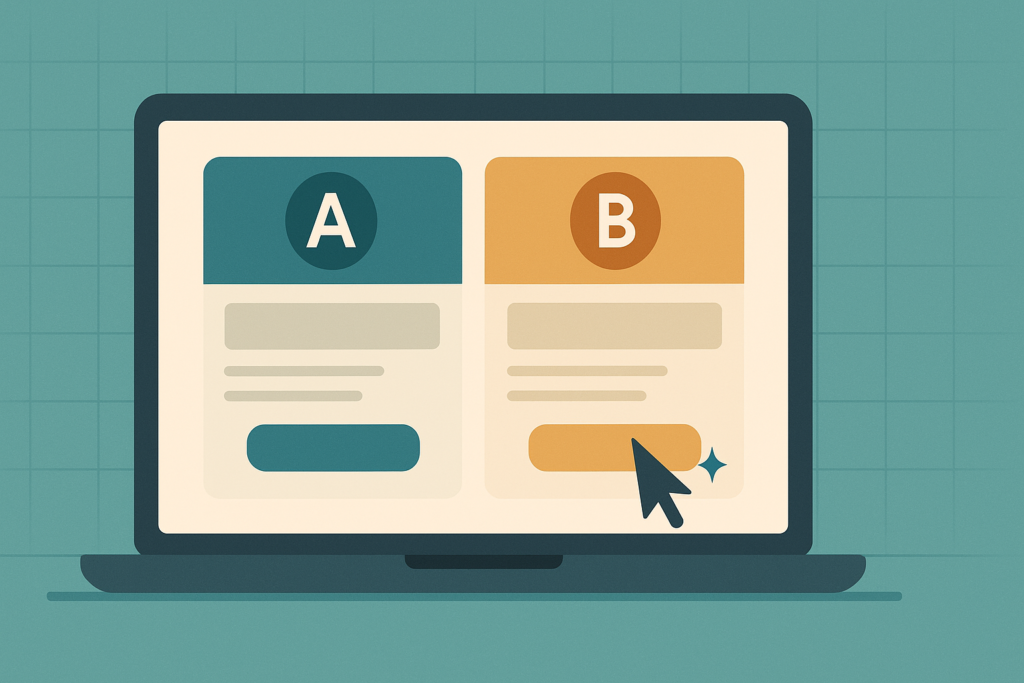
That process has a name: A/B testing, or when you’re testing more than one element at a time, multivariate testing. Split your traffic, show half of it version A and half version B, and let the data decide instead of your gut. It’s been standard practice at bigger companies for years. Small businesses mostly skipped it, because it used to mean either hiring a developer to build the test infrastructure, or paying for tools like Optimizely or VWO that are priced and built for enterprise marketing teams, not a gym owner with a website.
Google Optimize, which was the free, accessible option a lot of smaller sites relied on, was shut down in 2023. That left a real gap for anyone who wanted to test a headline or a button without a dev budget behind them.
Testing Without Needing a Developer
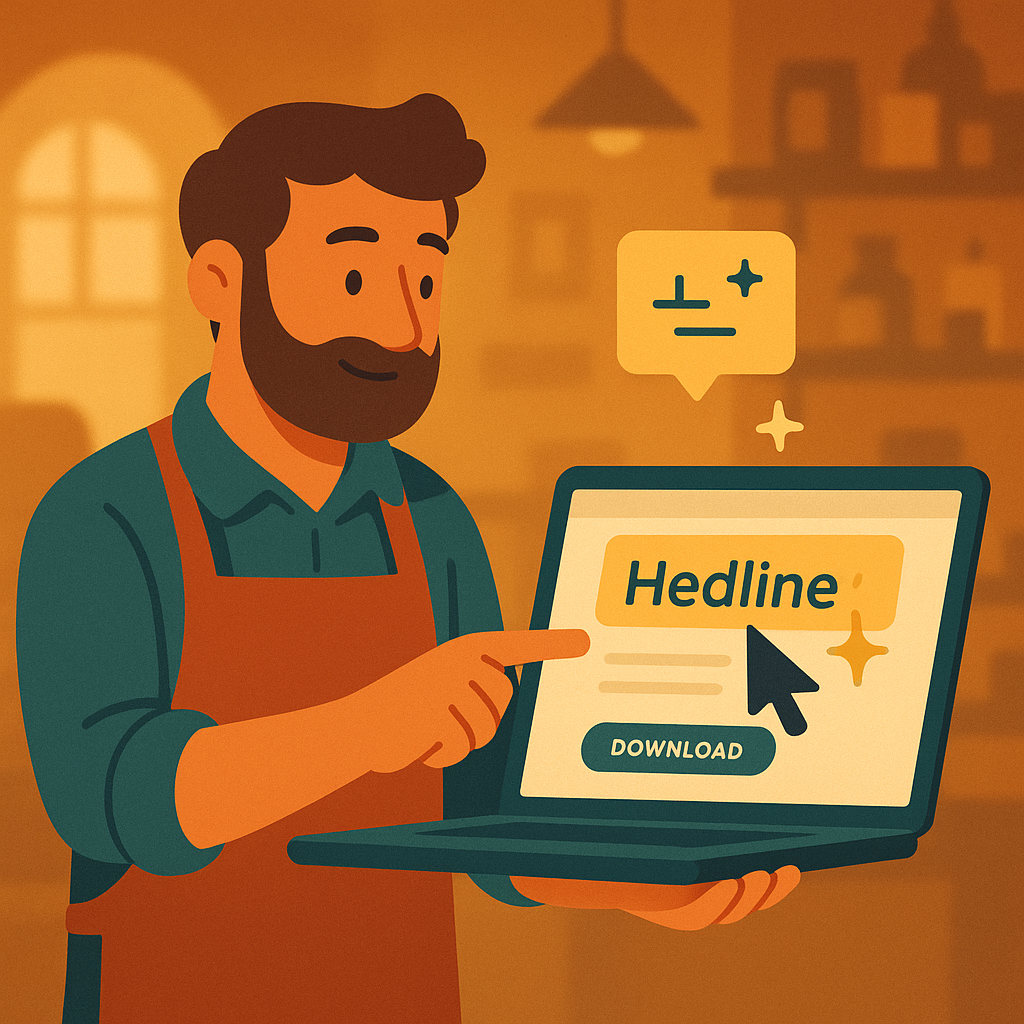
This is where PageTest.AI fits into the picture. It’s a Chrome extension plus a small script on your site, and it lets you point and click on any element on a live page, a headline, a CTA button, a product description, and instantly generate AI-written alternatives to test against it. No code, no developer, no waiting on someone else’s schedule.
Once a test is running, it tracks clicks, time on page, scroll depth, and how visitors behave across the rest of the site, then tells you which version is actually winning, not which one you’d guess is winning. It works on WordPress, Shopify, Wix, and most other platforms, and it can run multiple tests on multiple elements at once if you want to know which combination of headline and button copy performs best together rather than testing them one at a time.
For a business that’s just put real effort into promoting an app, whether that’s a dedicated landing page, a blog post like this one, or a homepage banner, this is the tool that answers the question those channels usually leave open: is the page actually convincing anyone, or is it just sitting there?
Where To Actually Point It
A few practical places this is worth trying on an app promotion page specifically:
The main headline announcing your app. “Download our app” is a description, not a reason. Something built around the actual benefit, free stamps, skip the queue, book without calling, will often beat it, but you won’t know by how much until you test both.
The call-to-action button itself. As the 297% example shows, this is often the single highest-leverage word choice on a page, and it’s also the fastest thing to test since it’s usually one short phrase.
Any blog post written to promote the app, including the ones exploring social promotion or website follow-up that we’ve covered here recently. The opening line either earns a reader’s attention or it doesn’t, and scroll-depth tracking will tell you honestly how far people actually get before they leave.
If you want the fuller mechanics before diving in, PageTest has straightforward explainers on what A/B testing actually is, how to write CTA button text that converts, and headline testing specifically, all worth a read even before you run your first test.
A Fair Amount Of Traffic Helps
Worth being honest about the limits here too. A test needs enough visitors going through it to produce a real, statistically meaningful answer rather than a coin flip dressed up as data. If your app landing page gets a handful of visits a week, you’ll be waiting a long time for a confident result, and you might be better off just picking the clearer, more specific version of your copy and moving on. This is a tool that earns its keep once you’ve got a reasonable, steady flow of traffic through the page you’re testing, not before.
The Point Underneath All of This
Building the app was the hard technical part, and it’s done. Writing the words that get people to actually use it is a different skill, and most of us are guessing at it, one draft at a time, without ever finding out if a different sentence would have worked better. Testing closes that gap. It turns a page full of assumptions into a page built on what your actual visitors respond to, which is a much better foundation for the next thing you promote too.
Last Updated on August 30, 2026 by Ian Naylor
0 thoughts on “You Wrote the Headline on Your App’s Landing Page Once. Was It the Right One?”