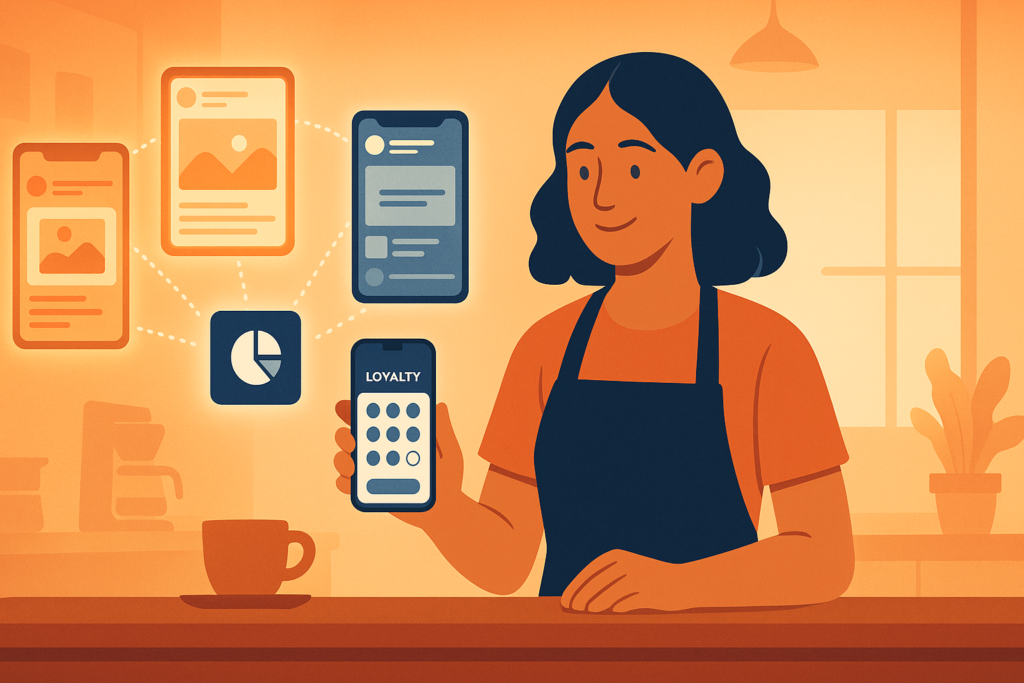
Here’s a scenario we see all the time. A coffee shop, a gym, a salon, whatever the business, finally launches its own branded app through AppBuild. The stamp card is live. The booking flow works. Push notifications are wired up and ready to send. Everything is set.
And then… not much happens. A handful of regulars download it in the first week. A few more trickle in over the next month. Then it plateaus, sitting on maybe 40 or 50 customers’ phones while the other 500 people who walk through the door every week have no idea it exists.
This isn’t a product problem. The app works fine. It’s a visibility problem, and it’s the single most common thing that separates businesses who get real value out of their app from businesses who quietly stop mentioning it after month two.
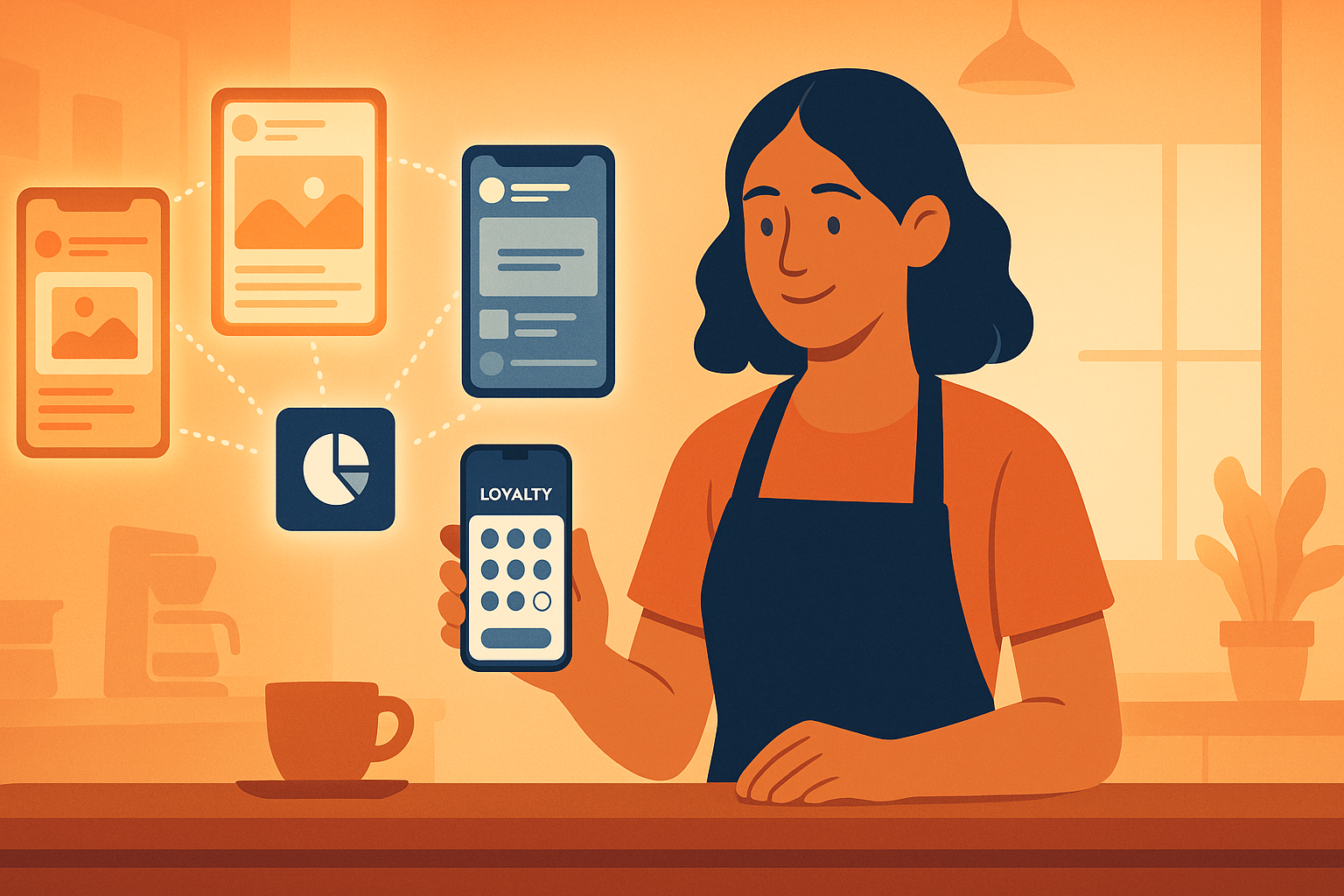
The App Doesn’t Sell Itself
Push notifications are one of the best tools a small business has. Open rates of 60 to 90 percent, straight to a lock screen, no algorithm deciding whether your message gets seen. But that power only kicks in after someone has already downloaded the app. Before that point, you’re working with the same problem every business has always had: how do you get in front of people who don’t know you have something new to offer?
A QR code on the counter helps a little. A line in a receipt gets ignored more often than not. Email open rates keep sliding. What’s left is the channel most small businesses already have an audience on, whether they’re using it well or not: social media.
The problem is that most small businesses run one social account, and that one account is trying to do everything at once. It posts about opening hours, a staff birthday, a seasonal drink, a customer review, and somewhere buried in there, once every few weeks, a reminder that yes, there’s an app now, please download it. None of it lands with much force because none of it is aimed at anyone in particular.
Speaking to One Audience Doesn’t Work When You Have Several
Think about a business with a couple of locations, or one that serves genuinely different groups of customers. A gym with a weight room crowd and a yoga crowd. A tattoo studio with three artists who each attract a different clientele. A restaurant with a lunch crowd that wants speed and a dinner crowd that wants atmosphere. A multi-location coffee chain where each shop has its own regulars and its own personality.
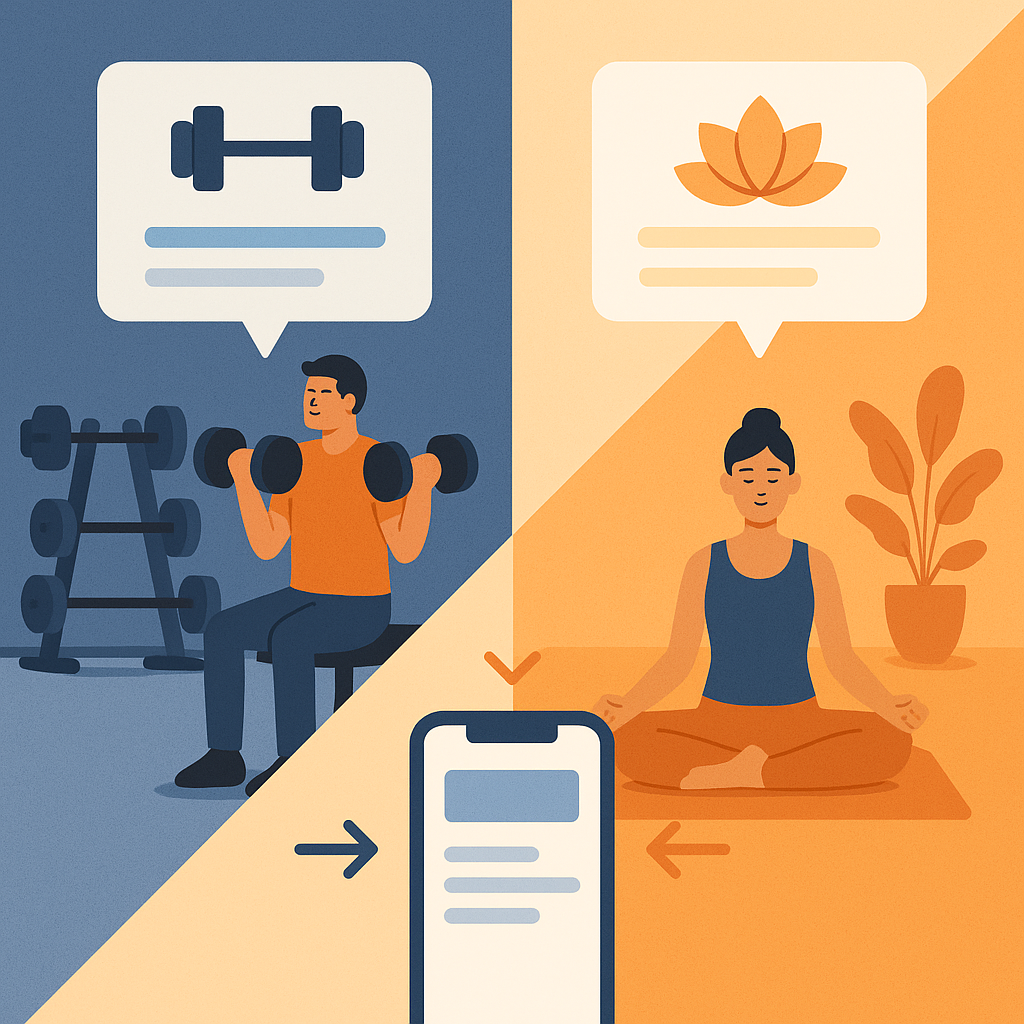
One catch-all Instagram account speaking to all of those people at once ends up speaking to none of them clearly. The gym’s weightlifters scroll past the yoga content. The dinner crowd doesn’t care about the lunch specials. And the app download message, which should be tailored differently for each group (book a class vs. skip the queue vs. see the artist’s portfolio before booking a session), gets flattened into one generic “download our app” post that nobody feels is talking to them specifically.
This is exactly the kind of problem that made us pay attention to a tool called AtelierSocial. Worth being upfront here: it’s not the only way to promote an app you’ve built, and it’s not the right fit for every business. If you’re a single location with one clear audience, a well run single account and a consistent posting habit will get you most of the way there. But if you’re running multiple locations, multiple audiences, or you manage social for a handful of clients who each need their app promoted differently, it solves a specific and very real problem.
What It Actually Does
AtelierSocial lets you run separate, on-brand accounts (or client accounts) from one dashboard instead of ten browser tabs. Each account, or each audience segment within an account, gets tagged, and posts route automatically to whichever accounts match. Write once, tailor the message per platform and per audience, and it goes out everywhere it needs to without you manually rewriting the same caption five times.
For an app launch specifically, that means the gym can run a lifting focused post about the app’s class booking feature to its weight room audience and a completely different post about the app’s community features to its yoga crowd, on the same day, without any extra manual work. A multi-location coffee shop can promote the loyalty stamp card at each shop with a location specific tone, and easily fold in a newly opened fifth location once it’s ready, without rebuilding a posting plan from scratch.

There’s an AI rewrite step built into the composer that adapts the same core message per platform (a TikTok caption reads differently than a LinkedIn one, and it should), and analytics broken down by audience segment rather than just by channel, so you can actually see whether the gym’s weightlifting crowd is responding to the app promotion better than the yoga crowd, and adjust from there. If a particular app-download post starts performing well organically, there’s a one click path to boost it as a paid ad, so the budget follows what’s already proven to work rather than guessing cold.
None of this replaces a good app. It’s a way of getting more eyes on one you’ve already built, aimed at the right people instead of everyone at once.
The Bigger Point
If you’ve built an app with AppBuild, the technical hard part is done. What’s left is the unglamorous work of reminding people, repeatedly and in a way that actually feels relevant to them, that it exists and that it’s worth ten seconds to download. Social media is one of the cheapest and fastest ways to do that, because it’s a channel your customers are already on.
Whether that means tightening up the one account you already run, or moving to a setup that lets you speak to different audiences properly instead of blending them into one generic voice, the goal is the same: turn “we built an app” into “our customers actually use the app.” That gap is where most of the real value of building one in the first place gets won or lost.
If your business has more than one audience to speak to, or you’re managing app promotion across several client accounts, it’s worth a look at how AtelierSocial handles that specific problem. And if you haven’t built your app yet, that’s obviously step one. Everything above only matters once there’s something worth downloading.
Last Updated on August 30, 2026 by Ian Naylor
0 thoughts on “You Built the App. Now Comes the Harder Part: Getting Anyone to Open It.”