
AppBuild MCP server · For ChatGPT, Claude, Cursor and any MCP-compatible assistant
Build and run apps from the AI assistant you already use
The AppBuild MCP server connects ChatGPT, Claude or Cursor straight to your AppBuild.diy account. Describe a business and the assistant researches it, picks the right features, builds the app, brands it, sends push notifications and prepares the store listing, all inside the conversation.
- Connect once with your platform API key
- Works with ChatGPT, Claude, Cursor and other MCP-compatible tools
- Every app lands in your editor, ready to demo, edit and publish
Included on every AppBuild.diy plan, including Free. Resellers connect their own white-label platform the same way.
 Claude
 Cursor
 Lovable
 Bolt
 Replit ChatGPT
+ Windsurf, VS Code, Claude Code and any assistant that supports custom connectors
- 2 minFrom brief to working app
- 20+Business functions the assistant can add
- iOS, Android, webPublished from the same build
- $0Extra cost on any plan
What it is
An MCP server is how an AI assistant gets hands
MCP (Model Context Protocol) is the open standard that lets ChatGPT, Claude and other assistants call real tools instead of only writing text. AppBuild.diy publishes an MCP server, so once you connect it the assistant can create apps, add features, upload your logo, set your colours, send push notifications and check your App Store build, using your account.
You still own everything. The assistant works inside your AppBuild.diy editor, every change is visible there, and you can carry on by hand at any point. Nothing is built outside the platform, so hosting, logins, databases, push and store publishing are already handled.
What your assistant can do
The tools behind the conversation
These are the actual capabilities the AppBuild MCP server exposes. Ask in plain English and the assistant picks the right ones.
Research the business
Give it a name or website. It pulls the services, prices, opening hours, photos and branding before anything is built.
Recommend an app plan
It maps what the business does to AppBuild functions and tells you honestly what is covered, partly covered or needs a bespoke build.
Build the app from the plan
Creates the app, adds the pages and functions, and loads the real content. One call, one working app.
Set up bookings, ordering and loyalty
Dedicated set-up tools for appointments, class booking, food ordering, loyalty stamp cards and points, with the business's own services and prices.
Brand it
Uploads the logo, sets the colours and fonts, creates a starter logo if there is none, sets the app icon and splash screen.
Send and schedule push
Preview a notification, send it now or schedule it, and manage what is queued, straight from the chat.
Prepare the store listing
Writes and sets the App Store and Google Play listing, checks build readiness, declares native capabilities, and reports build status.
Wrap a vibe-coded app
Built something in Lovable, Bolt, Replit or Cursor? The assistant wraps the deployed URL as a native app with push and store submission.
The server deliberately under-promises. When a request is outside what the editor covers it says so and points you at the wrapper route instead of pretending.
How to connect
Four steps, no code
- 1
Get your API key
Log in to AppBuild.diy and open API settings in your account. Create a key there for your account or, for resellers, for your white-label platform.
- 2
Add the connector
In ChatGPT, Claude or Cursor add a custom connector or MCP server, paste the AppBuild server address and your key.
- 3
Describe the business
"Build an app for Fade Room Barbers in Leeds with booking, a stamp card and push." The assistant researches, plans and builds.
- 4
Refine, demo, publish
Brief changes like you would a developer. Open the showcase page or QR code, then publish to the web, the App Store and Google Play.
Reseller platforms: the connector uses your platform's own key, so every app the assistant builds appears in your branded portal under your domain, ready for your Sales Command Centre.
Who it is for
Three ways people use it
Resellers and agencies
Ask for local businesses worth pitching, build each one a demo app in minutes and walk in with a live showcase page. Watch the two-minute demo above.
Vibe coders
Already building in Lovable, Bolt, Replit, Cursor or Claude Code? Ask the assistant to wrap your deployed app as a native iOS and Android app with push, then handle the store submission.
Business owners
Describe your own business and let the assistant draft the app, then take over in the editor. The same free plan applies: 10 app users, every feature, no card.
Most AI coding tools
You get the code. The back end is up to you.
- DatabasesSet up yourself
- Logins & accountsSet up yourself
- Emails & notificationsSet up yourself
- Hosting & publishingSet up yourself
- Ongoing maintenanceSet up yourself
AppBuild MCP + your assistant
A full back end and publishing system, ready to go.
- DatabasesIncluded
- Logins & accountsIncluded
- Emails & notificationsIncluded
- Hosting & publishingIncluded
- Ongoing maintenanceIncluded
The speed of vibe coding with the reliability of a platform.
Built on AppBuild.diy
Real apps, live on real businesses
Every app the assistant builds is a normal AppBuild.diy app: the same editor, the same stores, the same push.
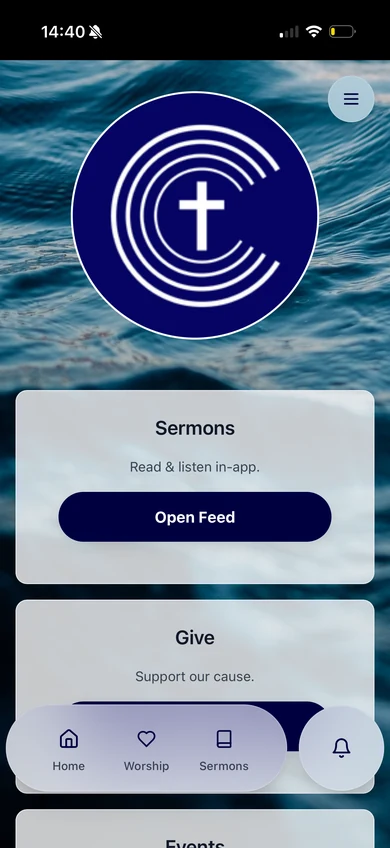
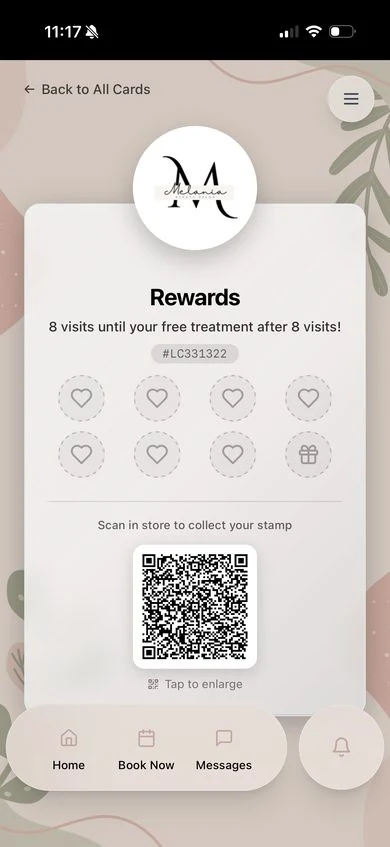
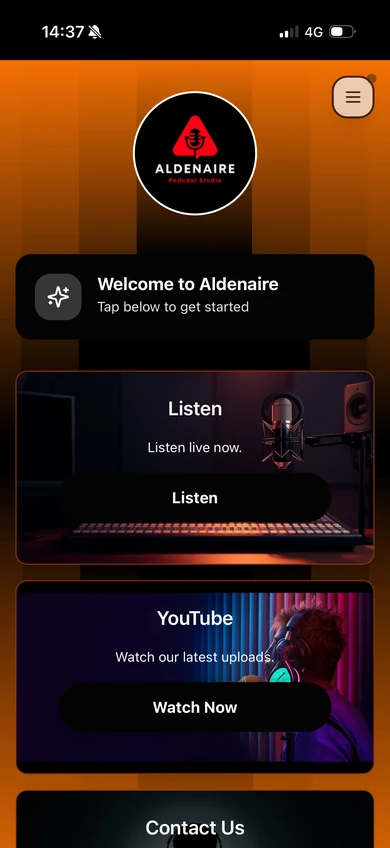
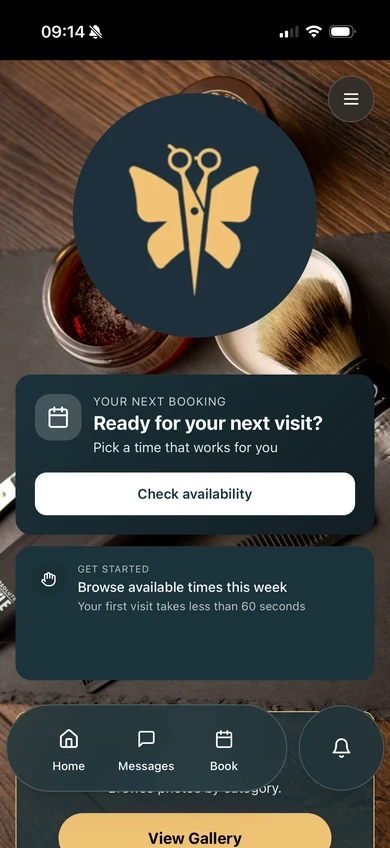
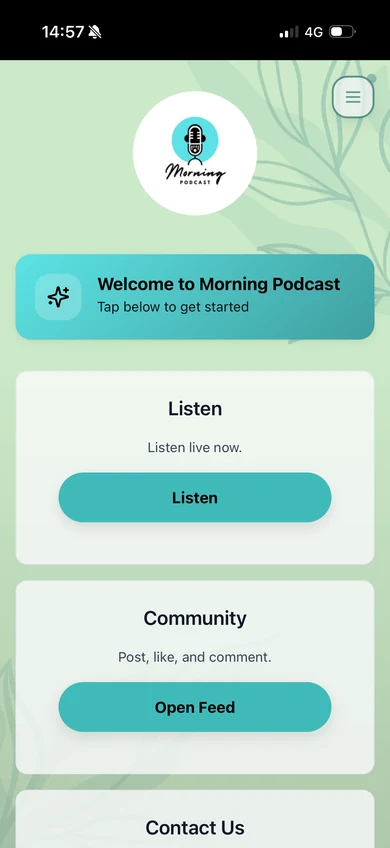
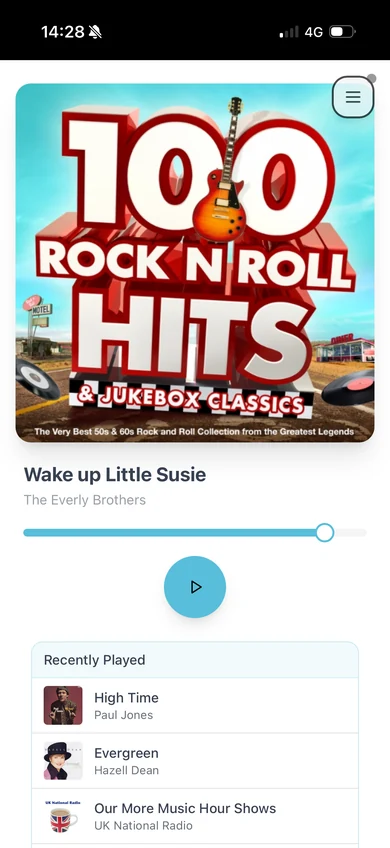
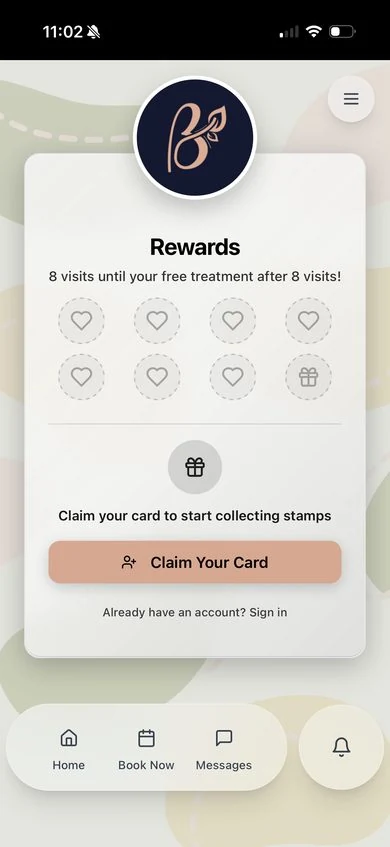
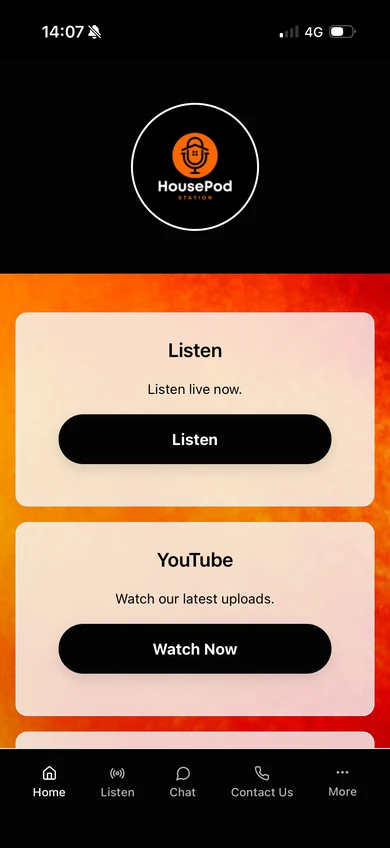
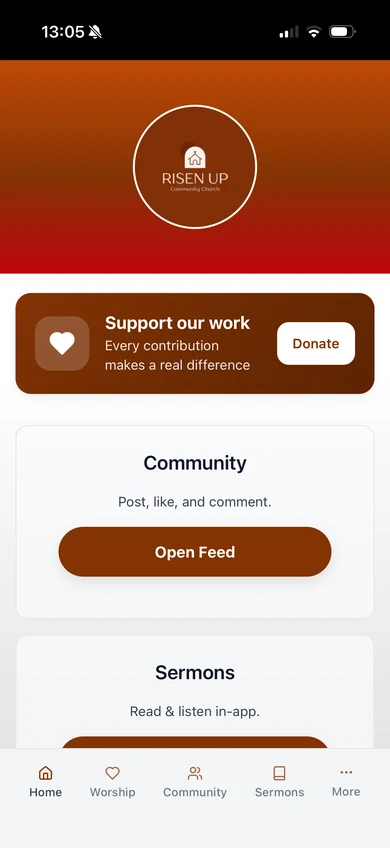
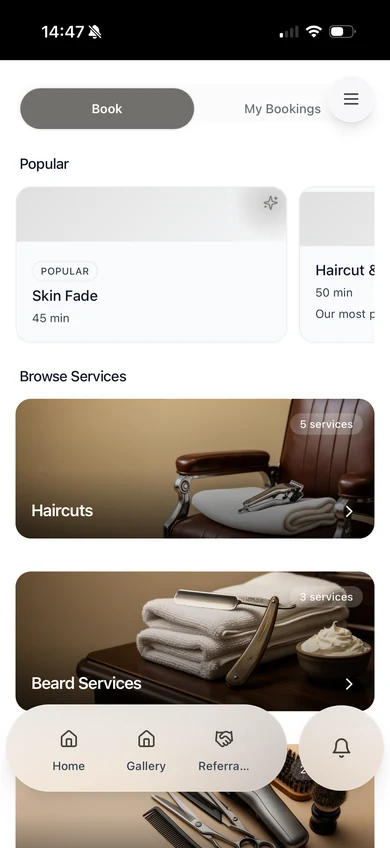
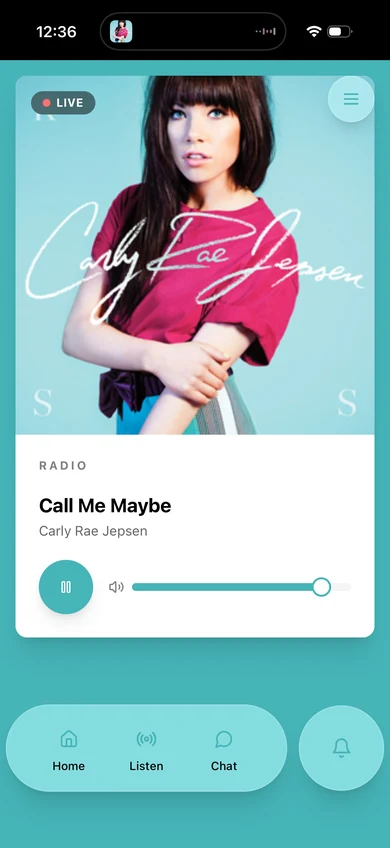
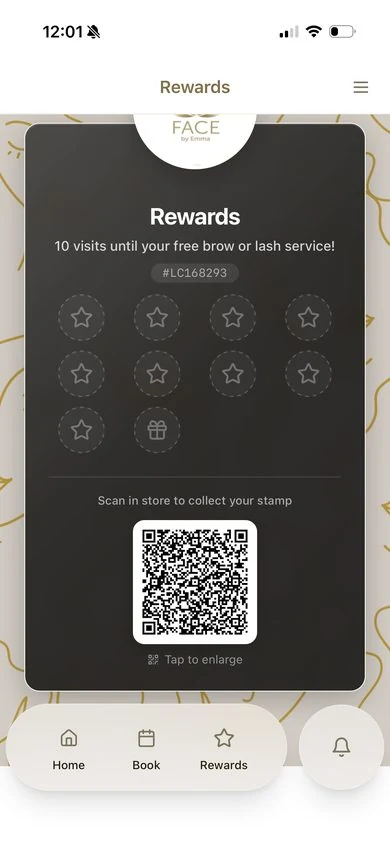
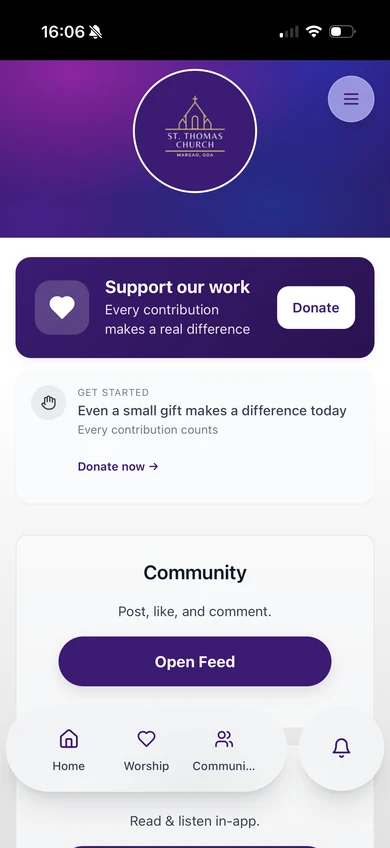
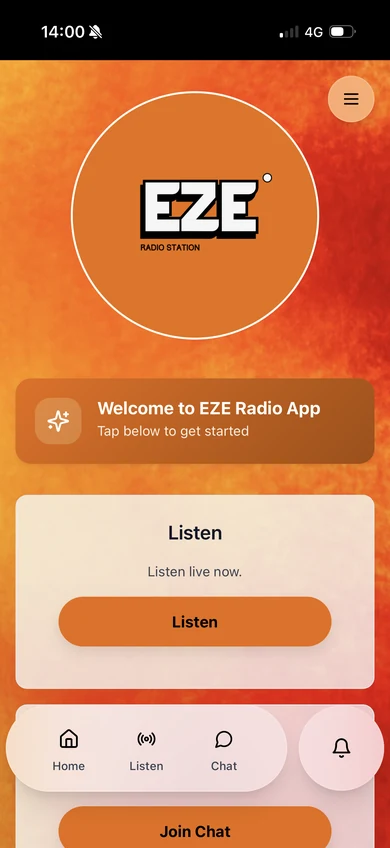
Hover to pause. Each of these was built and published by one person in under a day.
MCP questions
Which assistants work with the AppBuild MCP server?
ChatGPT, Claude (including Claude Code), Cursor and any tool that supports MCP or custom connectors, such as Windsurf and VS Code. You connect each one with your API key.
Does the assistant need access to my account password?
No. It uses an API key you create in AppBuild.diy and can revoke at any time. The key is scoped to your account or, for resellers, to your platform.
Will it invent features the platform does not have?
No. The server tells the assistant what is covered, partly covered or not covered. Anything not covered is flagged for a bespoke build and wrapper, not promised as built in.
Can I carry on editing by hand?
Yes. Everything the assistant does appears in your AppBuild.diy editor as if you had done it yourself. Switch between chat and editor whenever you like.
Does it cost extra?
No. The MCP server is part of every AppBuild.diy plan, including Free. Resellers get it as part of the $49/month white-label platform.
Can it publish to the App Store and Google Play?
It prepares the listing, checks build readiness and reports build status. Store submission itself runs through the same managed process as the editor, under your developer accounts.
Is my data safe?
The assistant only sees the data for the apps on the key you connected. Client payment details never pass through the assistant; billing runs through Stripe as normal.
Connect your assistant and build your first app
Free for up to 10 app users. No credit card. Resellers: your white-label platform connects the same way.