
AppBuild Vibes · FAQ
Your vibe-coded app can use the phone properly, and go live on both stores
Notifications, camera, subscriptions, health data, location and more. No app development, no Mac, no rewriting your project. Here's exactly what's possible, in plain English.
- No Mac and no Xcode
- No rewriting your project
- Most features need one prompt pasted into your project
- Resubmissions included
Paid plans from $299/year or $49/month per app. Unlimited app users. No AppBuild commission.
What your app can do
One simple prompt for every capability
Pick the thing you want your app to do. Everything here is already supported. Most of it needs one line pasted into your project, the rest has a step-by-step guide with prompts you can hand straight to your AI builder.
Every capability on this page is set up the same way: we hand you a ready-made prompt, you paste it into your project, and we take care of the phone side.
What your app can do on the phone
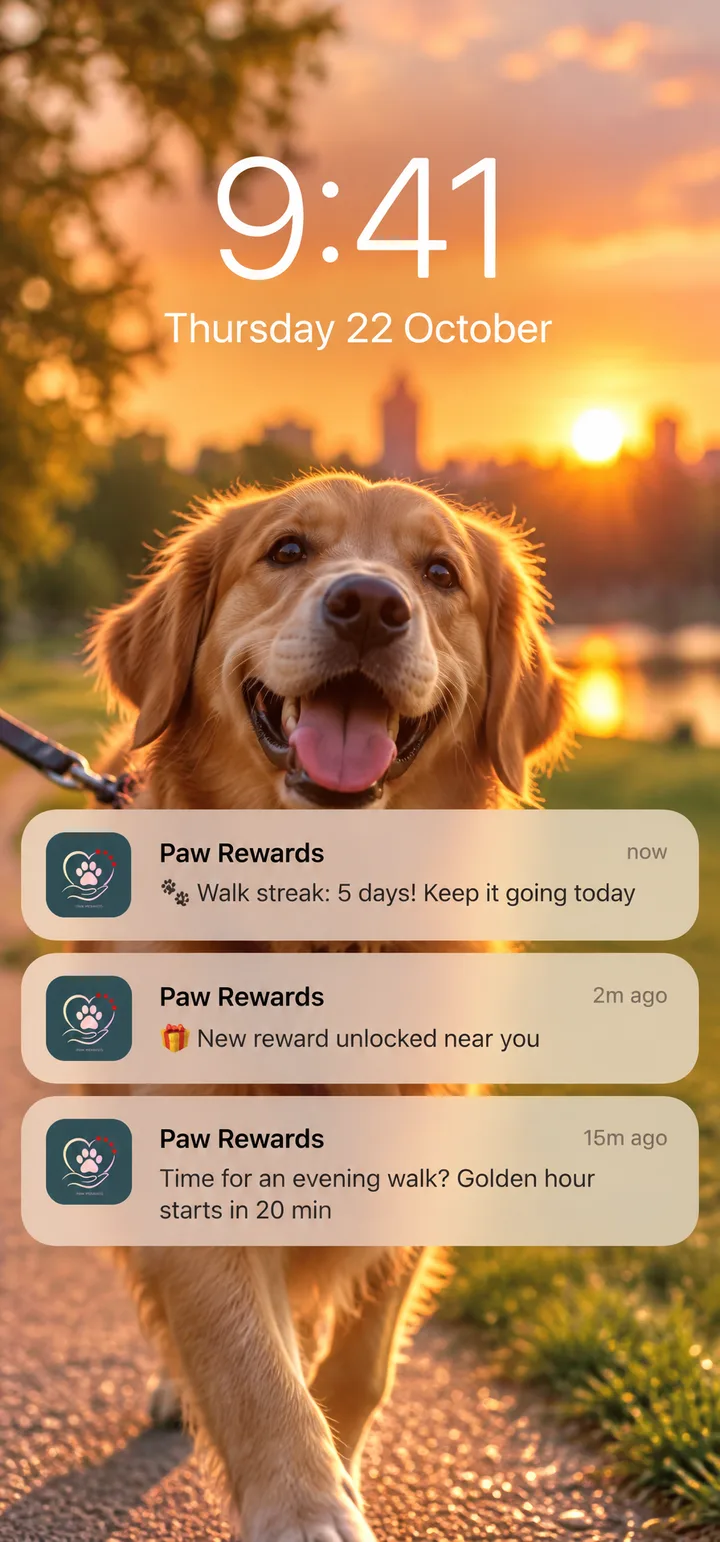
Send notifications to your users’ phones
Real push notifications on the lock screen, such as announcements, reminders and order updates, sent from your app or from your AppBuild dashboard, or scheduled on the phone itself.
Take photos and scan barcodes or QR codes
Open the real camera to snap a photo, upload from the phone’s gallery, or scan a code. No clunky browser file picker.
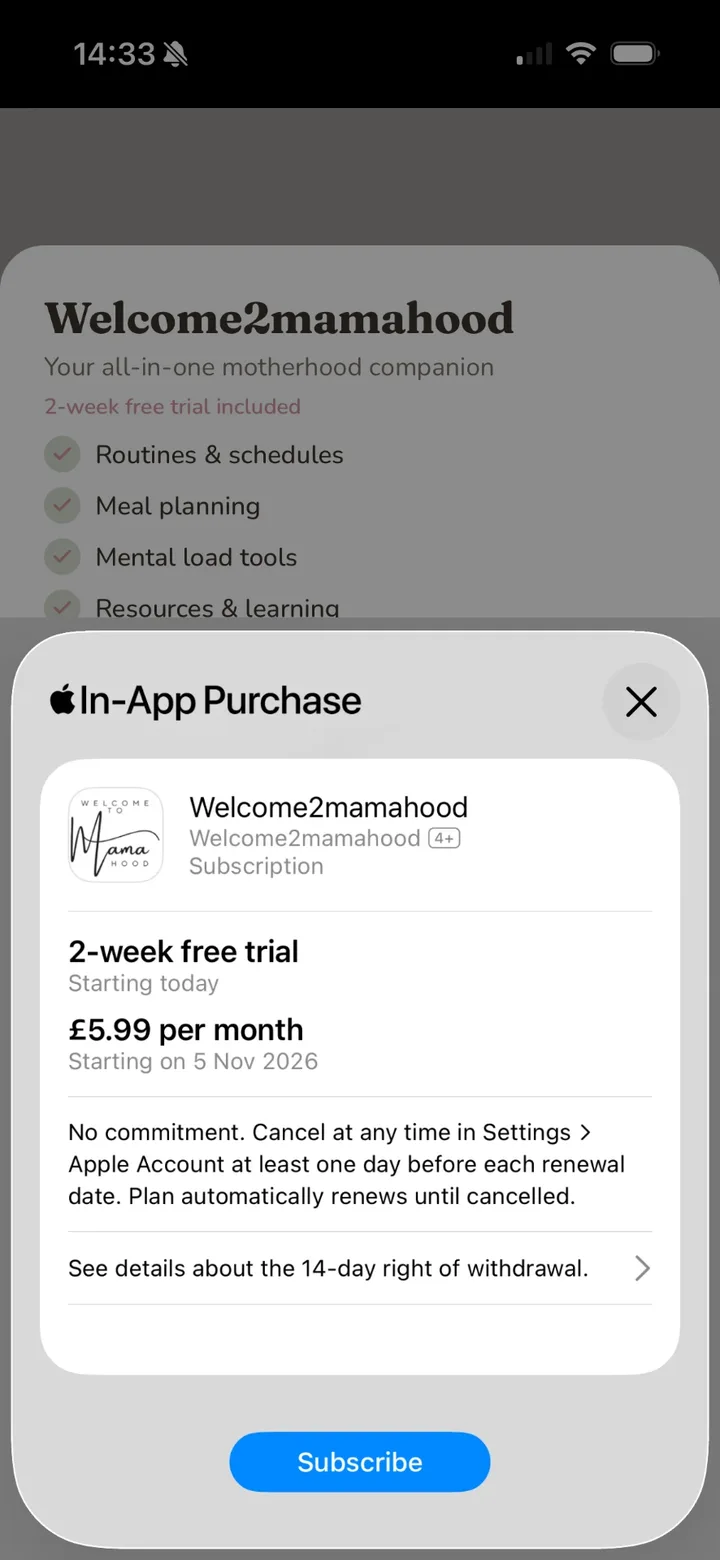
Charge for subscriptions inside the app
Sell monthly or yearly plans through Apple and Google’s own payment screens, with your paid features unlocking automatically.
Read health and fitness data
Steps, workouts, heart rate and more from Apple Health or Android’s Health Connect, with the user’s permission.
Know where the user is while they’re using the app
Show what’s nearby, drop them on a map, or work out distance. The everyday kind of location that most apps need.
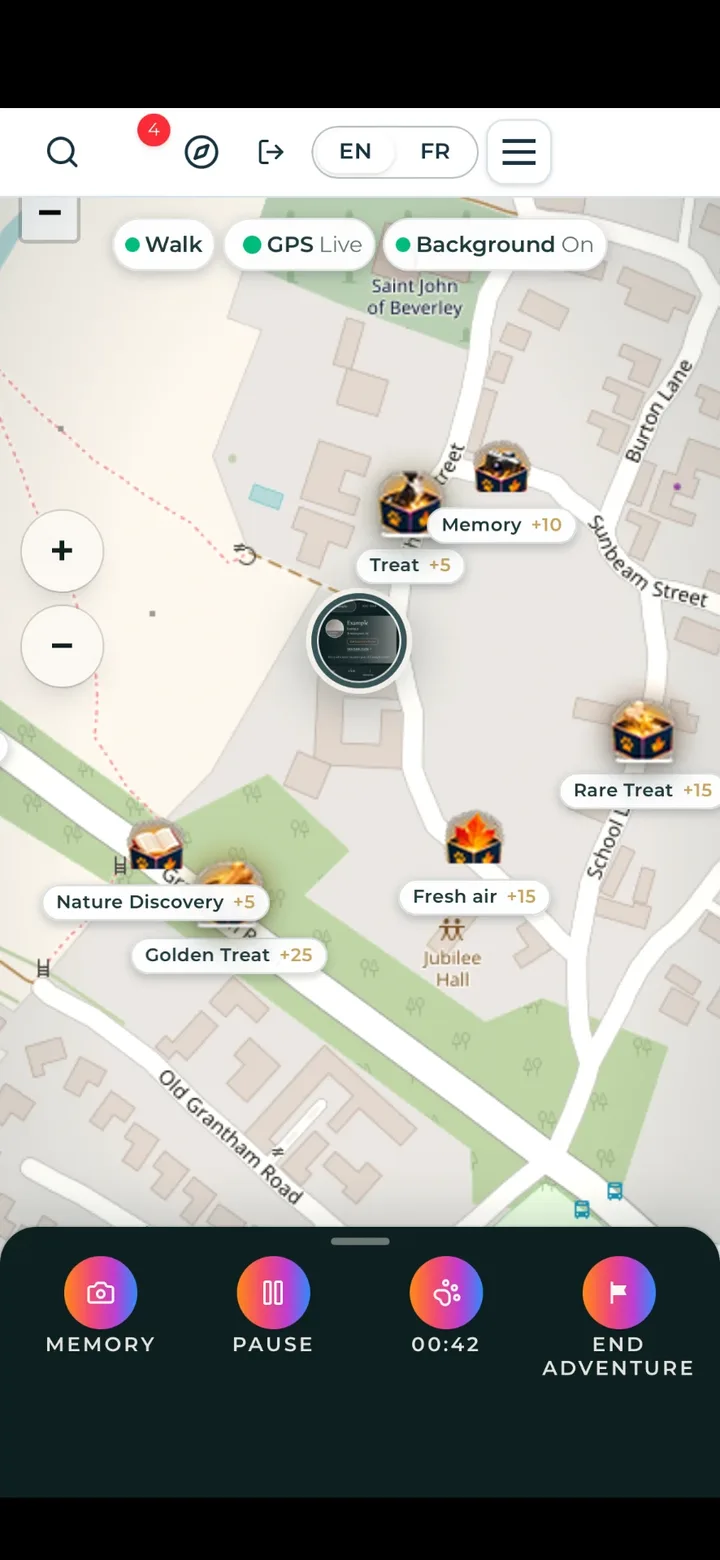
Keep tracking location in the background
Carry on recording a route or a delivery when the phone is locked or your app isn’t on screen.
Save files, share, and open other apps
Download a PDF or receipt, pop up the native share sheet, pick a file from the phone, or hand off to maps, mail and messaging.
Sign in the way phone users expect
Sign in with Apple or Google, plus Face ID or fingerprint unlock for returning users.
Play audio in the background
Podcasts, radio and courses keep playing when the screen is off, with proper lock-screen controls.
Use the phone’s hardware and sensors
Keep the screen awake, vibrate, use the torch, react to a shake, lock the orientation, or read the compass and motion sensors.
Talk to nearby devices and tags
Print receipts to a Bluetooth printer, connect to Bluetooth hardware, read NFC tags, or pick up beacons in a venue.
Fit into the rest of the phone
Add to the calendar, read contacts with permission, set alarms, use dictation, ask for an App Store review, and hide the screen in the app switcher.
Real apps, really shipped
Built in Lovable and Base44, published through AppBuild.diy
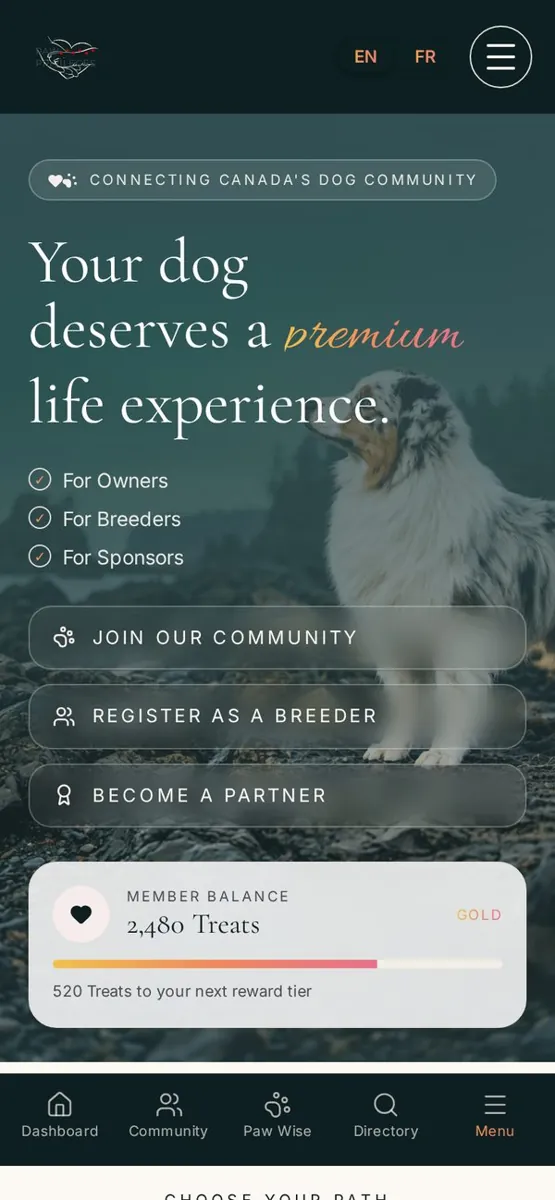
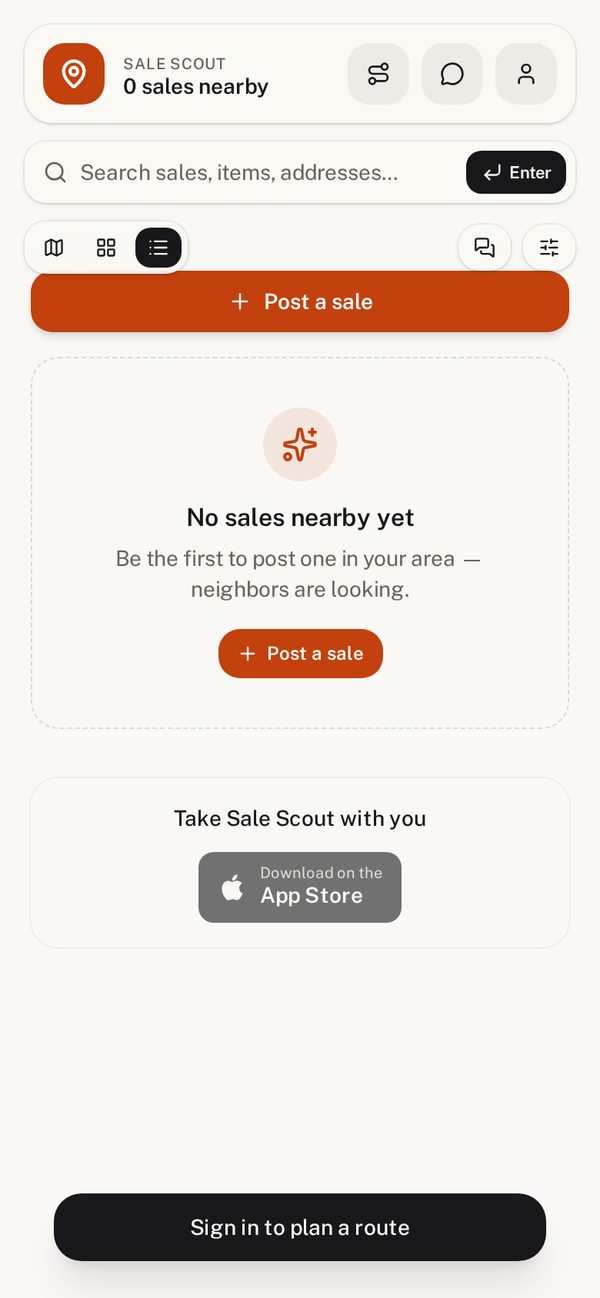
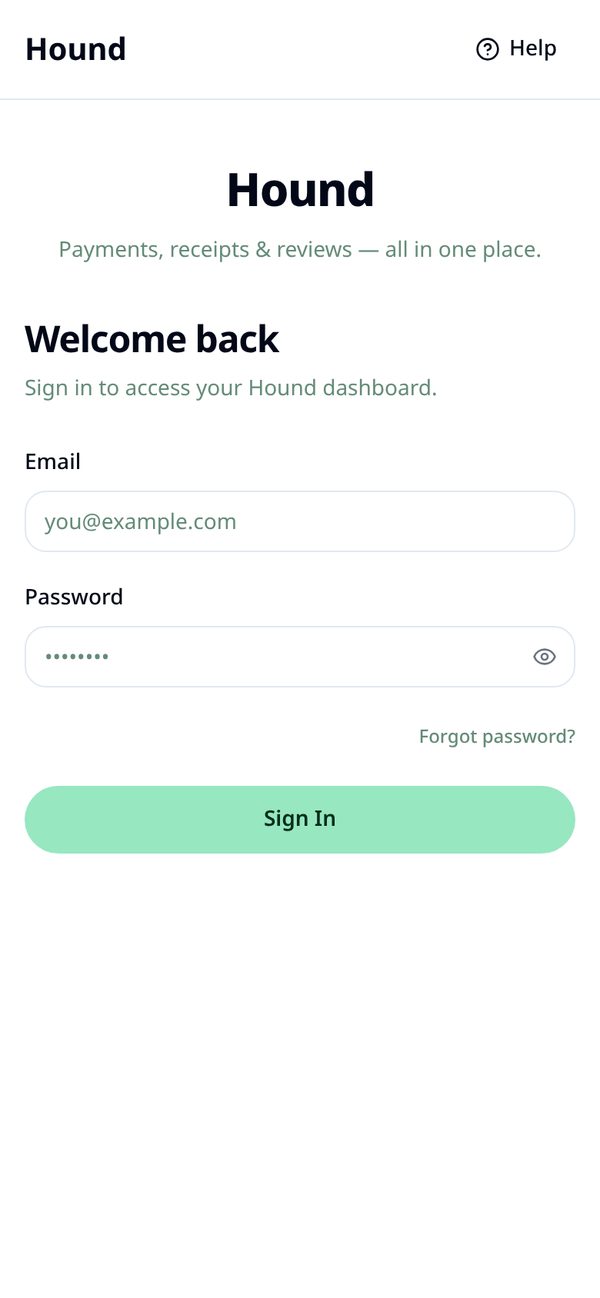
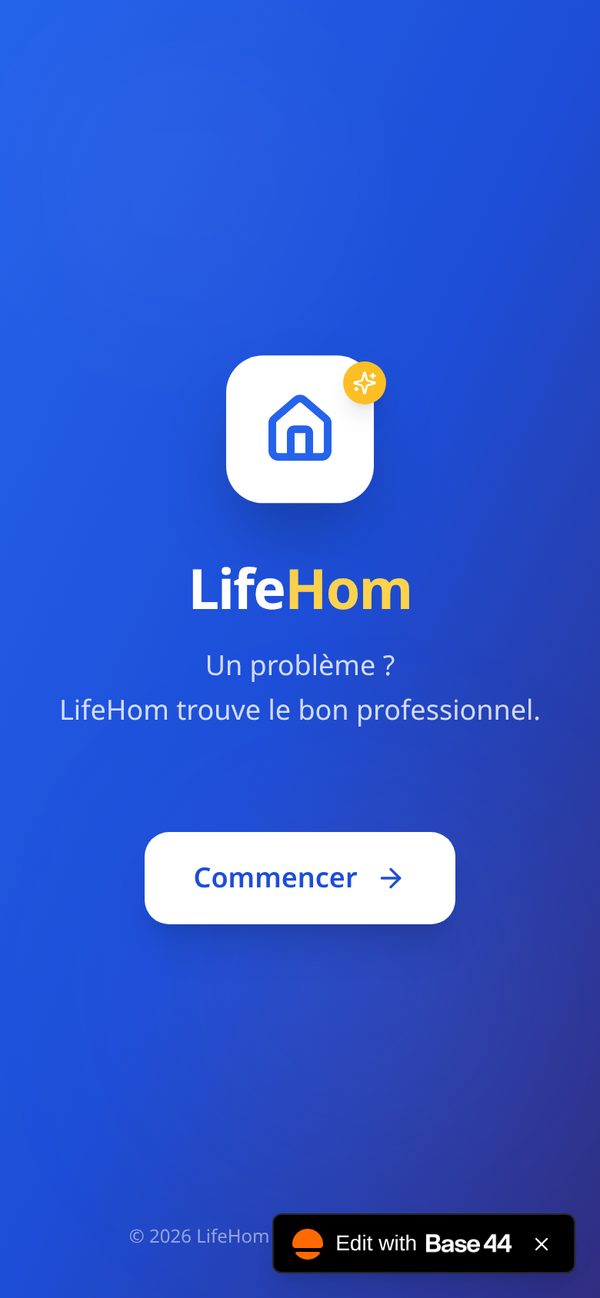
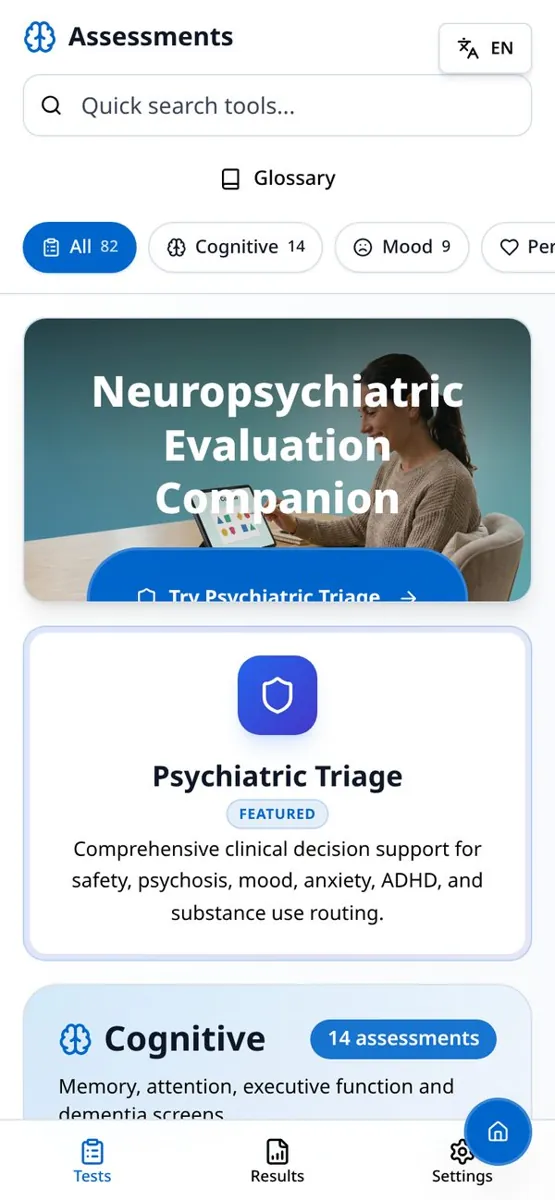
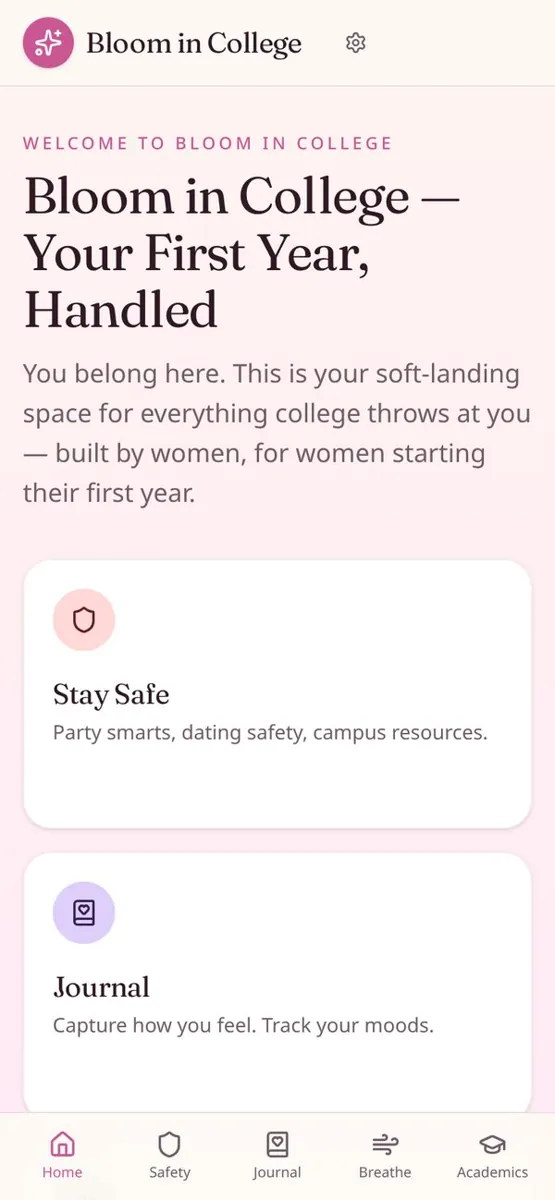
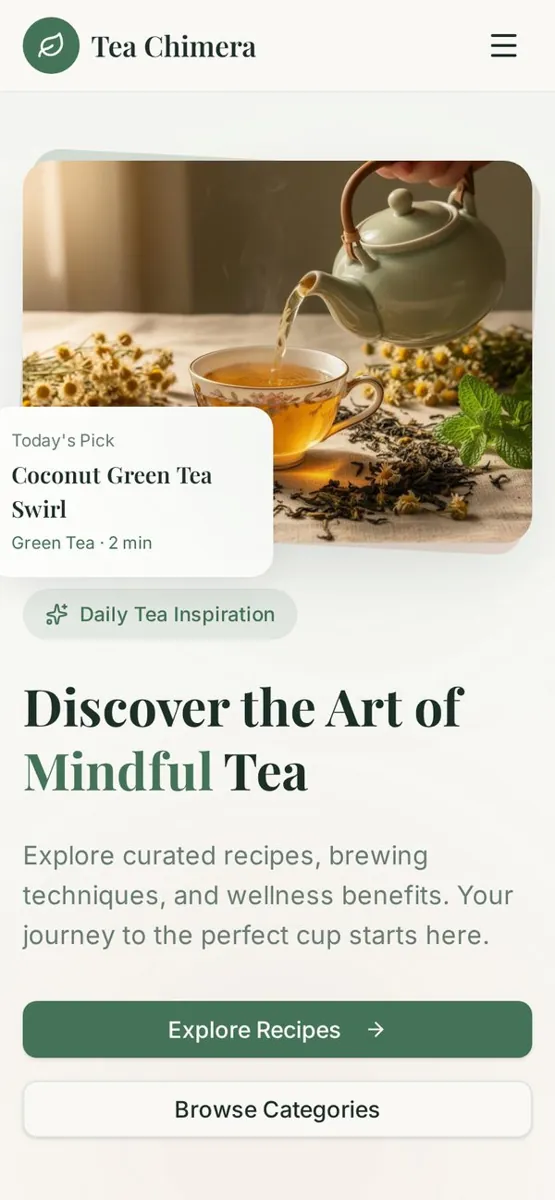
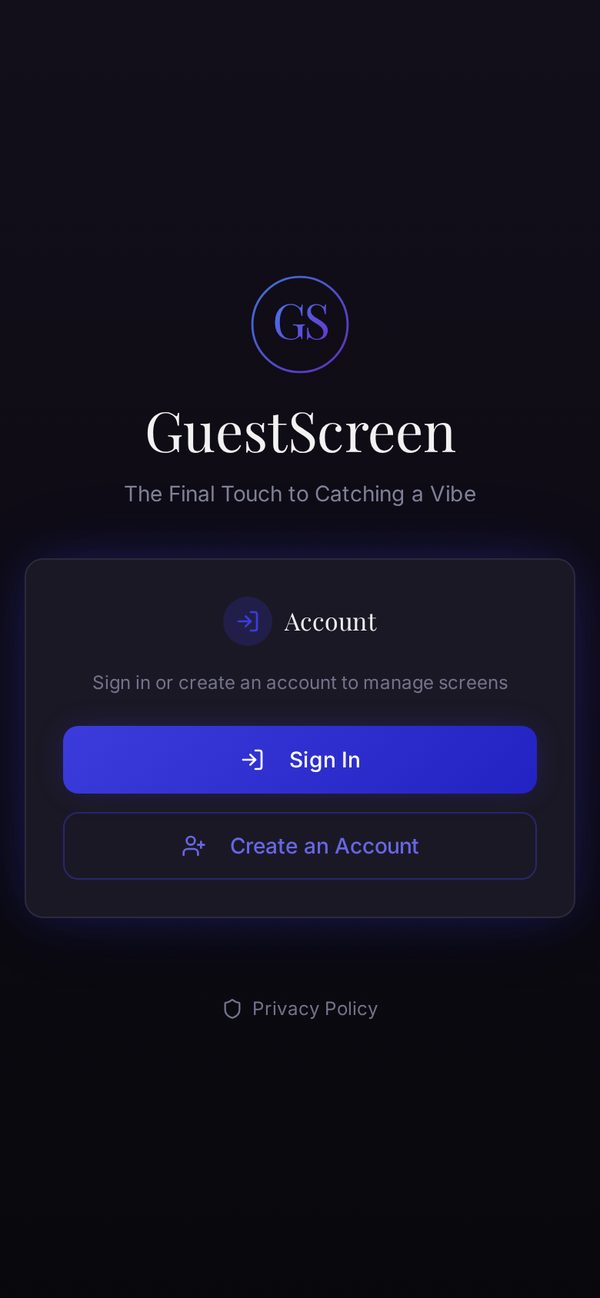
These were all built by people like you in Lovable and Base44, then published through AppBuild.diy. Have a look around.
Try them yourself
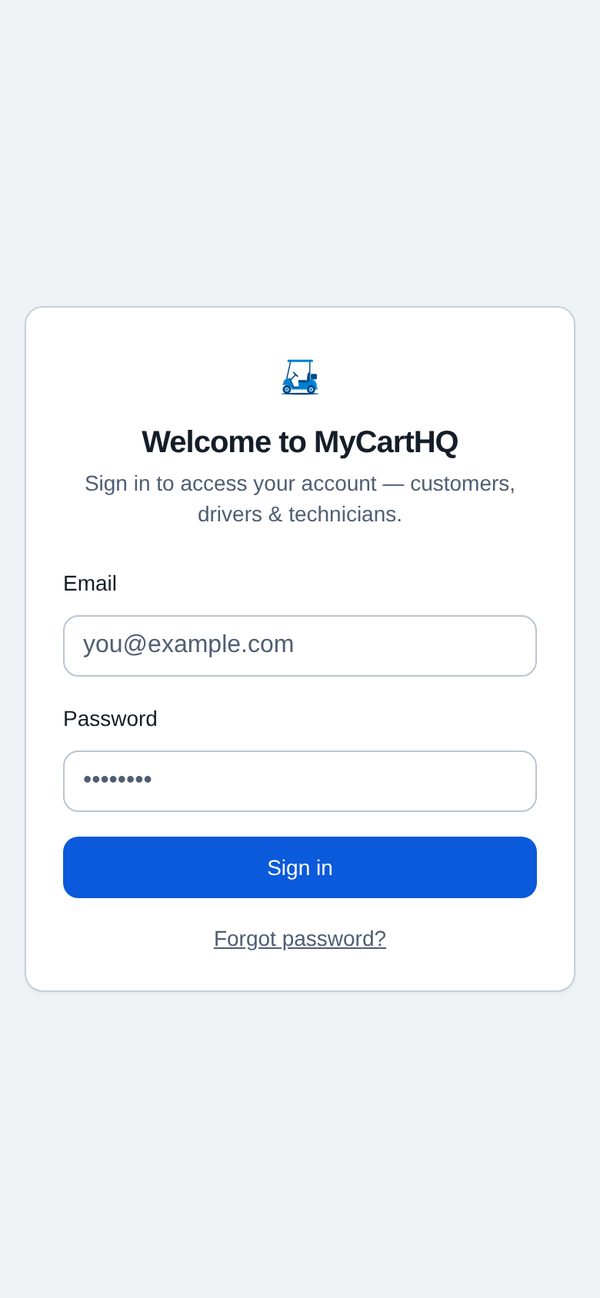
- My Cart HQ (built with Lovable): App Store · Google Play · Try the app
- Paw Privileges Rewards (built with Lovable): App Store · Google Play · Try the app
- Sale Scout (built with Lovable): App Store · Google Play · Try the app
- Hound (built with Lovable): App Store · Google Play · Try the app
- LifeHom (built with Base44): App Store · Google Play · Try the app
- PsyCog Metric (built with Lovable): App Store · Try the app
- Bloom (built with Lovable): App Store · Try the app
- Tea Chimera (built with Lovable): App Store · Google Play · Try the app
- Guest Screen (built with Lovable): App Store · Try the app
Getting started
Wrapping your project
Do I have to rewrite my app?
No. Your Lovable, Base44, Replit, Bolt, v0 or Cursor project stays exactly where it is. We wrap it in a real iOS and Android app, and it keeps updating the moment you deploy, with no resubmission needed for content or design changes. You can wrap a Lovable app or wrap a Base44 app while keeping your existing project.
Do I need a Mac, Xcode or a developer account?
No Mac and no Xcode. You do need your own Apple Developer ($99/year) and Google Play ($25 one-off) accounts: Apple’s App Review Guideline 4.2.6 asks for apps made with an app-building service to be published by the business that owns the content, under its own account. We handle the certificates, builds and uploads for you.
How long does it take to go live?
Your build is ready in minutes. Store review is the slow part and is out of anyone’s hands: usually one to three days on Apple, and often faster on Google. First-time Google Play accounts can take longer because of Google’s own verification.
What happens when I change my app after it’s live?
Deploy as normal and your users see the change immediately. You only need a new store build if you change the app icon, name, or turn on a new phone feature such as the camera or health data.
App review
Three things the stores are fussy about
We check all of these with you before you submit.
- Digital subscriptions have to be sold through Apple and Google’s own payment systems.
- Health data needs a genuine health purpose and a privacy policy.
- Background location is only approved when tracking is the point of the app.
Getting through app review
Will Apple reject my app?
Apple rejects apps that are just a website with nothing native about them, or that miss safety requirements. Before you submit we check your app for the common rejection reasons, such as sign-in rules, user-generated content safety, privacy wording and permission explanations, and tell you what to fix first.
Is there anything the stores are fussy about?
Three things worth knowing up front. Digital subscriptions have to be sold through Apple and Google’s own payment systems. Health data needs a genuine health purpose and a privacy policy; fitness, wellbeing and coaching apps pass regularly. Background location is only approved when tracking is the point of the app, such as run tracking, deliveries or field work; everyday “where am I now” location is fine in any app. We check all of this with you before you submit.
What if I get rejected anyway?
We read the rejection with you, tell you in plain English what Apple or Google actually want, make any change that is on our side, and resubmit. Resubmissions are included.
Money and ownership
Your app, your accounts, your revenue
Subscriptions run through Apple and Google’s payment systems and are paid out to your account. Your code, brand, store listing and customer relationships stay yours, and listings published under your own developer accounts sit in your name from day one.
Subscriptions, scale and ownership
Can I sell subscriptions and keep the money?
Yes. Subscriptions run through Apple and Google’s payment systems. They take their standard cut, you keep the rest, paid out to your account. We give you the setup guide and the prompts to wire the paywall into your project.
Will it handle real numbers of users?
Yes. Your app is served from the same infrastructure your web project already runs on, plus our push notification service, which sends to hundreds of thousands of devices. Nothing about the wrapper caps your growth.
Who owns the app?
You do. Your code, your brand, your store listing, your customer relationships. If you publish under your own developer accounts, the listings sit in your name from day one.
What if I need a feature that isn’t on this page?
Ask us. The list above covers what the vast majority of apps need, but the underlying platform supports far more, and we add capabilities regularly. If something genuinely isn’t possible we’ll tell you before you pay.
Pricing
One app. Unlimited users. Choose how much help you want.
Both options include managed native builds and store publishing. The difference is how much of the integration we do for you.
Guided setup
Use our wizard and integration prompts to connect your project, with technical support when you need it. AppBuild handles native builds and store publishing.
$299/year
Billed annually · equivalent to $24.92/month · saves $289 vs monthly
$49/month
Billed monthly · or $299/year billed annually
- Step-by-step integration prompts for your AI tool
- Help from our team when you get stuck
Included in both
- Unlimited app users and usage
- One app across iOS and Android
- Native plugin maintenance and updates
- Native testing builds (TestFlight and Google testing)
- Managed store submission
- Unlimited resubmissions
- Technical support
- 90-day Go Live Guarantee
We do it for you
Our team handles SDK integration, supported native plugin configuration, project preparation and core-flow testing.
$599/year
Billed annually · equivalent to $49.92/month · saves $589 vs monthly
$99/month
Billed monthly · or $599/year billed annually
- Expert initial integration and testing
- Continuing hands-on help adding future supported plugins
Included in both
- Unlimited app users and usage
- One app across iOS and Android
- Native plugin maintenance and updates
- Native testing builds (TestFlight and Google testing)
- Managed store submission
- Unlimited resubmissions
- Technical support
- 90-day Go Live Guarantee
Each subscription covers one app. Publishing multiple apps requires a subscription for each app.
No AppBuild purchase commission or separate standard setup charge. Developer accounts, store commissions and any RevenueCat or other third-party charges are paid separately. Bespoke development is quoted separately if requested.
More on vibe coding
Publishing guides for every tool
Vibe coding hub
How publishing an AI-built app works, pricing and the guarantee.
Choose Your Perfect Publishing Path
How to publish a Lovable, Base44, Bolt or Replit project to the App Store, Google Play…
Get Your Base44 App on the App Store
Turn your Base44 project into a branded native mobile app for iOS and Android. Push notifications,…
Give your SaaS Push Notifications without rebuilding
Turn your SaaS web app into branded iOS and Android apps with push notifications and store…
Launch Your Vibe Coded App on the App Store
Wrap your Lovable web app in a branded native iOS and Android app — push notifications,…
Wrap My App
Wrap your website or web app as native iOS and Android apps with push notifications and…
Your app is built. Take the next step towards the stores.
Try your project on your phone, then choose guided setup or let AppBuild handle the integration.
I'm on Lovable · I'm on Base44 · Which publishing route fits?