
AppBuild Vibes · Publishing
Choose your perfect publishing path
Built your app with Lovable, Base44, Bolt, or another AI builder? Let's find the best way to get it into your users' hands.
- PWA: live instantly, keep your own payment processor
- App stores: store search and native Apple and Google payment sheets
- Start with a PWA and add the stores later
Store publishing needs your own Apple Developer ($99/year) and Google Play ($25 one-off) accounts.
Quick quiz
What's right for your app?
The first question decides most of it: does your app include subscriptions or in-app purchases?
- Yes, recurring subscriptions are core to my business. Read how app store subscriptions work below before you choose.
- One-time purchases only.
- My app is completely free.
Then compare the two paths side by side.
Understanding your options
PWA or app stores, side by side
Both paths have their benefits.
| Feature | PWA | App stores |
|---|---|---|
| Revenue you keep | 100% (excludes third-party payment processor fees) | 67-70% (30-33% platform fee) |
| Time to launch | Instant | 1-7 days review |
| Payment processor | Your choice (Stripe, PayPal, etc.) | Native Apple and Google sheets, with in-app subscriptions handled by the wrapper |
| Discoverability | Direct links and QR | Store search |
| Push notifications | Yes (iOS 16.4+) | Yes |
| Home screen install | Yes | Yes |
| Developer account fees | $0 | $99-124+/year |
Subscriptions
How app store subscriptions work
If your app includes subscriptions, here's what you need to know about publishing to app stores.
Platform fees apply
Apple and Google charge 30% of subscription revenue (15% for small businesses under certain programs).
Business developer account required
Personal developer accounts can't process subscriptions, so you'll need a registered business.
Must use Apple and Google payment sheets
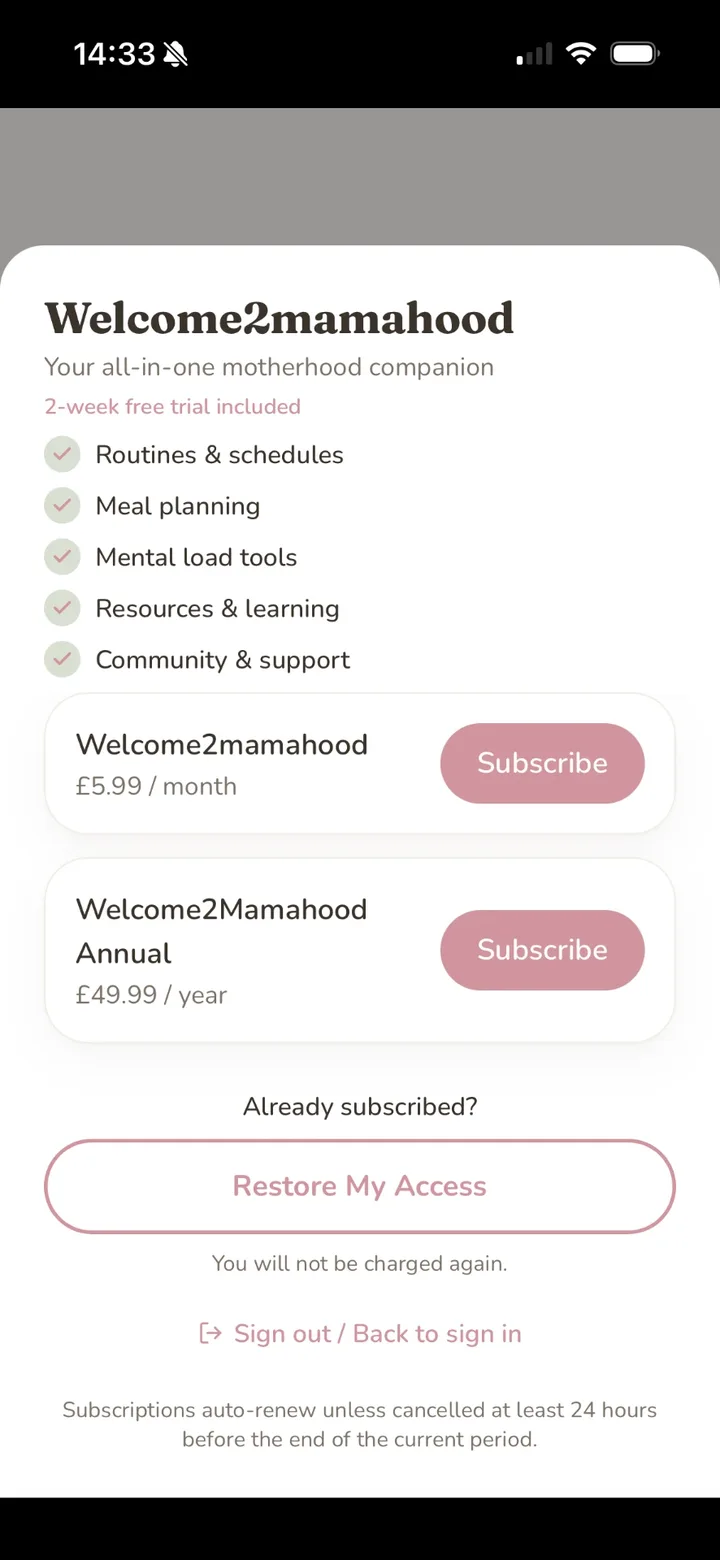
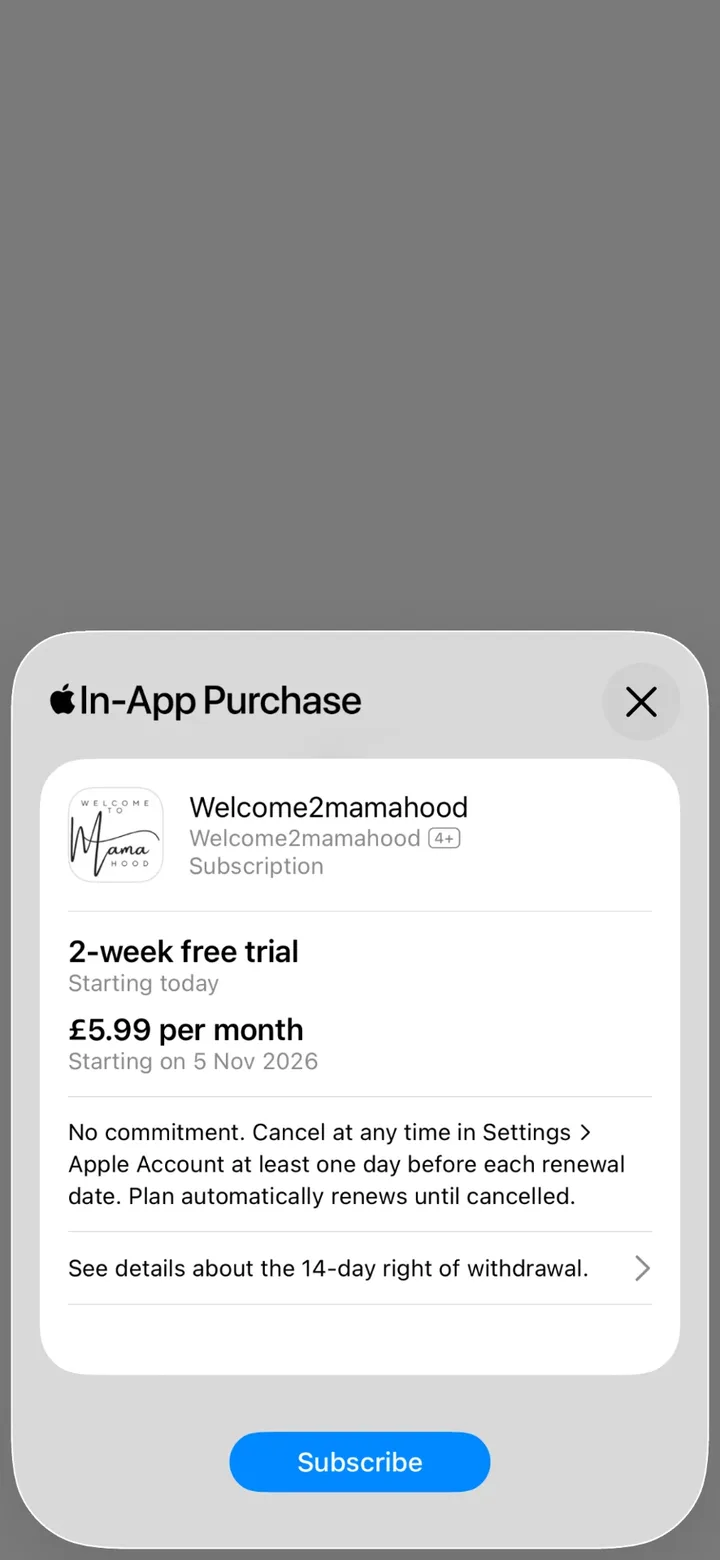
For in-app subscriptions, store policy requires the native Apple and Google sheets, so Stripe in-app isn't allowed. Our wrapper plugs these in for you, so you don't have to write any native code. Stripe stays for your web and PWA build.
You need your own developer account
Subscription revenue goes to the account owner, so the app must be on your account, not ours.
See the difference
Revenue comparison
100 monthly subscribers at $10 a month.
| App store subscriptions | PWA with Stripe | |
|---|---|---|
| Monthly subscribers | 100 | 100 |
| Price per month | $10 | $10 |
| Gross revenue | $1,000 | $1,000 |
| Fee | Apple/Google (30%): -$300 | Stripe (~2.9%): -$29 |
| You keep | $700/mo | $971/mo |
That's $3,252 more per year with a PWA and Stripe.
Developer accounts
What you'll need if you choose app stores
| Account | Cost | Subscriptions and in-app purchases | Requires |
|---|---|---|---|
| Apple personal | $99/year | No | |
| Apple organisation | $99/year | Yes | D-U-N-S number, registered business |
| Google Play personal | $25 one-time | No | |
| Google Play organisation | $25 one-time | Yes | Registered business, identity verification |
Prepare your project first
Before preparing your store accounts, follow the Lovable to App Store steps for a Lovable project, or the Base44 to App Store steps if you built with Base44.
Lovable to App StoreWhat makes a PWA different?
A website on your phone isn't the same as a real app experience
Your Lovable or Base44 URL alone
- No install prompt
- No push notifications
- Shows browser UI
- No app icon on home screen
Our PWA package adds
- Web App Manifest for installation
- Push notification infrastructure
- Fullscreen app experience
- Proper app icons for all devices
When to choose each
Both options have their sweet spot
A PWA is great when
- You want to launch quickly
- Subscriptions are your business model
- You share your app via direct links or QR
- You don't have a registered business yet
App stores are great when
- Users expect to find you by searching stores
- Your app is free or has one-time purchases
- You already have a business developer account
- Brand credibility in stores matters to your audience
Pricing
One app. Unlimited users. Choose how much help you want.
Both options include managed native builds and store publishing. The difference is how much of the integration we do for you.
Guided setup
Use our wizard and integration prompts to connect your project, with technical support when you need it. AppBuild handles native builds and store publishing.
$299/year
Billed annually · equivalent to $24.92/month · saves $289 vs monthly
$49/month
Billed monthly · or $299/year billed annually
- Step-by-step integration prompts for your AI tool
- Help from our team when you get stuck
Included in both
- Unlimited app users and usage
- One app across iOS and Android
- Native plugin maintenance and updates
- Native testing builds (TestFlight and Google testing)
- Managed store submission
- Unlimited resubmissions
- Technical support
- 90-day Go Live Guarantee
We do it for you
Our team handles SDK integration, supported native plugin configuration, project preparation and core-flow testing.
$599/year
Billed annually · equivalent to $49.92/month · saves $589 vs monthly
$99/month
Billed monthly · or $599/year billed annually
- Expert initial integration and testing
- Continuing hands-on help adding future supported plugins
Included in both
- Unlimited app users and usage
- One app across iOS and Android
- Native plugin maintenance and updates
- Native testing builds (TestFlight and Google testing)
- Managed store submission
- Unlimited resubmissions
- Technical support
- 90-day Go Live Guarantee
Each subscription covers one app. Publishing multiple apps requires a subscription for each app.
No AppBuild purchase commission or separate standard setup charge. Developer accounts, store commissions and any RevenueCat or other third-party charges are paid separately. Bespoke development is quoted separately if requested.
Publishing questions
Can I start with PWA and add app stores later?
Yes. Many successful apps start with a PWA to launch quickly and validate their idea, then add app store presence once they've proven their concept. It's a great way to reduce risk.
Do PWAs work on iPhone?
Yes. iPhones can install PWAs to the home screen via Safari. Push notifications are supported on iOS 16.4 and later (released March 2023). Most iPhone users now have a compatible version.
Can I use Stripe if I publish to app stores?
For in-app subscriptions and digital goods, store policy requires the native Apple and Google payment sheets, so Stripe isn't allowed inside the app. The wrapper plugs those sheets in for you (powered under the hood by our RevenueCat integration), so you don't have to write any native code. Stripe stays exactly as it is for your web build and PWA, and for physical goods or services consumed outside the app you can still use Stripe, though the rules are strict and enforced.
Do I have to give up 30% if I publish to the stores?
Apple and Google take 15 to 30% on in-app subscriptions, and we take 0% on top of that. Your web and PWA build still runs your existing Stripe checkout with no store fee, so most teams keep both: Stripe for web and PWA, native sheets for the store builds. Subscription status is shared back into your web app so the same gated UI works everywhere.
What's a Business Developer account?
A business or organisation developer account requires you to have a legally registered business. For Apple, you need a D-U-N-S number (free to obtain but takes time). For Google, you need business registration documents and may need identity verification. Personal accounts cannot process in-app subscriptions.
Why can't you submit my app to your developer account?
When an app has subscriptions, the revenue goes directly to whoever owns the developer account. If we submitted your app under our account, all subscription money would come to us instead of you, which wouldn't work. Apple's App Review Guideline 4.2.6 also asks for apps made with an app-building service to be submitted by the business that owns the content, under its own account. So every app is published under your own Apple and Google accounts, and we handle the certificates, builds and uploads.
What's the difference between a website and a PWA?
A PWA (Progressive Web App) includes special files and code that enable app-like features: a manifest file for installation, push notification infrastructure, and proper icons for all devices. Your Lovable or Base44 project doesn't include these by default. We add them when you publish through our platform.
How long does app store review take?
Apple review usually takes one to three days, and Google is often faster. Reviews can take longer if there are issues, and apps can be rejected for various policy reasons. PWAs bypass this entirely and go live instantly.
Can I start with PWA and add app stores later?
Absolutely! Many successful apps start with PWA to launch quickly and validate their idea, then add app store presence once they've proven their concept. It's a great way to reduce risk.
Do I have to give up 30% if I publish to the stores?
Apple and Google take 15–30% on in-app subscriptions — we take 0% on top of that. Your web and PWA build still runs your existing Stripe checkout with no store fee, so most teams keep both: Stripe for web/PWA, native sheets for the store builds. Subscription status is shared back into your web app so the same gated UI works everywhere.
What's a Business Developer account?
A Business/Organization developer account requires you to have a legally registered business. For Apple, you need a D-U-N-S number (free to obtain but takes time). For Google, you need business registration documents and may need identity verification. Personal accounts cannot process in-app subscriptions.
Why can't you submit my app to your developer account?
Great question! When an app has subscriptions, the revenue goes directly to whoever owns the developer account. If we submitted your app under our account, all subscription money would come to us instead of you — which obviously wouldn't work. Apple's App Review Guideline 4.2.6 also asks for apps made with an app-building service to be submitted by the business that owns the content, under its own account. So every app is published under your own Apple and Google accounts, and we handle the certificates, builds and uploads.
More on vibe coding
Publishing guides for every tool
Vibe coding hub
How publishing an AI-built app works, pricing and the guarantee.
Get Your Base44 App on the App Store
Turn your Base44 project into a branded native mobile app for iOS and Android. Push notifications,…
Give your SaaS Push Notifications without rebuilding
Turn your SaaS web app into branded iOS and Android apps with push notifications and store…
Launch Your Vibe Coded App on the App Store
Wrap your Lovable web app in a branded native iOS and Android app — push notifications,…
Wrap My App
Wrap your website or web app as native iOS and Android apps with push notifications and…
Your vibe-coded app can use the phone properly — and go live on both stores
Plain-English answers for vibe coders: which phone features your Lovable or Base44 app can use, how…
Pick your path and get your app into users' hands
Launch as a PWA today, or let AppBuild handle native builds and App Store and Google Play submission.