Features / Calendar & Scheduling
Class Booking
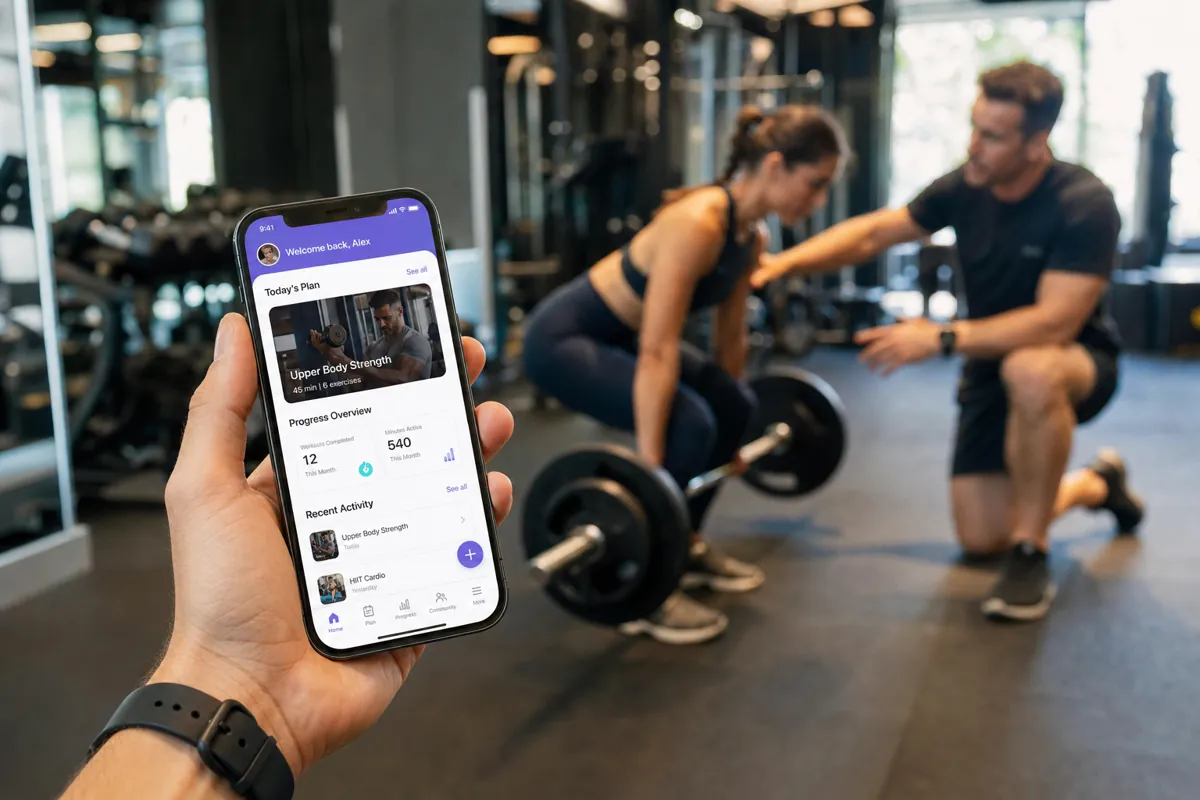
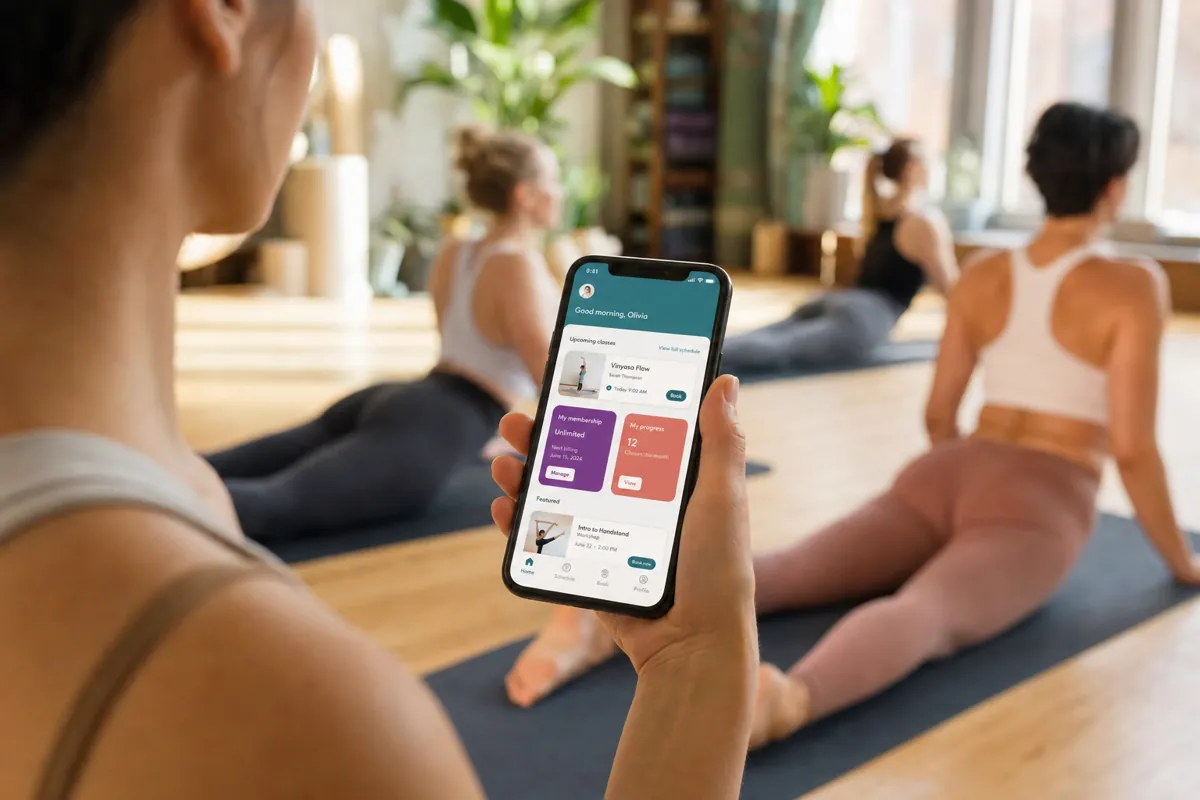
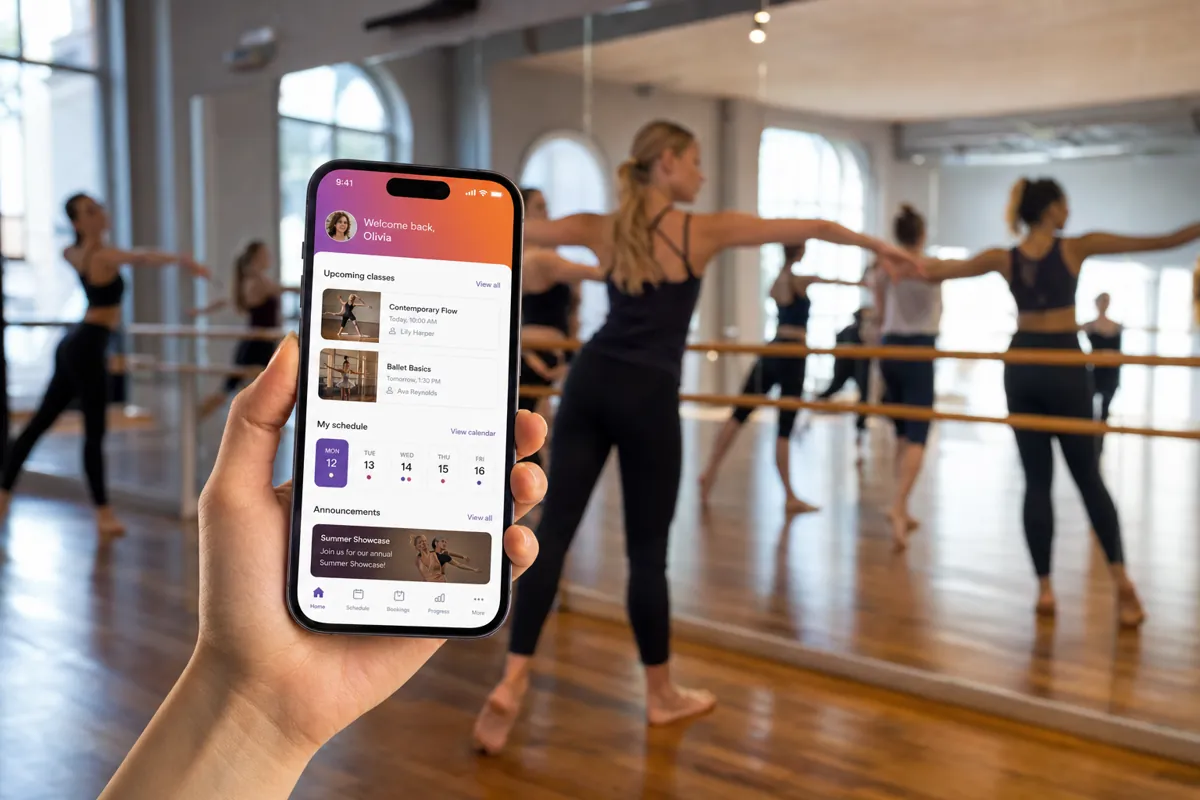
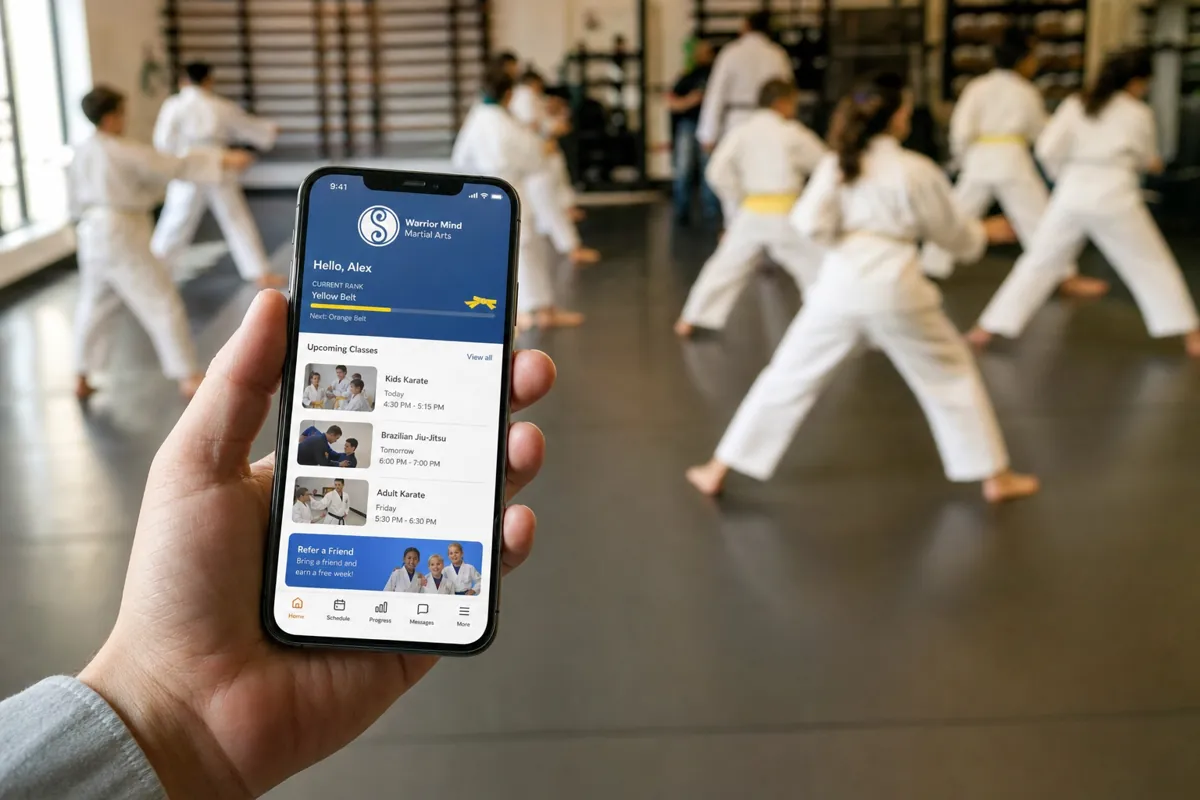
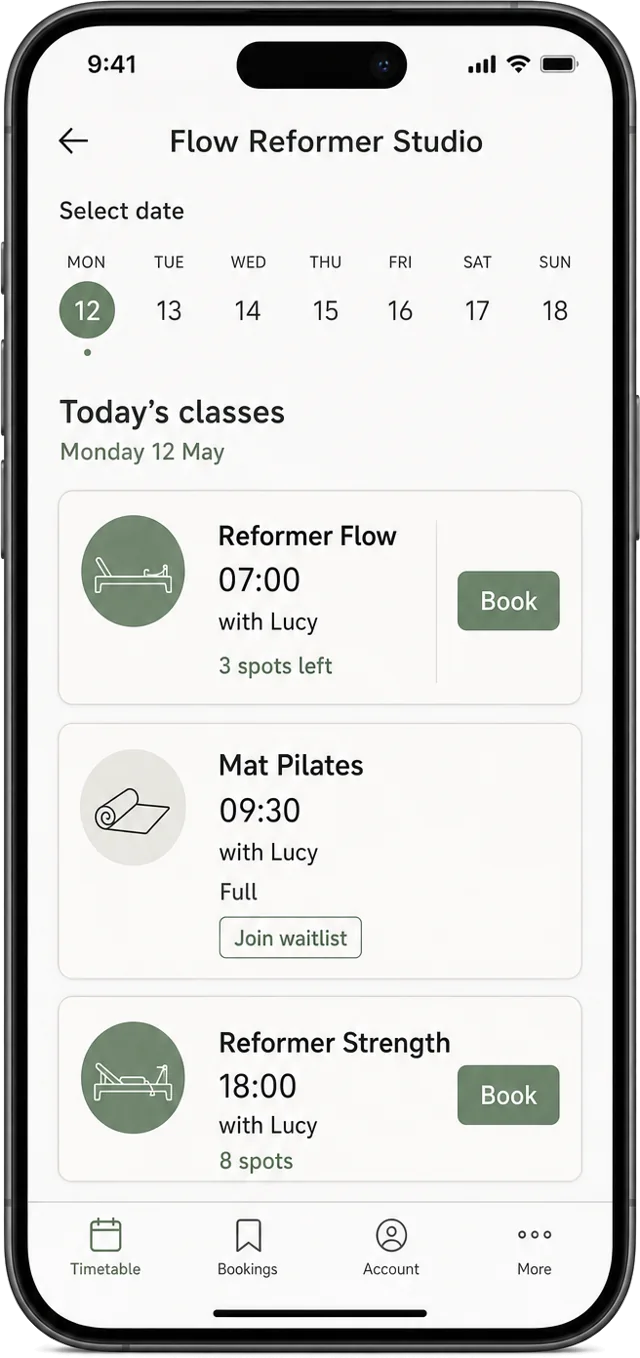
A timetable members actually use. Classes with capacity and instructors, booking from the app, waitlists when a class is full, and push notifications for changes. Built for gyms, studios and clubs.
- Classes with day, time, length, capacity and instructor
- Waitlist with automatic notification when a place frees up
- Members see what they have booked in one place
Included on every plan, including Free. No credit card required.
Class Booking: the quick answer
- What it is
- Group classes with capacity, instructors, timetables and waitlists. Members book from the app and get a push notification when a spot opens.
- Cost
- Included on every AppBuild.diy plan, including Free for up to 10 app users. Business is $49/month for up to 1,000 users and Business Pro is $99/month for unlimited users.
- Works on
- Your app on the App Store, Google Play and as an installable web app, from one setup.
- Setup
- Add it in the AppBuild.diy editor and fill in your details. No code.
- Popular with
- Gym, Yoga studio, Dance studio, Martial arts academy
What class booking does for your business
Full classes, fewer messages, and a timetable that updates itself.
Fill classes
Members see how many spots are left, which nudges the booking.
Fill cancellations
When someone drops out, the waitlist gets a push notification and the spot goes.
Stop the admin
Capacity, instructors and times live in the editor, not in a group chat.
How it works
Set it up once in the AppBuild.diy editor. Your customers get it in the app the same day.
You set it up
- Add Class BookingOpen Pages, tap Add Page or Function and choose Class Booking.
- Build the timetableClass name, day, start time, length, capacity, instructor and description.
- Set prices or membershipsAttach prices, or link classes to a membership tier through Stripe.
- Manage attendanceSee bookings and check members in from Data Manager.
Your customers see
- Open the timetableToday and the week ahead, with spots left.
- Book or join the waitlistOne tap either way.
- Get notifiedPush notification if a spot opens or a class changes.
- Turn upTheir bookings are listed under My Bookings.
Full step-by-step guide with screenshots: AppBuild.diy user guide →
Who uses it
Gyms, yoga and Pilates studios, martial arts, dance schools, sports clubs and swim schools.
Included on every plan
- Free for up to 10 app users, then $49/month for up to 1,000
- Works in the web app (PWA), on iOS and on Android
- 0% commission on paid plans
- Unlimited push notifications to go with it
- Switch it on or off from the editor at any time
Works well with
Membership Fees
Monthly, yearly or one-off membership tiers paid through Stripe, renewing automatically. For gyms, clubs and communities, with no platform commission.
Workout Videos
Guided workouts with video, instructions and timers, organised into programs. Sell them behind a membership through Stripe, with no platform cut.
Push Notifications
Unlimited push notifications on every plan, including Free, at $0 per message. The lock-screen channel that email and social cannot match.
Class Booking questions
Can members pay per class?
Yes, through Stripe. Or sell a membership and let members book classes included in it.
Is there a waitlist?
Yes. When a class is full members can join the waitlist and are notified when a place opens.
Can instructors see who has booked?
Yes, from Data Manager, with check-in on the day.
What is Class Booking in AppBuild.diy?
Group classes with capacity, instructors, timetables and waitlists. Members book from the app and get a push notification when a spot opens.
Does Class Booking work on iPhone and Android?
Yes. It works in your app on the App Store and Google Play, and in the installable web app, from the same setup.
Do I need to code to add Class Booking?
No. You add Class Booking in the AppBuild.diy editor and fill in your details. Most businesses are live in 5 to 15 minutes.
Which businesses use Class Booking?
It is popular with Gym, Yoga studio, Dance studio, Martial arts academy, among others.