Features / Commerce & Ordering
Online Shop
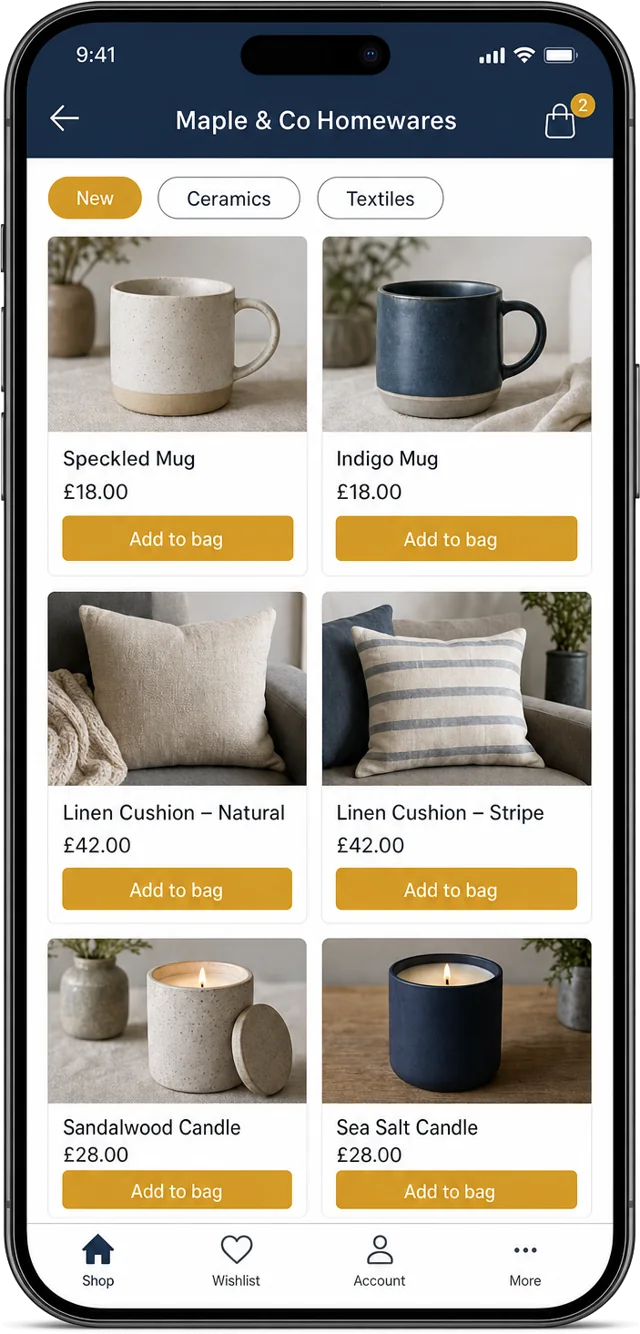
A shop inside your app, managed from the Data Manager. Products with options and stock levels, collections for browsing, card and wallet payments through Stripe, and an order history for your customers.
- Products with variants, options and stock
- Collections and search
- Stripe checkout with Apple Pay and Google Pay, 0% commission on paid plans
Included on every plan, including Free. No credit card required.
Online Shop: the quick answer
- What it is
- Sell your own products in your app with options, stock and collections, paid through your own Stripe account. No marketplace, no commission on paid plans.
- Cost
- Included on every AppBuild.diy plan. The Free plan takes 5% of each paid order; Business ($49/month) and Business Pro ($99/month) take 0% AppBuild commission.
- Works on
- Your app on the App Store, Google Play and as an installable web app, from one setup.
- Setup
- Add it in the AppBuild.diy editor and fill in your details. No code.
- Popular with
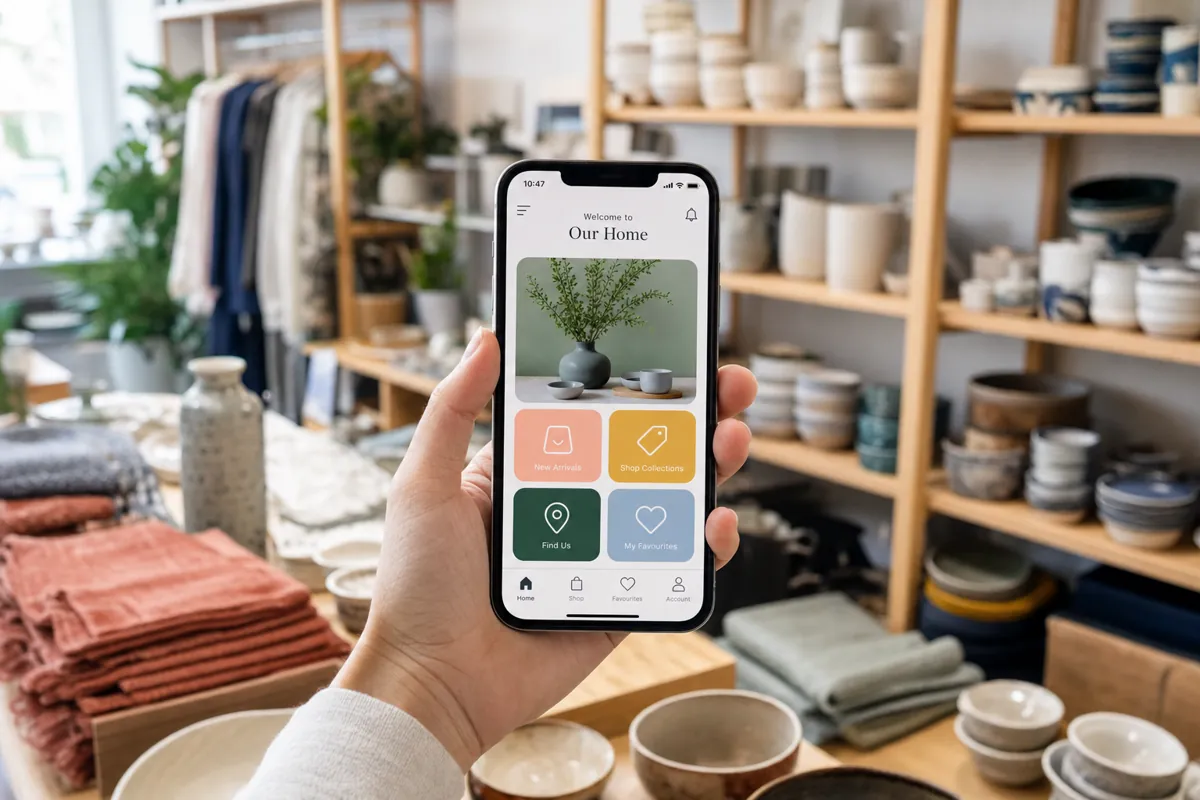
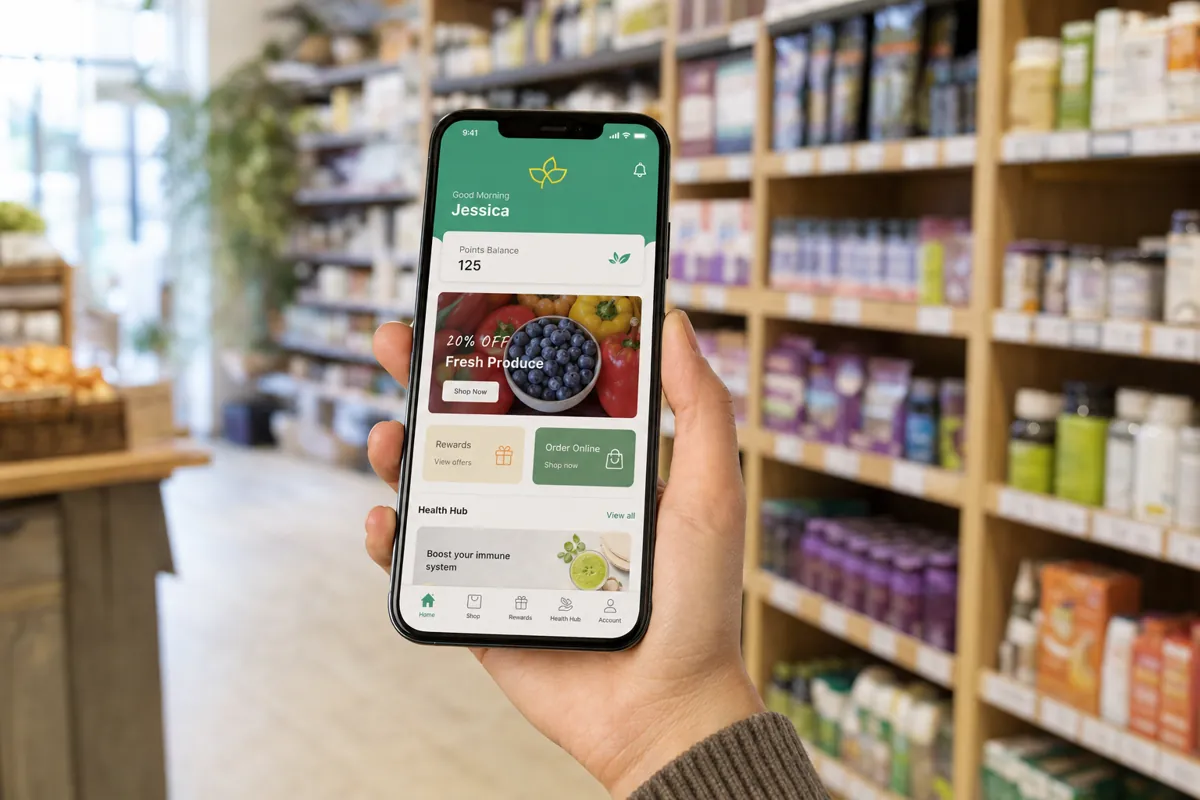
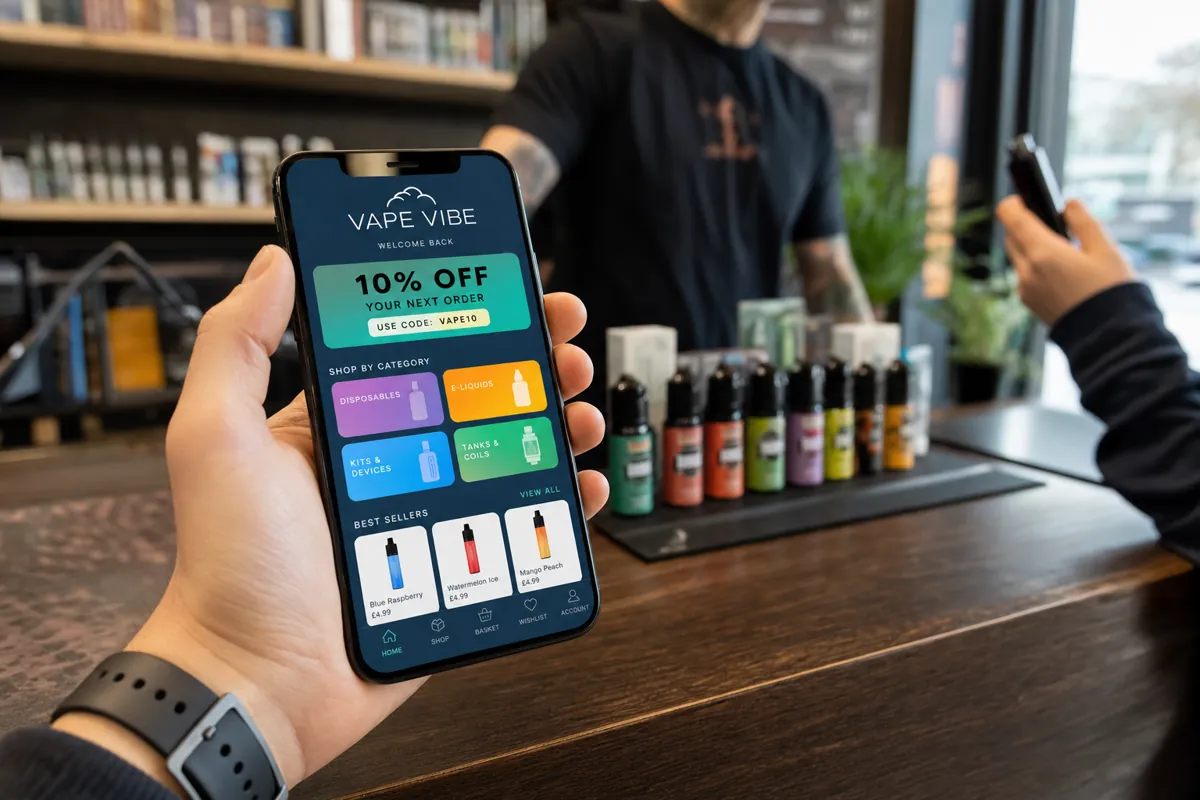
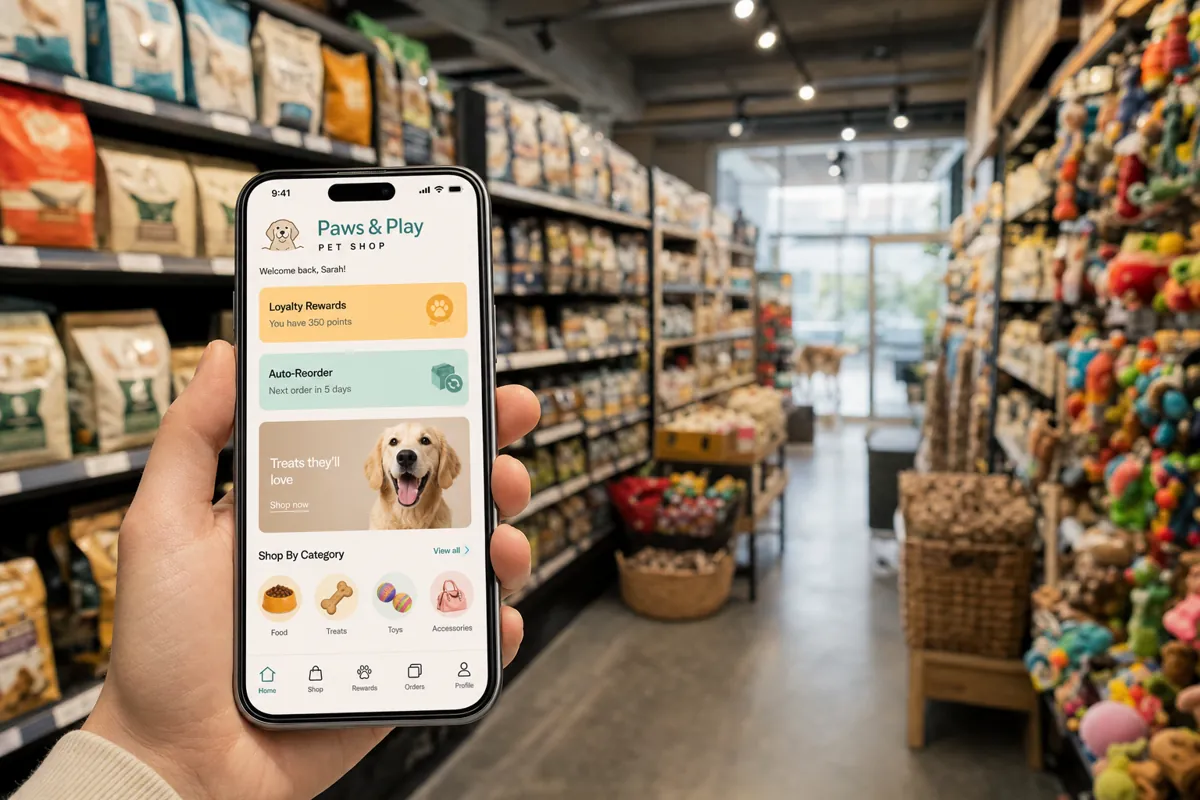
- Online shop, Health food shop, Vape shop, Pet shop
What an online shop does for your business
Sell to the people who already have your app, without a marketplace between you.
Sell direct
Your product, your price, your customer record. No listing fees and no commission on paid plans.
Launch to your regulars
Pair a new product with a push notification and a coupon.
Keep stock honest
Stock levels stop you selling what you do not have.
How it works
Set it up once in the AppBuild.diy editor. Your customers get it in the app the same day.
You set it up
- Add Online ShopOpen Pages, tap Add Page or Function and choose Online Shop.
- Add products in the Online Shop editorPhotos, descriptions, prices, options and stock.
- Connect StripePayments go straight to your Stripe account.
- Manage ordersOrders appear in Data Manager with status, tracking and downloads for digital items.
Your customers see
- BrowseCollections and search, product cards with photos and prices.
- Choose optionsSize, colour or any variant you set.
- PayCard, Apple Pay or Google Pay.
- TrackMy Orders shows status and tracking.
Full step-by-step guide with screenshots: AppBuild.diy user guide →
Who uses it
Independent retailers, makers, clubs selling kit, and venues selling merchandise.
Included on every plan
- Free for up to 10 app users, then $49/month for up to 1,000
- Works in the web app (PWA), on iOS and on Android
- 0% commission on paid plans
- Unlimited push notifications to go with it
- Switch it on or off from the editor at any time
Works well with
Shopify Store
Show and sell products from your existing Shopify store inside your app. Native Shopify checkout, synced products and orders, and push notifications Shopify Email cannot match.
Gift Vouchers
Sell digital gift vouchers through Stripe, each with a unique code and a scannable QR code. Redeemed in store or against a booking.
Loyalty Points
Points per visit or per pound spent, redeemed at a threshold you set. The right loyalty model for retailers and venues where spend varies.
Online Shop questions
Do I need a Shopify store?
No. Online Shop is AppBuild's own shop. If you already sell on Shopify, use the Shopify Store feature instead.
Are there transaction fees?
0% commission on paid plans. Stripe's own card processing fee applies.
Can I sell digital products?
Yes. Downloads are delivered through the customer's order history.
What is Online Shop in AppBuild.diy?
Sell your own products in your app with options, stock and collections, paid through your own Stripe account. No marketplace, no commission on paid plans.
Does Online Shop work on iPhone and Android?
Yes. It works in your app on the App Store and Google Play, and in the installable web app, from the same setup.
Do I need to code to add Online Shop?
No. You add Online Shop in the AppBuild.diy editor and fill in your details. Most businesses are live in 5 to 15 minutes.
Which businesses use Online Shop?
It is popular with Online shop, Health food shop, Vape shop, Pet shop, among others.