
Integrations · Works with Stripe
Sell, subscribe, and get paid in your own branded app
Plug your Stripe account into a mobile app your customers actually keep on their home screen — payments, subscriptions, and instant push receipts included.
- Take payments in-app
- Recurring revenue
- PCI-secure by default
Free for up to 10 app users. No credit card required.


Stripe integration: the quick answer
- What it is
- Accept Stripe payments inside your branded mobile app — subscriptions, one-off payments, and seamless checkout for iOS, Android and the web.
- Cost
- Included on every AppBuild.diy plan, including Free for up to 10 app users. Business is $49/month for up to 1,000 users and Business Pro is $99/month for unlimited users.
- Works on
- Your app on the App Store, Google Play and as an installable web app, from one setup.
- Setup
- Connect your existing Stripe account in the AppBuild.diy editor. No code.
- Popular with
- Church, Creator, Sports club, Online shop
Why connect Stripe to your app?
Get more value from Stripe by bringing it into a branded mobile experience your customers actually open.
Take payments in-app
Sell products, services, memberships and tips with your existing Stripe account.
Recurring revenue
Subscriptions and renewals handled by Stripe — surfaced in a slick mobile experience.
PCI-secure by default
Card details never touch your servers. Stripe handles compliance, you handle growth.
How it works
Connect Stripe in minutes — no code, no developers.
- 1
Create your app
Pick a template, drop in your branding, and choose what you want to sell.
- 2
Connect Stripe
Sign in with your Stripe account in one click — no API keys to copy.
- 3
Publish & get paid
Publish to App Store, Google Play, or as a PWA. Payouts land in your Stripe balance.
Push notifications
Free push notifications, included forever
Every app you build comes with unlimited push notifications, straight to the lock screen. No per-message fees.
- Instant
- Lock screen
- Unlimited
- Every plan
- $0
- Per message
Stripe integration questions
Do I need a new Stripe account?
No. Connect the Stripe account you already use — your products, customers and payouts stay exactly where they are.
What payment methods are supported?
Cards, Apple Pay, Google Pay, and any other method enabled on your Stripe account.
Are there extra fees?
We don't take a cut of your transactions. You only pay your standard Stripe processing fees.
What does the Stripe integration do?
Accept Stripe payments inside your branded mobile app — subscriptions, one-off payments, and seamless checkout for iOS, Android and the web.
Does Stripe integration work on iPhone and Android?
Yes. It works in your app on the App Store and Google Play, and in the installable web app, from the same setup.
Do I need a developer to connect Stripe?
No. You connect your Stripe account in the AppBuild.diy editor. Most businesses are live in 5 to 15 minutes.
Built on AppBuild.diy
Real apps, live on real businesses
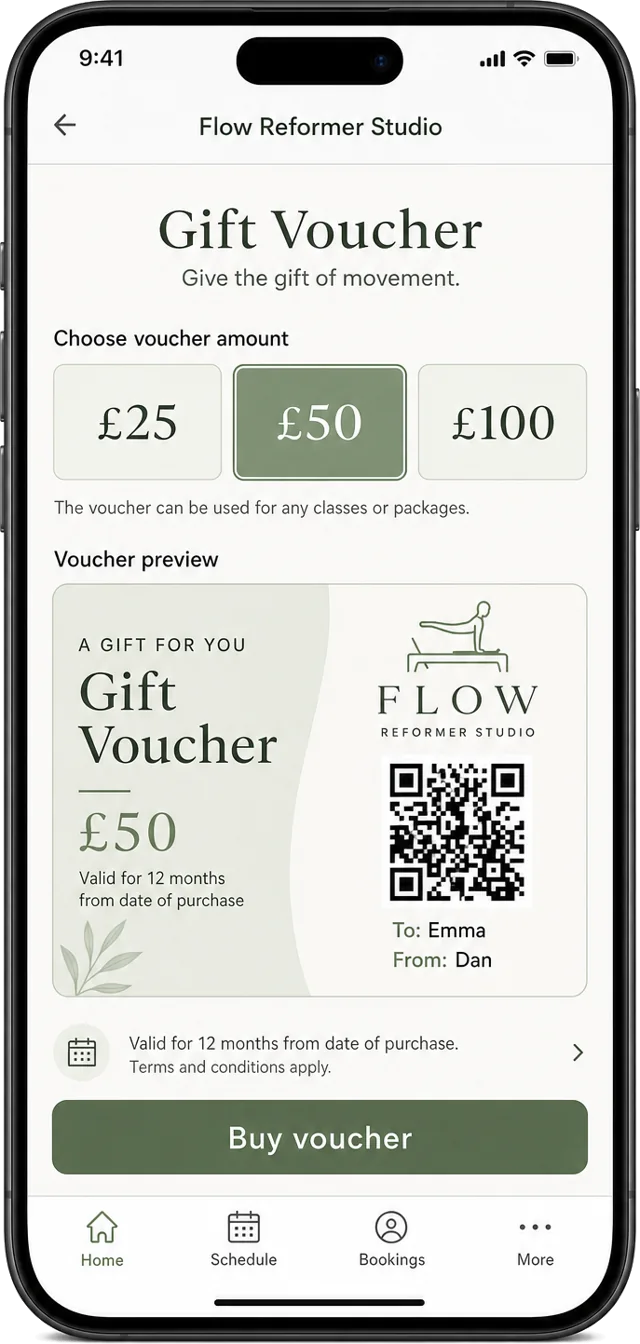
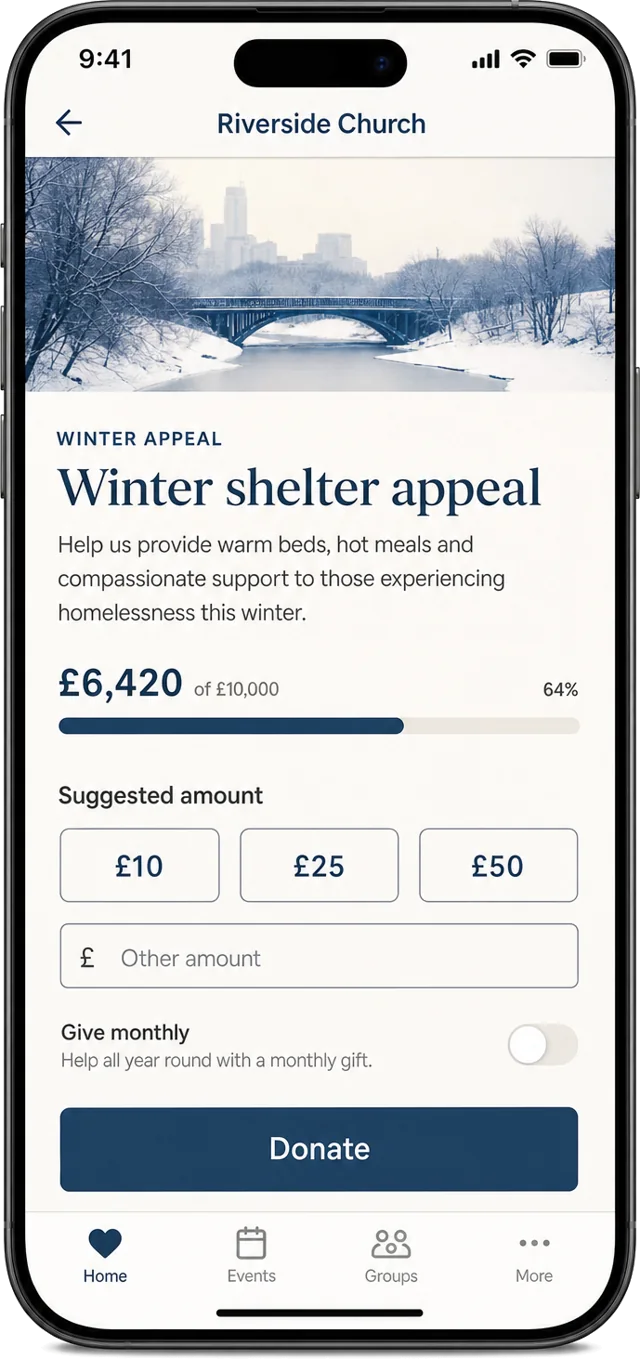
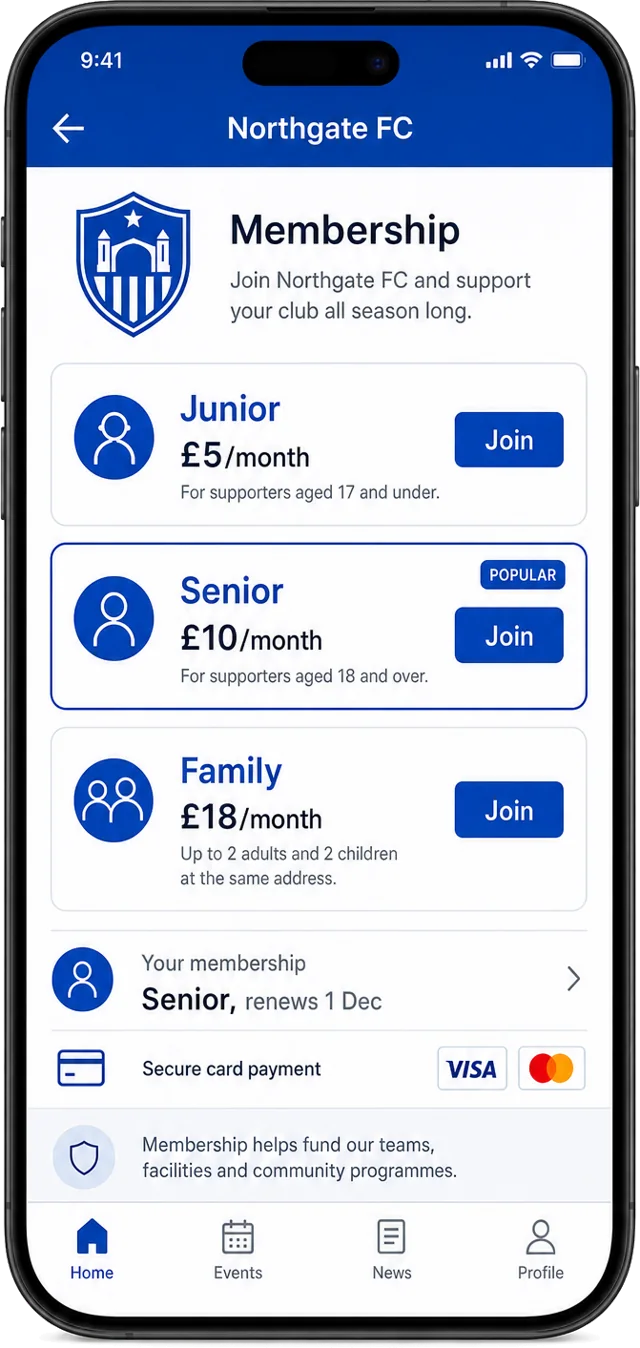
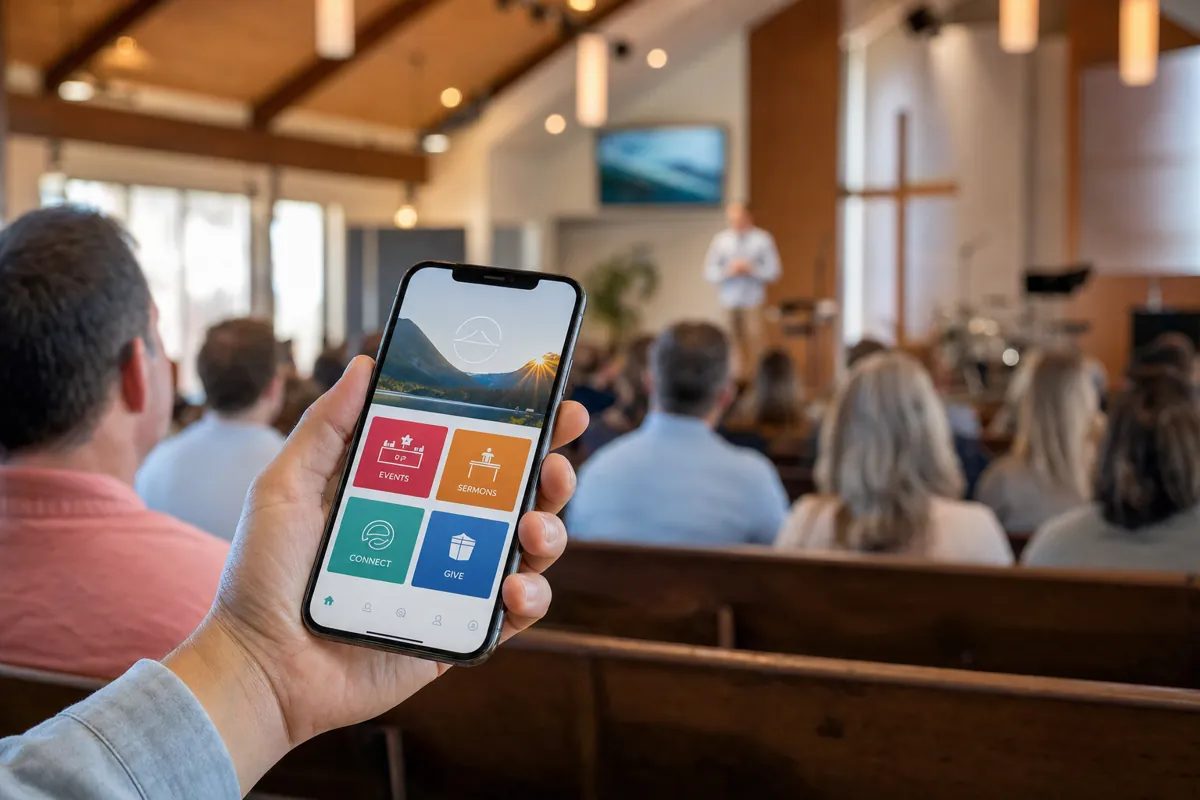
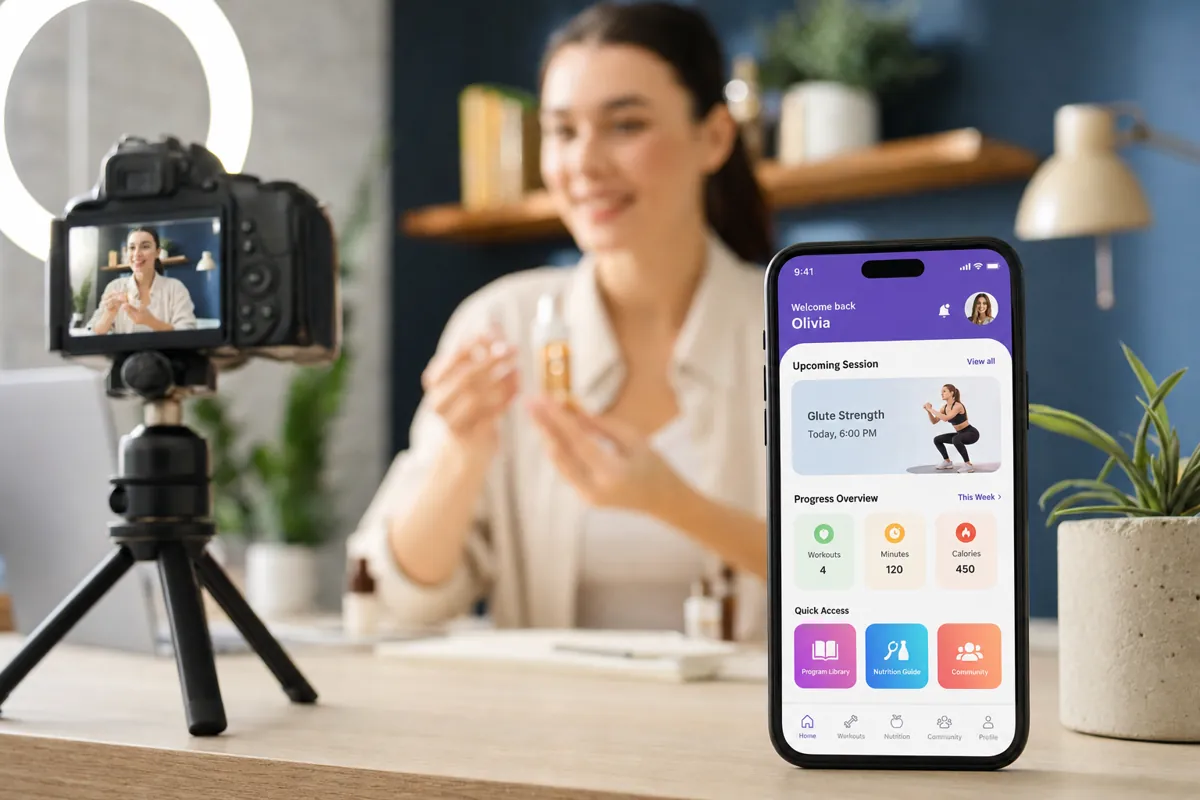
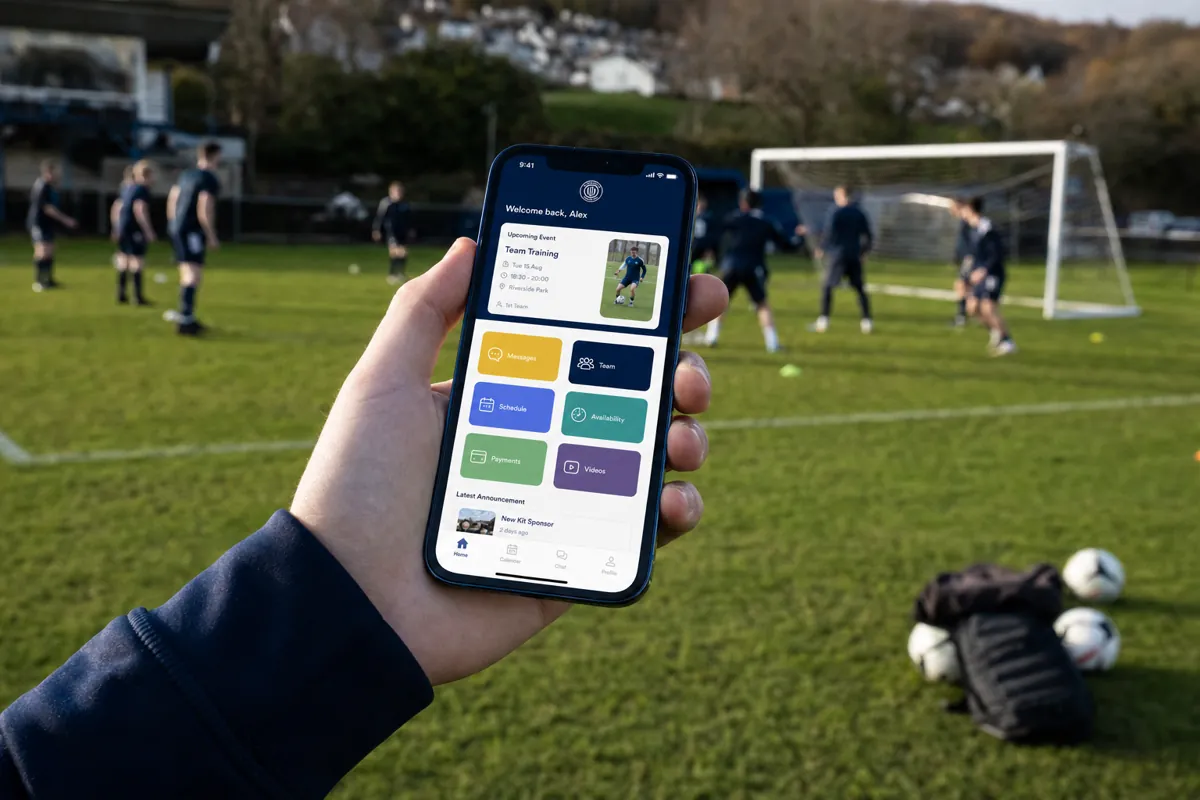
Your Stripe app will sit alongside these in the App Store, Google Play and on the web.
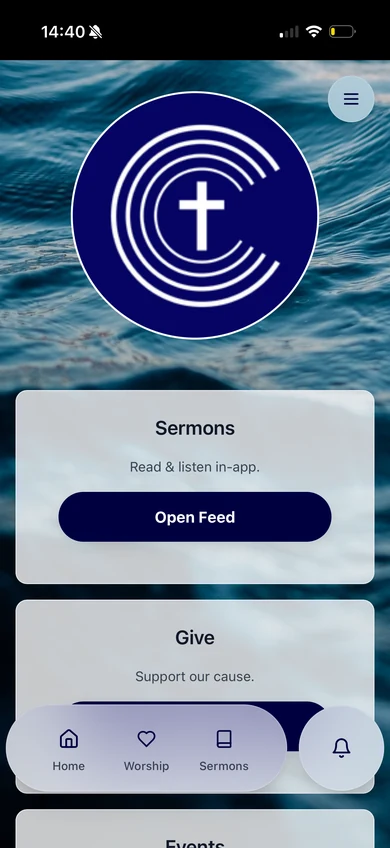
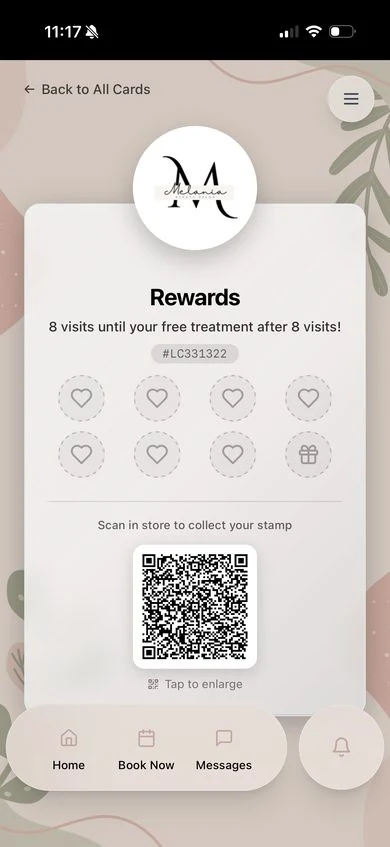
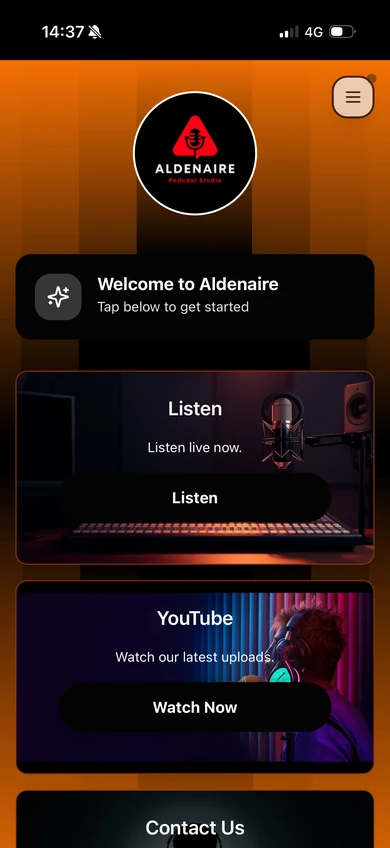
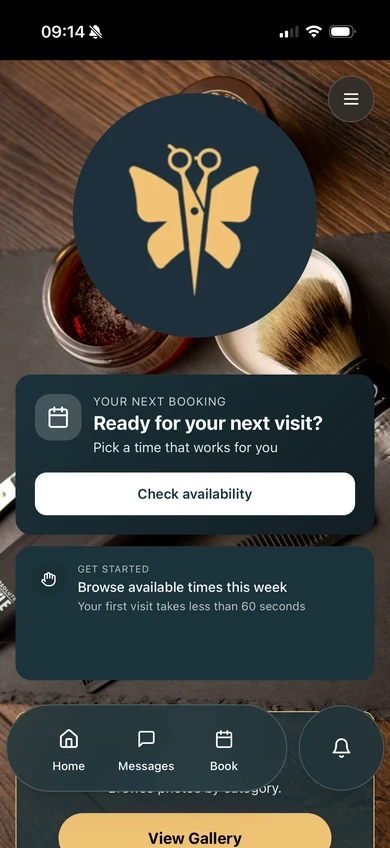
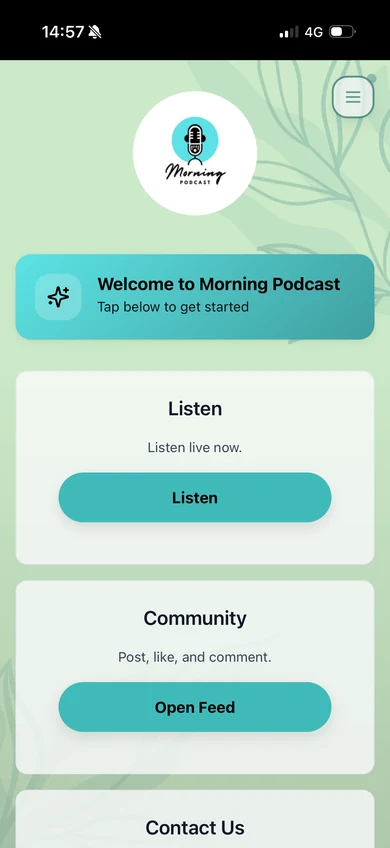
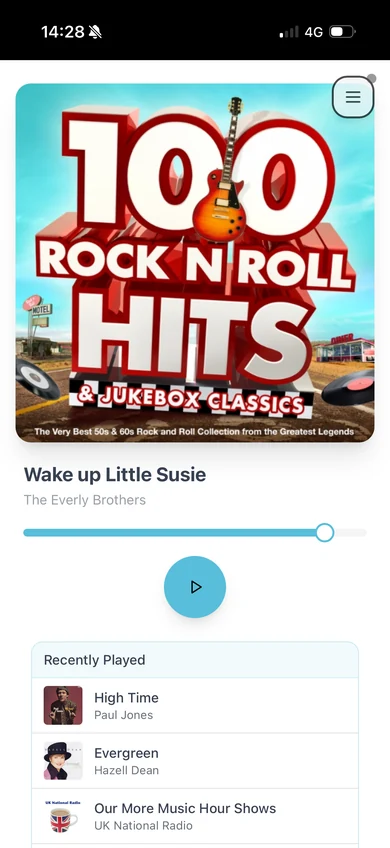
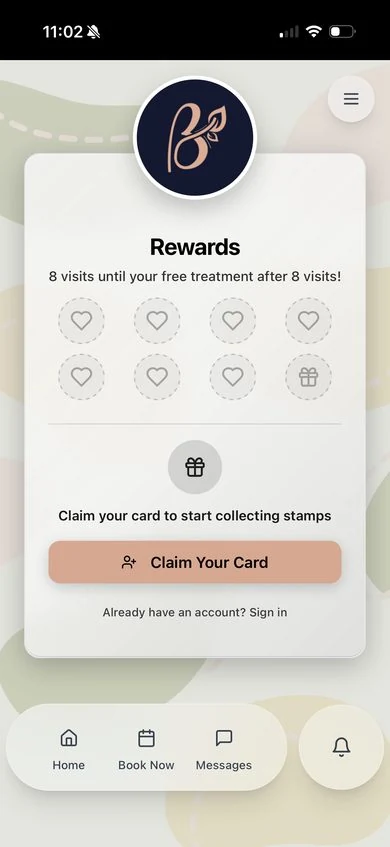
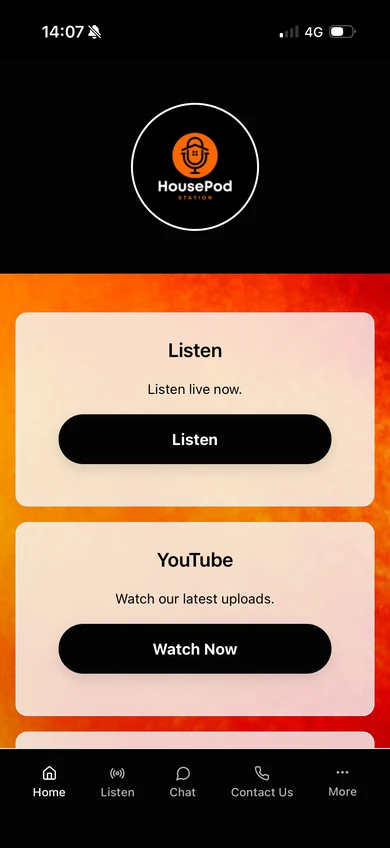
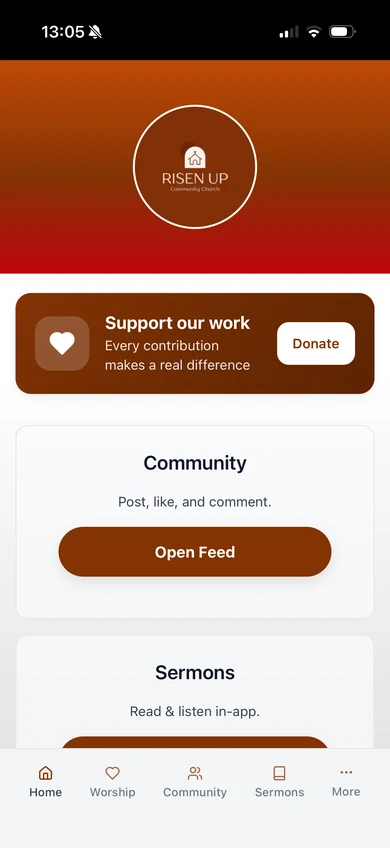
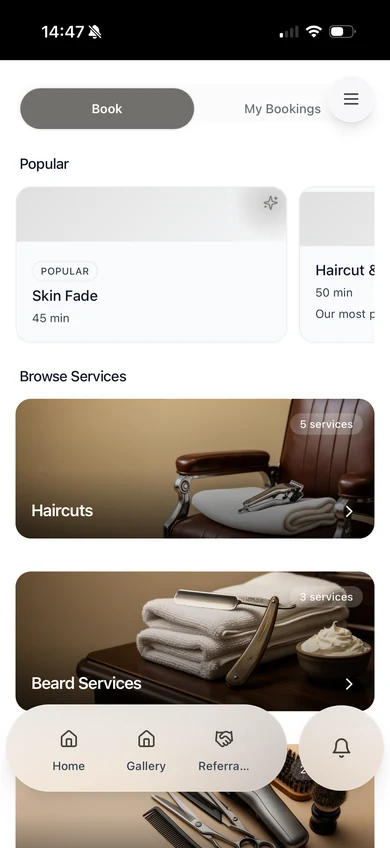
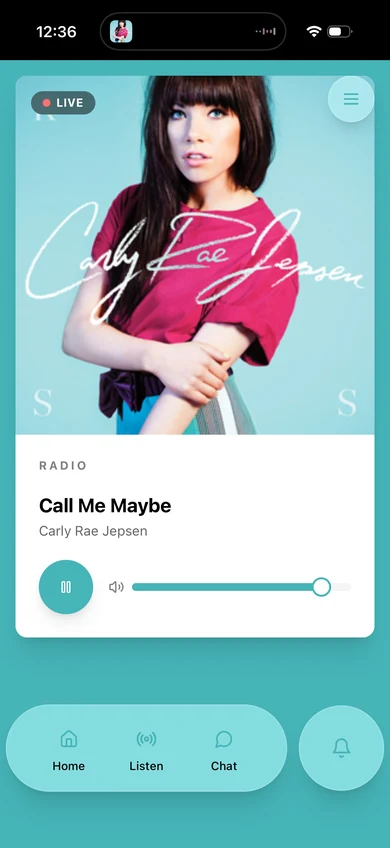
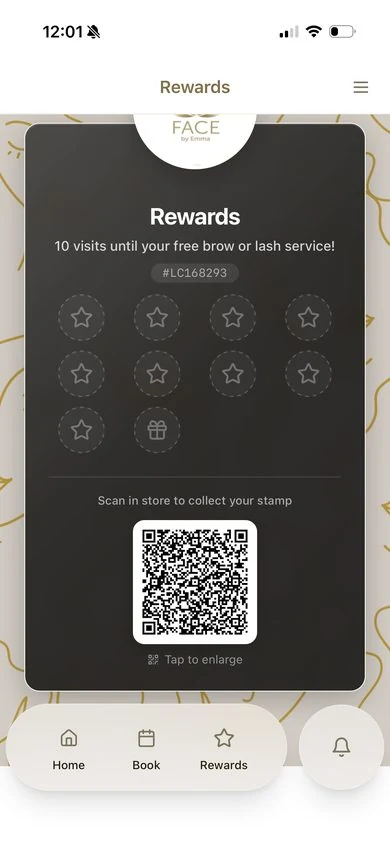
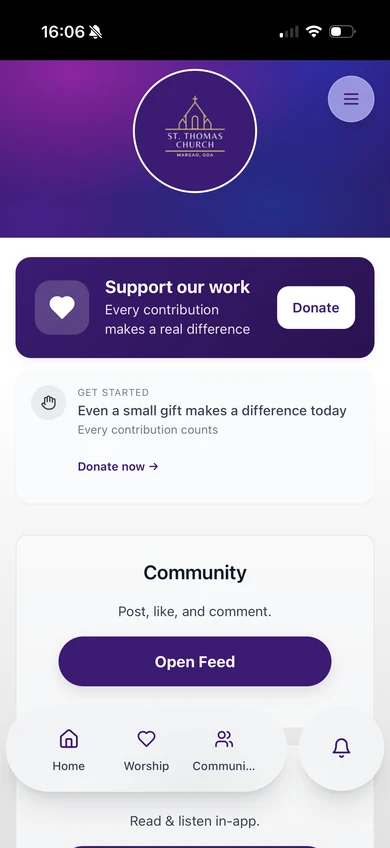
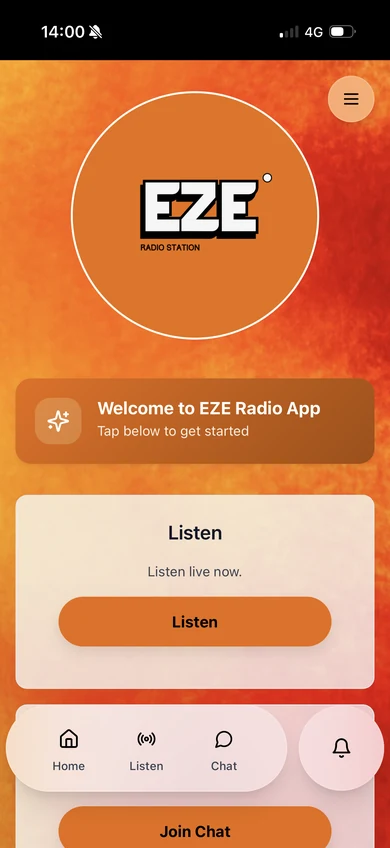
Hover to pause. Each of these was built and published by one person in under a day.


More integrations
 Shopify
Turn Your Shopify Store Into a Mobile App
Turn your Shopify store into a branded mobile app. Native checkout, push notifications for drops and abandoned carts, and zero…
Open → Square Appointments
Turn Your Square Bookings Into Repeat Customers
Turn Square Appointments into a branded mobile app. Native booking, push reminders and loyalty — your Square calendar stays in…
Open → Acuity Scheduling
Turn Your Acuity Bookings Into Long-Term Clients
Wrap your Acuity Scheduling in a branded mobile app. Native booking, free push reminders, and one-tap rebooking — Acuity stays…
Open → HubSpot
Turn app activity into HubSpot pipeline
Build a branded mobile app that pushes every sign-up, lead and form fill straight into HubSpot CRM. Trigger workflows, sequences…
Open → Instagram
Stop fighting the algorithm — own your audience
Bring your Instagram feed and reels into a branded mobile app. Free push notifications for every new post — stop…
Open → LinkedIn
Your LinkedIn presence, in a branded app
Bring your LinkedIn company page and posts into a branded mobile app. Reach customers, partners and employees with free push…
Open →Ready to bring Stripe into a branded app?
Build it free in minutes. No credit card required.