
Integrations · Works with Canva
Bring your Canva designs straight into your app
Connect Canva and instantly use your designs as banners, hero images and promo content inside your branded mobile app.
- On-brand visuals
- Banners, promos & more
- Always fresh
Free for up to 10 app users. No credit card required.

Canva integration: the quick answer
- What it is
- Pull your Canva designs straight into a branded mobile app. Promo banners, posters, social posts — published to your audience in a tap.
- Cost
- Included on every AppBuild.diy plan, including Free for up to 10 app users. Business is $49/month for up to 1,000 users and Business Pro is $99/month for unlimited users.
- Works on
- Your app on the App Store, Google Play and as an installable web app, from one setup.
- Setup
- Connect your existing Canva account in the AppBuild.diy editor. No code.
- Popular with
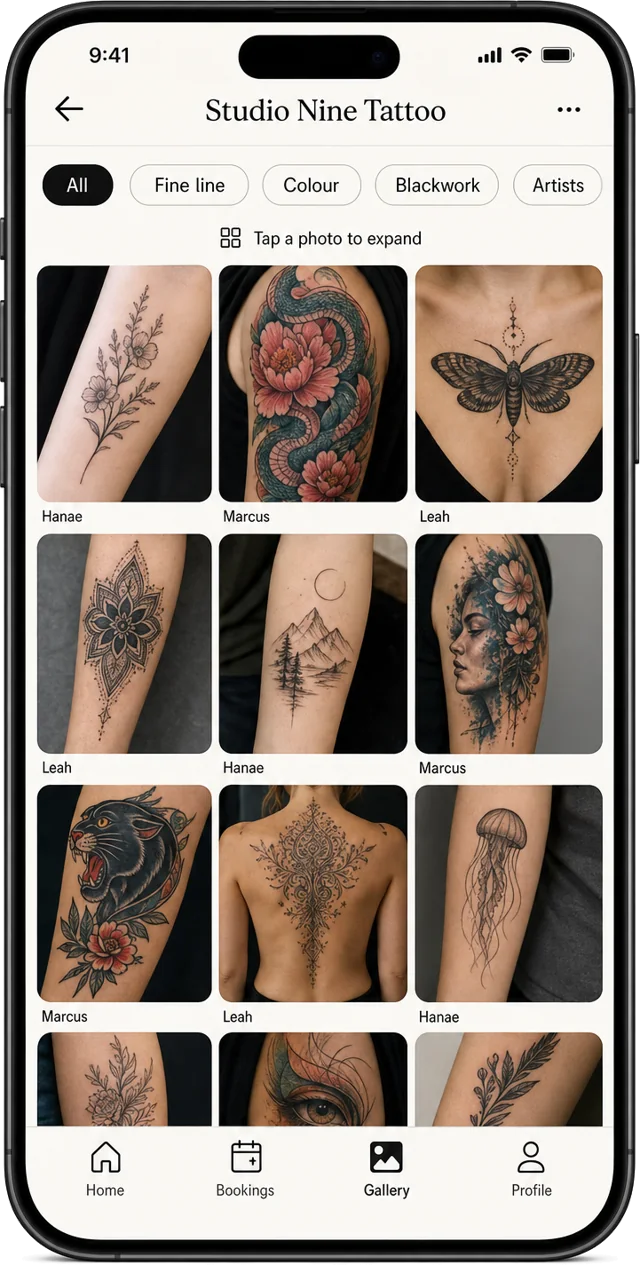
- Tattoo studio, Garage, Bike shop, Pet groomer
Why connect Canva to your app?
Get more value from Canva by bringing it into a branded mobile experience your customers actually open.
On-brand visuals
Reuse the artwork you already make in Canva — no double work.
Banners, promos & more
Drop Canva designs into hero sections, banners and offers in seconds.
Always fresh
Update a Canva design and your app reflects it — no resubmission needed.
How it works
Connect Canva in minutes — no code, no developers.
- 1
Create your app
Pick a template and bring in your branding.
- 2
Connect Canva
Sign in with your Canva account and choose the designs you want available.
- 3
Publish
Use your Canva artwork wherever you'd otherwise need a designer.
Push notifications
Free push notifications, included forever
Every app you build comes with unlimited push notifications, straight to the lock screen. No per-message fees.
- Instant
- Lock screen
- Unlimited
- Every plan
- $0
- Per message
Canva integration questions
Does it work with Canva Free?
Yes — both Canva Free and Canva Pro accounts can connect.
Can I update designs after publishing?
Yes. Edits in Canva flow into your app without an app store update.
What does the Canva integration do?
Pull your Canva designs straight into a branded mobile app. Promo banners, posters, social posts — published to your audience in a tap.
Does Canva integration work on iPhone and Android?
Yes. It works in your app on the App Store and Google Play, and in the installable web app, from the same setup.
Do I need a developer to connect Canva?
No. You connect your Canva account in the AppBuild.diy editor. Most businesses are live in 5 to 15 minutes.
Built on AppBuild.diy
Real apps, live on real businesses
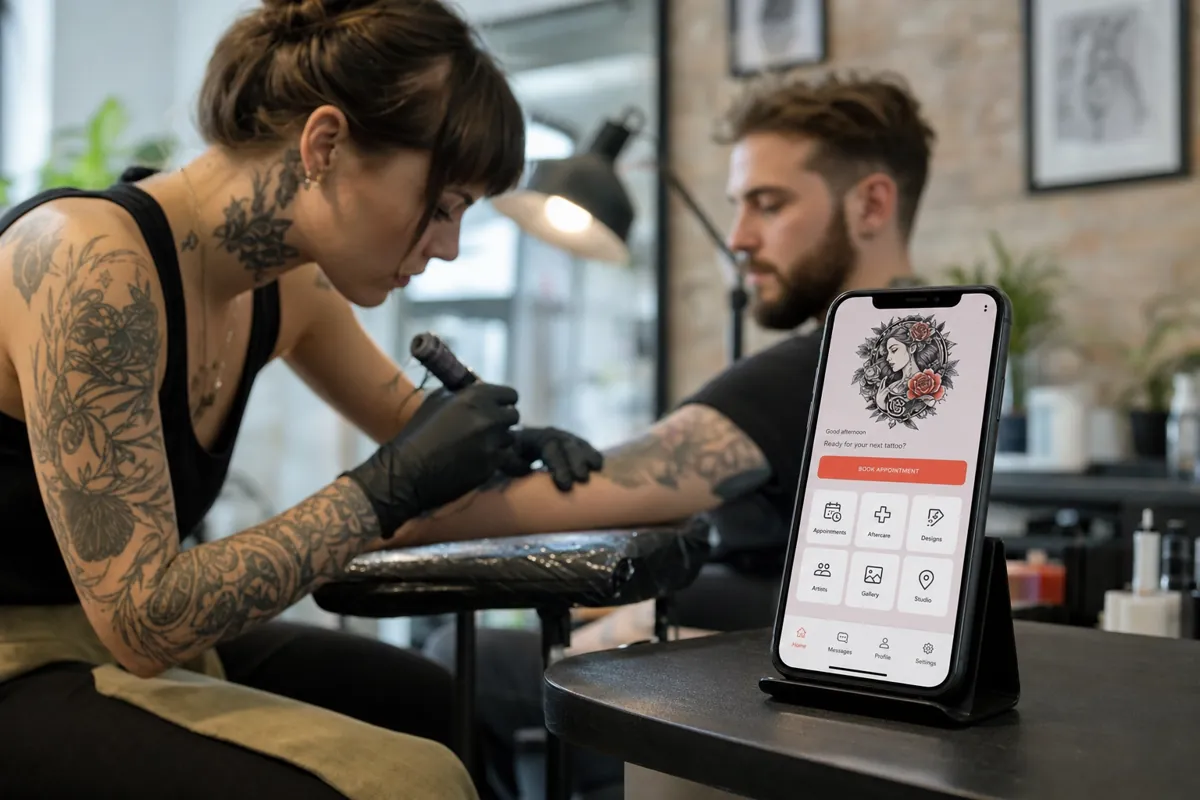
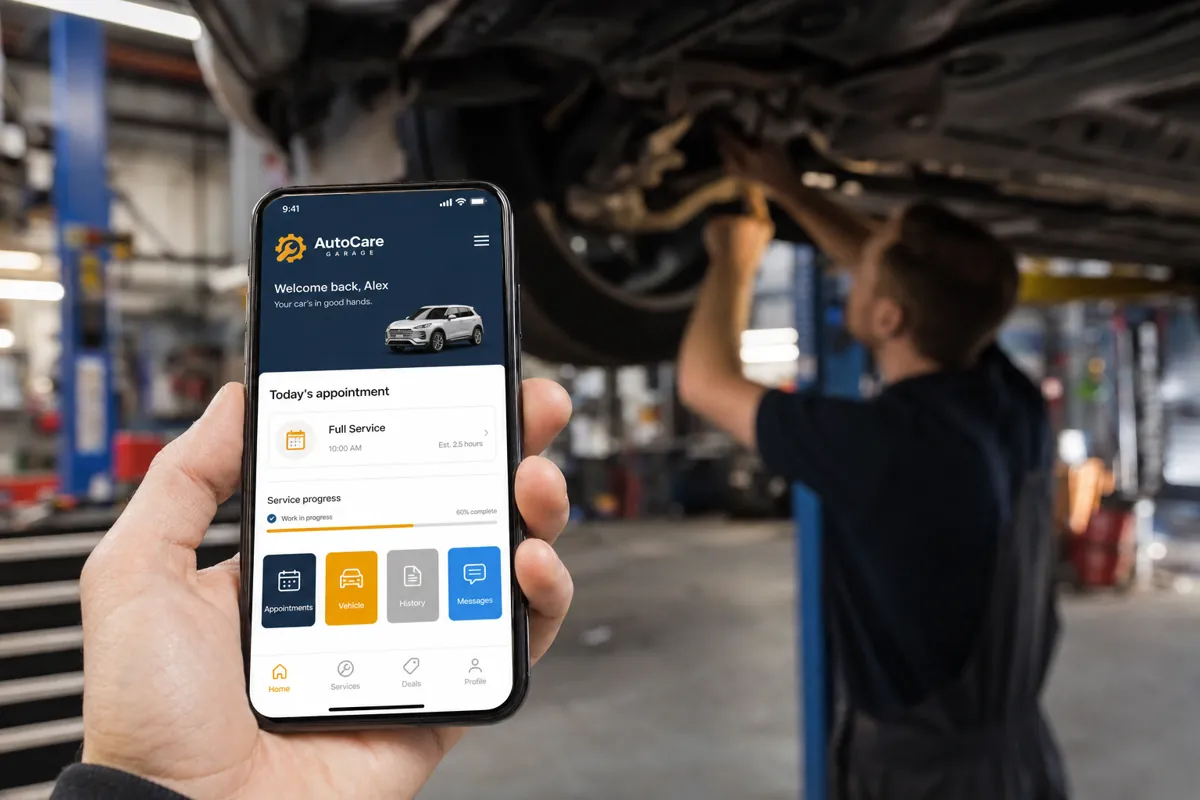
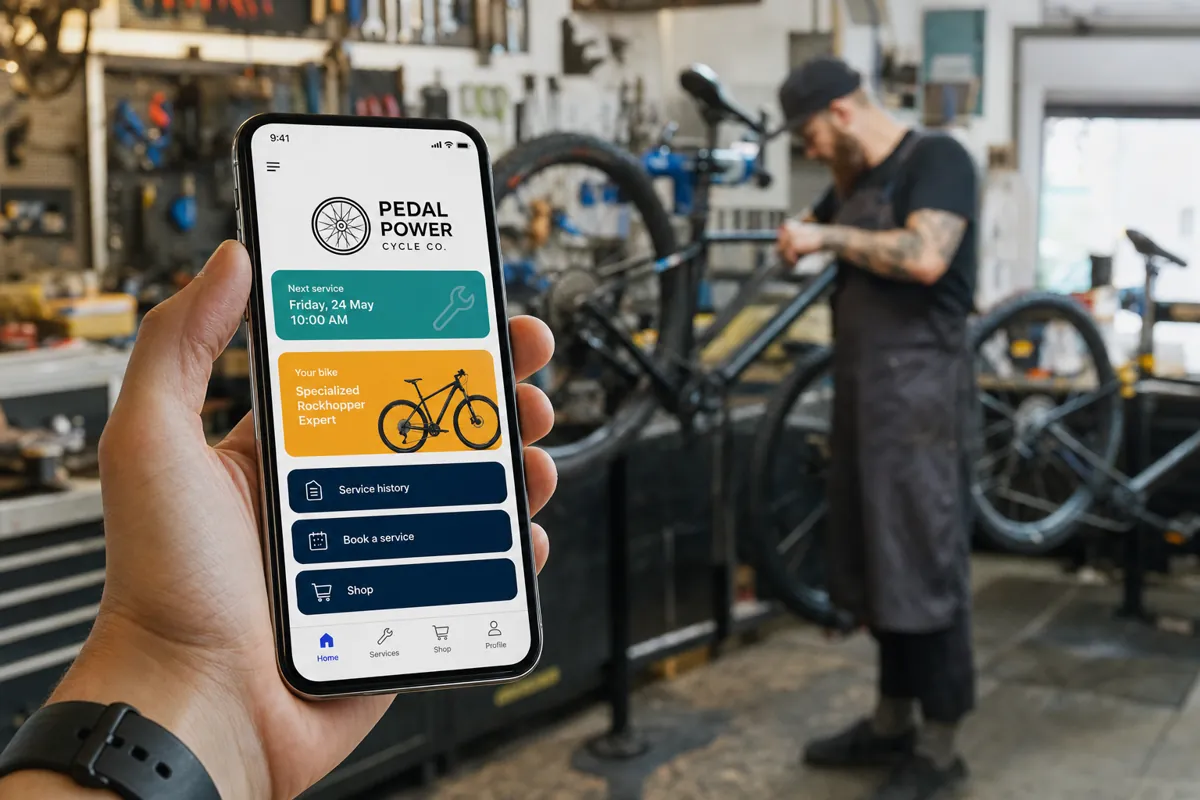
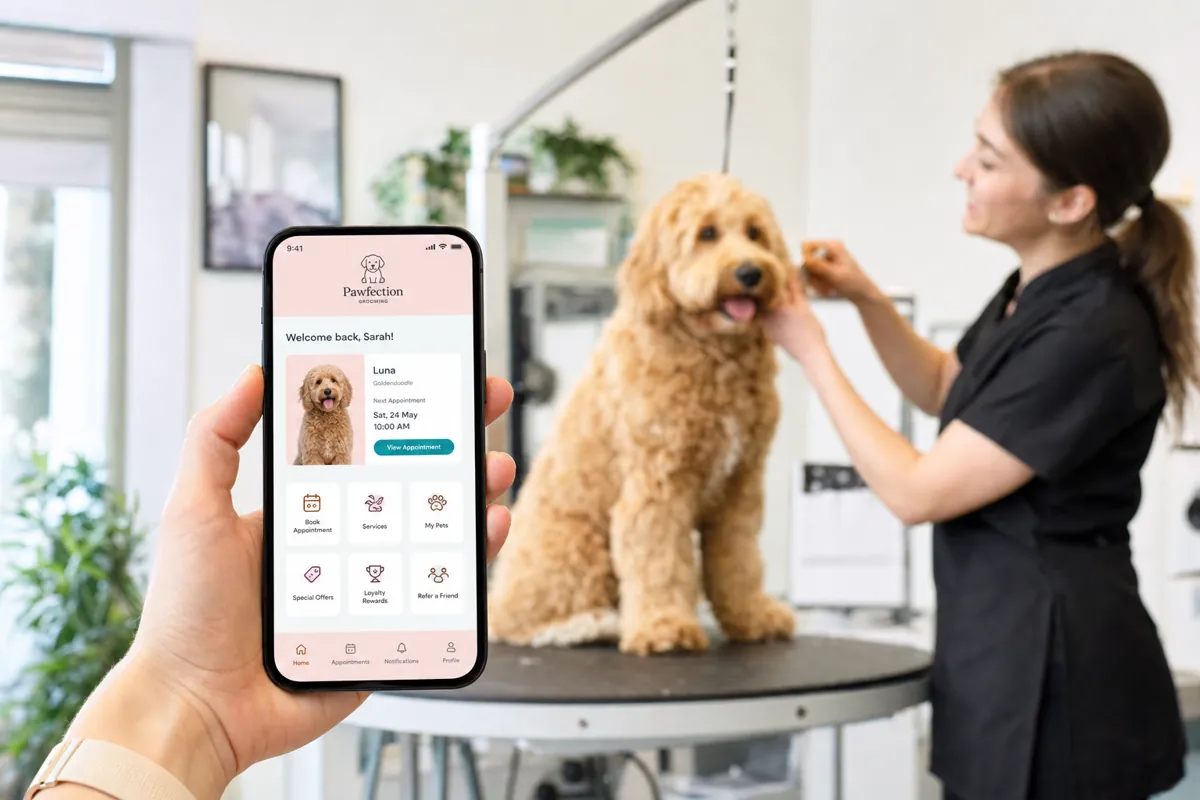
Your Canva app will sit alongside these in the App Store, Google Play and on the web.
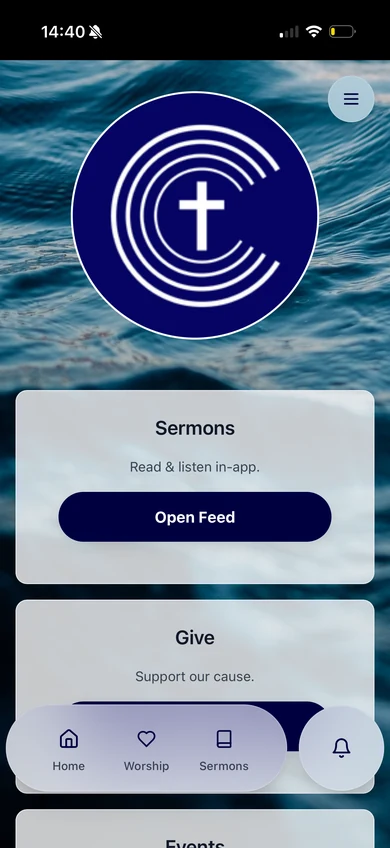
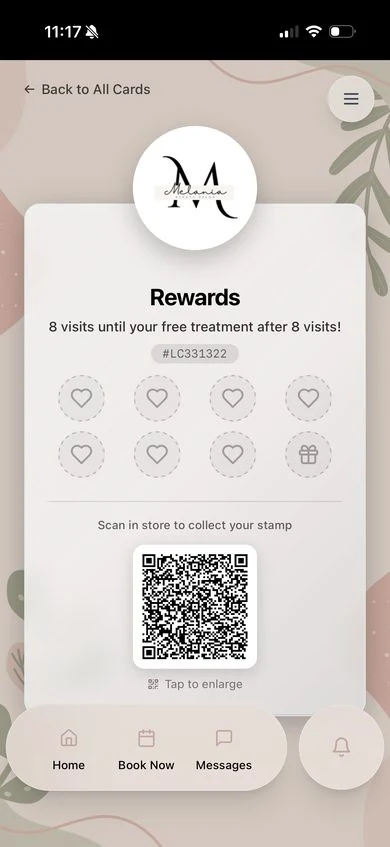
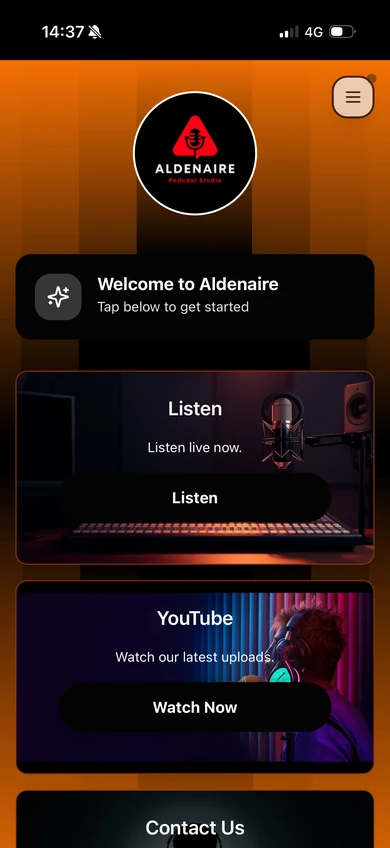
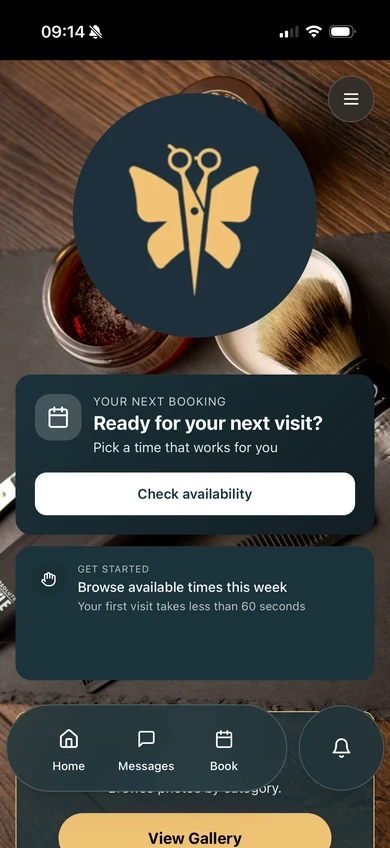
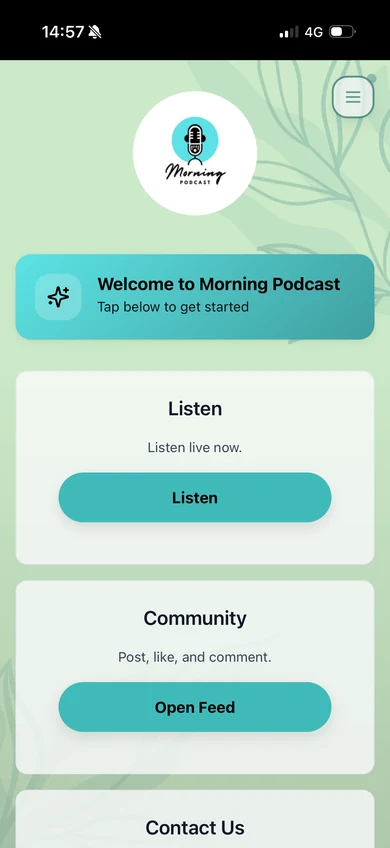
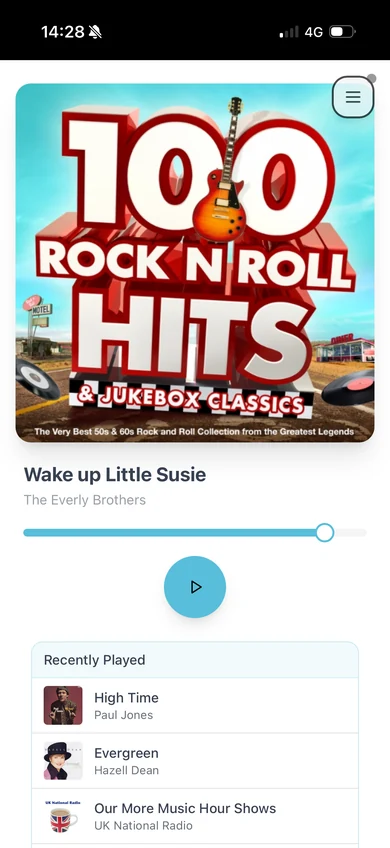
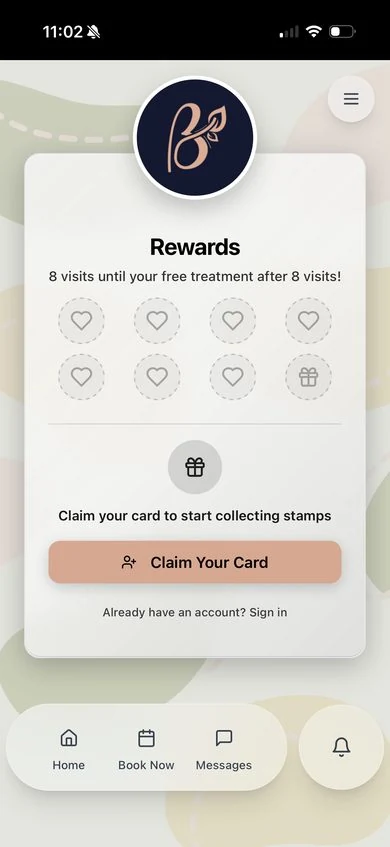
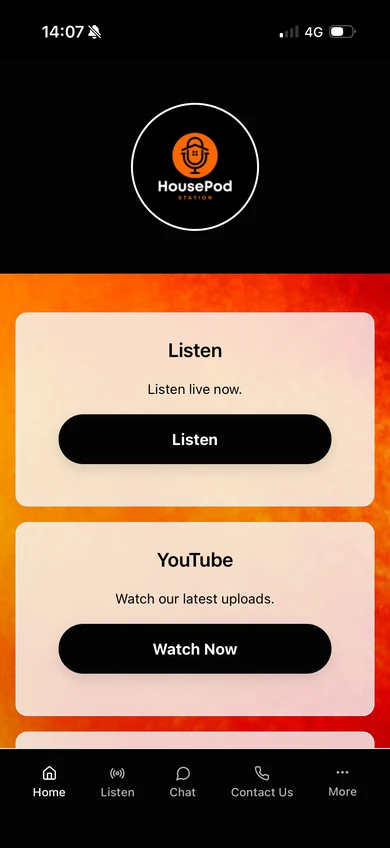
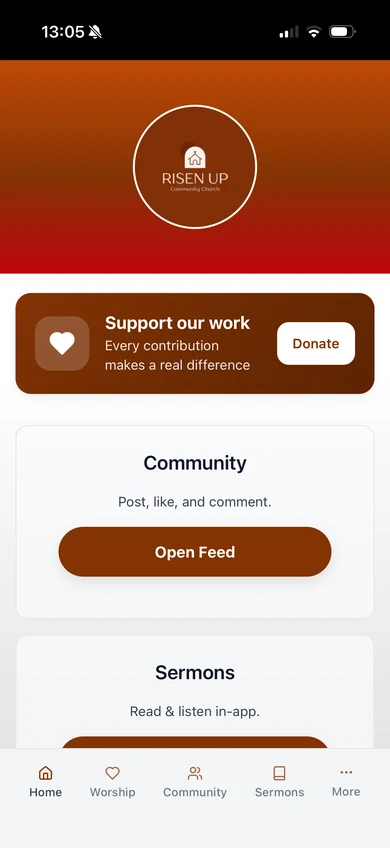
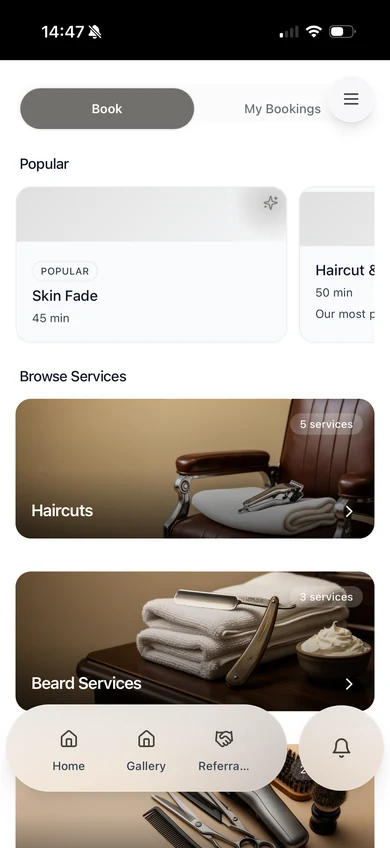
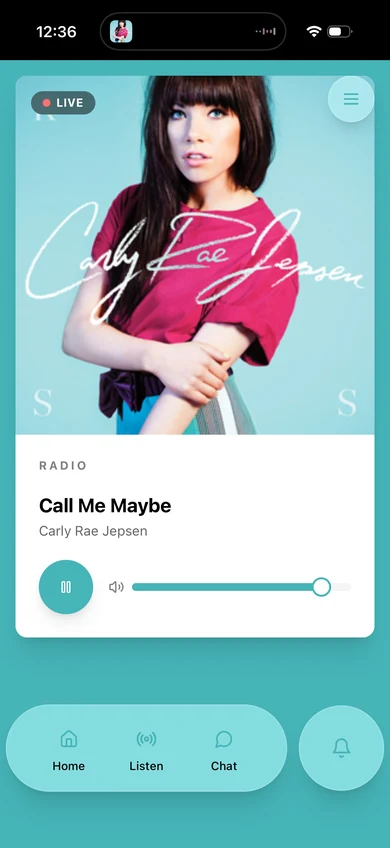
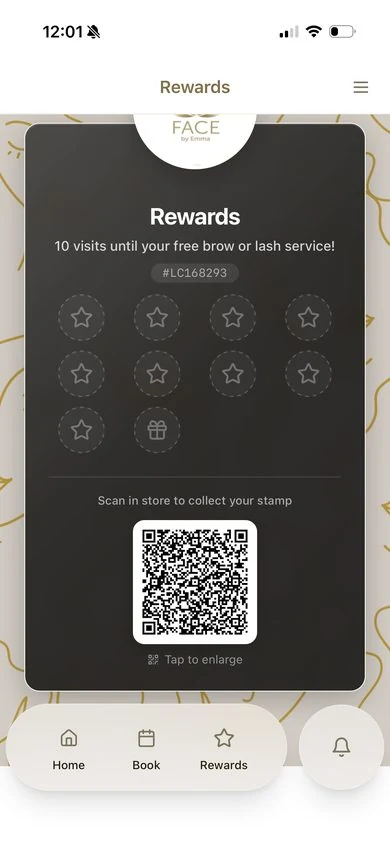
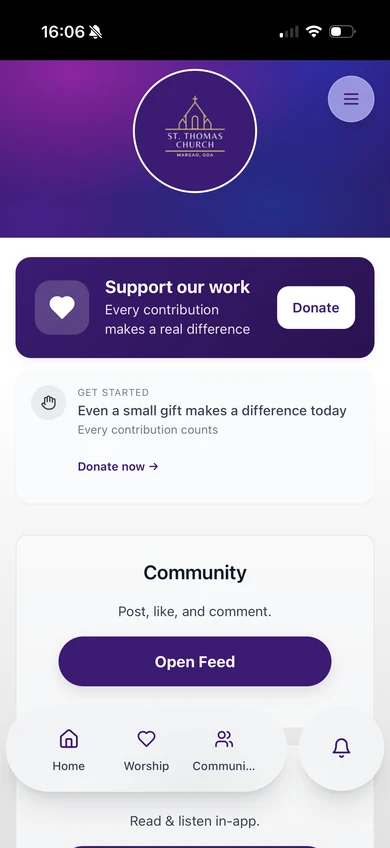
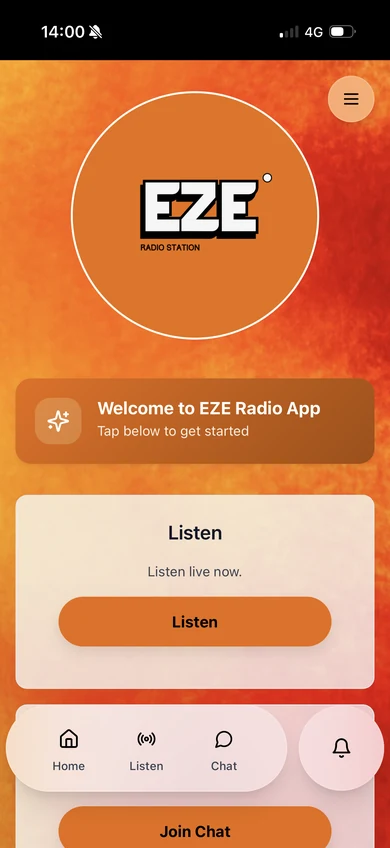
Hover to pause. Each of these was built and published by one person in under a day.


More integrations
 Google Calendar
Your Google Calendar, in a branded app
Sync your Google Calendar with a branded mobile app. Show availability, take bookings, and send free push reminders — all…
Open → Acuity Scheduling
Turn Your Acuity Bookings Into Long-Term Clients
Wrap your Acuity Scheduling in a branded mobile app. Native booking, free push reminders, and one-tap rebooking — Acuity stays…
Open → Shopify
Turn Your Shopify Store Into a Mobile App
Turn your Shopify store into a branded mobile app. Native checkout, push notifications for drops and abandoned carts, and zero…
Open → Vagaro
Your Vagaro booking, your branded app
Keep Vagaro running your salon or spa back office, and give clients a branded mobile app for booking, reminders and…
Open → Eventbrite
Your Eventbrite Events Deserve a Real Event App
Turn your Eventbrite events into a branded mobile app. Native event browsing, ticketing flow and free push notifications for attendees.
Open → Stripe
Sell, subscribe, and get paid in your own branded app
Accept Stripe payments inside your branded mobile app — subscriptions, one-off payments, and seamless checkout for iOS, Android and the…
Open →Ready to bring Canva into a branded app?
Build it free in minutes. No credit card required.