
Integrations · Works with Fresha
Your Fresha booking, your branded app
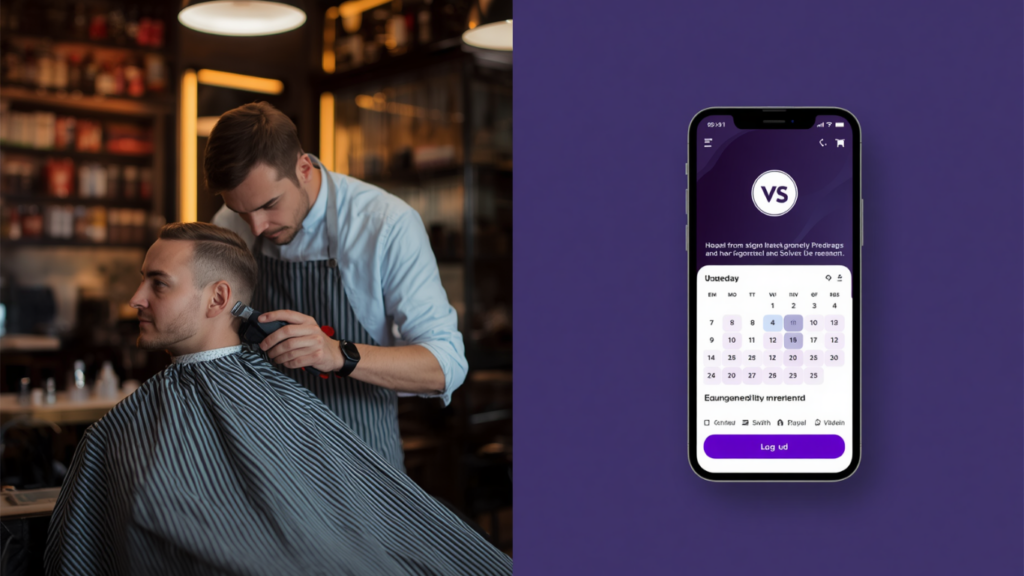
For salon, barber, spa and wellness owners who already use Fresha: keep your existing booking setup and give clients your own branded app. A Book Now screen opens your Fresha booking page in a secure browser tab. Around it, add loyalty, offers, content and push messages you choose to send.
- Your own booking screen
- Messages you control
- Fresha stays your booking system
Free for up to 10 app users. No credit card required.

Fresha integration: the quick answer
- What it is
- Turn your Fresha account into your own branded mobile app. Online booking, push reminders and loyalty — powered by your existing Fresha setup.
- Cost
- Included on every AppBuild.diy plan, including Free for up to 10 app users. Business is $49/month for up to 1,000 users and Business Pro is $99/month for unlimited users.
- Works on
- Your app on the App Store, Google Play and as an installable web app, from one setup.
- Setup
- Connect your existing Fresha account in the AppBuild.diy editor. No code.
- Popular with
- Physio and chiropractic clinic, Barbershop, Dental practice, Hair salon
Why connect Fresha to your app?
Get more value from Fresha by bringing it into a branded mobile experience your customers actually open.
Your own booking screen
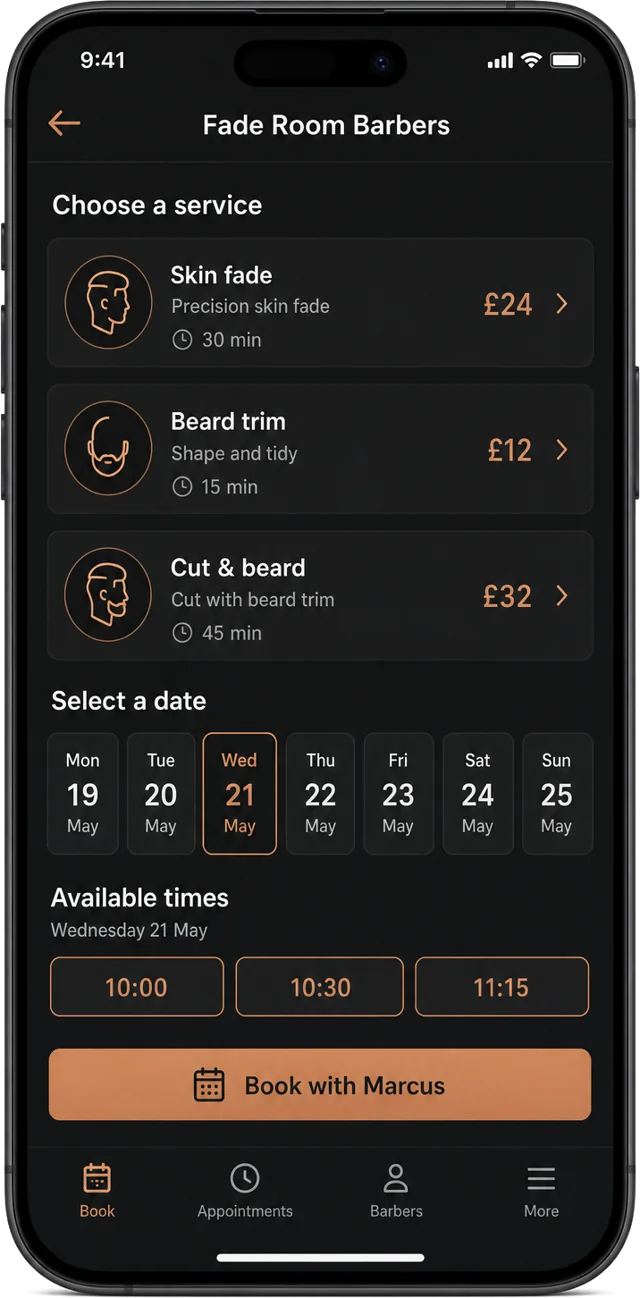
Welcome clients in your branded app, then send them to your Fresha page to choose a service and time.
Messages you control
Send app users offers, last-minute availability or time-to-rebook nudges. These are business-sent messages, not automatic appointment reminders.
Fresha stays your booking system
Services, staff and appointments remain in Fresha. AppBuild opens your booking link; it does not read or change your calendar.
What stays in Fresha
Your services, staff, calendar, prices, payments and deposits, client records, and Fresha’s own booking confirmations and reminders stay in Fresha. Your team continues working there rather than managing a second appointment calendar in AppBuild.
Every booking is made on your Fresha page, so it lands in the Fresha calendar like any other online booking. AppBuild does not read, create or change Fresha appointments. There is no two-way sync, and no transfer of appointment information into the app to power automatic reminders.
Keep changes to treatments, staff availability, appointment prices and booking payments in Fresha. The app’s role is to give clients a branded starting point and other reasons to stay connected with your business. For the distinction between the two services, read how AppBuild compares with Fresha.
What your branded app adds
Fresha keeps the appointment work. Your app brings together the things clients can browse and use between visits, under your business’s own name.
- Business-sent push messages. Share an offer, tell app users about last-minute availability or send a “time to rebook” nudge. You decide what to send. AppBuild cannot automatically remind someone about a Fresha appointment because it does not see that appointment’s date or time.
- Loyalty stamp cards and offers. Give regular clients a place to find their stamp card and your offers, alongside the booking screen. These are app features around Fresha, not changes to Fresha’s booking or payment setup.
- Gallery, content and contact details. Let clients browse your work, read about your business and find the contact information you provide without needing to start a booking first.
- Your own app. AppBuild supports iPhone, Android and an installable web app. Publishing on the App Store or Google Play requires your business’s own developer accounts and store approval; adding a Fresha link does not automatically create a store listing.
Choose the features that suit your business. Check pricing and publishing options before deciding how clients will access your app.
Is this for you?
Ready to add your link? Follow the step-by-step Fresha setup guide, then use the setup checklist below. You can change the link, button label and optional screen details later through Edit Page Content.
A good fit:
you are happy with Fresha in the back office and want your own app for clients. Your team keeps using the calendar it knows, while customers get a branded Book Now screen plus loyalty, offers and content between appointments.
Not a fit:
you want the whole booking process to run inside the app, or you want to replace Fresha. This connection deliberately sends clients to Fresha. Explore our built-in booking app instead if you need a different booking system.
Set it up in a few minutes
Set it up in a few minutes.
- 1
Find your booking link
In the Fresha Partner dashboard, open Marketing → Online booking link and copy your business’s link.
- 2
Add Fresha Booking
In your app editor, open Pages → Add Page or Function. Search “fresha”, choose Fresha Booking and paste the link. Keep the default Continue to Booking label or choose your own.
- 3
Name and review the page
Choose a page name and icon. Optionally set a short tab name such as Book, then check the customer journey. Use the step-by-step Fresha setup guide below for the illustrated walkthrough.
Push notifications
Free push notifications, included forever
Every app you build comes with unlimited push notifications, straight to the lock screen. No per-message fees.
- Instant
- Lock screen
- Unlimited
- Every plan
- $0
- Per message
Fresha integration questions
Do clients leave the app to book?
Yes. The branded Book Now screen opens your Fresha booking page in a secure browser tab. Clients choose a service and time there, confirm the booking and return to your app when finished.
Will bookings show in my Fresha calendar?
Yes, because clients make the booking on Fresha itself. It appears like any other Fresha online booking, not through a separate calendar sync.
Does AppBuild change anything in Fresha or use its API?
No. Fresha has no public API and does not allow embedded booking. AppBuild saves your booking link and opens it; it does not read or change appointments, client records or payments.
Can I still send reminders?
Fresha’s own booking confirmations and reminders stay in Fresha. You can also send push messages to app users yourself, including rebooking nudges. AppBuild does not send automatic per-appointment Fresha reminders.
Do I need to retrain my team?
Your team keeps using Fresha for services, staff and appointments. The app adds a customer-facing booking screen and other app features, rather than a new appointment system for your team to learn.
Can I add a phone or WhatsApp option?
Yes. Enable Other ways to book and fill in the options you want: phone, WhatsApp, email, a location label or map link. Only filled-in options show. A special offer with optional artwork can appear above the booking button.
Can I change the link or button later?
Yes. Open the page in Pages and choose Edit Page Content to update the Fresha booking link or button label. You can also change the optional offer and alternative contact details there.
Is AppBuild affiliated with Fresha?
No. AppBuild is independent and is not affiliated with or endorsed by Fresha. The booking-link page helps your clients reach your existing Fresha booking setup.
What does the Fresha integration do?
Turn your Fresha account into your own branded mobile app. Online booking, push reminders and loyalty — powered by your existing Fresha setup.
Built on AppBuild.diy
Real apps, live on real businesses
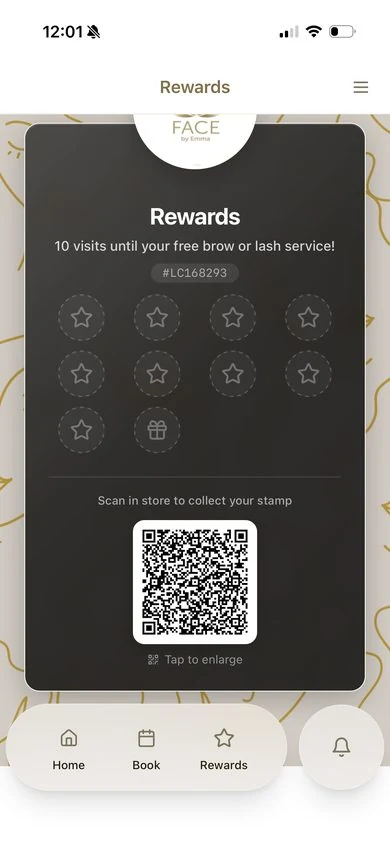
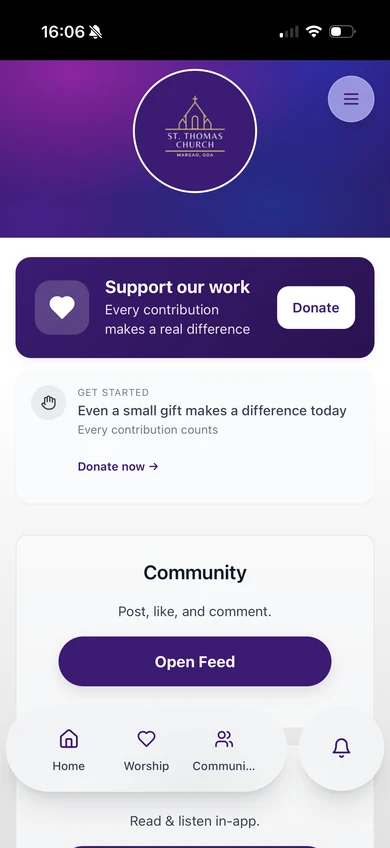
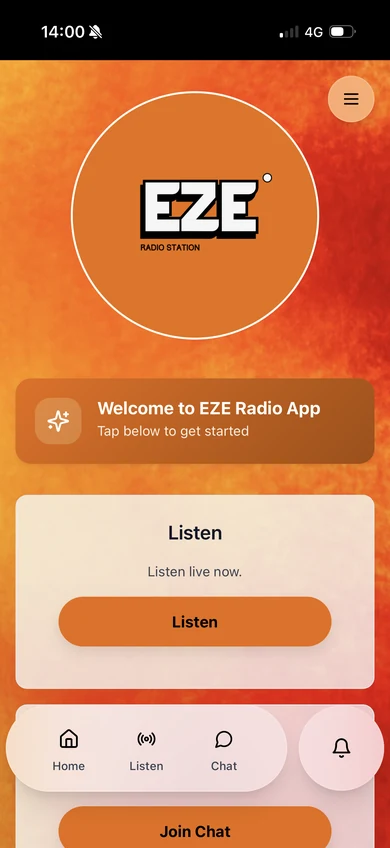
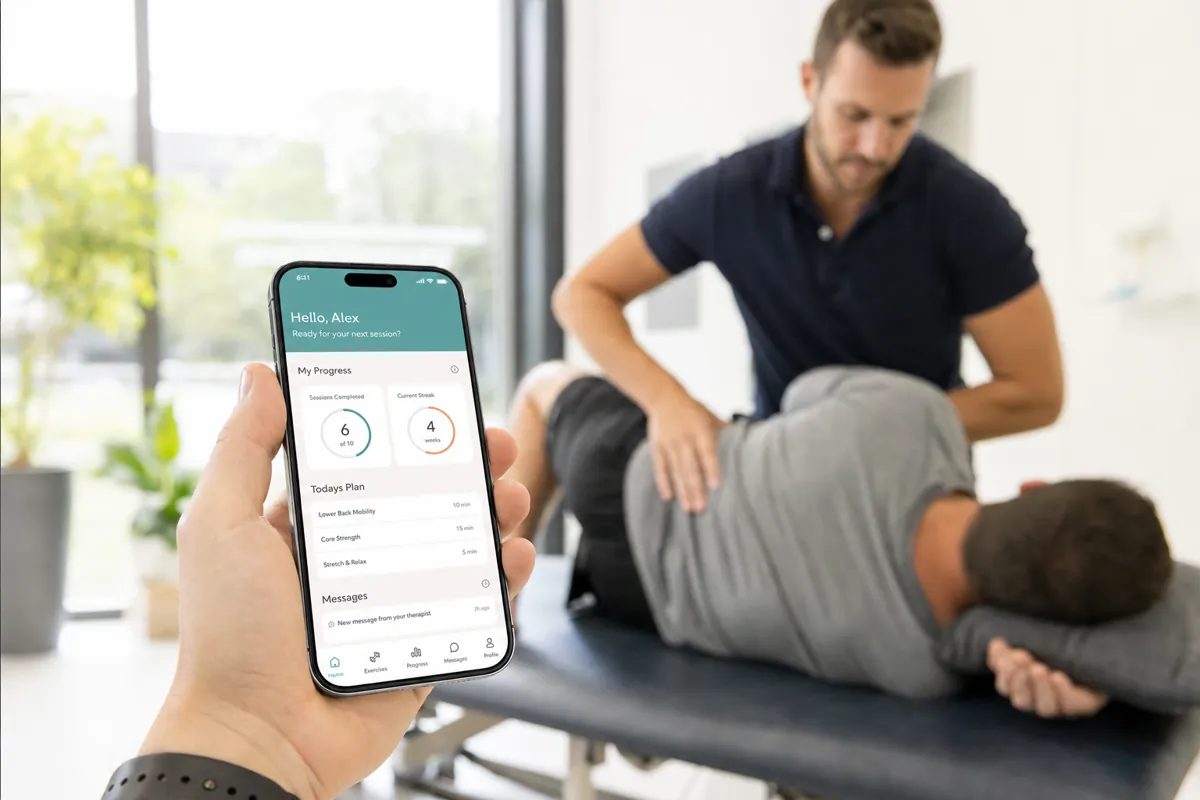
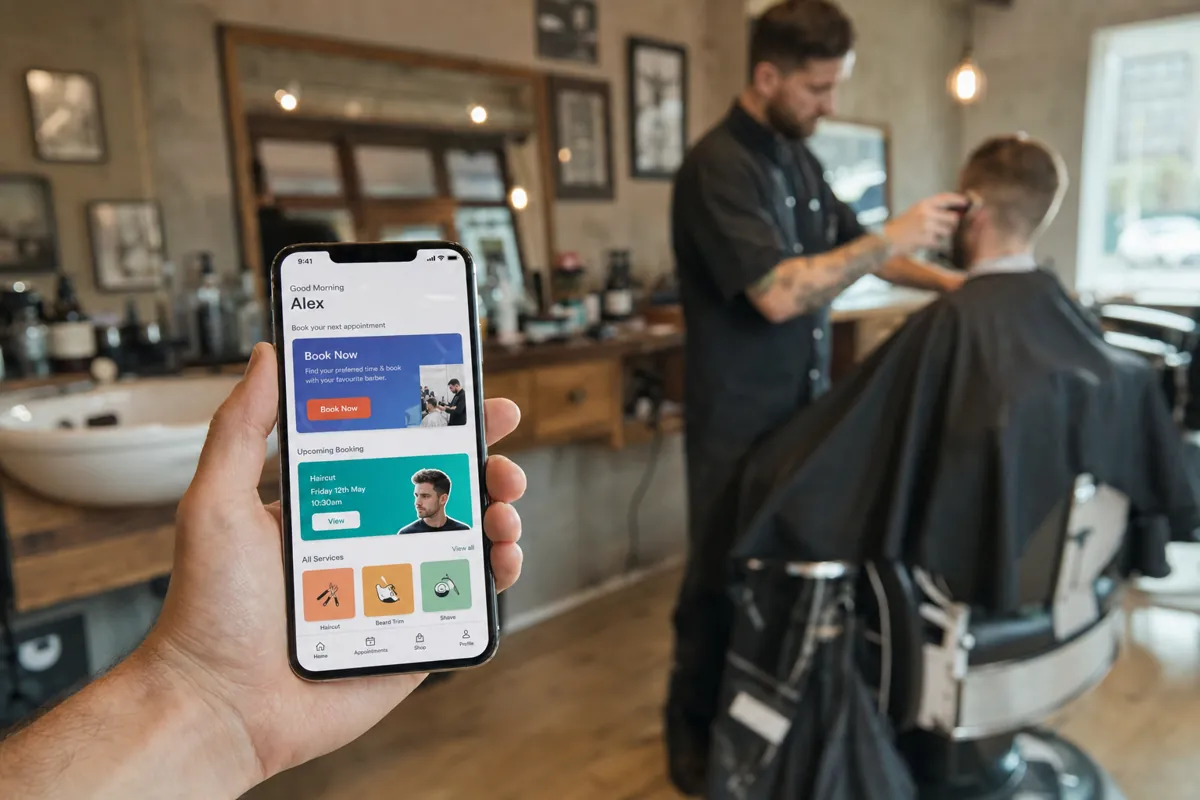
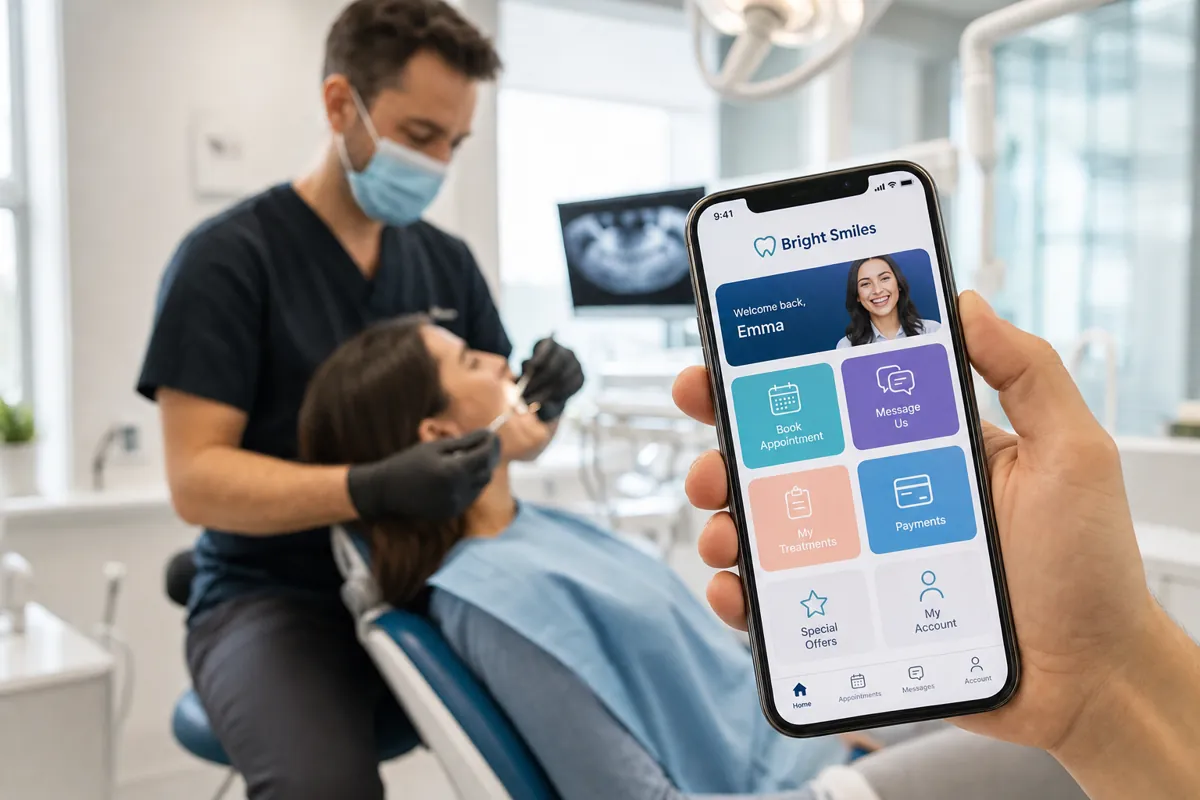
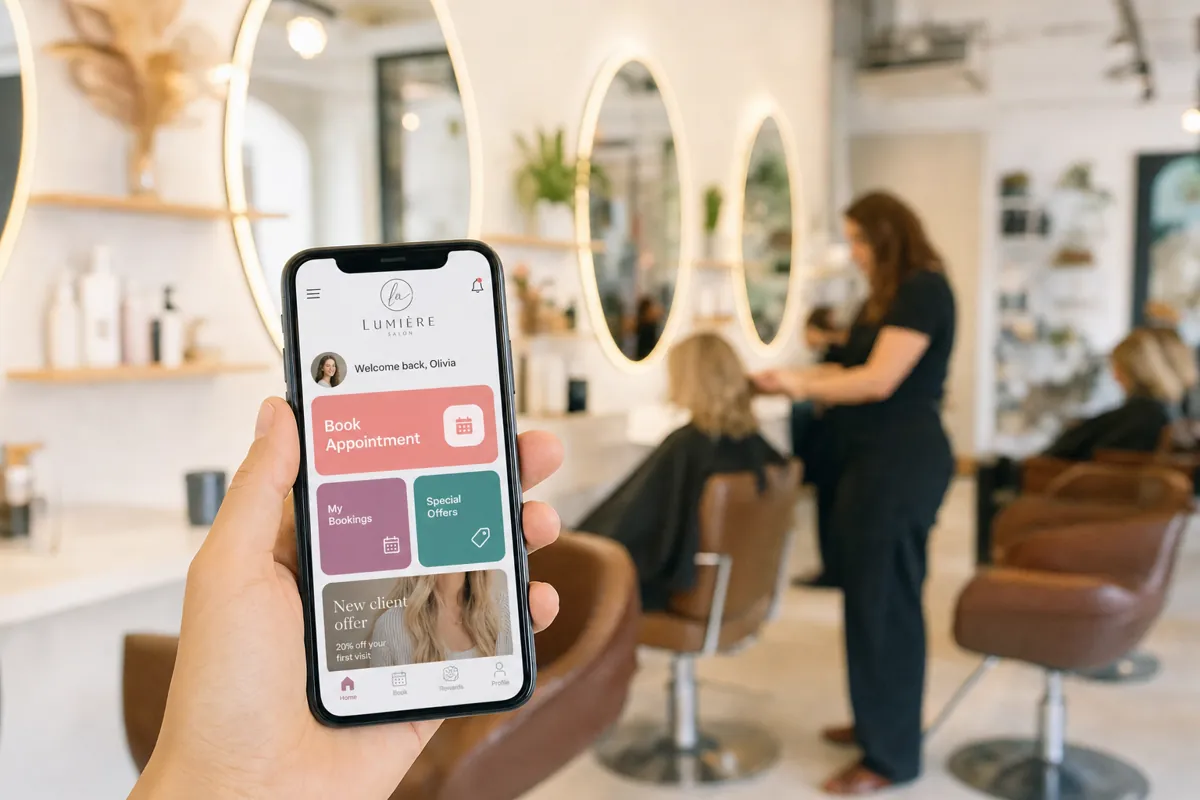
Your Fresha app will sit alongside these in the App Store, Google Play and on the web.
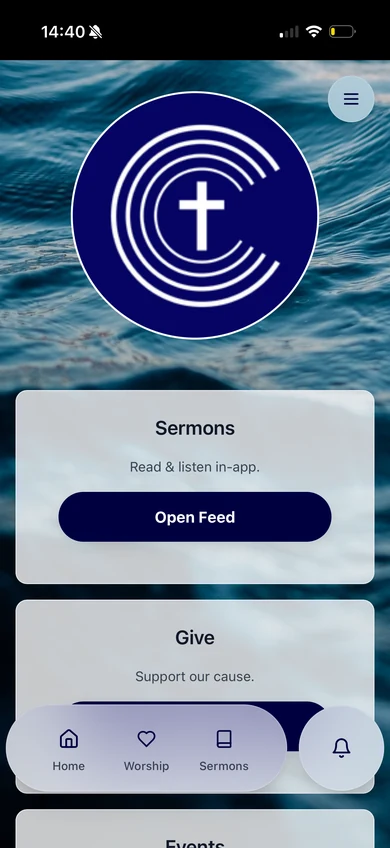
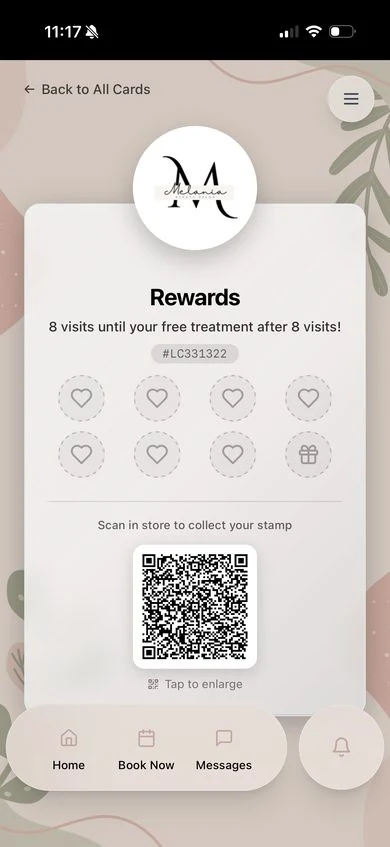
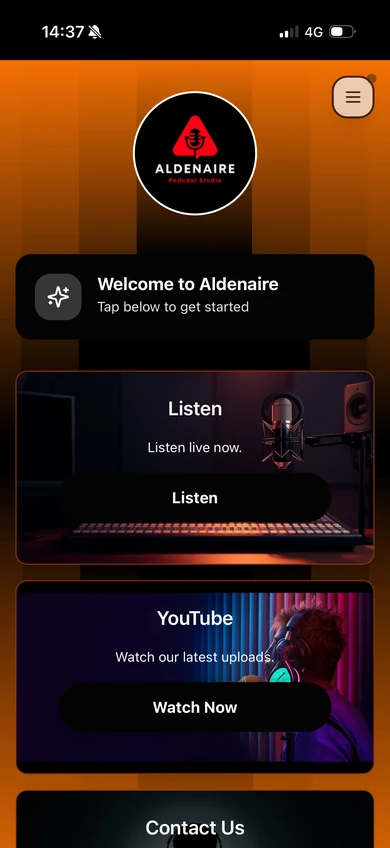
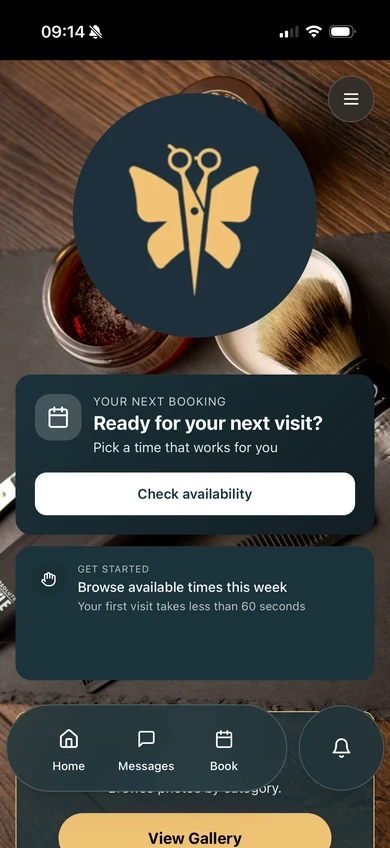
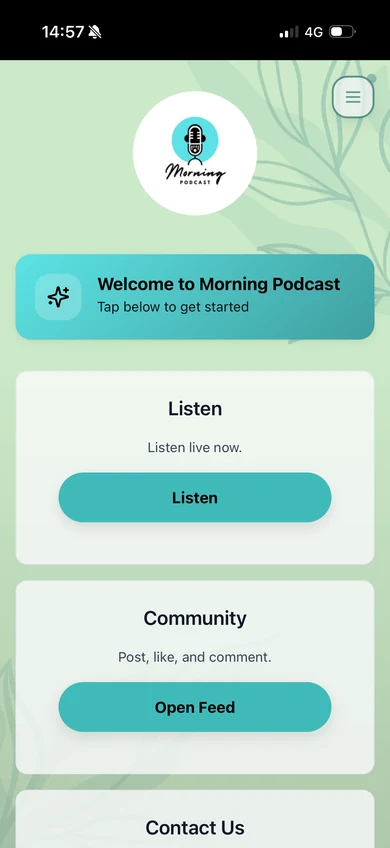
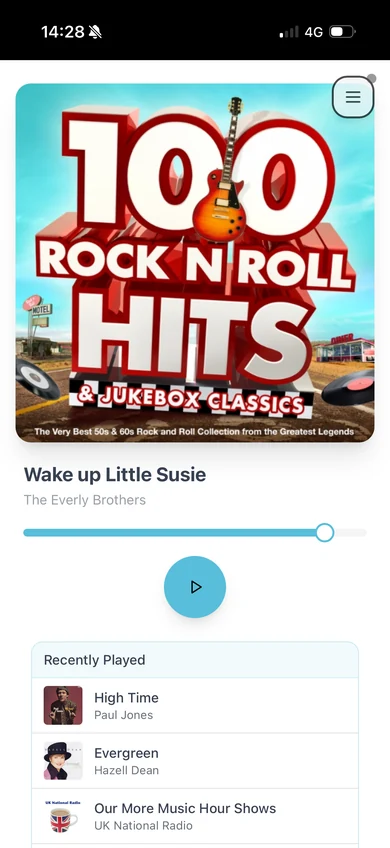
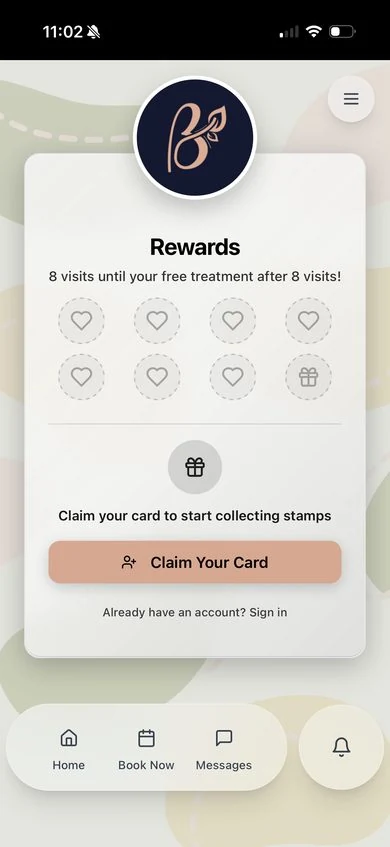
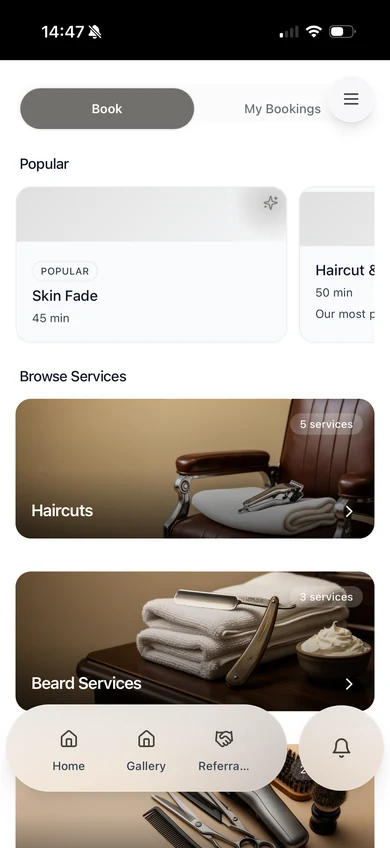
Hover to pause. Each of these was built and published by one person in under a day.

More integrations
 Eventbrite
Your Eventbrite Events Deserve a Real Event App
Turn your Eventbrite events into a branded mobile app. Native event browsing, ticketing flow and free push notifications for attendees.
Open → Acuity Scheduling
Turn Your Acuity Bookings Into Long-Term Clients
Wrap your Acuity Scheduling in a branded mobile app. Native booking, free push reminders, and one-tap rebooking — Acuity stays…
Open → Shopify
Turn Your Shopify Store Into a Mobile App
Turn your Shopify store into a branded mobile app. Native checkout, push notifications for drops and abandoned carts, and zero…
Open → Zoho CRM
Push every app lead into Zoho CRM automatically
Auto-create Zoho CRM leads and contacts from every app signup, booking or form fill. Trigger workflows and keep your sales…
Open → HubSpot
Turn app activity into HubSpot pipeline
Build a branded mobile app that pushes every sign-up, lead and form fill straight into HubSpot CRM. Trigger workflows, sequences…
Open → Canva
Bring your Canva designs straight into your app
Pull your Canva designs straight into a branded mobile app. Promo banners, posters, social posts — published to your audience…
Open →Ready to bring Fresha into a branded app?
Build it free in minutes. No credit card required.