Features / Commerce & Ordering
Digital Menu
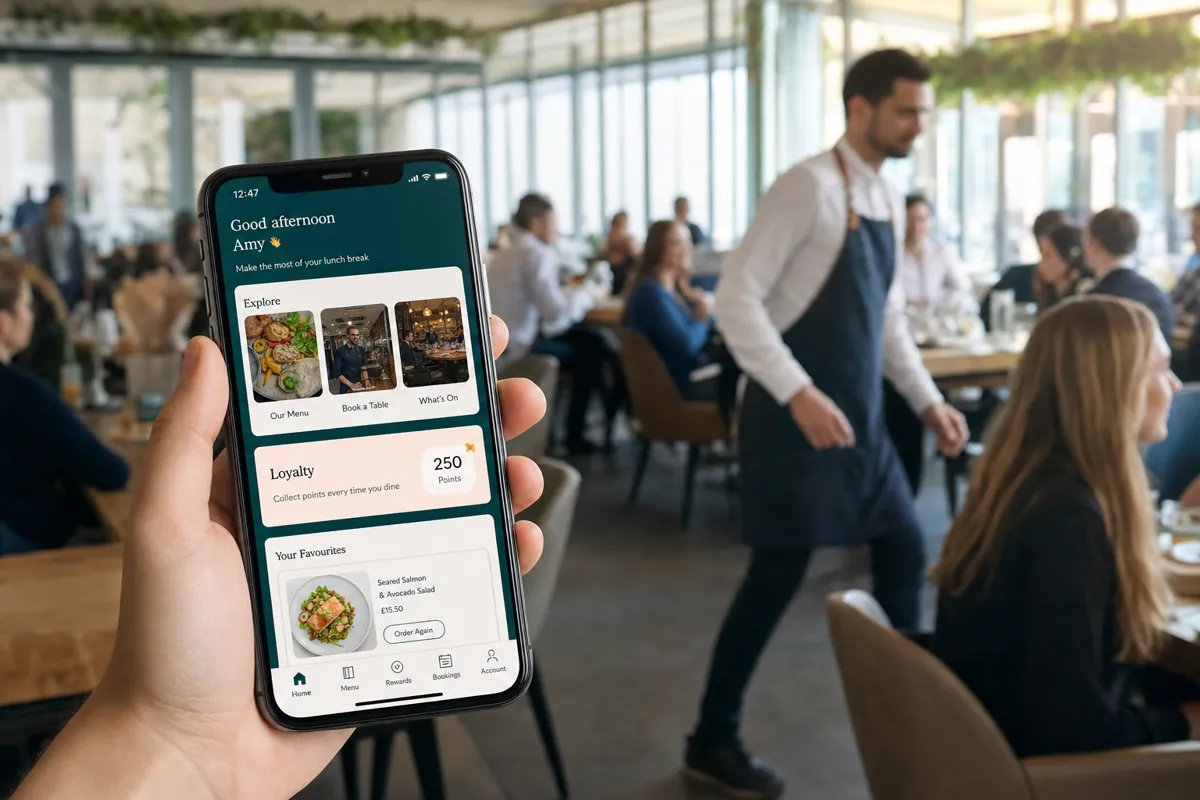
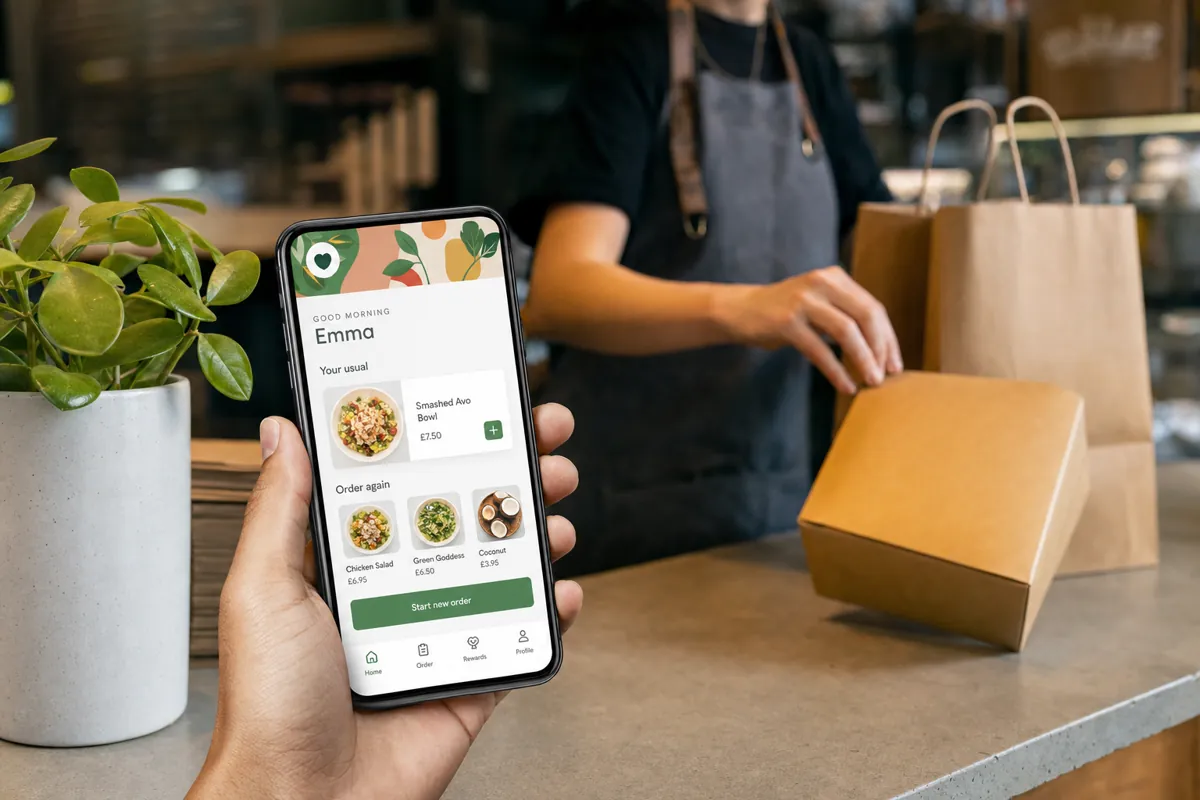
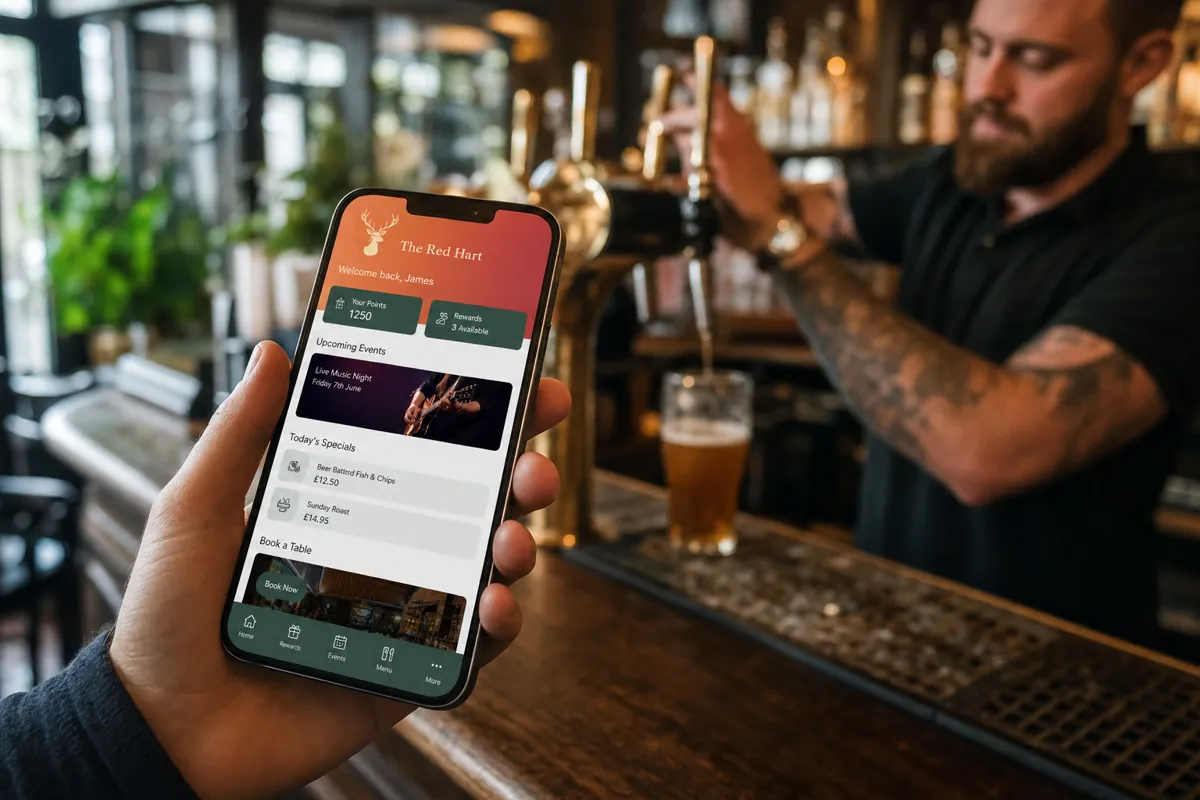
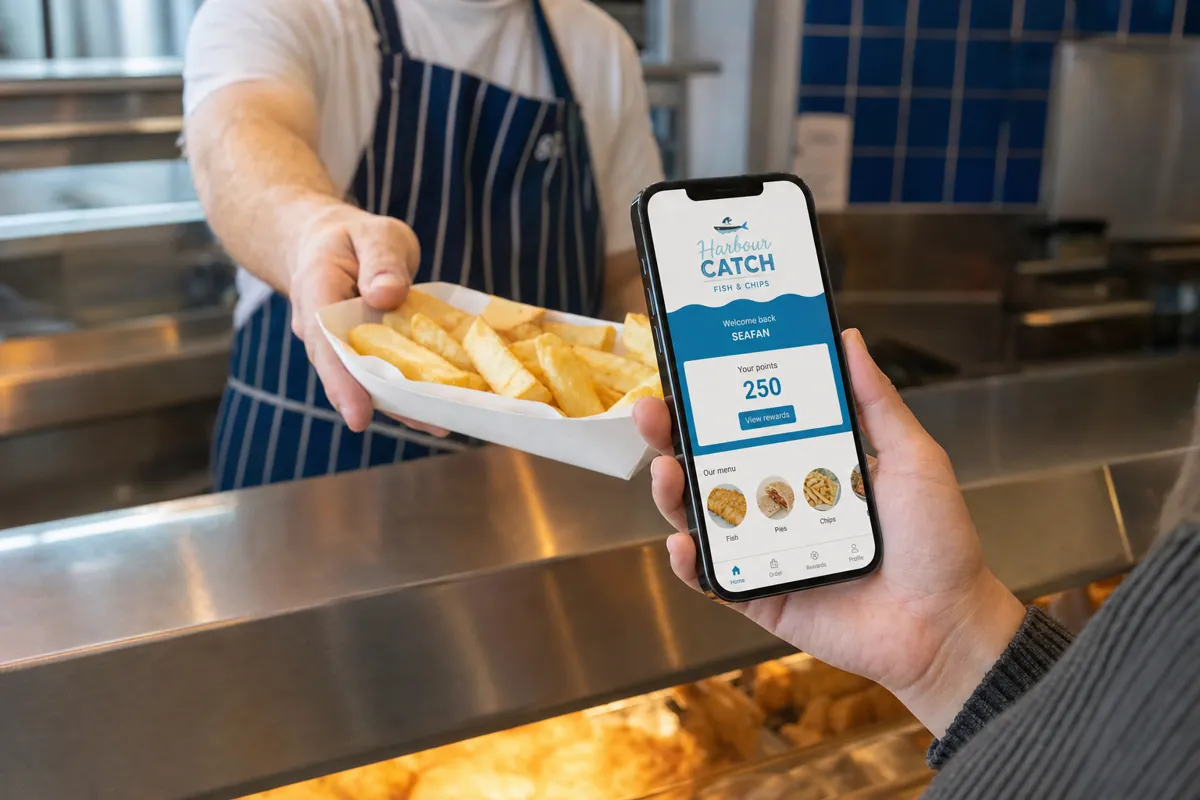
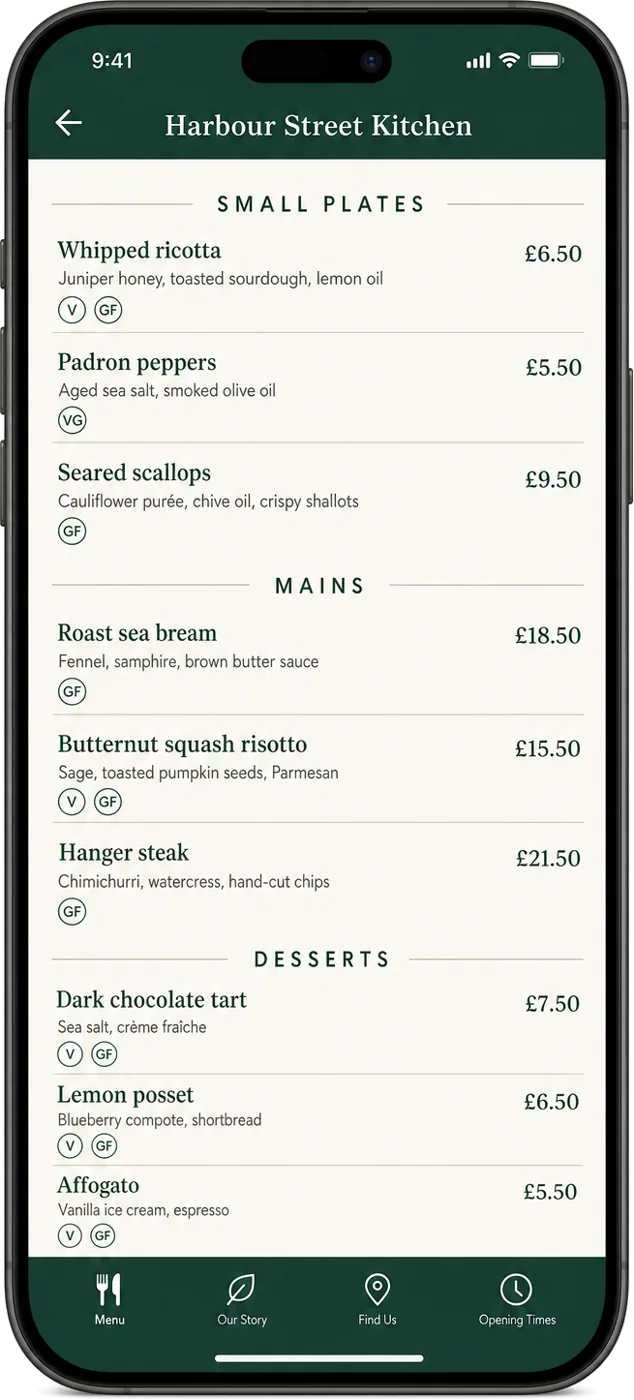
For when customers want to look, not order. A digital menu is always current, shows photos and dietary information, and lives in the same app as your bookings, loyalty and offers.
- Sections, photos, descriptions and prices
- Dietary and allergen labels on every item
- Change prices or specials in the editor, live immediately
Included on every plan, including Free. No credit card required.
Digital Menu: the quick answer
- What it is
- A read-only menu for browsing, with photos, descriptions, dietary labels and prices. Update it in minutes, no reprinting.
- Cost
- Included on every AppBuild.diy plan, including Free for up to 10 app users. Business is $49/month for up to 1,000 users and Business Pro is $99/month for unlimited users.
- Works on
- Your app on the App Store, Google Play and as an installable web app, from one setup.
- Setup
- Add it in the AppBuild.diy editor and fill in your details. No code.
- Popular with
- Restaurant, Takeaway, Pub and bar, Fish and chip shop
What a digital menu does for your business
The menu is the most-read page you have. Make it accurate and easy to browse.
Stop reprinting
A price change takes a minute in the editor and is live for everyone.
Answer the allergen question first
Dietary labels on every item save a conversation at the table.
Make specials visible
Add a Today section and change it each morning.
How it works
Set it up once in the AppBuild.diy editor. Your customers get it in the app the same day.
You set it up
- Add Digital MenuOpen Pages, tap Add Page or Function and choose Digital Menu.
- Add sections and itemsStarters, mains, drinks: each item with a description, price and photo.
- Add labelsMark vegetarian, vegan, gluten-free and allergens.
- Keep it currentEdit Page Content whenever something changes.
Your customers see
- Open the menuSections at the top, items with photos below.
- Check what suits themDietary labels on each item.
- Book or orderLink to table booking or food ordering from the same app.
Full step-by-step guide with screenshots: AppBuild.diy user guide →
Who uses it
Restaurants, cafés, bars, hotels and anywhere with a printed menu that changes.
Included on every plan
- Free for up to 10 app users, then $49/month for up to 1,000
- Works in the web app (PWA), on iOS and on Android
- 0% commission on paid plans
- Unlimited push notifications to go with it
- Switch it on or off from the editor at any time
Works well with
Food Ordering
A full menu with collection and delivery, modifiers, fees and minimum order values. Orders print to your existing Wi-Fi printer. 0% commission on paid plans.
Table Booking
Table reservations for restaurants, cafés and bars: party size, date, time and zone in a six-step flow, with your own table layout and booking rules.
Google Reviews
Your Google Business Profile reviews and rating shown in your app, with a one-tap 'leave a review' link to grow them.
Digital Menu questions
What is the difference between Digital Menu and Food Ordering?
Digital Menu is view-only. Food Ordering adds a basket, checkout, collection and delivery.
Can I import my existing menu?
Yes. The setup assistant can build the menu from a photo or a list of items.
Can I show a daily specials section?
Yes. Add a section and edit it whenever you like.
What is Digital Menu in AppBuild.diy?
A read-only menu for browsing, with photos, descriptions, dietary labels and prices. Update it in minutes, no reprinting.
Does Digital Menu work on iPhone and Android?
Yes. It works in your app on the App Store and Google Play, and in the installable web app, from the same setup.
Do I need to code to add Digital Menu?
No. You add Digital Menu in the AppBuild.diy editor and fill in your details. Most businesses are live in 5 to 15 minutes.
Which businesses use Digital Menu?
It is popular with Restaurant, Takeaway, Pub and bar, Fish and chip shop, among others.