Features / Calendar & Scheduling
Table Booking
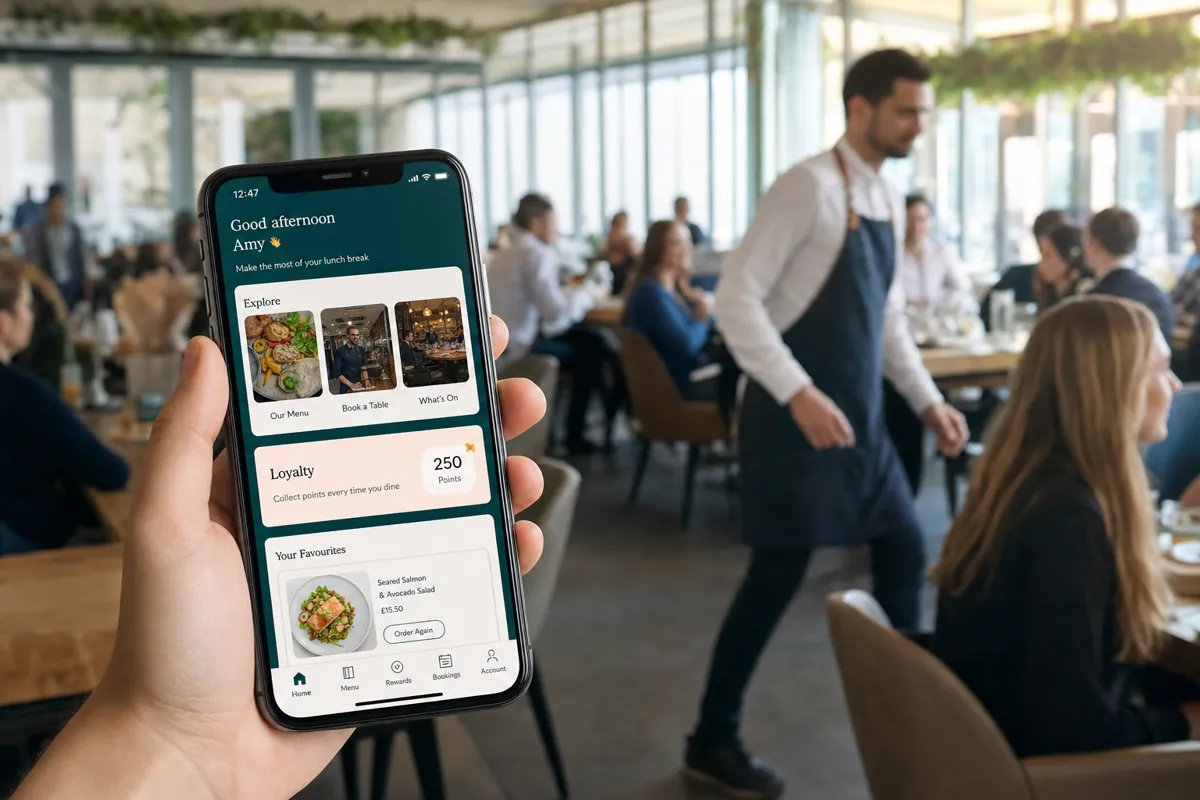
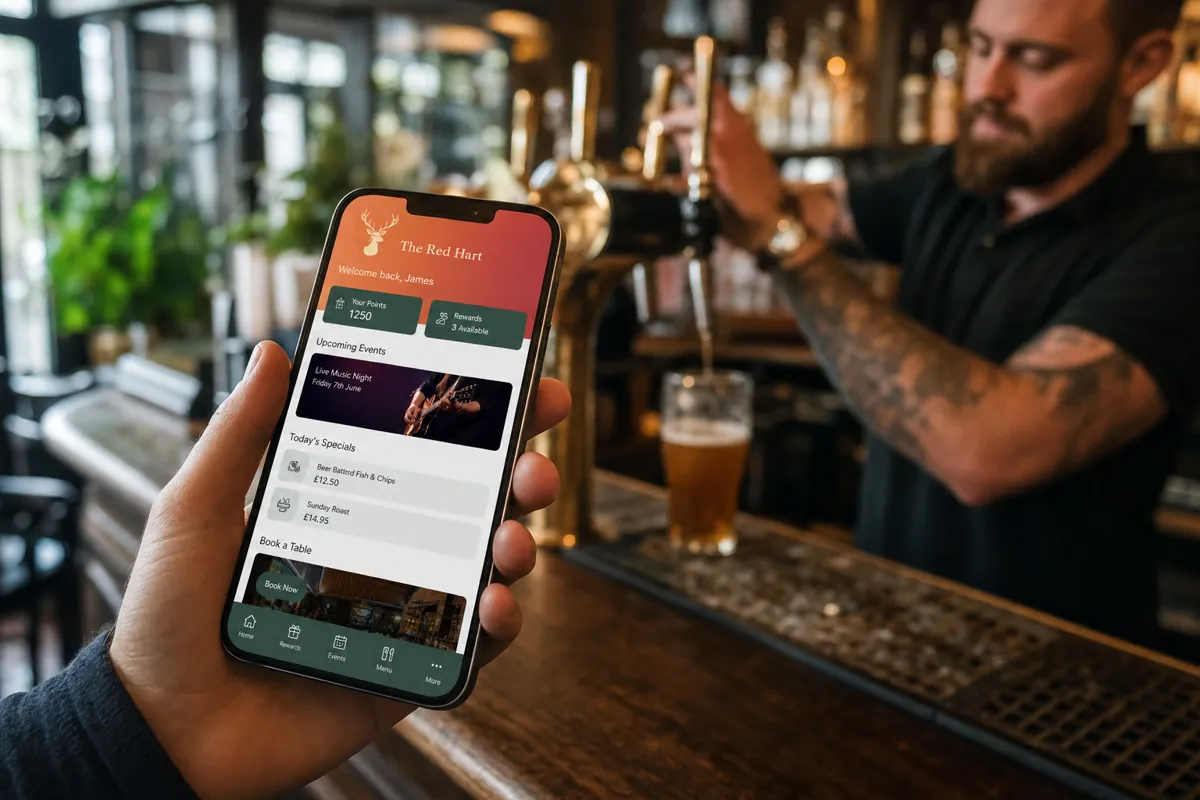
Reservations without the third-party booking fee. Guests choose a party size, a date, a time and a zone such as patio or private room, and the booking lands in your Data Manager with a push alert.
- Party size, date, time and zone in six steps
- Your own table layout, capacity and turn times
- Confirmation and reminder push notifications
Included on every plan, including Free. No credit card required.
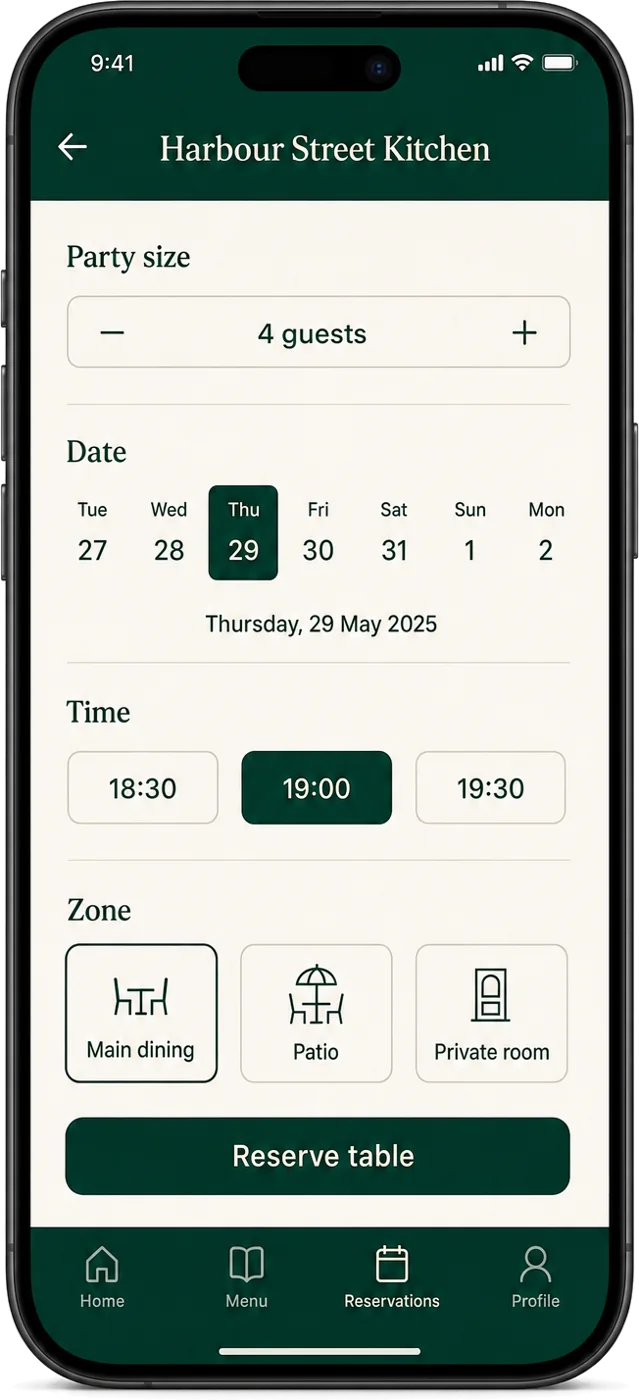
Table Booking: the quick answer
- What it is
- Table reservations for restaurants, cafés and bars: party size, date, time and zone in a six-step flow, with your own table layout and booking rules.
- Cost
- Included on every AppBuild.diy plan, including Free for up to 10 app users. Business is $49/month for up to 1,000 users and Business Pro is $99/month for unlimited users.
- Works on
- Your app on the App Store, Google Play and as an installable web app, from one setup.
- Setup
- Add it in the AppBuild.diy editor and fill in your details. No code.
- Popular with
- Restaurant, Takeaway, Fish and chip shop, Pub and bar
What table booking does for your business
Reservation platforms charge per cover and keep the guest's details. Your app does neither.
Stop paying per cover
No per-booking fee. The reservation and the guest record are yours.
Fill zones, not just seats
Patio, bar, main dining, private room: guests pick, you control capacity per zone.
Reduce no-shows
A push reminder the morning of the booking is read, unlike an email.
How it works
Set it up once in the AppBuild.diy editor. Your customers get it in the app the same day.
You set it up
- Add Table BookingOpen Pages, tap Add Page or Function and choose Table Booking.
- Lay out your tablesZones, tables and seats, with turn times.
- Set the rulesService times, maximum party size, notice and cancellation.
- Manage bookingsConfirm, seat and mark no-shows in Data Manager.
Your customers see
- Choose a party sizeThen a date and an available time.
- Pick a zonePatio, main dining or private room, where you offer them.
- ConfirmDetails are pre-filled from their account.
- Get remindedA push notification before the booking.
Full step-by-step guide with screenshots: AppBuild.diy user guide →
Who uses it
Restaurants, cafés, bars and hotel dining rooms.
Included on every plan
- Free for up to 10 app users, then $49/month for up to 1,000
- Works in the web app (PWA), on iOS and on Android
- 0% commission on paid plans
- Unlimited push notifications to go with it
- Switch it on or off from the editor at any time
Works well with
Food Ordering
A full menu with collection and delivery, modifiers, fees and minimum order values. Orders print to your existing Wi-Fi printer. 0% commission on paid plans.
Digital Menu
A read-only menu for browsing, with photos, descriptions, dietary labels and prices. Update it in minutes, no reprinting.
Google Reviews
Your Google Business Profile reviews and rating shown in your app, with a one-tap 'leave a review' link to grow them.
Table Booking questions
Can I use it alongside OpenTable or my current system?
Yes, but most restaurants move reservations into the app to stop paying per cover.
Can I take a deposit for large parties?
Yes, with Stripe connected.
Does it handle walk-ins?
Staff can add bookings in Data Manager, so walk-ins and phone bookings sit in the same list.
What is Table Booking in AppBuild.diy?
Table reservations for restaurants, cafés and bars: party size, date, time and zone in a six-step flow, with your own table layout and booking rules.
Does Table Booking work on iPhone and Android?
Yes. It works in your app on the App Store and Google Play, and in the installable web app, from the same setup.
Do I need to code to add Table Booking?
No. You add Table Booking in the AppBuild.diy editor and fill in your details. Most businesses are live in 5 to 15 minutes.
Which businesses use Table Booking?
It is popular with Restaurant, Takeaway, Fish and chip shop, Pub and bar, among others.