Features / Calendar & Scheduling
Booking System
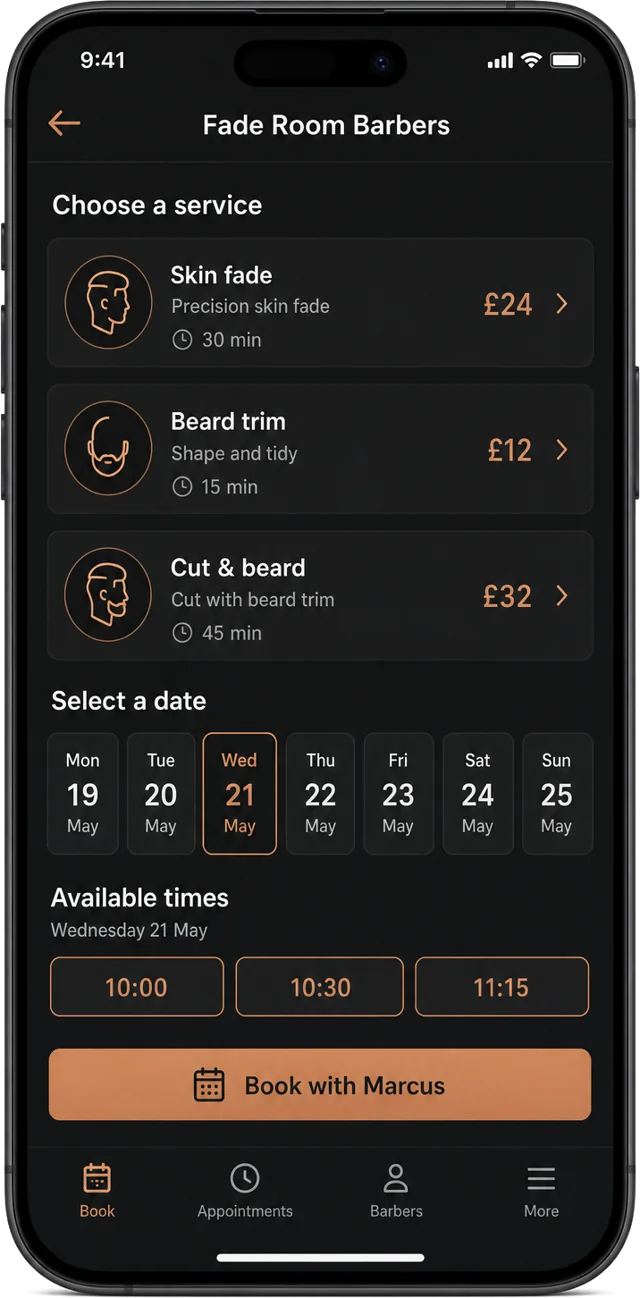
Your diary, open 24 hours a day, without the phone ringing. Customers pick a service, a staff member and a time, and the booking lands in your Data Manager. Reminders go out as push notifications, which is why no-shows fall.
- Services with lengths, prices and categories, or import a ready-made preset
- Staff, opening hours, notice periods and cancellation rules
- Push reminders that reduce no-shows by up to 50%
Included on every plan, including Free. No credit card required.
Booking System: the quick answer
- What it is
- Appointments with services, staff, durations, prices and opening hours. Customers book in your app around the clock, and push reminders cut no-shows by up to half.
- Cost
- Included on every AppBuild.diy plan, including Free for up to 10 app users. Business is $49/month for up to 1,000 users and Business Pro is $99/month for unlimited users.
- Works on
- Your app on the App Store, Google Play and as an installable web app, from one setup.
- Setup
- Add it in the AppBuild.diy editor and fill in your details. No code.
- Popular with
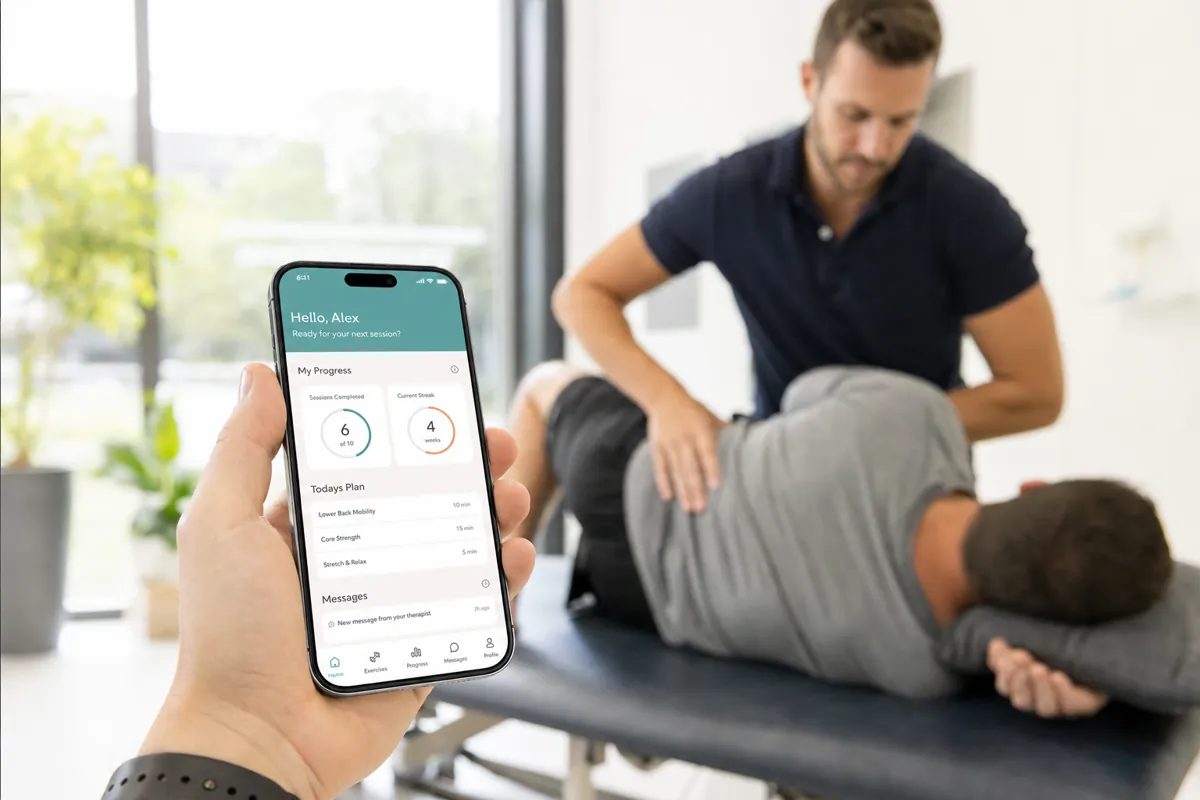
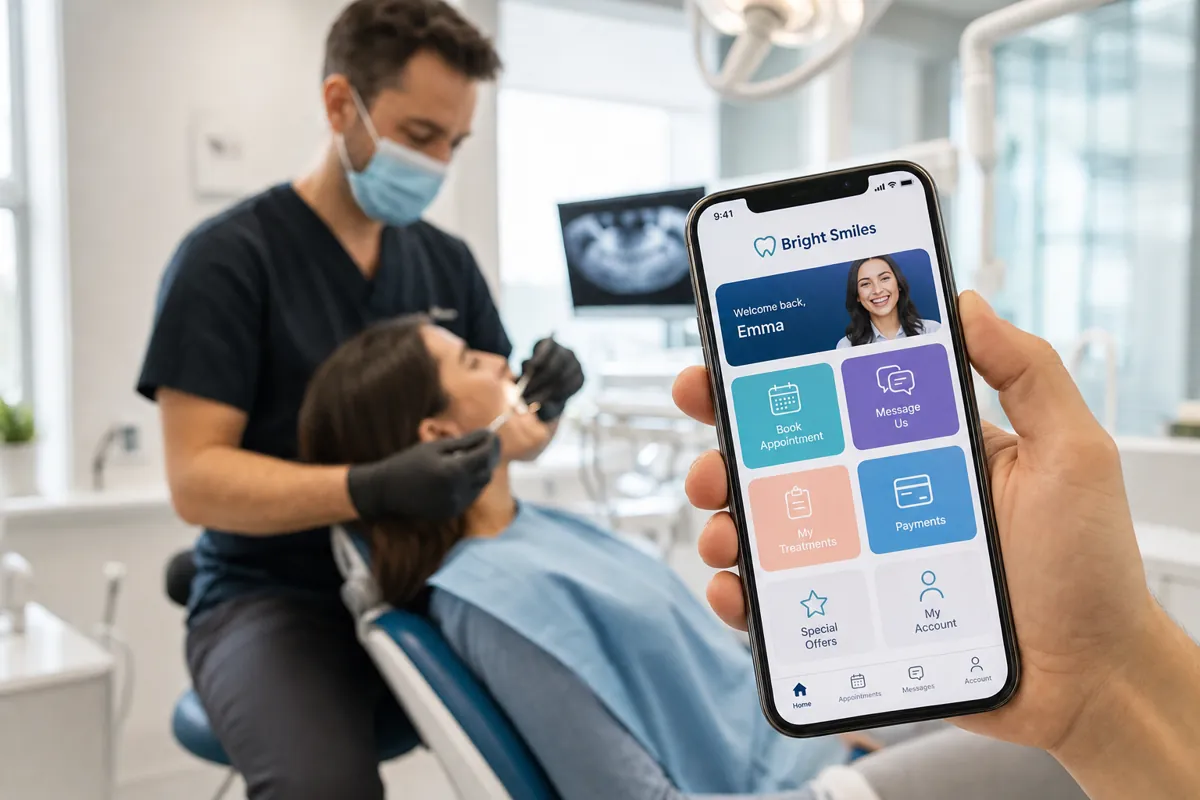
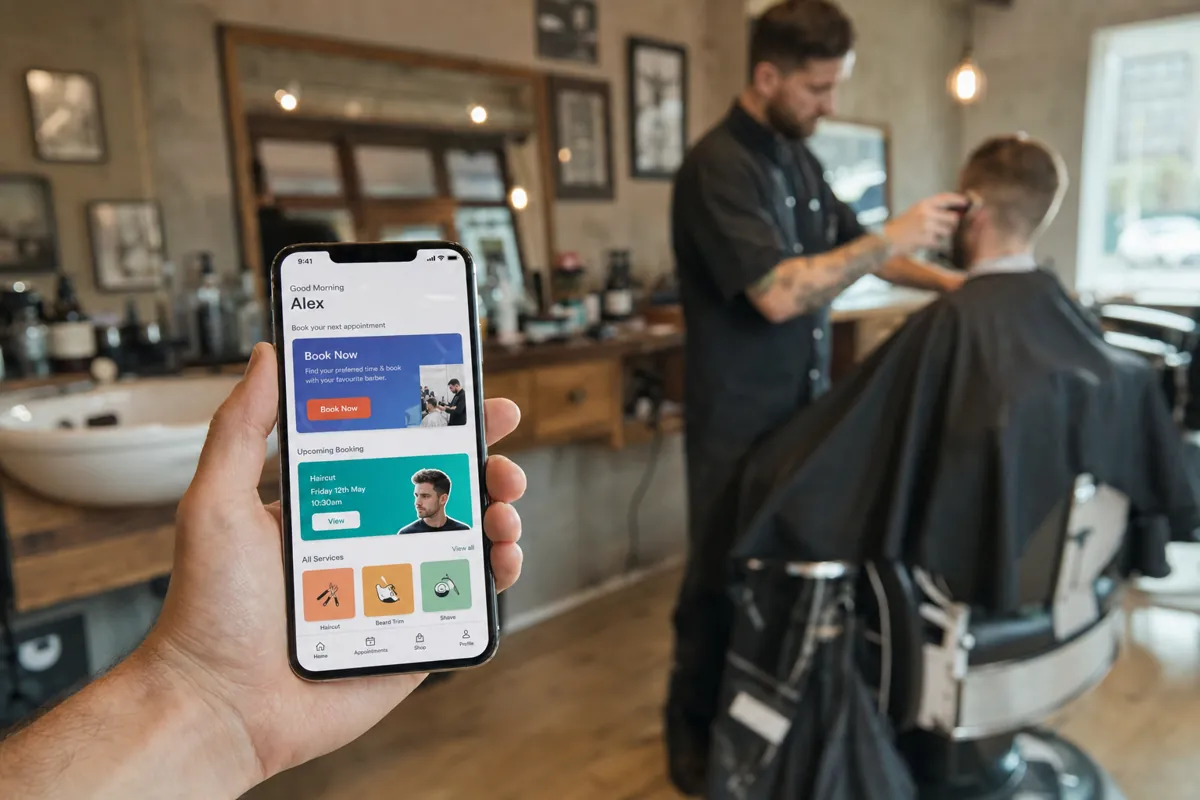
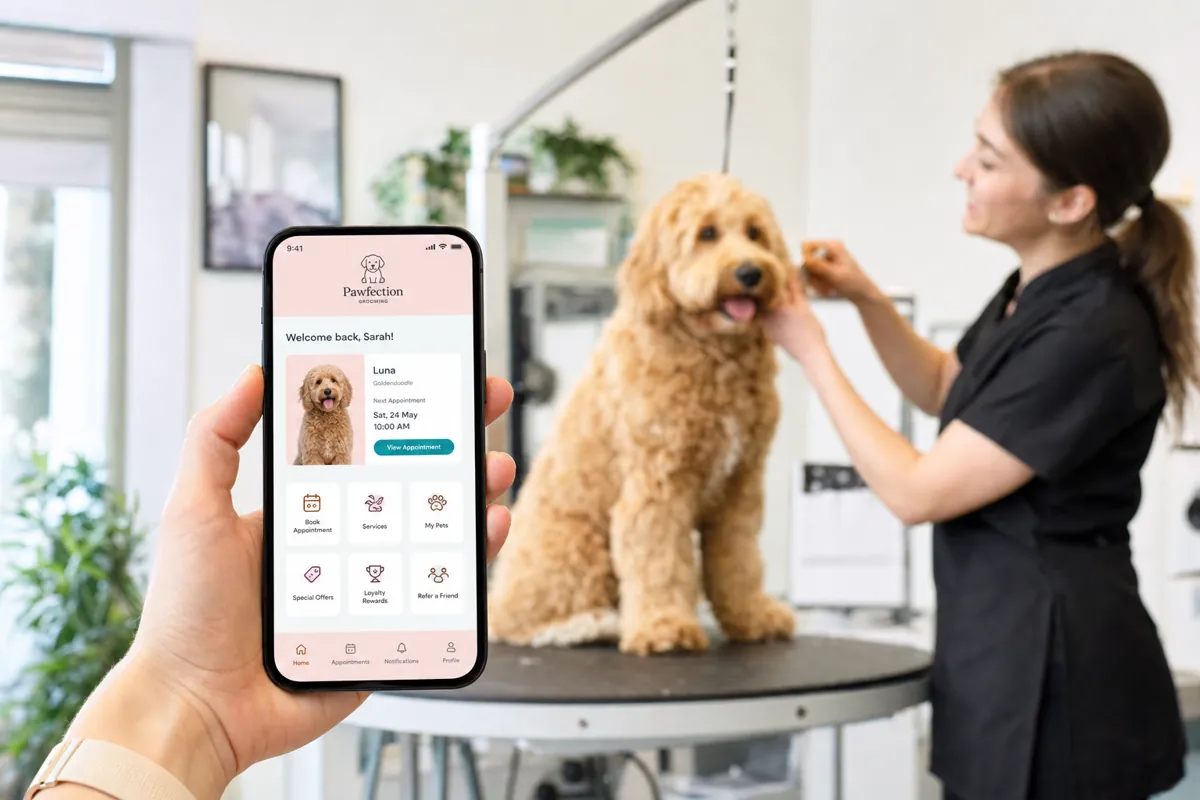
- Physio and chiropractic clinic, Dental practice, Barbershop, Pet groomer
What the booking system does for your business
Every booking taken in the app is a call you did not have to answer and a no-show you are less likely to get.
Fill the diary out of hours
Most bookings happen in the evening. The app takes them while you are closed.
Cut no-shows
A push reminder on the lock screen beats an email in a promotions tab. Businesses report no-shows down by up to half.
Keep staff and services straight
Each staff member has their own availability, and customers can choose who they see.
How it works
Set it up once in the AppBuild.diy editor. Your customers get it in the app the same day.
You set it up
- Add Booking SystemOpen Pages, tap Add Page or Function and choose Booking System.
- Add servicesImport a preset list for your trade or add your own, with name, length and description.
- Add staff and hoursAdd employees, then set opening and closing times per day.
- Set the rulesHow far ahead people can book, the notice you need, and whether customers can cancel.
Your customers see
- See your servicesVisitors can browse straight away, then sign in to book.
- Choose staff, date and timePick a staff member if they like, then a slot.
- ConfirmName and email are filled in; they add a phone number and confirm.
- Get remindedThe booking appears in My Bookings and a push reminder arrives before the appointment.
Full step-by-step guide with screenshots: AppBuild.diy user guide →
Who uses it
Anything booked as a time slot with a named service.
Included on every plan
- Free for up to 10 app users, then $49/month for up to 1,000
- Works in the web app (PWA), on iOS and on Android
- 0% commission on paid plans
- Unlimited push notifications to go with it
- Switch it on or off from the editor at any time
Works well with
Class Booking
Group classes with capacity, instructors, timetables and waitlists. Members book from the app and get a push notification when a spot opens.
Table Booking
Table reservations for restaurants, cafés and bars: party size, date, time and zone in a six-step flow, with your own table layout and booking rules.
Push Notifications
Unlimited push notifications on every plan, including Free, at $0 per message. The lock-screen channel that email and social cannot match.
Booking System questions
I already use Fresha, Vagaro or Square. Do I have to switch?
No. AppBuild has native integrations for Fresha, Vagaro, Square Appointments, Acuity, Calendly, BookedIn and Cliniko, so you can keep your current diary and still have your own app.
Can customers cancel or reschedule?
You decide. Cancellation rules and notice periods are set in the booking settings.
Where do bookings appear?
In the customer's My Bookings page, and in your Data Manager, with push alerts for new bookings.
Can I take deposits?
Yes, with Stripe connected. Deposit-on-booking is common for tattoo studios and salons.
What is Booking System in AppBuild.diy?
Appointments with services, staff, durations, prices and opening hours. Customers book in your app around the clock, and push reminders cut no-shows by up to half.
Does Booking System work on iPhone and Android?
Yes. It works in your app on the App Store and Google Play, and in the installable web app, from the same setup.
Do I need to code to add Booking System?
No. You add Booking System in the AppBuild.diy editor and fill in your details. Most businesses are live in 5 to 15 minutes.
Which businesses use Booking System?
It is popular with Physio and chiropractic clinic, Dental practice, Barbershop, Pet groomer, among others.