Features / Loyalty & Rewards
Coupons
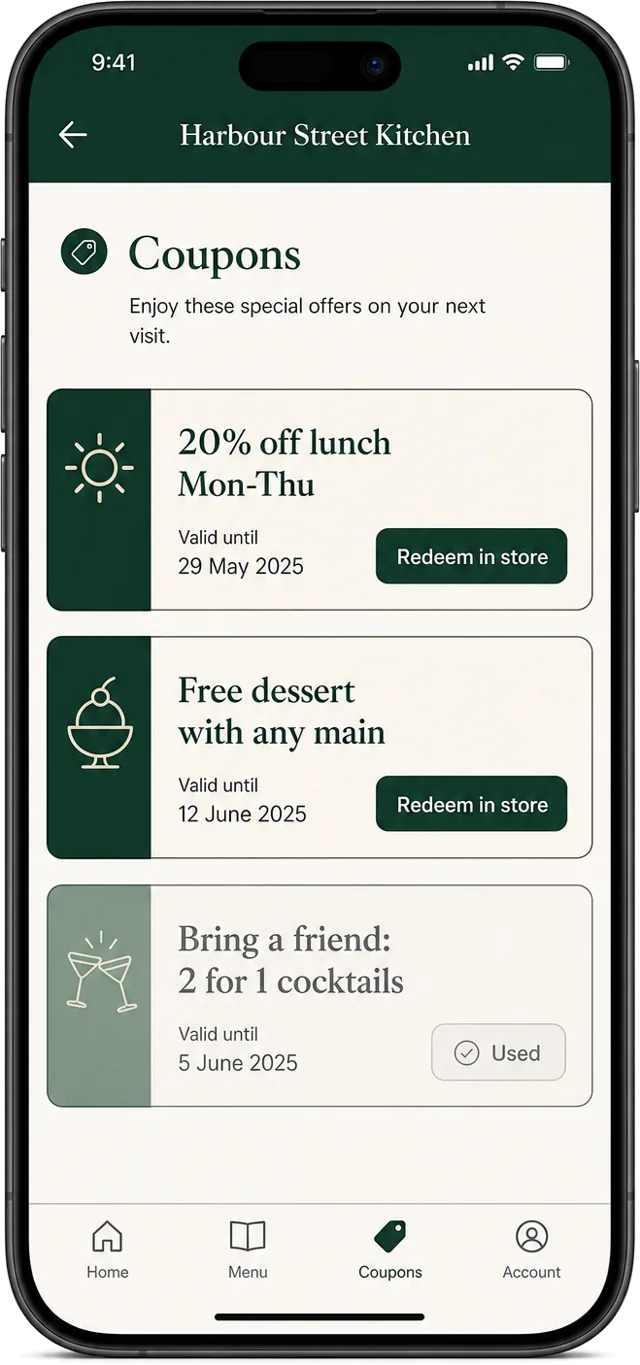
A coupon in your app is a reason to visit this week. Build the offer, set the dates, and send it to everyone who has your app with a push notification. Redemption is a tap at the till, so nothing is printed and nothing is copied.
- Percentage, fixed amount or free-item offers
- Start and end dates, usage limits and one-per-customer rules
- Redeemed in store by showing the screen, or applied to an order
Included on every plan, including Free. No credit card required.
Coupons: the quick answer
- What it is
- Time-limited offers your customers redeem in store or against an order. Create, schedule and switch off coupons from the editor in minutes.
- Cost
- Included on every AppBuild.diy plan, including Free for up to 10 app users. Business is $49/month for up to 1,000 users and Business Pro is $99/month for unlimited users.
- Works on
- Your app on the App Store, Google Play and as an installable web app, from one setup.
- Setup
- Add it in the AppBuild.diy editor and fill in your details. No code.
- Popular with
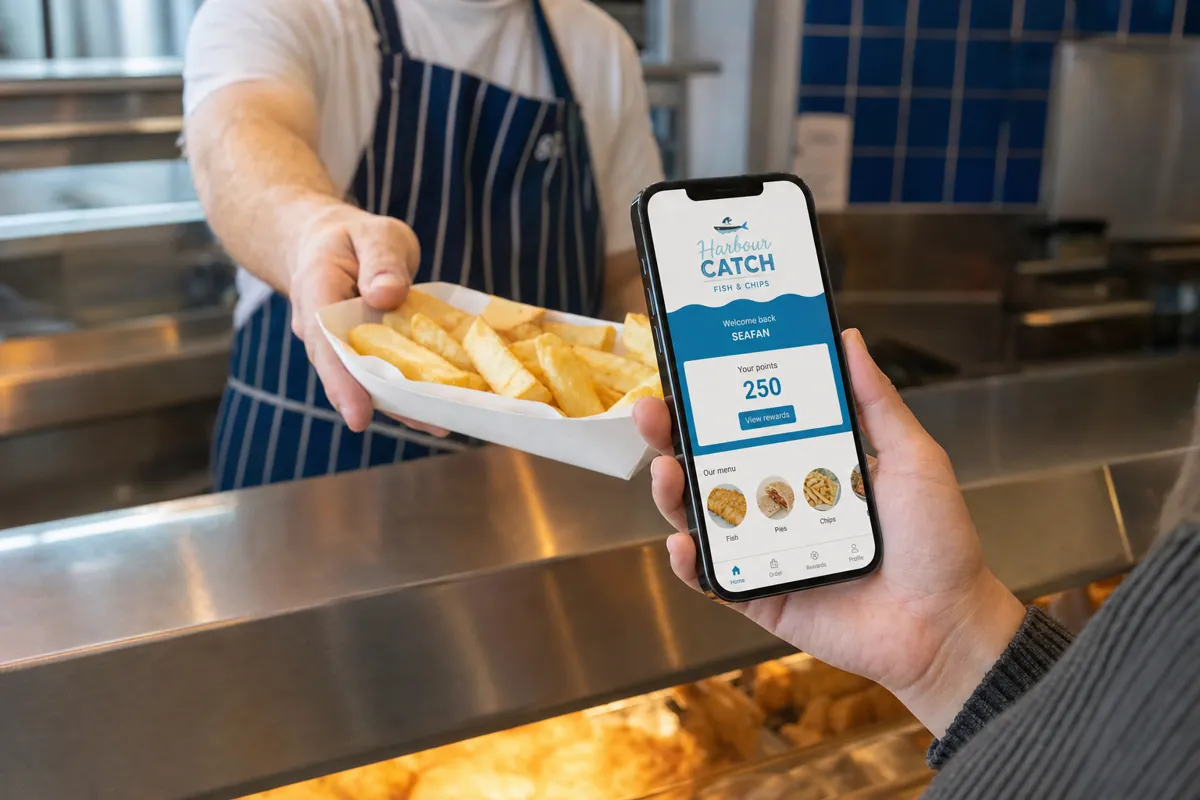
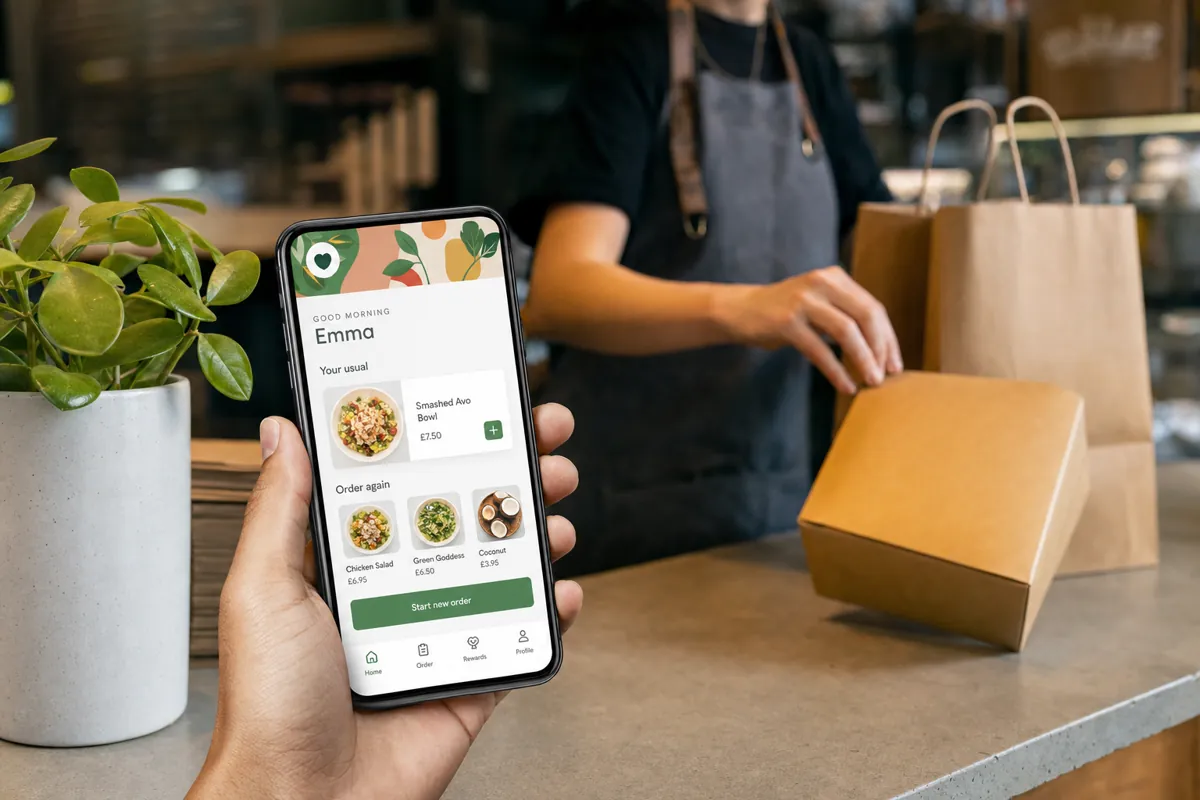
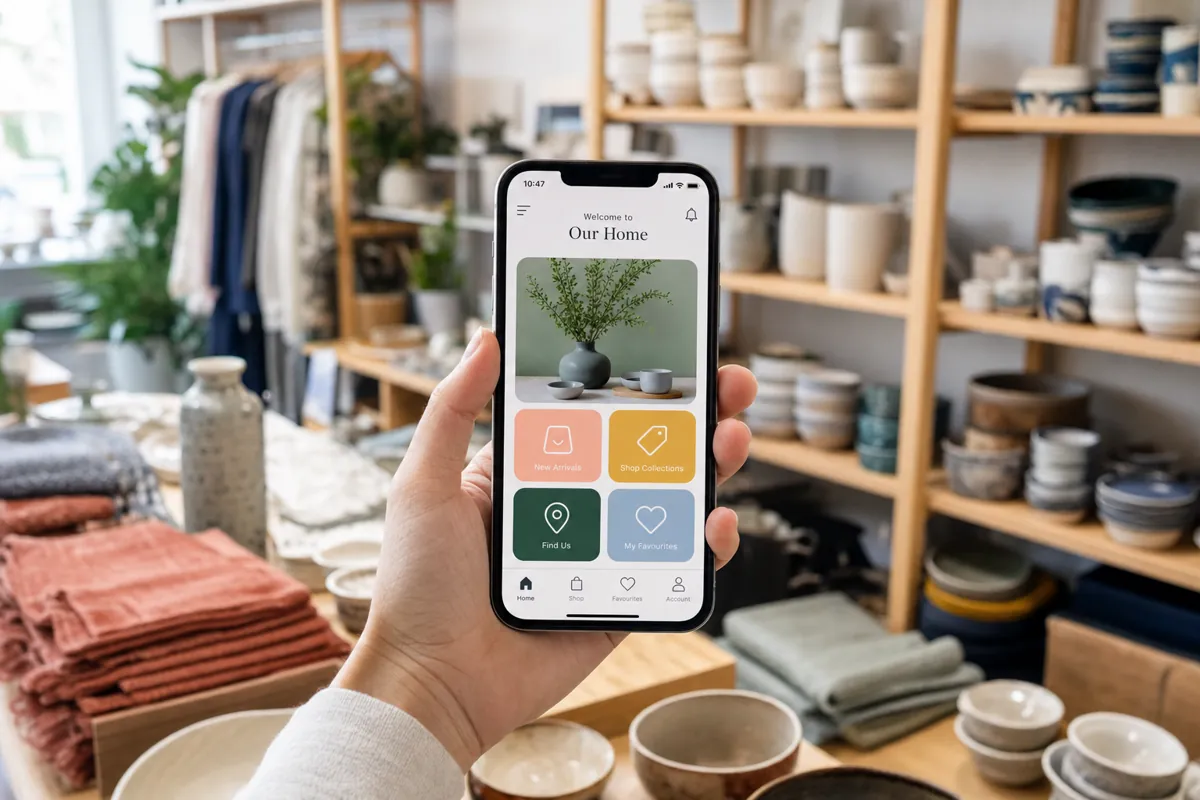
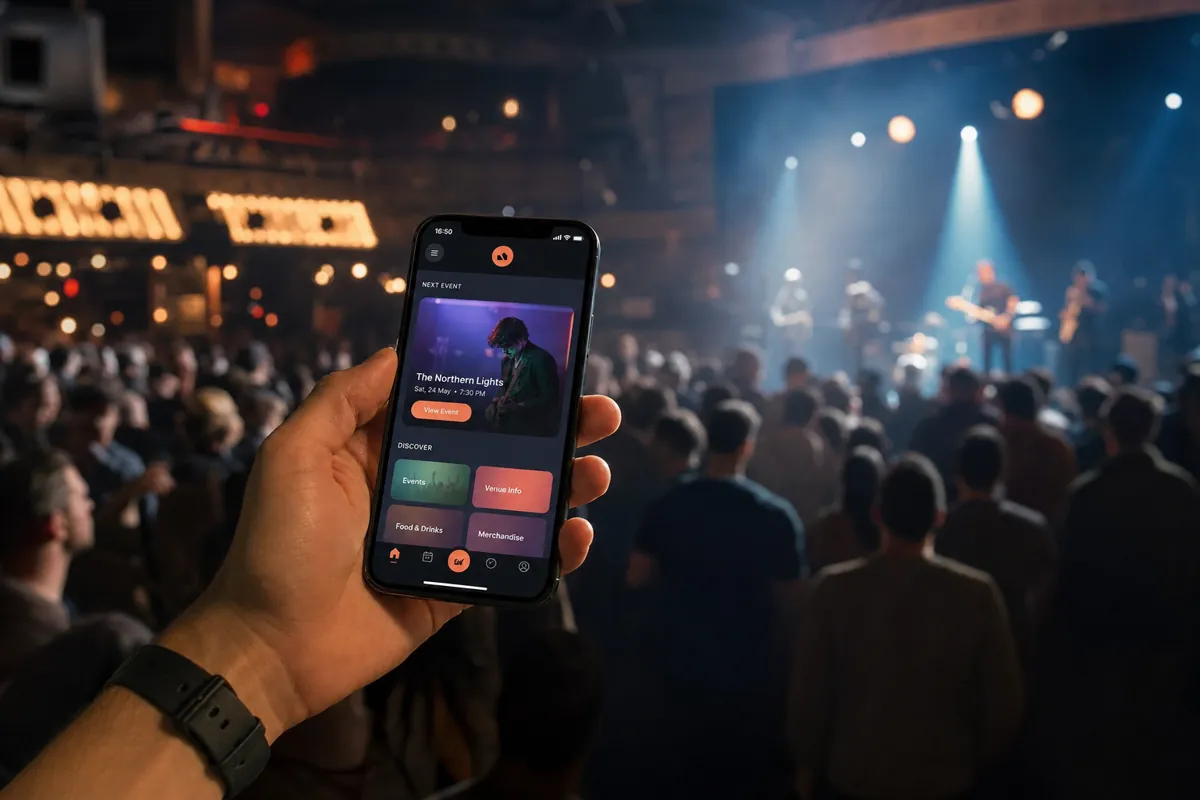
- Fish and chip shop, Takeaway, Online shop, Live music venue
What coupons do for your business
Fill the quiet hours and move stock, without the leaflet drop.
Fill quiet periods
A Tuesday lunch offer only needs to reach people who already like you. That is exactly who has your app.
Launch something new
Put a free-taster coupon in front of your regulars the day a new product lands.
Win back lapsed customers
Pair a coupon with push to reach people who have not been in for a while.
How it works
Set it up once in the AppBuild.diy editor. Your customers get it in the app the same day.
You set it up
- Add Coupons to a pageOpen Pages, tap Add Page or Function and choose Coupons.
- Create the offerGive it a title, the discount or free item, the dates it runs and any limits.
- Choose how it is redeemedStaff mark it used in store, or it applies to an order in the app.
- Tell peopleSend a push notification from the editor so the offer lands on the lock screen.
Your customers see
- See current offersCoupons appear as cards with the expiry date.
- Tap to redeemThey show the coupon screen at the till, or apply it at checkout.
- DoneUsed coupons are marked so they cannot be reused.
Full step-by-step guide with screenshots: AppBuild.diy user guide →
Who uses it
Any business with a quiet day of the week or a product to shift.
Included on every plan
- Free for up to 10 app users, then $49/month for up to 1,000
- Works in the web app (PWA), on iOS and on Android
- 0% commission on paid plans
- Unlimited push notifications to go with it
- Switch it on or off from the editor at any time
Works well with
Push Notifications
Unlimited push notifications on every plan, including Free, at $0 per message. The lock-screen channel that email and social cannot match.
Loyalty Stamp Cards
A digital stamp card in your own app. Customers collect stamps on their phone, staff add them with any phone, and the reward is redeemed in a tap.
Food Ordering
A full menu with collection and delivery, modifiers, fees and minimum order values. Orders print to your existing Wi-Fi printer. 0% commission on paid plans.
Coupons questions
Can a coupon be used only once per customer?
Yes. Set a one-per-customer limit, a total usage cap, or both.
Can I schedule coupons in advance?
Yes. Set a start and end date and the coupon appears and disappears on its own.
Do coupons work with food ordering?
Yes. A coupon can be applied to an order placed in the app as well as shown in store.
Is there a charge per coupon?
No. Coupons are included on every plan.
What is Coupons in AppBuild.diy?
Time-limited offers your customers redeem in store or against an order. Create, schedule and switch off coupons from the editor in minutes.
Does Coupons work on iPhone and Android?
Yes. It works in your app on the App Store and Google Play, and in the installable web app, from the same setup.
Do I need to code to add Coupons?
No. You add Coupons in the AppBuild.diy editor and fill in your details. Most businesses are live in 5 to 15 minutes.
Which businesses use Coupons?
It is popular with Fish and chip shop, Takeaway, Online shop, Live music venue, among others.