Features / Forms & Data
Document Library
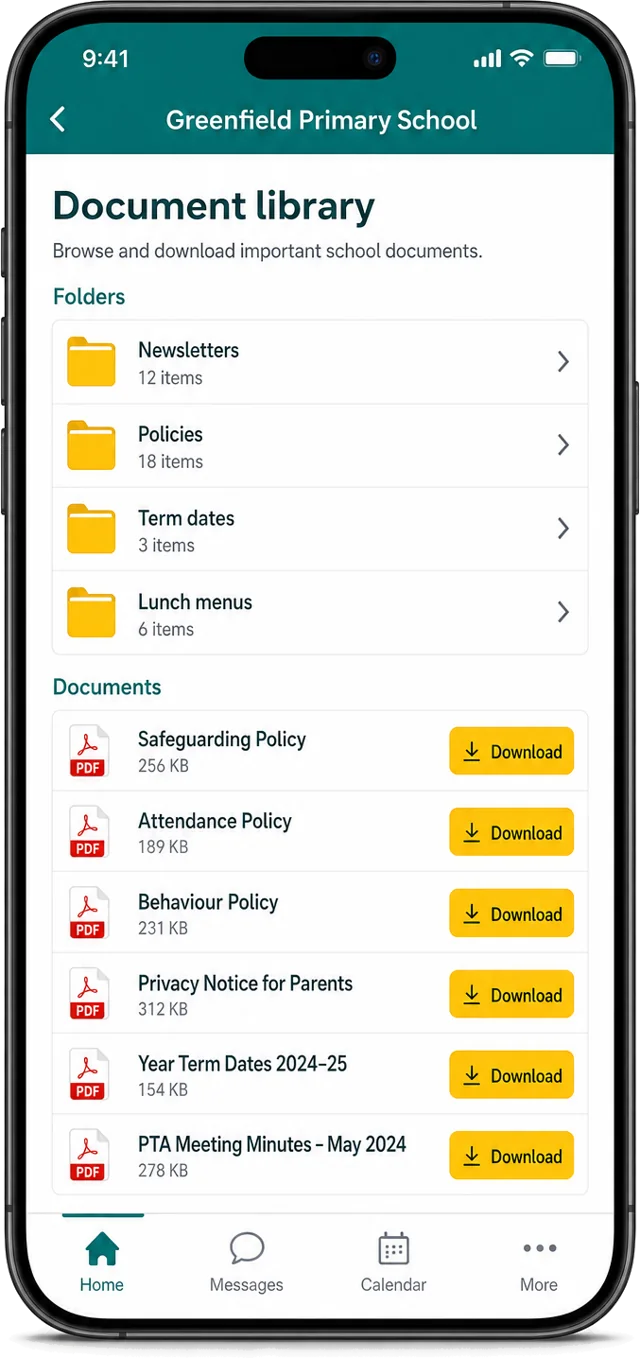
The documents people keep asking for, in one organised place. Upload PDFs, sort them into folders, and let customers read or download them from the app.
- Folders and categories
- Preview and download in the app
- Replace a document and everyone gets the new version
Included on every plan, including Free. No credit card required.
Document Library: the quick answer
- What it is
- A categorised library of PDFs and documents your customers or members can read and download in the app: menus, newsletters, policies, term dates.
- Cost
- Included on every AppBuild.diy plan, including Free for up to 10 app users. Business is $49/month for up to 1,000 users and Business Pro is $99/month for unlimited users.
- Works on
- Your app on the App Store, Google Play and as an installable web app, from one setup.
- Setup
- Add it in the AppBuild.diy editor and fill in your details. No code.
- Popular with
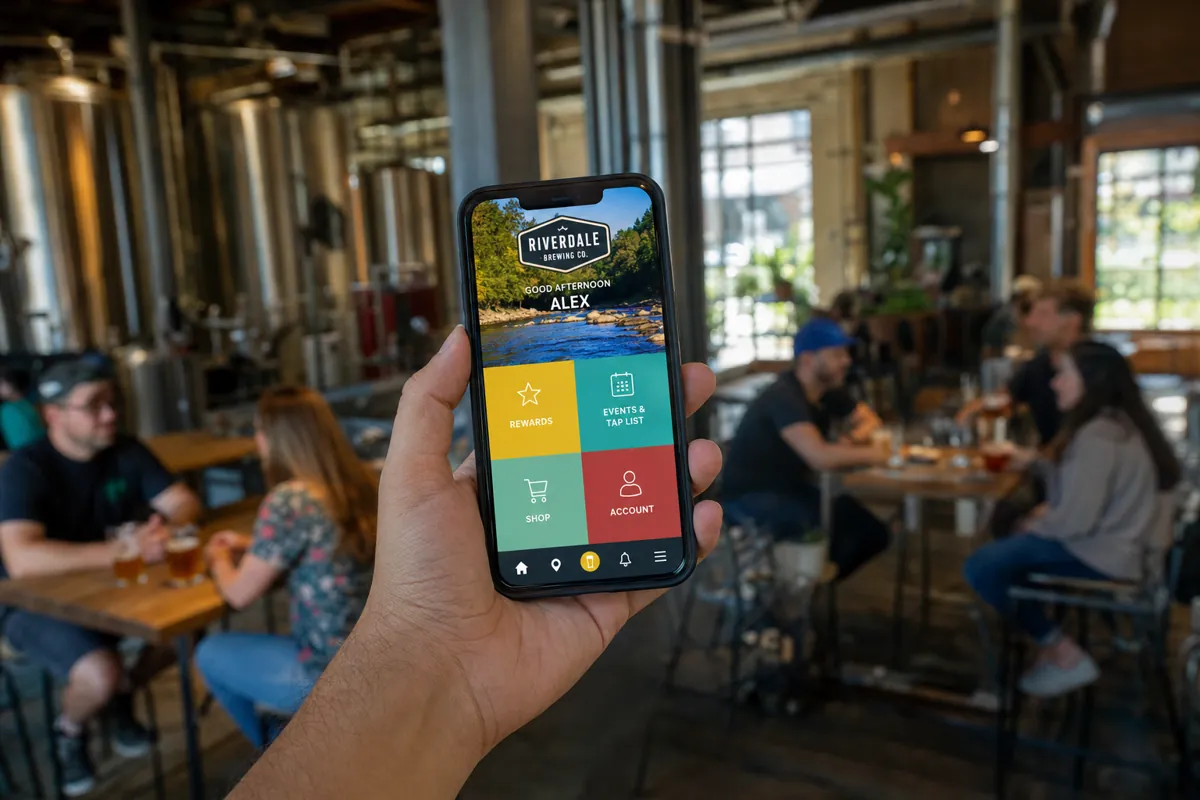
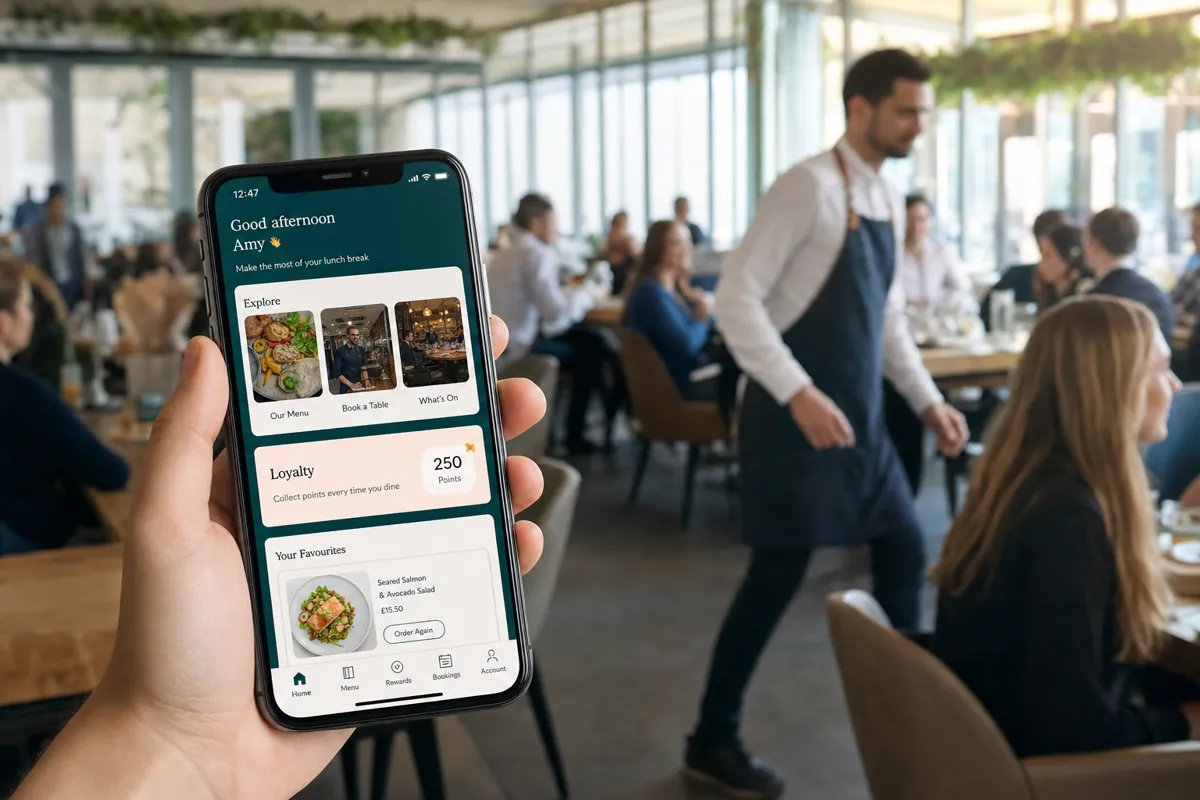
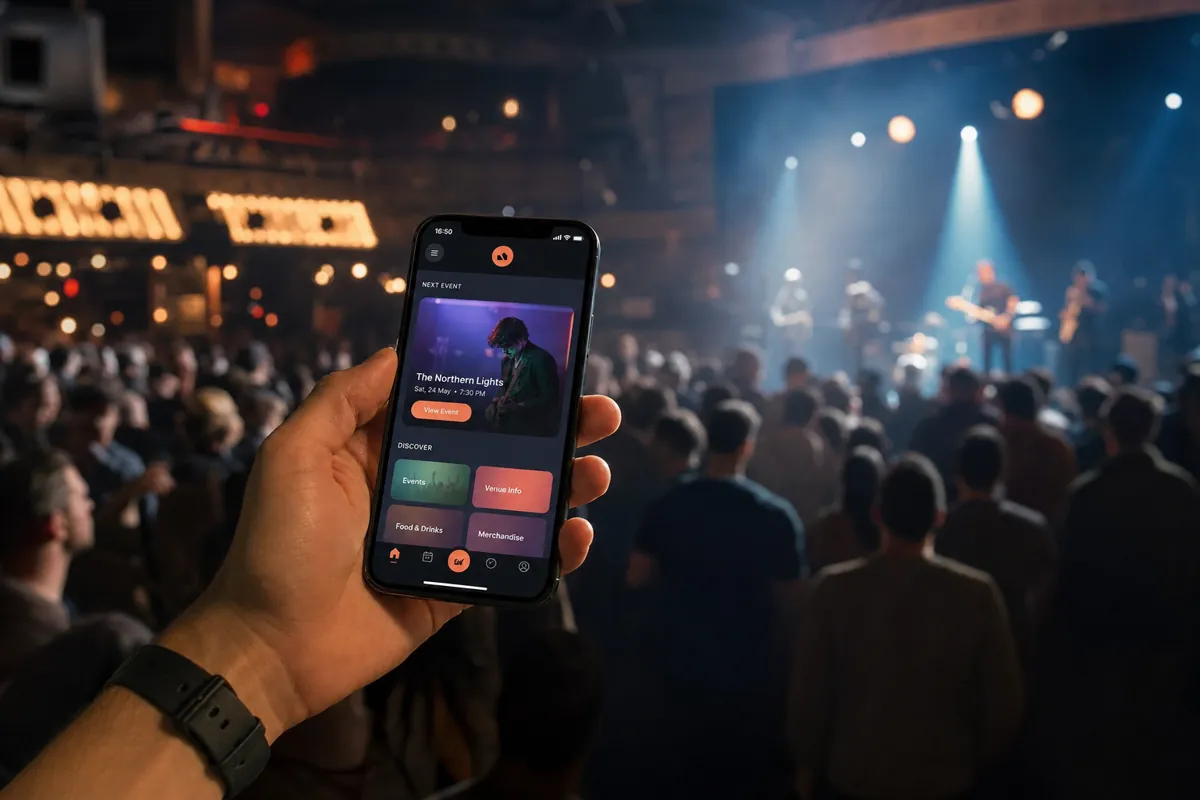
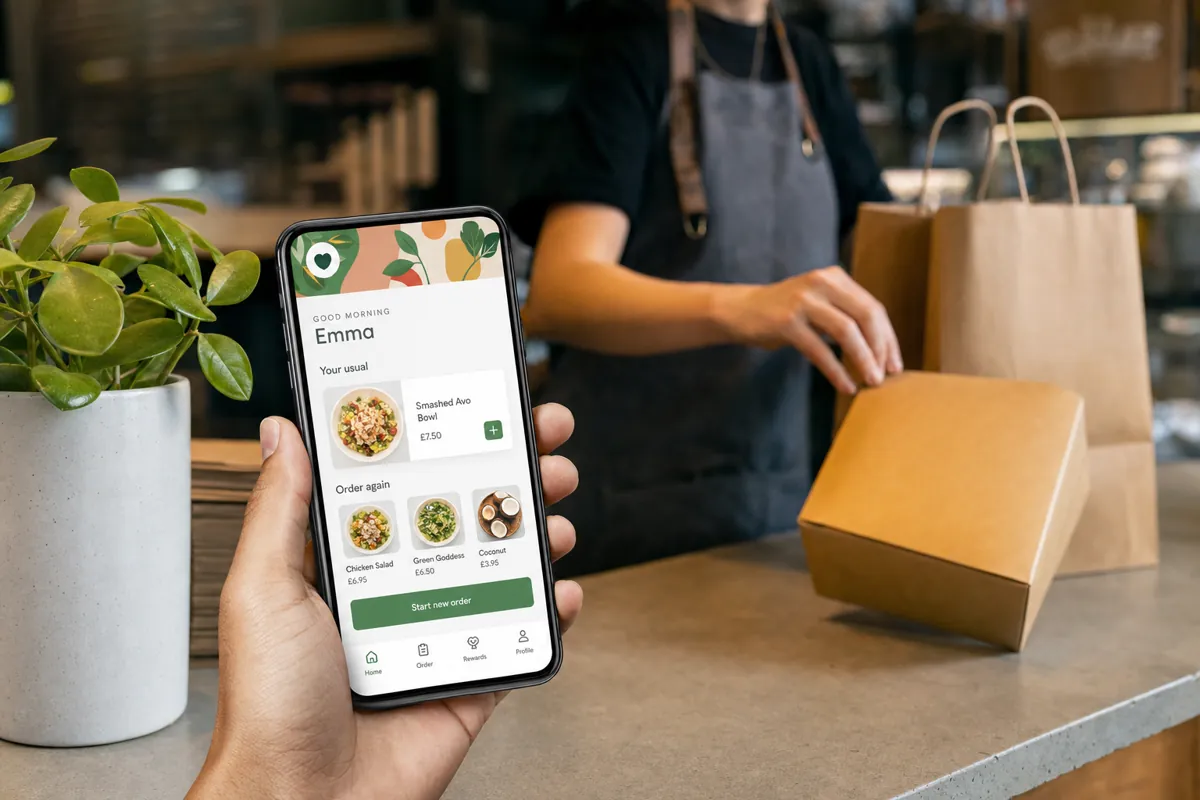
- Craft brewery, Restaurant, Live music venue, Takeaway
What a document library does for your organisation
Stop emailing the same PDF every week.
One place for everything
Newsletters, policies, price lists, meeting papers.
Always current
Replace the file; the app shows the new one.
Read on the phone
Preview inside the app, download if they want to keep it.
How it works
Set it up once in the AppBuild.diy editor. Your customers get it in the app the same day.
You set it up
- Add Document LibraryOpen Pages, tap Add Page or Function and choose PDF Library.
- Create foldersNewsletters, policies, term dates: whatever suits.
- Upload documentsPDFs and documents with titles.
- Keep it currentReplace or remove files from the editor.
Your customers see
- Browse foldersClear categories.
- Open a documentPreview in the app.
- DownloadKeep a copy on their phone.
Full step-by-step guide with screenshots: AppBuild.diy user guide →
Who uses it
Schools, churches, clubs, housing and property, and any member organisation.
Included on every plan
- Free for up to 10 app users, then $49/month for up to 1,000
- Works in the web app (PWA), on iOS and on Android
- 0% commission on paid plans
- Unlimited push notifications to go with it
- Switch it on or off from the editor at any time
Works well with
Form Builder
Custom forms for quotes, requests, applications and feedback. Build from scratch or a template; responses arrive in your dashboard with email alerts.
Social Wall
A members-only community feed inside your app. Members post updates and photos, react and comment, with nothing shown to the public.
Push Notifications
Unlimited push notifications on every plan, including Free, at $0 per message. The lock-screen channel that email and social cannot match.
Document Library questions
What file types are supported?
PDF is the main format. Most documents can be saved as PDF before upload.
Is there a size limit?
Files are stored on AppBuild's hosting; very large files should be compressed first.
Can I notify people when a new document goes up?
Yes. Send a push notification from the editor.
What is Document Library in AppBuild.diy?
A categorised library of PDFs and documents your customers or members can read and download in the app: menus, newsletters, policies, term dates.
Does Document Library work on iPhone and Android?
Yes. It works in your app on the App Store and Google Play, and in the installable web app, from the same setup.
Do I need to code to add Document Library?
No. You add Document Library in the AppBuild.diy editor and fill in your details. Most businesses are live in 5 to 15 minutes.
Which businesses use Document Library?
It is popular with Craft brewery, Restaurant, Live music venue, Takeaway, among others.