
Features / Property & Trades
Property Listings
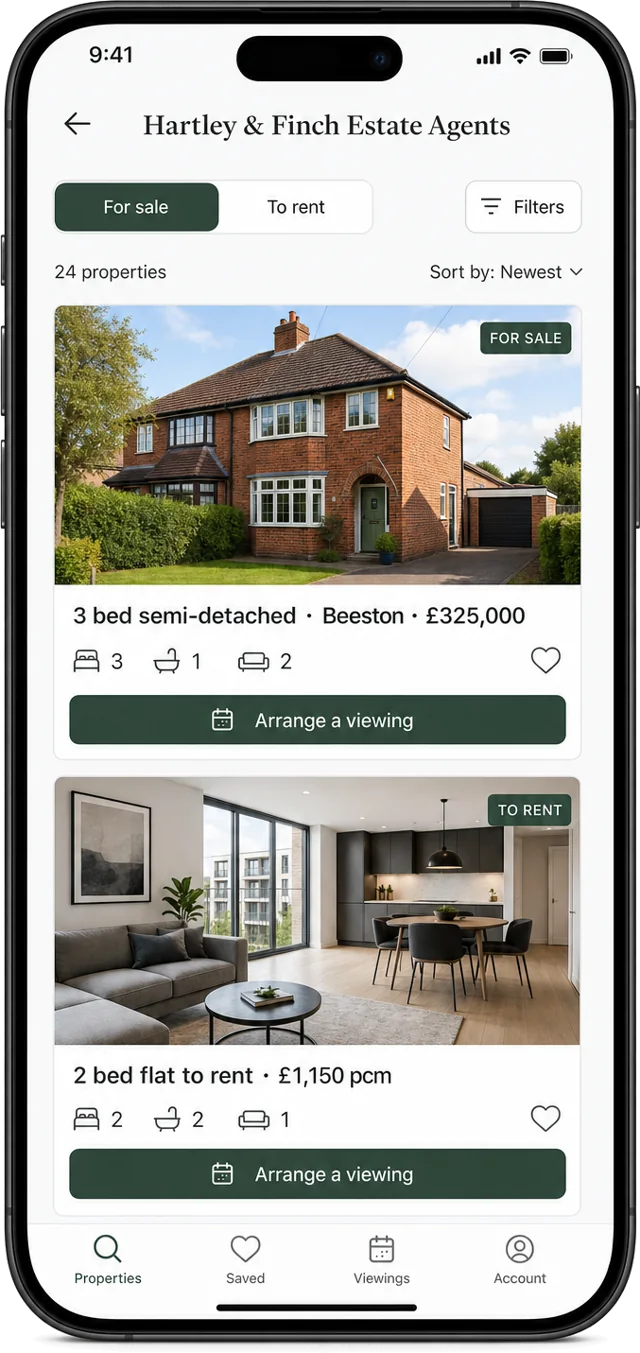
Listings under your own brand, not a portal's. Add properties with photos, price, beds and baths, or connect a live feed, and let buyers and tenants request viewings from the app. A push notification tells them when something new comes on.
- Sale and rental listings with photos and details
- Viewing requests straight to your inbox
- Live feed connection (SimplyRETS) available in the editor
Included on every plan, including Free. No credit card required.
Property Listings: the quick answer
- What it is
- Your own catalogue of homes for sale and to rent, with photos, details and viewing requests, in your agency's app. Live feeds connect in the editor.
- Cost
- Included on every AppBuild.diy plan, including Free for up to 10 app users. Business is $49/month for up to 1,000 users and Business Pro is $99/month for unlimited users.
- Works on
- Your app on the App Store, Google Play and as an installable web app, from one setup.
- Setup
- Add it in the AppBuild.diy editor and fill in your details. No code.
- Popular with
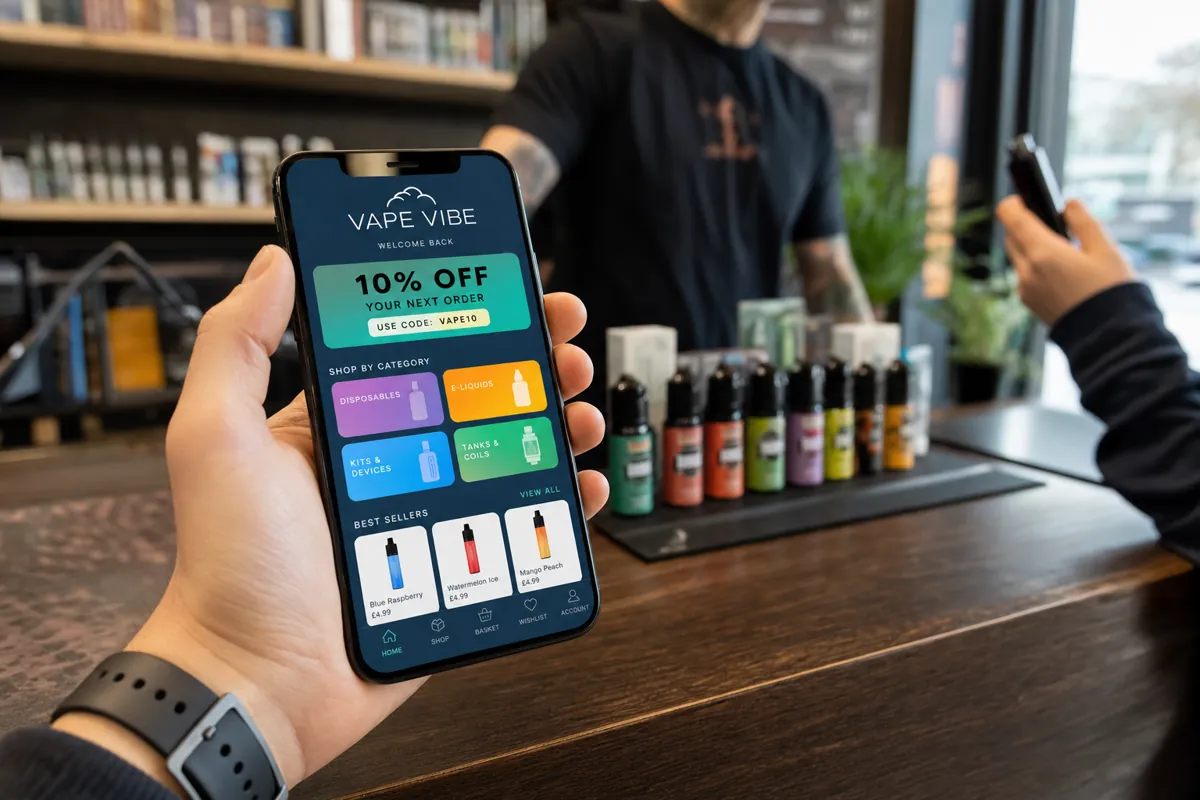
- Vape shop
What property listings do for your agency
Portals charge you to reach buyers you already know. Your app reaches them for free.
Alert buyers first
New instruction, push notification, viewings booked before the portal updates.
Own the enquiry
Viewing requests come to you, with the buyer's details.
Keep applicants warm
Saved searches and recently added, in your app.
How it works
Set it up once in the AppBuild.diy editor. Your customers get it in the app the same day.
You set it up
- Add Real EstateOpen Pages, tap Add Page or Function and choose Real Estate.
- Add listingsTitle, sale or rent, price, beds, baths, address, description, photos.
- Or connect a feedLive listings via SimplyRETS in the editor.
- Handle viewingsRequests arrive in Data Manager.
Your customers see
- Browse listingsFilter for sale or to rent.
- See the detailPhotos, floor plan, description.
- Request a viewingOne form, pre-filled.
- Hear about new onesPush notifications for new instructions.
Full step-by-step guide with screenshots: AppBuild.diy user guide →
Included on every plan
- Free for up to 10 app users, then $49/month for up to 1,000
- Works in the web app (PWA), on iOS and on Android
- 0% commission on paid plans
- Unlimited push notifications to go with it
- Switch it on or off from the editor at any time
Works well with
Form Builder
Custom forms for quotes, requests, applications and feedback. Build from scratch or a template; responses arrive in your dashboard with email alerts.
Gallery
Photos with categories and search, in a grid that opens full screen. Portfolios, venues, menus and before-and-afters.
Push Notifications
Unlimited push notifications on every plan, including Free, at $0 per message. The lock-screen channel that email and social cannot match.
Property Listings questions
Can listings sync from my CRM?
Live feeds connect through SimplyRETS; other feeds can be imported.
Can I mark a property as sold?
Yes. Status updates from the editor.
Is there a limit on photos?
No practical limit per listing.
What is Property Listings in AppBuild.diy?
Your own catalogue of homes for sale and to rent, with photos, details and viewing requests, in your agency's app. Live feeds connect in the editor.
Does Property Listings work on iPhone and Android?
Yes. It works in your app on the App Store and Google Play, and in the installable web app, from the same setup.
Do I need to code to add Property Listings?
No. You add Property Listings in the AppBuild.diy editor and fill in your details. Most businesses are live in 5 to 15 minutes.
Which businesses use Property Listings?
It is popular with Vape shop, among others.

Put your listings in buyers' pockets
Free for up to 10 app users. No credit card required.