Features / Content & Media
RSS & Podcast Feed
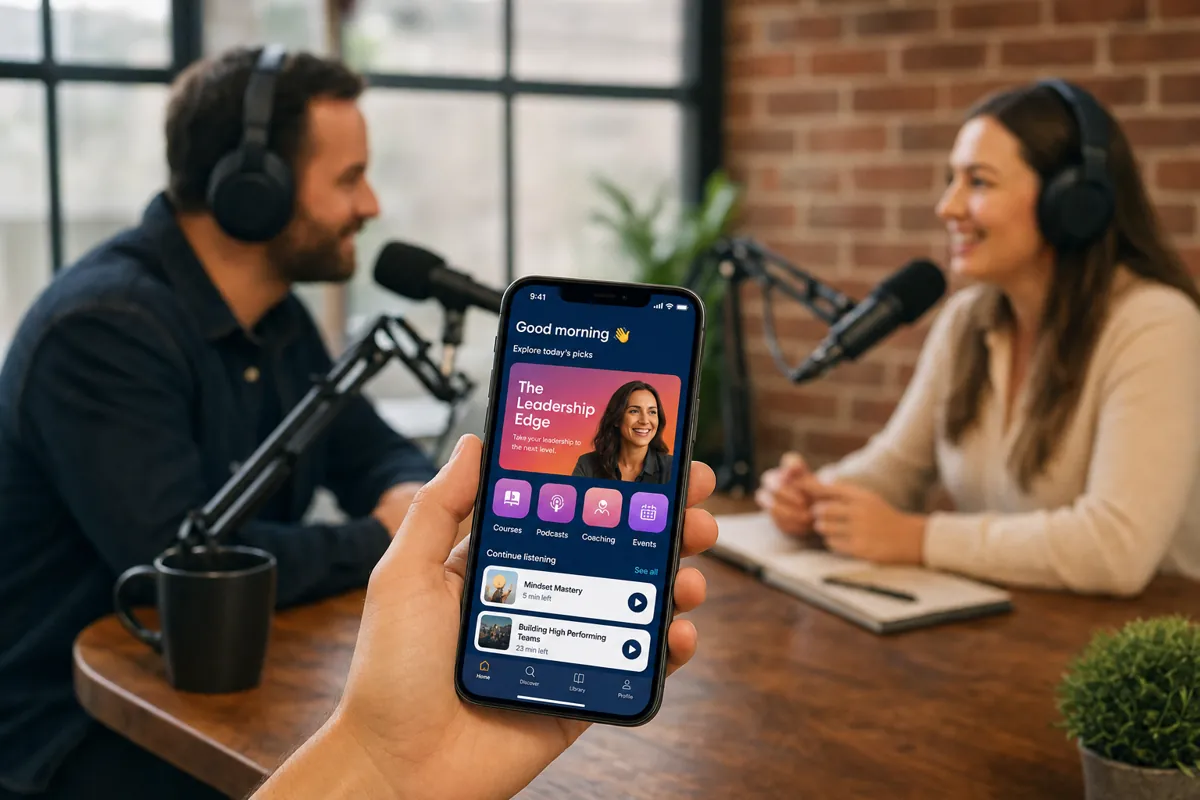
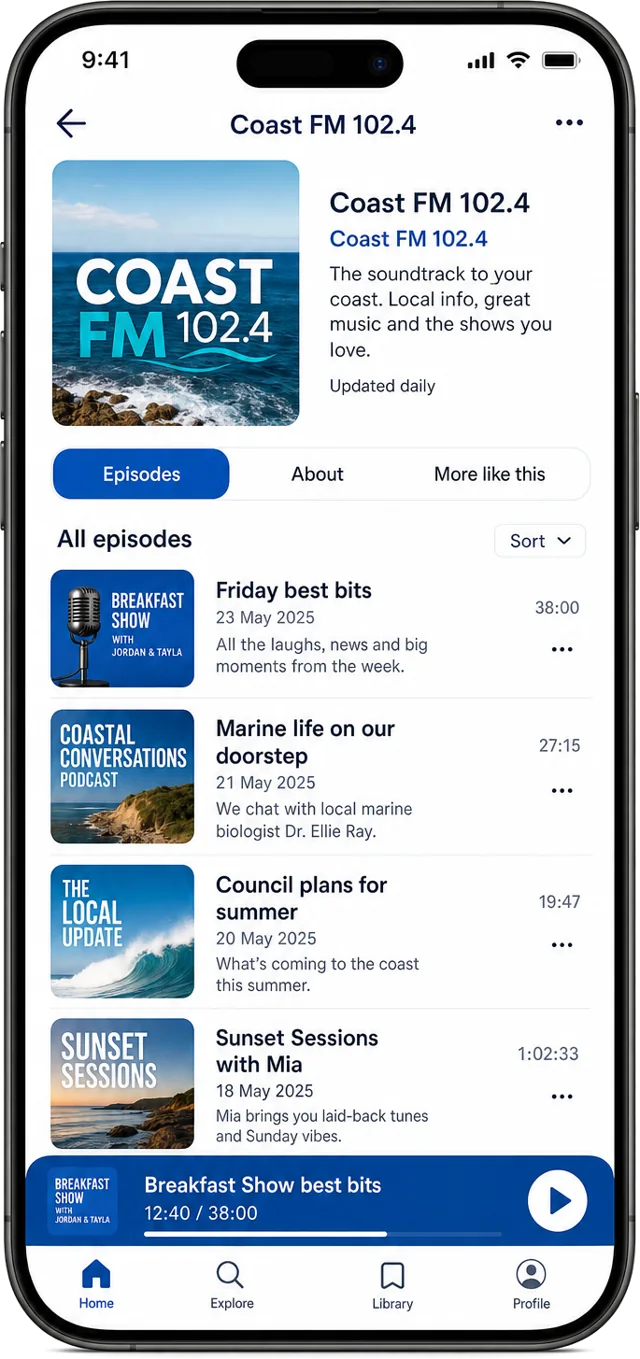
If you already publish a feed, your app can show it. Articles appear as a readable list; podcast episodes play in the app with a mini player that keeps going in the background.
- Any RSS feed: blog, news, sermon archive or podcast
- Episodes play in the app with background audio
- Refreshes automatically when you publish
Included on every plan, including Free. No credit card required.
RSS & Podcast Feed: the quick answer
- What it is
- Blog posts, news and podcast episodes pulled from any RSS feed and played inside your app, with background audio for episodes.
- Cost
- Included on every AppBuild.diy plan, including Free for up to 10 app users. Business is $49/month for up to 1,000 users and Business Pro is $99/month for unlimited users.
- Works on
- Your app on the App Store, Google Play and as an installable web app, from one setup.
- Setup
- Add it in the AppBuild.diy editor and fill in your details. No code.
- Popular with
- Podcast, Church, Radio station, Creator
What the RSS and podcast feed does for you
Publish once, appear in the app automatically.
No double publishing
Post to your blog or podcast host as normal. The app updates itself.
Keep listeners in your app
Episodes play here, not in a third-party podcast app.
Announce new episodes
Pair with push so every release lands on the lock screen.
How it works
Set it up once in the AppBuild.diy editor. Your customers get it in the app the same day.
You set it up
- Add RSS/Podcast FeedOpen Pages, tap Add Page or Function and choose RSS/Podcast Feed.
- Paste the feed URLYour podcast host or blog gives you one.
- Choose the layoutList with artwork, dates and durations.
- Name the pageChoose an icon and create the page.
Your customers see
- Browse episodesArtwork, titles, dates and lengths.
- PlayA mini player that keeps playing in the background.
- Read articlesBlog and news feeds open as readable posts.
Full step-by-step guide with screenshots: AppBuild.diy user guide →
Who uses it
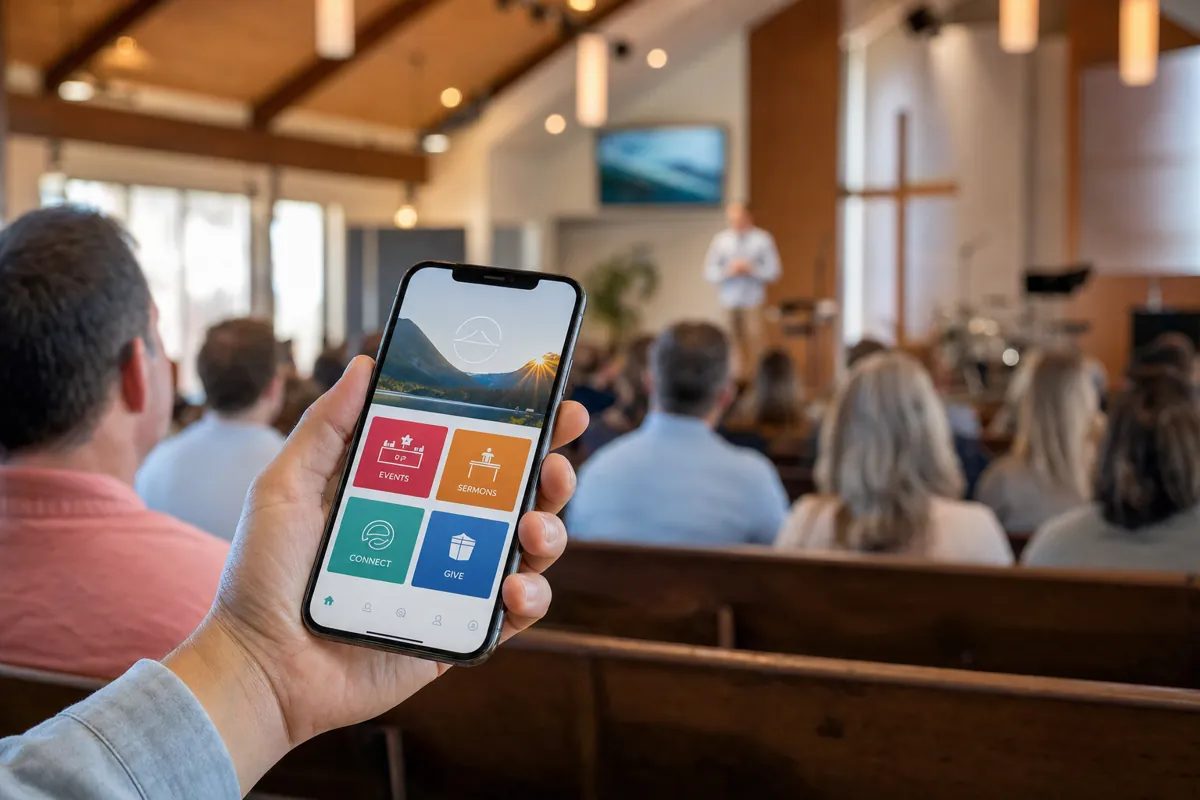
Churches with sermon archives, radio stations, podcasters, and businesses with a blog.
Included on every plan
- Free for up to 10 app users, then $49/month for up to 1,000
- Works in the web app (PWA), on iOS and on Android
- 0% commission on paid plans
- Unlimited push notifications to go with it
- Switch it on or off from the editor at any time
Works well with
Radio Stream
A live radio player with background playback on iOS, Android and the web, now-playing track info and artwork, plus song requests and shout-outs.
YouTube
Your channel inside your app: latest uploads, playlists and live streams, without sending people off to YouTube and its recommendations.
Push Notifications
Unlimited push notifications on every plan, including Free, at $0 per message. The lock-screen channel that email and social cannot match.
RSS & Podcast Feed questions
Which podcast hosts work?
Any host that provides an RSS feed, which is all of them.
Does audio keep playing in the background?
Yes, on iOS, Android and the web app.
Can I show a blog feed too?
Yes. Add a page per feed.
What is RSS & Podcast Feed in AppBuild.diy?
Blog posts, news and podcast episodes pulled from any RSS feed and played inside your app, with background audio for episodes.
Does RSS & Podcast Feed work on iPhone and Android?
Yes. It works in your app on the App Store and Google Play, and in the installable web app, from the same setup.
Do I need to code to add RSS & Podcast Feed?
No. You add RSS & Podcast Feed in the AppBuild.diy editor and fill in your details. Most businesses are live in 5 to 15 minutes.
Which businesses use RSS & Podcast Feed?
It is popular with Podcast, Church, Radio station, Creator, among others.