
Features / Content & Media
Radio Stream
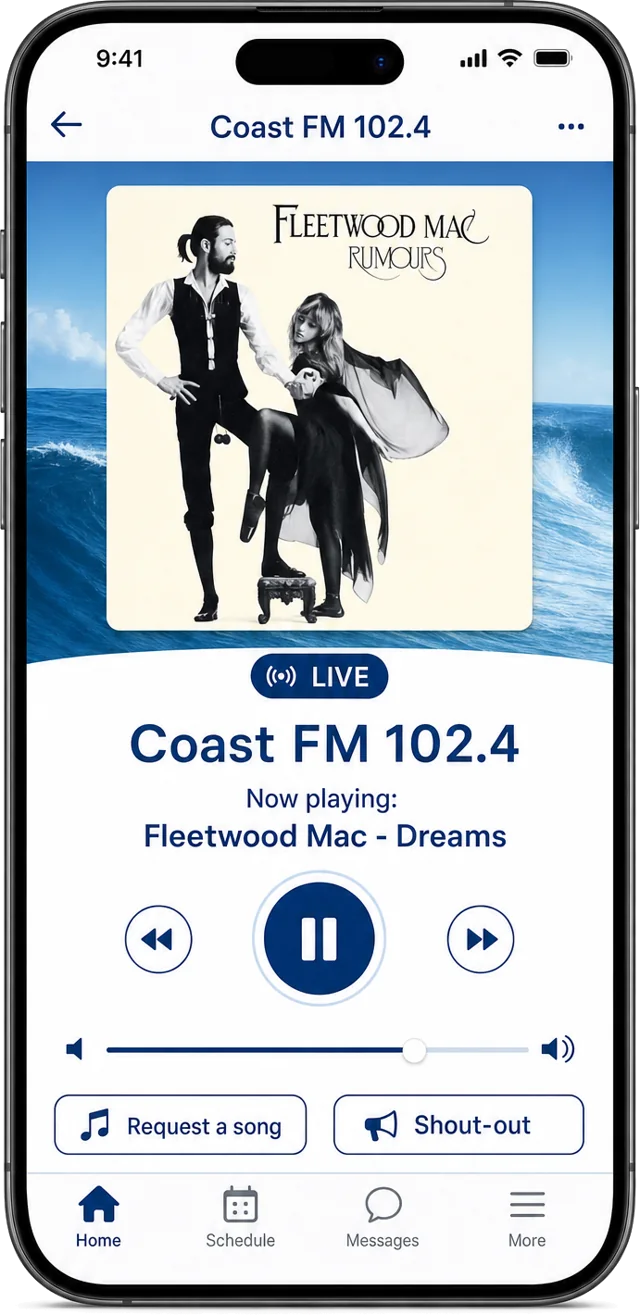
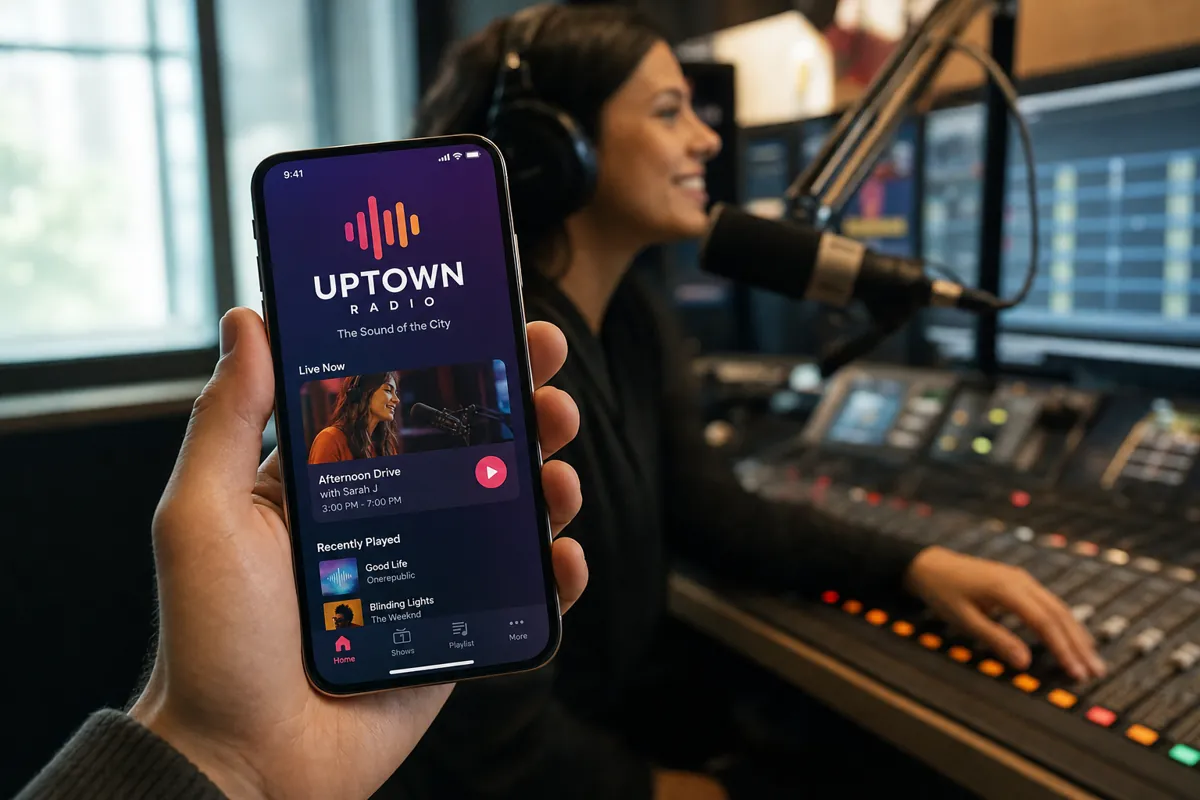
Your station in your listeners' pockets, playing in the background while they do everything else. Paste your stream URL, choose a player layout, switch on now-playing, and you have a station app that keeps playing when the screen locks.
- Background audio on iOS, Android and PWA
- Now-playing track and artwork from your provider
- Song requests, shout-outs and competitions from the same app
Included on every plan, including Free. No credit card required.
Radio Stream: the quick answer
- What it is
- A live radio player with background playback on iOS, Android and the web, now-playing track info and artwork, plus song requests and shout-outs.
- Cost
- Included on every AppBuild.diy plan, including Free for up to 10 app users. Business is $49/month for up to 1,000 users and Business Pro is $99/month for unlimited users.
- Works on
- Your app on the App Store, Google Play and as an installable web app, from one setup.
- Setup
- Add it in the AppBuild.diy editor and fill in your details. No code.
- Popular with
- Radio station, Church, Gym, Twitch streamer
What a radio stream does for your station
A listener who installs your app is a listener you can reach, not just one who happens to tune in.
Keep listeners listening
Background playback means the stream carries on through the lock screen and other apps.
Tell them what is on
Push a notification when the breakfast show starts or a competition opens.
Hear from them
Requests, shout-outs and competition entries come in through the app, not a phone line.
How it works
Set it up once in the AppBuild.diy editor. Your customers get it in the app the same day.
You set it up
- Add Radio StreamOpen Pages, tap Add Page or Function and search Radio Stream.
- Enter your streamPaste the direct stream URL, add the station name, set the provider and refresh interval.
- Set now-playing and brandingShow track information and upload a branding image or video.
- Choose a player layoutPick a player design, name the page and create it.
Your customers see
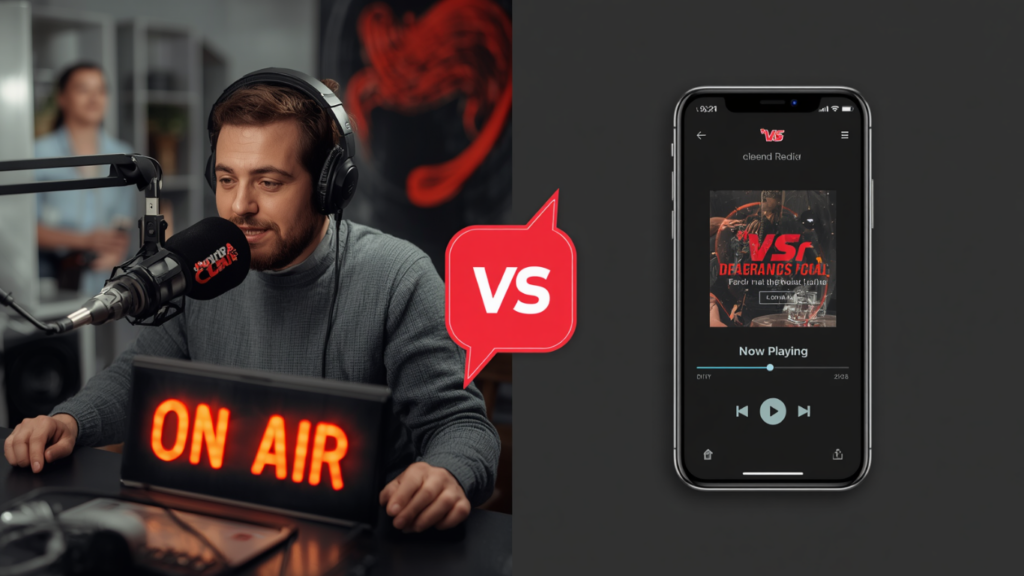
- Open the stationA branded player with your artwork and the live badge.
- Press playIt keeps playing in the background and from the lock screen.
- See what is playingTrack and artist update live.
- Get involvedRequest a song or send a shout-out from the same screen.
Full step-by-step guide with screenshots: AppBuild.diy user guide →
Who uses it
Community, commercial and internet radio stations, and anyone with a live audio stream.
Included on every plan
- Free for up to 10 app users, then $49/month for up to 1,000
- Works in the web app (PWA), on iOS and on Android
- 0% commission on paid plans
- Unlimited push notifications to go with it
- Switch it on or off from the editor at any time
Works well with
RSS & Podcast Feed
Blog posts, news and podcast episodes pulled from any RSS feed and played inside your app, with background audio for episodes.
Push Notifications
Unlimited push notifications on every plan, including Free, at $0 per message. The lock-screen channel that email and social cannot match.
Social Wall
A members-only community feed inside your app. Members post updates and photos, react and comment, with nothing shown to the public.
Radio Stream questions
Does the stream keep playing when the phone locks?
Yes. Background audio works on iOS, Android and the web app.
Which stream formats are supported?
Any direct stream URL. Now-playing data comes from your provider where supported.
Can I add a show schedule?
Yes. The Radio Schedule feature adds a weekly timetable alongside the player.
What is Radio Stream in AppBuild.diy?
A live radio player with background playback on iOS, Android and the web, now-playing track info and artwork, plus song requests and shout-outs.
Does Radio Stream work on iPhone and Android?
Yes. It works in your app on the App Store and Google Play, and in the installable web app, from the same setup.
Do I need to code to add Radio Stream?
No. You add Radio Stream in the AppBuild.diy editor and fill in your details. Most businesses are live in 5 to 15 minutes.
Which businesses use Radio Stream?
It is popular with Radio station, Church, Gym, Twitch streamer, among others.





Put your station on their home screen
Free for up to 10 app users. No credit card required.