
Podcast apps
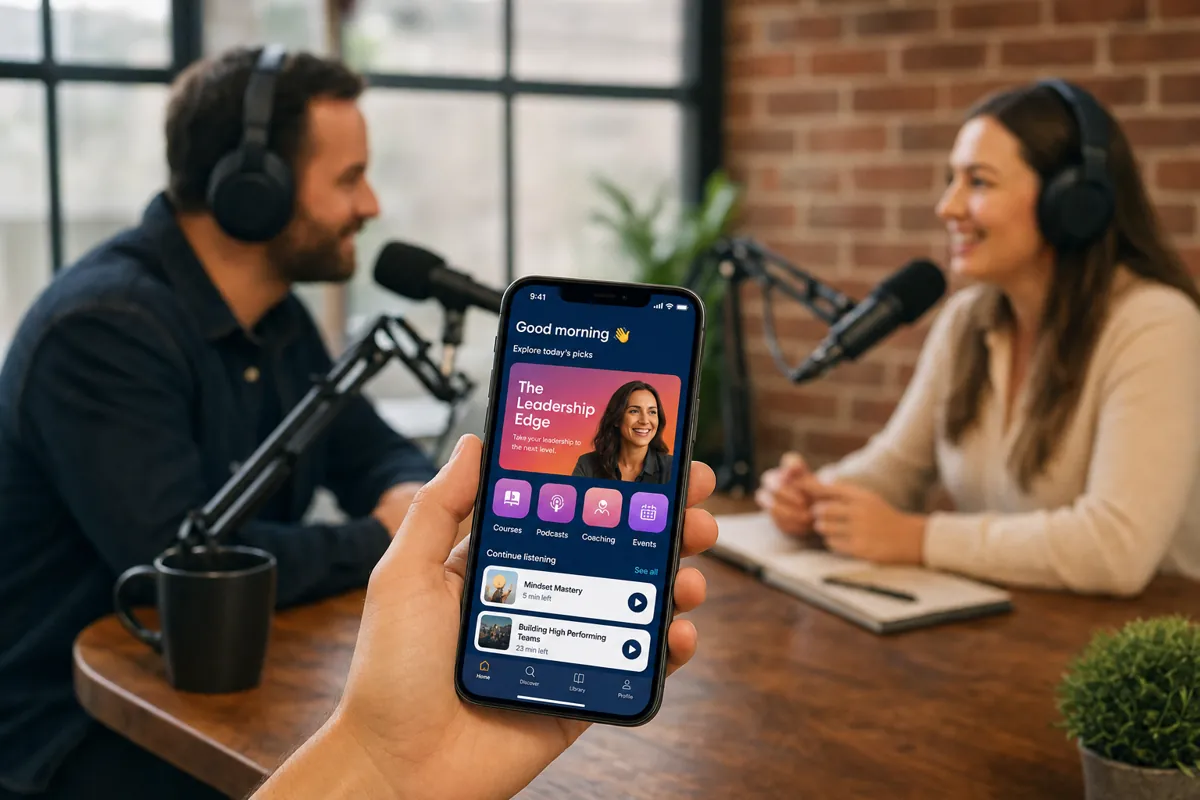
Your Podcast’s Own App. Everywhere Your Listeners Are.
Your podcast's own app, everywhere your listeners are.
All episodes in one place, background audio and push notifications for new releases. PWA, App Store and Google Play are all covered.
- Episodes sync from your RSS feed
- Background audio on every platform
- Push alerts for every new episode
- Live in under 5 minutes
Free for up to 10 app users. No credit card required.
Your Podcast · now
New episode live
Ep 47: How we hit #1. Tap to listen now.
AppBuild.diy is best for podcasters that want episodes, listener updates and new-episode alerts in their own app, with a free plan to start.
What's the best way to get my own podcast app?
AppBuild.diy gives you your own branded app on the App Store, Google Play and the web, with RSS sync, background audio and push alerts. It's free for up to 10 app users, then $49/month for up to 1,000.
Podcast directories decide who discovers your show
- RSS feeds are silent. Most podcast apps don't notify listeners about new episodes, they just quietly update the feed.
- Emails get missed. New episode emails sit unread in crowded inboxes.
- Your show is buried in aggregator feeds. Podcast directories decide who discovers you, not you.
- You don't own the relationship. A platform sits between you and your listeners, and keeps the data.
✕ Without an app
- Silent RSS updates
- Unread emails
- Buried in aggregator feeds
- Platform owns the audience
✓ With your app
- Push to every listener
- Your own home screen icon
- Your own App Store listing
- Listener data you own
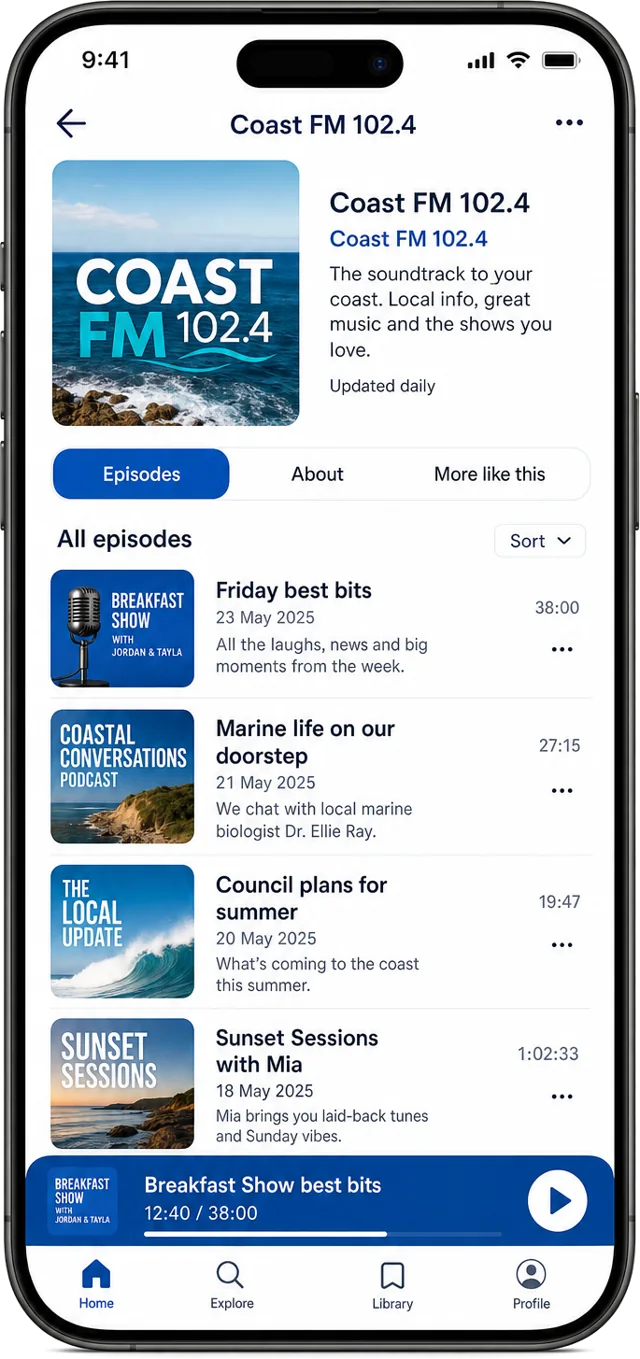
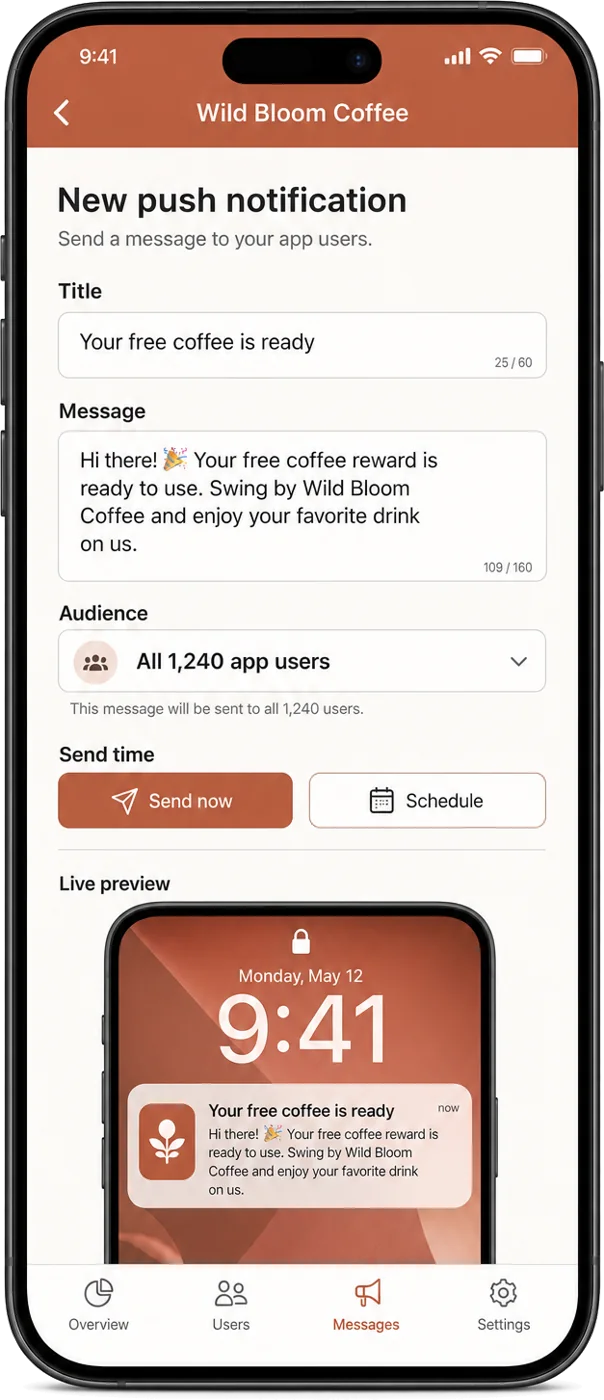
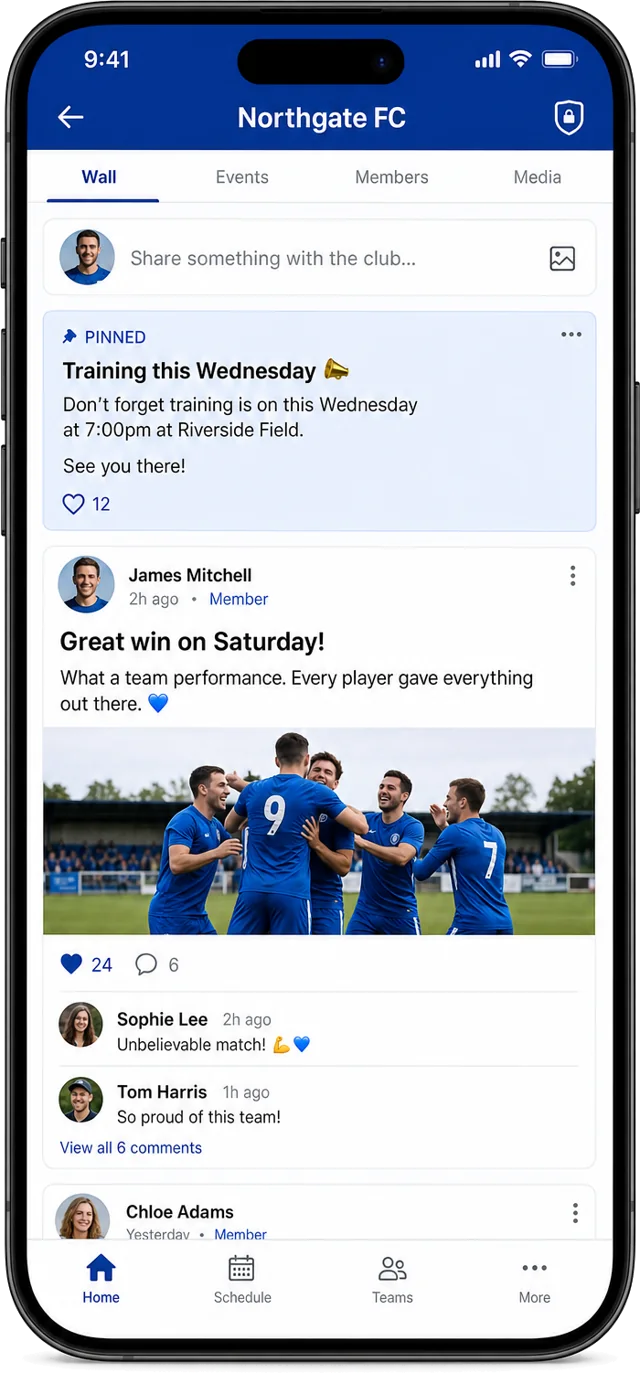
Your branded podcast app, live in minutes
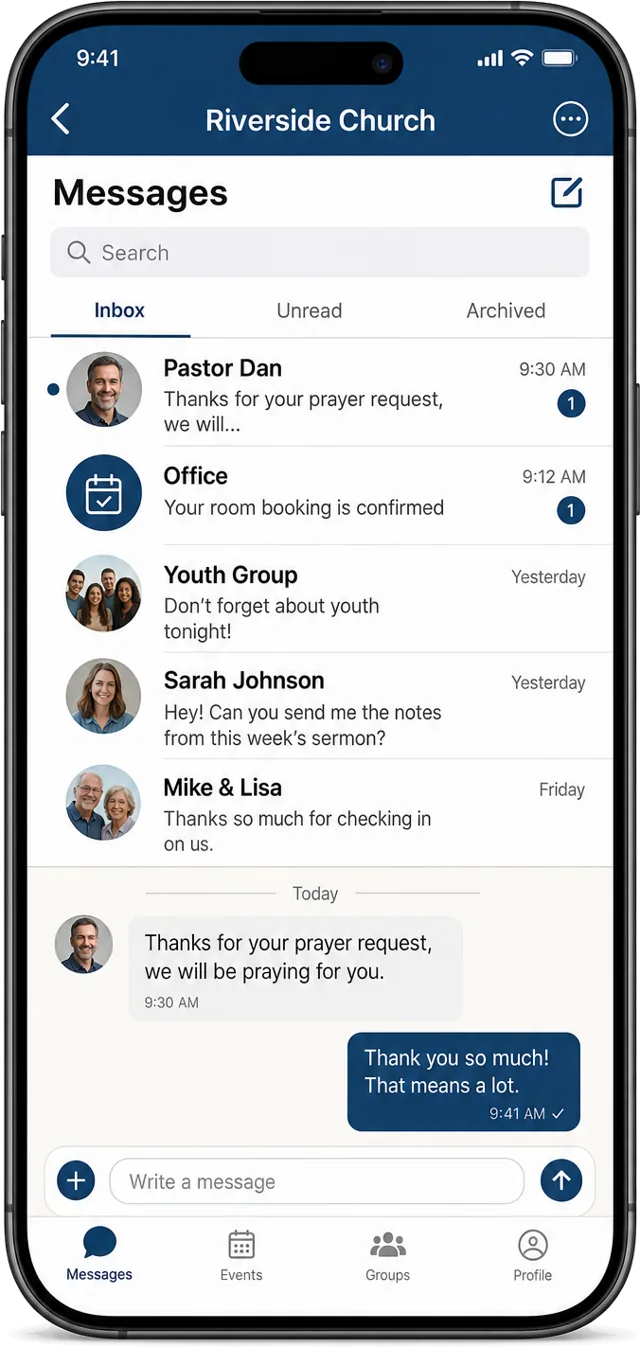
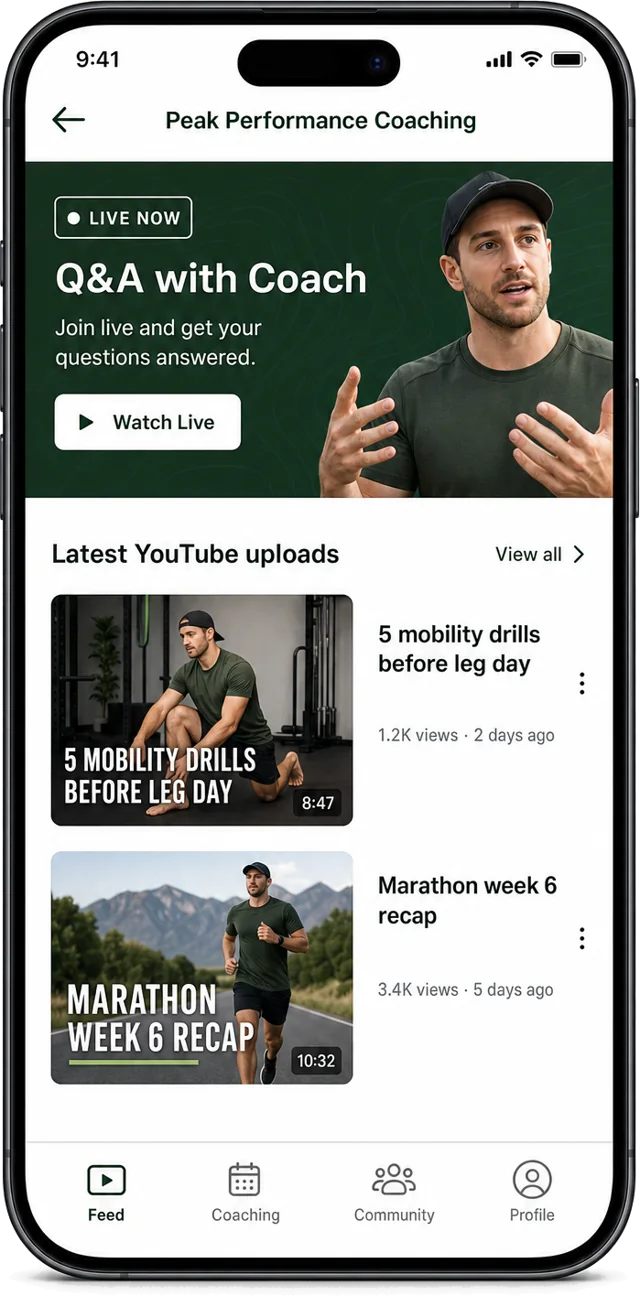
Real screens from apps built on AppBuild.diy.
Three steps to launch your podcast app
Most podcasters go from idea to live app in under 5 minutes.
Enter your RSS feed
Add your podcast RSS feed URL and show name.
Add your logo and colours
Upload your podcast artwork and pick your brand colours.
Publish and share
Your PWA goes live instantly. Submit to app stores when ready.
Everything you need for your podcast
Professional podcast app features at a fraction of the cost.
Background audio
Listeners can lock their phone or switch apps and audio keeps playing on PWA, iOS and Android.
RSS feed sync
Connect your existing podcast RSS feed and episodes sync automatically.
Push notifications
Alert listeners to new episodes, bonus content and announcements.
Community features
Build a community around your show with a social wall and listener messaging.
Multi-platform
Deploy to PWA instantly, then submit to the App Store and Google Play.
Queue and playlists
Listeners can queue episodes and create their own playlists.
What it is
- Your branded podcast appYour logo, your colours, your show.
- Direct connection with listenersPush notifications without platform algorithms.
- Your listener data, your controlBuild your audience database directly.
What it isn’t
- An aggregator like Apple Podcasts or SpotifyNo competing with millions of other shows.
- A platform that owns your audienceYour listeners, not theirs.
- An expensive custom development projectLive in minutes, not months.
Push notifications
RSS feeds are silent. Emails get missed. New episode? Every listener knows in seconds.
Most podcast apps don't notify listeners about new episodes. Push notifications land straight on the lock screen. Send unlimited push when you drop an episode, announce a guest or run a Q&A. No third-party tools, no per-listener charges, included free.
- Instant
- Lock screen
- Unlimited
- Every plan
- $0
- Per message
Real podcast story
Hear from a podcast host
See how The Late Drop Podcast, an independent podcast, built a direct connection with its audience through its own app.

Podcast app questions
How do I connect my podcast RSS feed?
Simply paste your RSS feed URL during setup. We support all major podcast hosts including Anchor, Libsyn, Buzzsprout, Podbean, and more. Your episodes will sync automatically whenever you publish new content.
Does audio play in the background?
Yes. Background audio works on all platforms: PWA (Progressive Web App), iOS App Store, and Google Play. Listeners can lock their phone, switch to other apps, and your podcast keeps playing.
How do push notifications work?
You can send push notifications directly to all app users. Alert them about new episodes, special announcements, or bonus content. Notifications reach 100% of subscribers, with no algorithm deciding who sees them.
How does app store submission work?
Your PWA is live instantly. For App Store and Google Play, we handle the build process. You'll need your own Apple Developer ($99/year) and Google Play Developer ($25 one-time) accounts. Store review usually takes one to three days on Apple, and is often faster on Google.
What's included in each plan?
All plans include every feature: background audio, RSS sync, push notifications, social wall, messages, show notes, sponsor features, and multi-platform publishing (PWA, iOS, Android). Plans differ only by user limits. Start free with up to 10 users.
Is there a free plan?
Yes. The Free plan is $0 forever for up to 10 app users with every feature included, including background audio, push notifications, and even App Store and Google Play publishing. No card required. Paid tiers start at $49/mo (Business, 1,000 users) and scale to $99/mo (Business Pro, unlimited users).
Can I cancel anytime?
Yes. Plans are month-to-month with no contracts. If you cancel, your app stays live until the end of the billing period, and you can drop back to the Free plan anytime.
Do downloads still count toward my host's stats (Spotify, Apple, Buzzsprout)?
Yes. Episodes are streamed and downloaded directly from your RSS host's media URLs, so every play counts in your existing host analytics, including Spotify, Apple Podcasts, Buzzsprout and Libsyn. Your numbers don't get split.
Can I sell paid or premium episodes?
Yes. You can lock specific episodes or entire feeds behind a Stripe-powered subscription right inside your app. Members get exclusive content, and you keep 100% of the revenue with no platform commission.
Who owns my listener data?
You do. App users, push subscribers and paid members are all yours and fully exportable any time. We never share or resell listener data.
Can I add show notes, links and sponsors?
Yes. Include resources, links and sponsor information with each episode, and feature your sponsors and partners prominently in your app.
Who is a podcast app for?
Independent podcasters building an audience, multi-show networks under one brand, company podcasts for thought leadership, and churches and ministries with sermon podcasts. For example, The Late Drop Podcast said: 'It finally feels like the podcast has a proper home, not just a feed buried in someone else's platform.'
What's the best way to get my own podcast app?
AppBuild.diy is a strong fit for podcasters that want episodes, listener updates and new-episode alerts in their own app. You get your own branded app on the App Store, Google Play and the web. It's free for up to 10 app users, then $49/month for up to 1,000.
Free live webinar
See how a podcast app is built, live
A free 30-minute session showing how to create your app on AppBuild.diy: pages, branding, bookings, loyalty and push, then publishing to the App Store, Google Play and the web. Live Q&A at the end.
- Weekly sessions in UK, US and APAC-friendly slots
- Watch instantly if you would rather not wait
- Bring your questions, leave with a plan




Your show. Your listeners. Your app.
Free for up to 10 app users. No credit card required.