
Creator apps
Your Content. Your App. Your Rules.
Stop renting your audience. Put your content, community and push notifications in your own branded app.
Creators use AppBuild to run a branded iOS, Android and web app, and to keep their audience off the social algorithm. No algorithm changes, no shadowbans, no platform fees on your subscription revenue.
- Your own Stripe account, so you keep 100% of subscription revenue
- Public, members-only and subscribers-only content
- Unlimited push to every fan who installs your app
- Export your subscriber list any time
Free for up to 10 app users. No credit card required.
Your Creator App · now
New drop just went live
First 50 get 20% off. Tap to grab yours.
AppBuild.diy is best for creators that want their content, community updates and push notifications in their own branded app, with a free plan to start.
What's the best way for a creator to get their own app?
AppBuild.diy gives you your own branded app on the App Store, Google Play and the web, with paid memberships and content gating through your own Stripe account. It is free for up to 10 app users, then $49/month for up to 1,000.
Social platforms can change the rules overnight
- Algorithms decide who sees you. Instagram shows your post to around 5% of followers, and email sits in the inbox.
- Accounts can be banned or shadowbanned. With your own app, there is no risk of account suspension or content removal.
- Platforms take a cut. Patreon takes 8 to 12% of every payment and your members live on patreon.com.
- You do not own the relationship. Your app is your database, your rules and your revenue.
✕ Without an app
- Algorithm decides reach
- Risk of suspension
- Platform fees on revenue
- No subscriber list you own
✓ With your app
- Push straight to the lock screen
- Your own app and rules
- Your Stripe, your money
- Export your subscribers any time
Your branded creator app, live in minutes
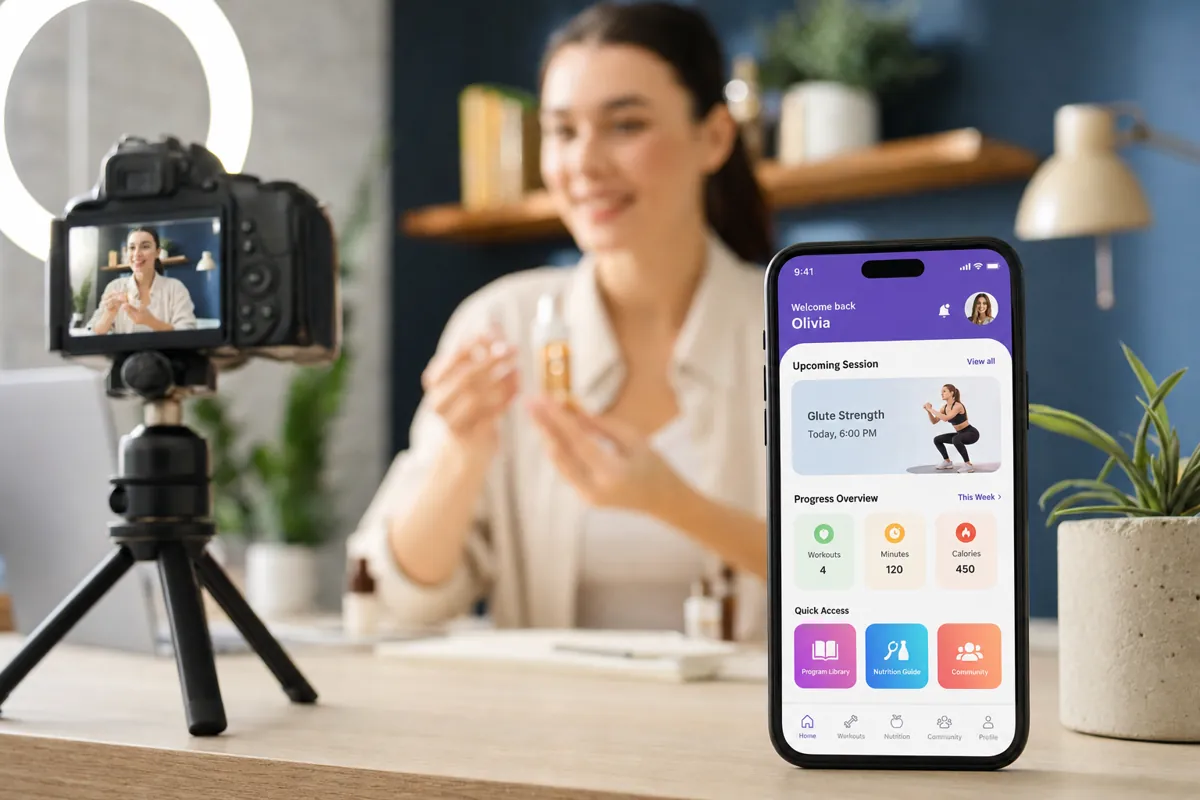
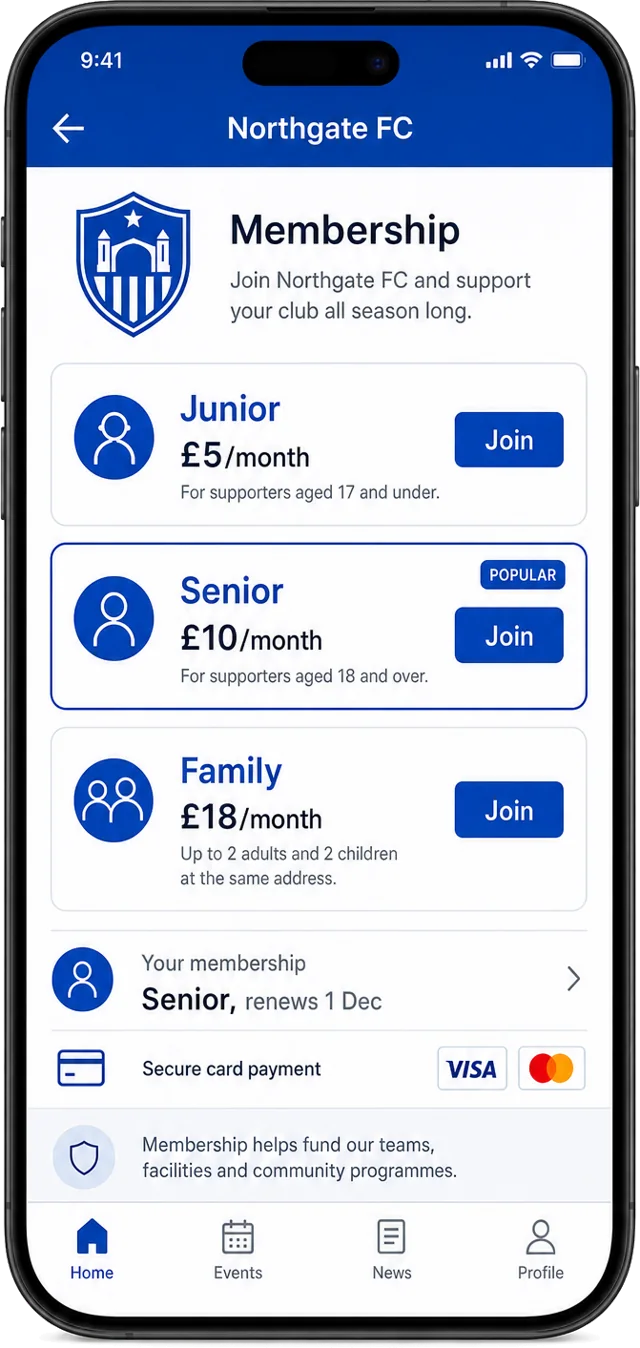
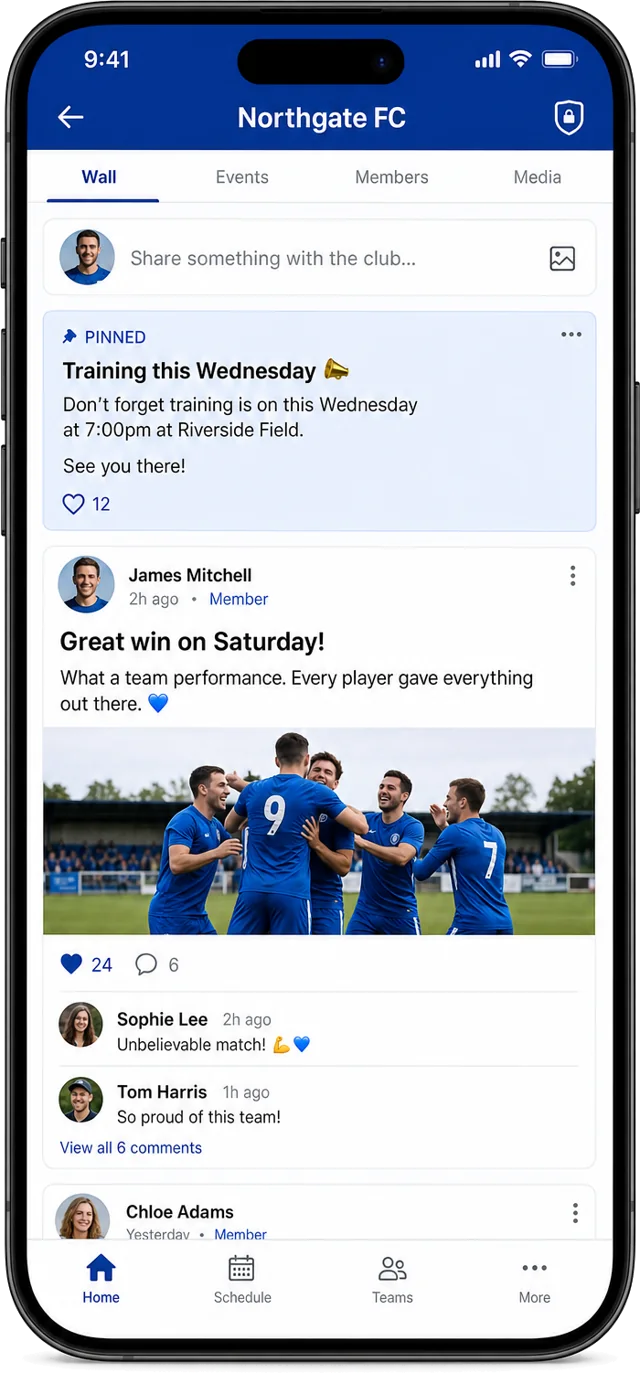
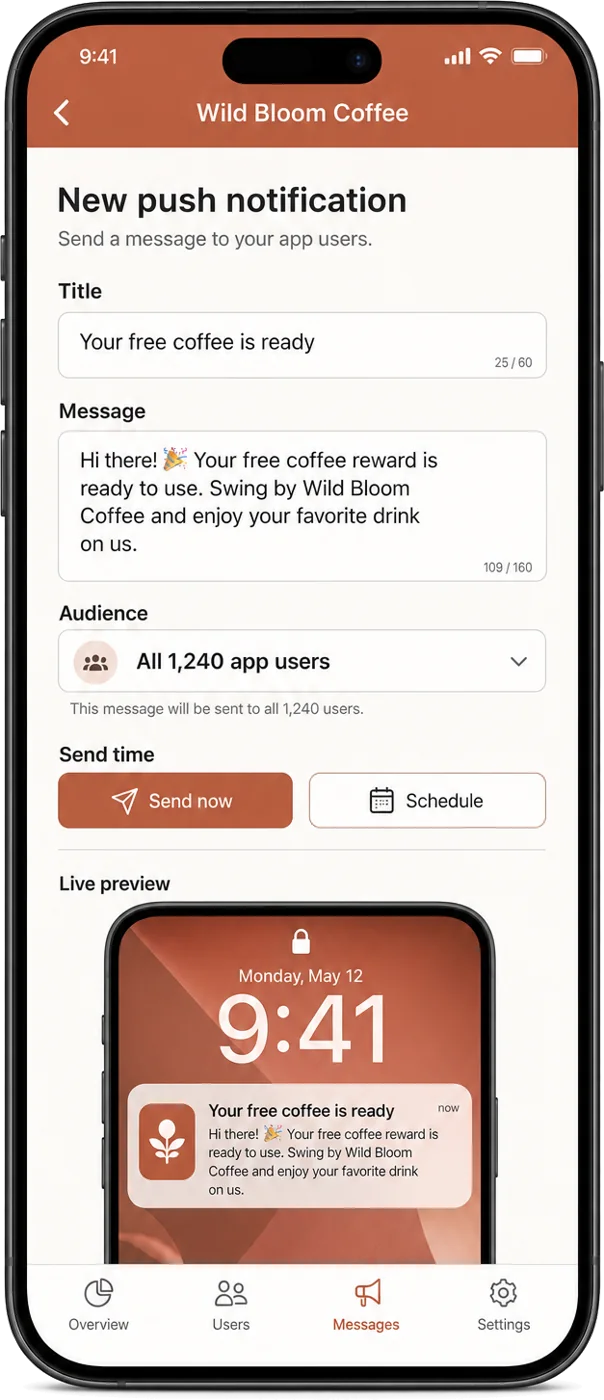
Real screens from apps built on AppBuild.diy.
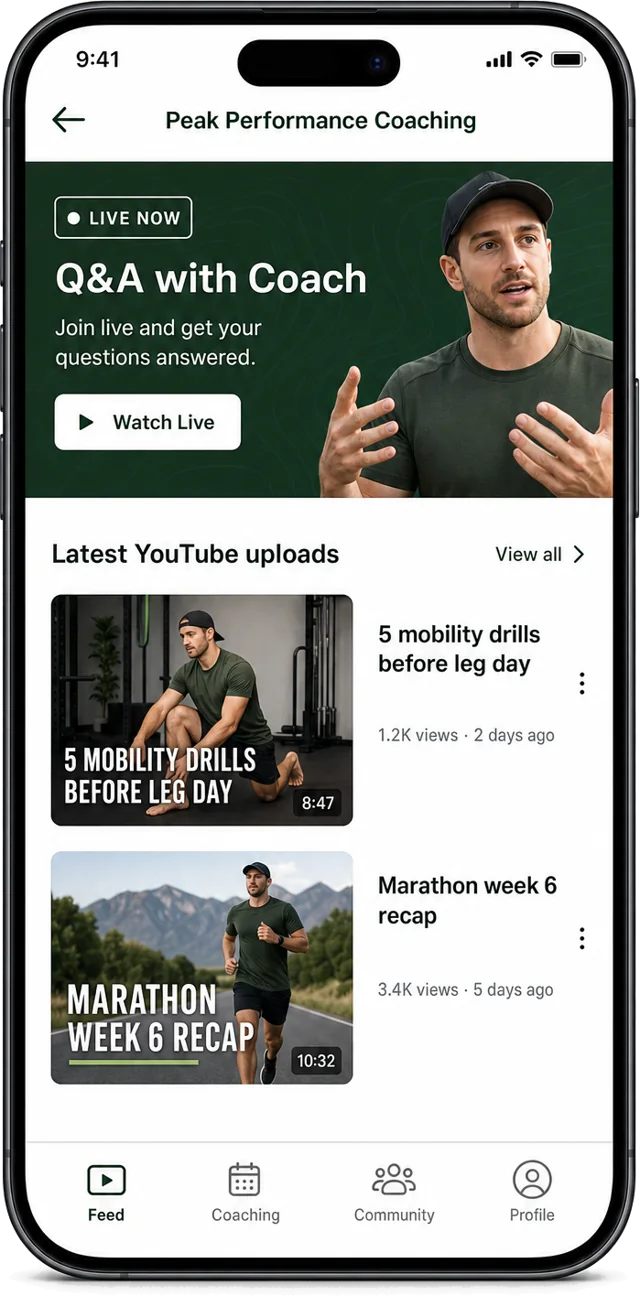
Three ways to reach your audience
PWA for speed and revenue, native apps for presence, or all three. We handle submission. Start with the PWA: it is instant and free to publish, and you can add native apps later.
PWA web app
Live in minutes and installable from the browser, with no app store fees on subscriptions.
iOS App Store
A full native experience for iPhone and iPad. We handle submission.
Google Play
Reach Android users worldwide. We handle submission.
Six tools for owning your audience
Content gating, monetisation and direct messaging in one app.
Public content
Free content visible to everyone, perfect for teasers and building your audience, with no signup required.
Members-only content
Users sign up for free to access exclusive content, so you collect email addresses and push opt-ins and can convert to paid later.
Subscribers-only content
Premium content for paying subscribers, with monthly subscriptions through Stripe at a price you set.
Flexible monetisation
Subscription tiers, one-time purchases or both. Use the PWA path to avoid 30% app store fees on digital subscriptions.
Push notifications
Flash drops, exclusive releases and live sessions, with segmented push for free and paid members, scheduling and analytics.
Your own subscriber database
Direct relationship with every subscriber, and you can export your list any time.
What it is
- Your own branded creator appYour icon on the home screen, on the App Store, Google Play and the web.
- Your revenue, your wayUse your own Stripe account and keep 100% of subscription revenue.
- Content gatingMix free content for discovery with premium content for subscribers.
- Instant access to your communityFlash drops, live sessions and subscriber perks straight to the lock screen.
What it isn’t
- A platform that takes a cutNo platform fees on your content monetisation, only your AppBuild.diy plan and standard Stripe fees (about 2.9% + 30 cents).
- Another algorithmNo algorithm deciding who sees your content.
- A lock-inYour members are not locked inside our platform and you keep your full subscriber list.
- A web-only communityA fully branded standalone app, not a page inside someone else's.
Push notifications
The algorithm hides your posts. Push notifications don't.
Drop a new collection, announce a livestream or reveal a discount code. Push notifications land straight on the lock screen every time, with no algorithm in the way. Unlimited push to every fan who installs your app, included free on every plan. If you stream on Twitch, you can notify fans when you go live from your own branded app.
- Instant
- Lock screen
- Unlimited
- Every plan
- $0
- Per message
Exclusive Content Awaits ✨

Creators use AppBuild to put their content, community and push notifications in a branded iOS, Android and web app, and to keep that audience off the social algorithm.
| Feed (Posts) | Vault (Videos) |
|---|---|
| Messages (DMs) | Push Notifications |
| Subscription Tiers | PWA + Native Apps |
| 234 | 45 |
| Home | Feed |
| Vault | DMs |
Your Revenue, Your Way
- PWA path: Avoid 30% app store fees on digital subscriptions
- Native apps: Full App Store and Play Store presence when desired
- Use your own Stripe account — keep 100% of subscription revenue
- Flexible pricing: Set your own subscription tiers and prices
- One-time purchases, recurring subscriptions, or both
- No platform commission on your content sales
Instant Access to Your Community
Push notifications reach fans on the lock screen, not a crowded inbox. Flash drops, exclusive releases, live sessions — reach your fans instantly. If you stream on Twitch, see how to notify fans when you go live from your own branded app.
Flash Drops
"New exclusive content just dropped! Available for 24 hours only"
Live Sessions
"Going live in 10 minutes! Join the exclusive stream"
Subscriber Perks
"Thank you for being a member! Here's something special..."
Creator app questions
Can I use my existing Stripe account?
Yes. Connect your existing Stripe account and receive payments directly. We do not hold your money or take a cut of your subscription revenue.
What happens to my subscribers if I leave?
You keep your database. Export your subscriber list any time, including email addresses and subscription status. Your audience is always yours.
Do you take a cut of my subscription revenue?
No platform fees on your content monetisation. You pay only for your AppBuild.diy plan (based on total app users) and standard Stripe processing fees (about 2.9% + 30 cents).
Can members pay with Apple Pay?
Yes. Stripe supports Apple Pay, Google Pay and all major credit cards, so your subscribers can pay with whatever method is most convenient.
What content is allowed?
We support all legal content that complies with app store guidelines (for native apps) or general web standards (for the PWA). If you are unsure about your specific content type, reach out to our support team.
Should I choose PWA or native apps?
The PWA is instant, free to publish and avoids app store subscription fees. Native apps give you App Store and Play Store presence and discoverability. Many creators start with the PWA and add native apps later, and you can have both.
Is there a free plan?
Yes. The Free plan is $0 forever for up to 10 app users with every feature included, including paid memberships, push notifications, content gating and even App Store and Google Play publishing. No card required. Paid tiers start at $49/mo (Business, 1,000 users) and scale to $99/mo (Business Pro, unlimited users).
Can I cancel anytime?
Yes. Plans are month-to-month with no contracts. Cancel and your app stays live until the end of the billing period, and you can drop back to the Free plan any time.
Will my paying members lose access if I cancel?
Your app stays live until the end of your billing period. After that, you can drop to the Free plan (10 users) or pause the app, but in either case you keep your full subscriber list and Stripe relationship. Your members are not locked inside our platform.
How does this compare to Patreon, Circle, or Skool?
Patreon takes 8 to 12% of every payment and your members live on patreon.com. Circle and Skool are great communities but they are web-first with no native app of your own. AppBuild.diy gives you a fully branded standalone app, with your icon on the home screen, push notifications you control and zero commission on memberships (your Stripe, your money).
What's the best way for a creator to get their own app?
AppBuild.diy is a strong fit for creators that want their content, community updates and push notifications in their own branded app. You get your own branded app on the App Store, Google Play and the web. It's free for up to 10 app users, then $49/month for up to 1,000.
Free live webinar
See how a creator app is built, live
A free 30-minute session showing how to create your app on AppBuild.diy: pages, branding, bookings, loyalty and push, then publishing to the App Store, Google Play and the web. Live Q&A at the end.
- Weekly sessions in UK, US and APAC-friendly slots
- Watch instantly if you would rather not wait
- Bring your questions, leave with a plan









Your content. Your app. Your rules.
Free for up to 10 app users. No credit card required.