
Twitch apps
Your Twitch Channel’s Own App. Direct To Your Community.
Your Twitch channel's own app, direct to your community.
Live streams, VODs, clips and push notifications. Bypass Twitch's algorithm and reach your community directly.
- Go-live push alerts that reach fans
- Live stream embed, VODs and clips in one place
- Community chat, 24/7
- No Partner or Affiliate account needed
Free for up to 10 app users. No credit card required.
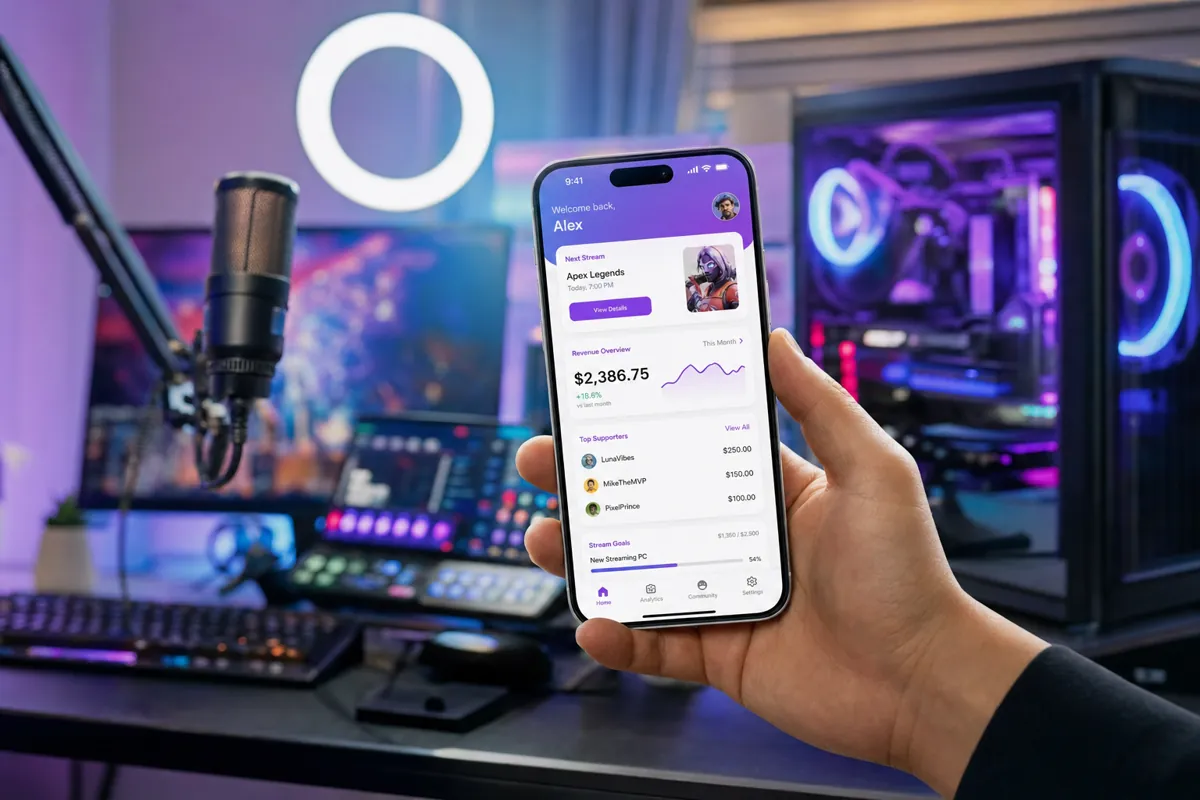
Your Stream · now
LIVE NOW
Speedrun attempt #4. Tap to drop in!
AppBuild.diy is best for Twitch streamers that want go-live alerts, schedules and community updates in their own app, with a free plan to start.
What's the best way for a Twitch streamer to get their own app?
AppBuild.diy gives you your own branded app on the App Store, Google Play and the web. It's free for up to 10 app users, then $49/month for up to 1,000.
Twitch alerts only reach people who are already online
- Follow notifications miss the people who matter. Fans who closed the app, muted alerts or never opened it today never hear you've gone live.
- You're renting your audience. Own your audience instead of leaning on a platform's algorithm.
- Bots and Discord rate limits. Third-party bot fees and Discord limits get in the way of a simple go-live alert.
✕ Without an app
- Fans miss your go-live notifications
- Your community is rented from a platform
- Alerts depend on third-party bots
- VODs and clips are scattered
✓ With your app
- One-tap go-live push to every fan
- Your own audience, in your own app
- No bot fees or rate limits
- VODs and clips organised in one place
Your channel app, live in minutes
Example screens from the AppBuild.diy creator features.
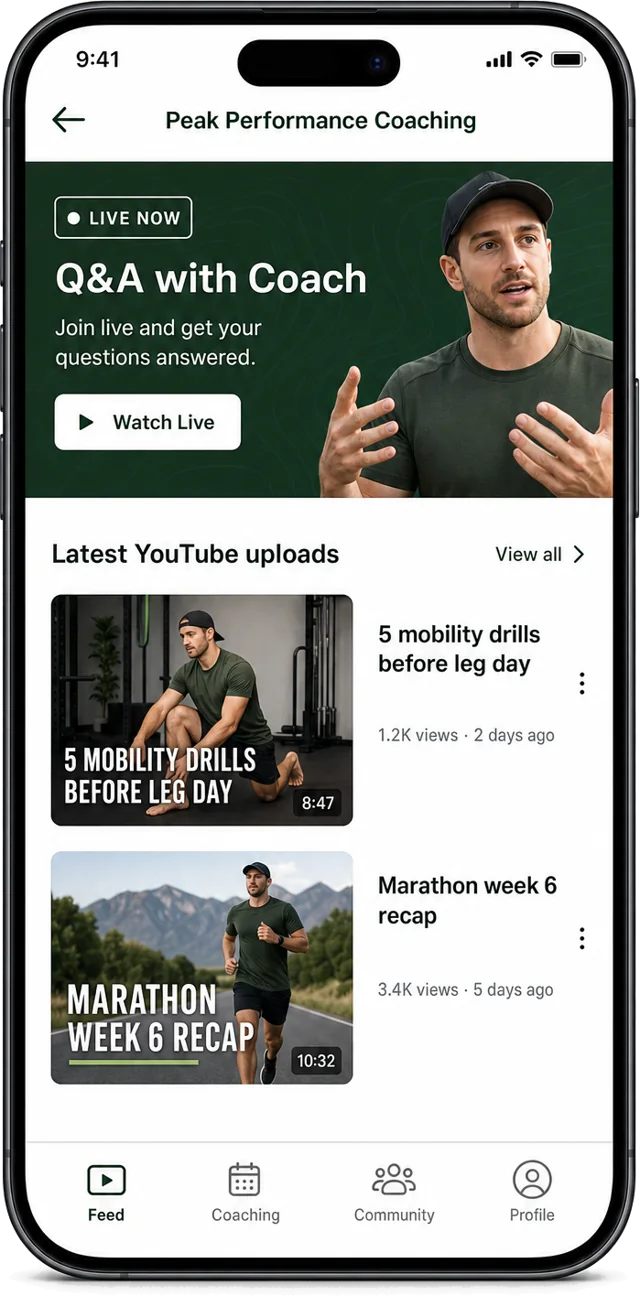
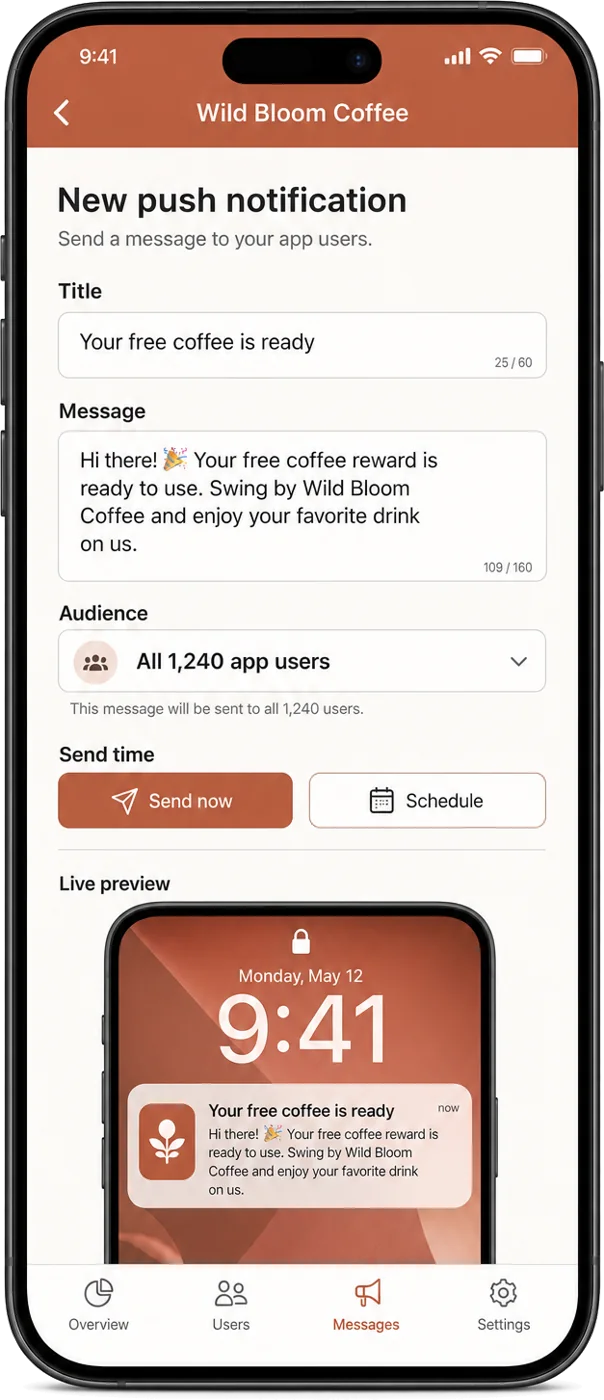
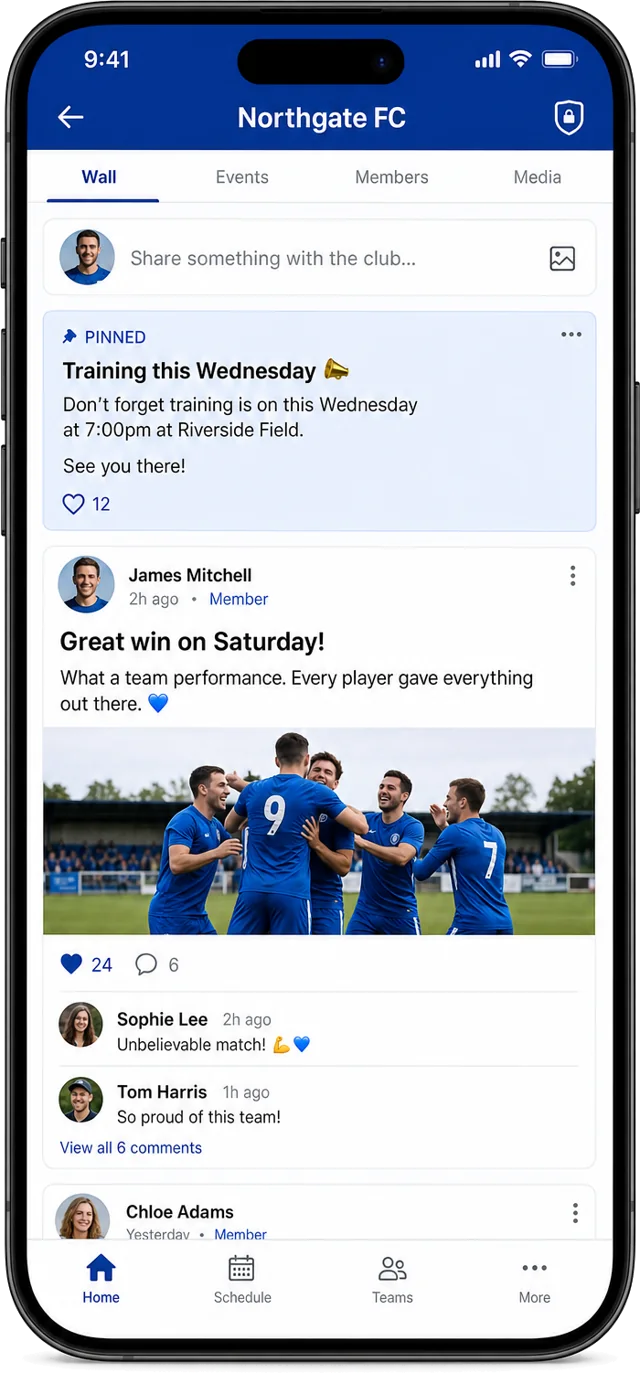
Build your Twitch app in 3 minutes
Three steps from channel URL to a live app.
Connect your channel
Enter your Twitch channel URL and we automatically import your branding, profile picture and channel info.
Customise your app
Choose your colours, select what content to show (live, VODs, clips) and preview your app in real time.
Share with your community
Your app is instantly available as a web app. Upgrade to publish to the App Store and Google Play.
Everything your stream needs
Connect directly with your community, with no algorithm in the way.
Live stream embed
Watch your stream directly in the app with real-time viewer counts.
VODs and highlights
All your past broadcasts and highlights organised in one place.
Clips collection
Showcase your best moments with an organised clips gallery.
Community chat
A built-in chat room for your community to stay connected 24/7.
Push notifications
Alert fans when you go live, far more reliably than Twitch notifications.
Your brand
Custom colours, your logo and your identity, 100% branded to you.
What it is
- Your dedicated streamer appYour brand, your channel and your community.
- Direct access to your audiencePush notifications that actually reach fans.
- Platform-independent communityOwn your audience, not rented from Twitch.
What it isn’t
- A Twitch replacementStreams still live on Twitch. This is your companion app.
- A multi-streamer platformThis is your channel's app, not another aggregator.
- Subscription-based streamingTwitch handles subs. This handles community.
Push notifications
Going live? Tell every fan in one tap.
Twitch follow notifications miss fans who closed the app, muted alerts or never opened it today. Push notifications land straight on the lock screen, regardless of who's already watching. Send unlimited push notifications to every viewer who installs your app, with no third-party bot fees and no Discord rate limits.
- Instant
- Lock screen
- Unlimited
- Every plan
- $0
- Per message
Everything Your Stream Needs
Last updated: 23 November 2026
Live Stream Embed
Watch your stream directly in the app with real-time viewer counts
VODs & Highlights
All your past broadcasts and highlights organized in one place
Clips Collection
Showcase your best moments with an organized clips gallery
Community Chat
Built-in chat room for your community to stay connected 24/7
Push Notifications
Alert fans when you go live - way more reliable than Twitch notifications
Your Brand
Custom colors, your logo, your identity - 100% branded to you
Perfect For
Twitch is one option; the wider creator app builder covers creators more broadly.
Streamers
Give your community a dedicated home. Push notifications when you go live, VODs, clips, and chat all in one place.
Esports Teams
Stream match coverage, share highlights, and keep fans engaged with push notifications for game times.
Gaming Communities
Build a branded app for your Discord community with stream embeds, announcements, and community chat.
Twitch app questions
Do I need a Twitch Partner or Affiliate account?
No. Any Twitch channel can create an app. Whether you have 10 followers or 10 million, you can build your own branded app.
How do live stream notifications work?
When you go live, you can send a push notification directly to everyone who has your app installed. Unlike Twitch's notification bell, these actually reach your audience.
Can viewers watch my stream in the app?
Yes. Your Twitch stream is embedded directly in the app. Viewers can watch live, see chat, and browse your VODs and clips all in one place.
Does this affect my Twitch monetisation?
Not at all. Streams still run on Twitch, so subs, bits and ads work exactly the same. This is a companion app, not a replacement.
Is there a free plan?
Yes. The Free plan is $0 forever for up to 10 app users with every feature included, including push notifications, custom branding and App Store and Google Play publishing. No card required.
Can I cancel anytime?
Yes. Plans are month-to-month with no contracts. Cancel and your app stays live until the end of the billing period, and you can drop back to the Free plan anytime.
Are there fees on tips, subs or Bits routed through the app?
No. We don't touch your monetisation. Twitch revenue stays in your Twitch payout. Pricing is a flat fee: Business $49/mo (1,000 users) up to Business Pro $99/mo (unlimited users).
Do I need a developer account for the app stores?
Only if you want native App Store or Google Play presence. The PWA goes live instantly with zero developer accounts. For native, you'll need Apple Developer ($99/yr) and Google Play ($25 one-time), and we guide you through setup.
Who owns my viewer data?
You do. App users, push subscribers and engagement analytics are all yours and fully exportable. Your Twitch viewer data continues to live in Twitch as normal.
Can I run notifications for multiple Twitch channels in one app?
Yes, which suits streaming networks or co-streamers. Add multiple channels and viewers can pick which ones they want push alerts for.
What's the best way for a Twitch streamer to get their own app?
AppBuild.diy is a strong fit for Twitch streamers that want go-live alerts, schedules and community updates in their own app. You get your own branded app on the App Store, Google Play and the web. It's free for up to 10 app users, then $49/month for up to 1,000.
Free live webinar
See how a twitch streamer app is built, live
A free 30-minute session showing how to create your app on AppBuild.diy: pages, branding, bookings, loyalty and push, then publishing to the App Store, Google Play and the web. Live Q&A at the end.
- Weekly sessions in UK, US and APAC-friendly slots
- Watch instantly if you would rather not wait
- Bring your questions, leave with a plan





Your stream. Your community. Your app.
Perfect for streamers, esports teams and gaming communities. Free for up to 10 app users, no credit card required.