
Integrations · Works with Instagram
Stop fighting the algorithm — own your audience
Embed your Instagram feed, reels and highlights in your own branded app, and reach 100% of your followers with free push notifications.
- Beautiful feed embed
- Reach everyone
- Deeper engagement
Free for up to 10 app users. No credit card required.
Instagram integration: the quick answer
- What it is
- Bring your Instagram feed and reels into a branded mobile app. Free push notifications for every new post — stop fighting the algorithm.
- Cost
- Included on every AppBuild.diy plan, including Free for up to 10 app users. Business is $49/month for up to 1,000 users and Business Pro is $99/month for unlimited users.
- Works on
- Your app on the App Store, Google Play and as an installable web app, from one setup.
- Setup
- Connect your existing Instagram account in the AppBuild.diy editor. No code.
- Popular with
- Twitch streamer, Tattoo studio, YouTuber, Gym
Why connect Instagram to your app?
Get more value from Instagram by bringing it into a branded mobile experience your customers actually open.
Beautiful feed embed
Posts and reels rendered natively inside your app.
Reach everyone
Push notifications guarantee your followers see new content.
Deeper engagement
Mix Instagram content with bookings, products or rewards in one app.
How it works
Connect Instagram in minutes — no code, no developers.
- 1
Create your app
Pick a template that fits your brand.
- 2
Connect Instagram
Sign in and choose which content to embed.
- 3
Publish
Launch on iOS and Android — your audience comes with you.
Push notifications
Free push notifications, included forever
Every app you build comes with unlimited push notifications, straight to the lock screen. No per-message fees.
- Instant
- Lock screen
- Unlimited
- Every plan
- $0
- Per message
Instagram integration questions
Will reels play in the app?
Yes — reels and image posts both render natively.
What does the Instagram integration do?
Bring your Instagram feed and reels into a branded mobile app. Free push notifications for every new post — stop fighting the algorithm.
Does Instagram integration work on iPhone and Android?
Yes. It works in your app on the App Store and Google Play, and in the installable web app, from the same setup.
Do I need a developer to connect Instagram?
No. You connect your Instagram account in the AppBuild.diy editor. Most businesses are live in 5 to 15 minutes.
Built on AppBuild.diy
Real apps, live on real businesses
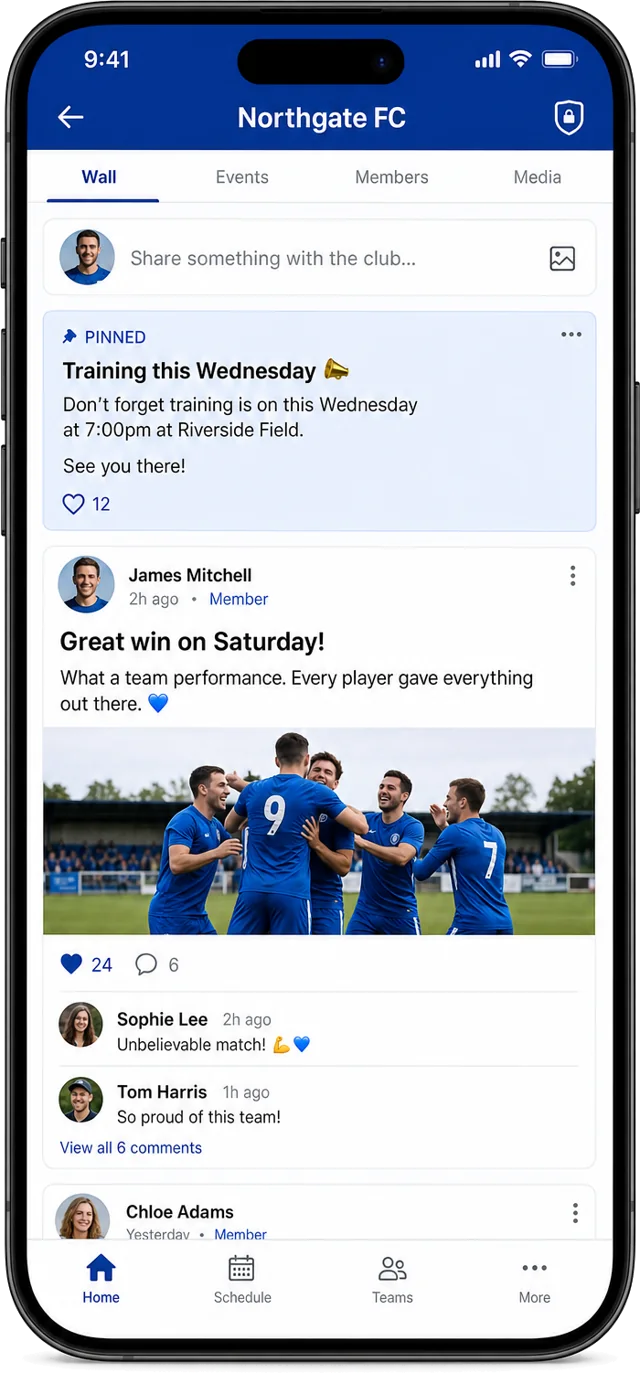
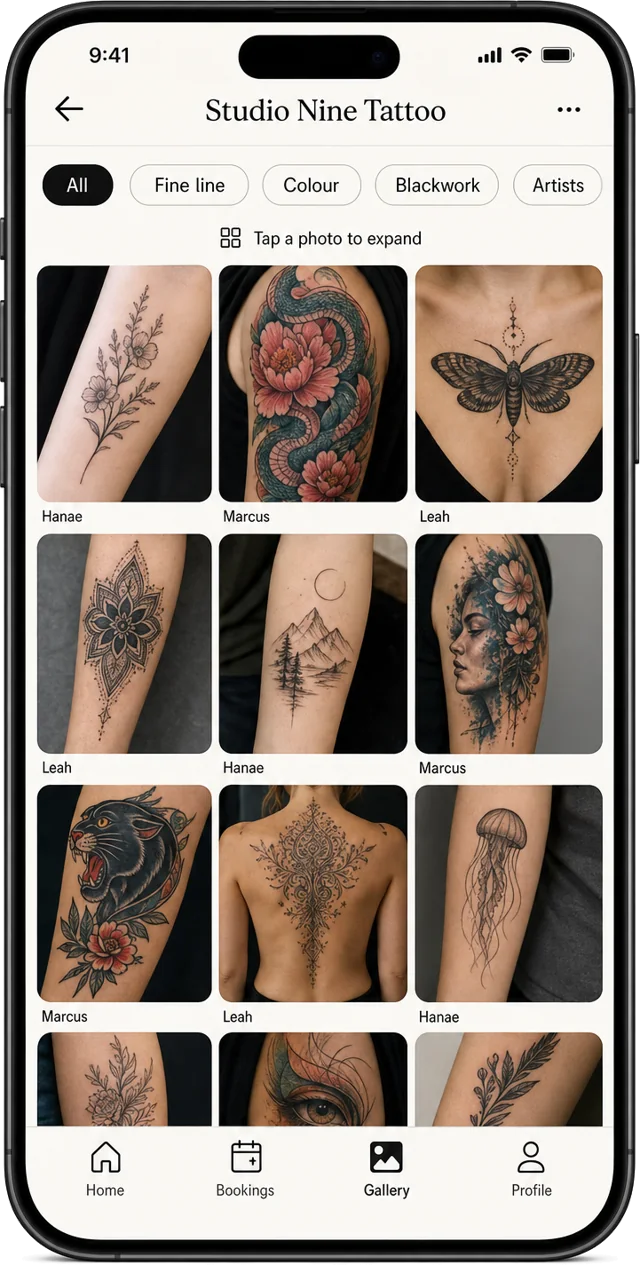
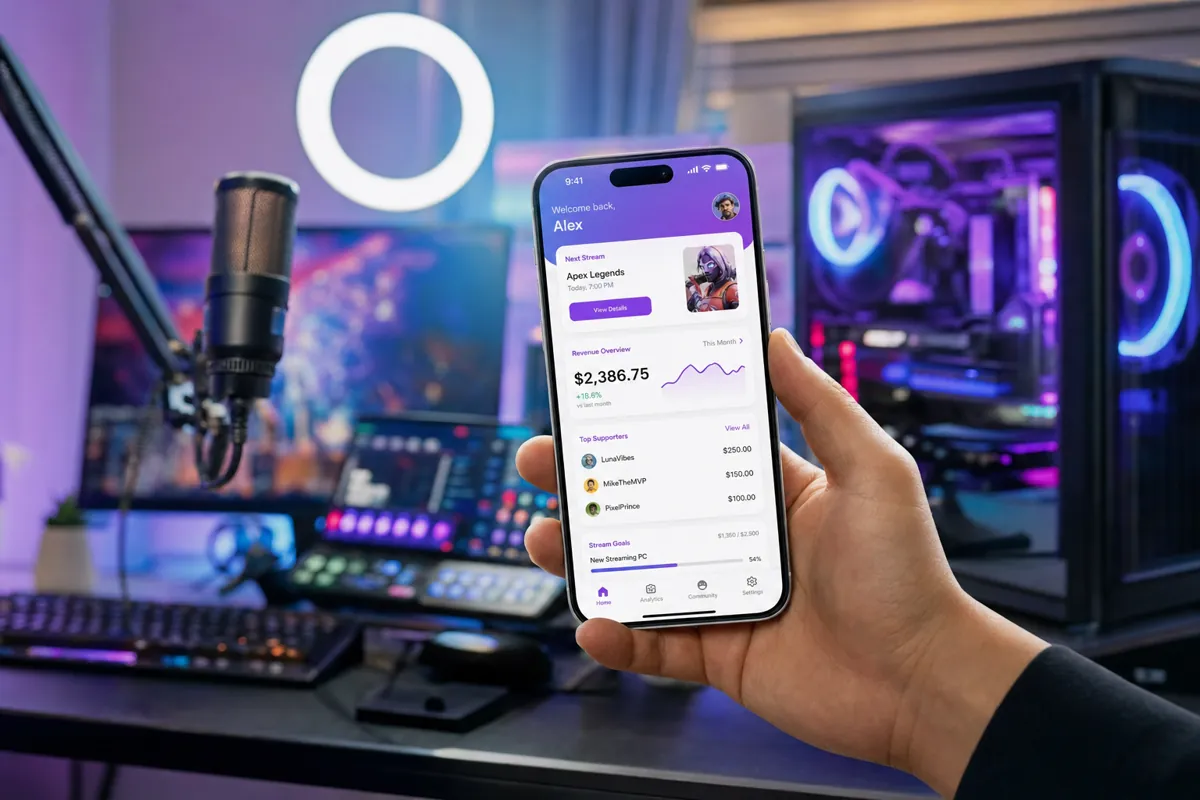
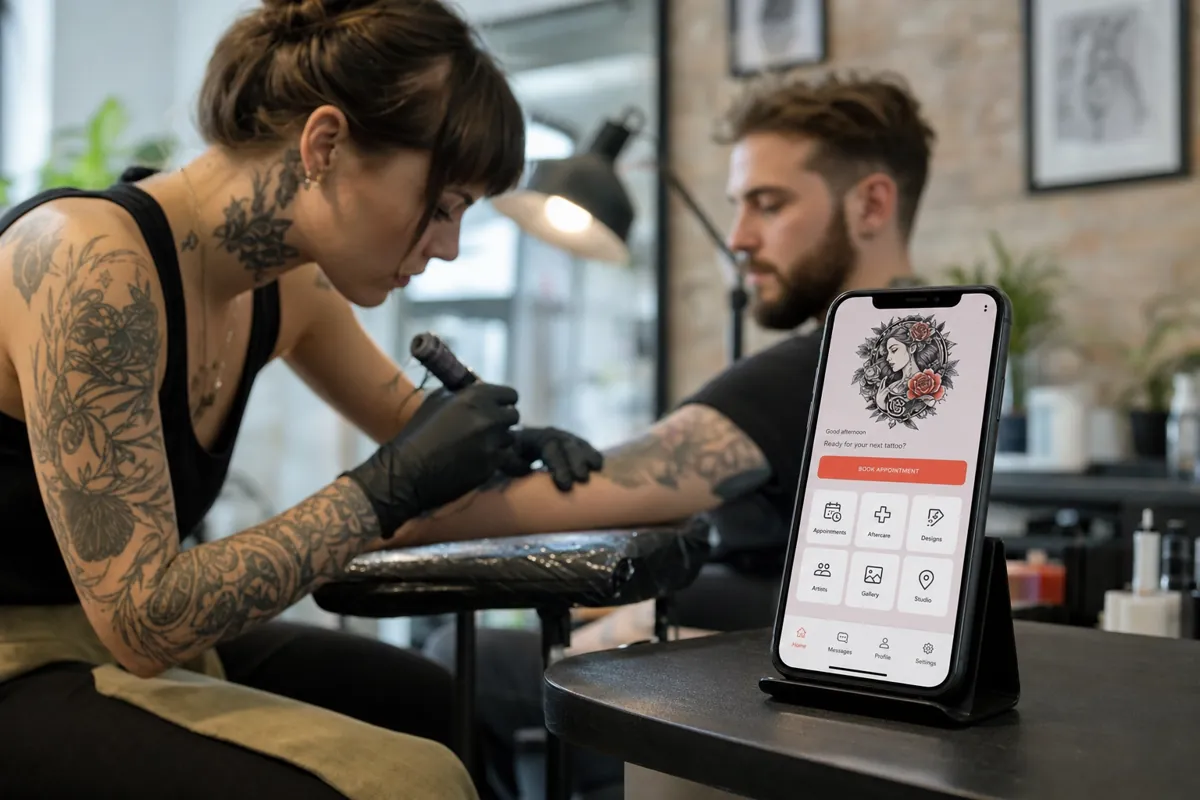
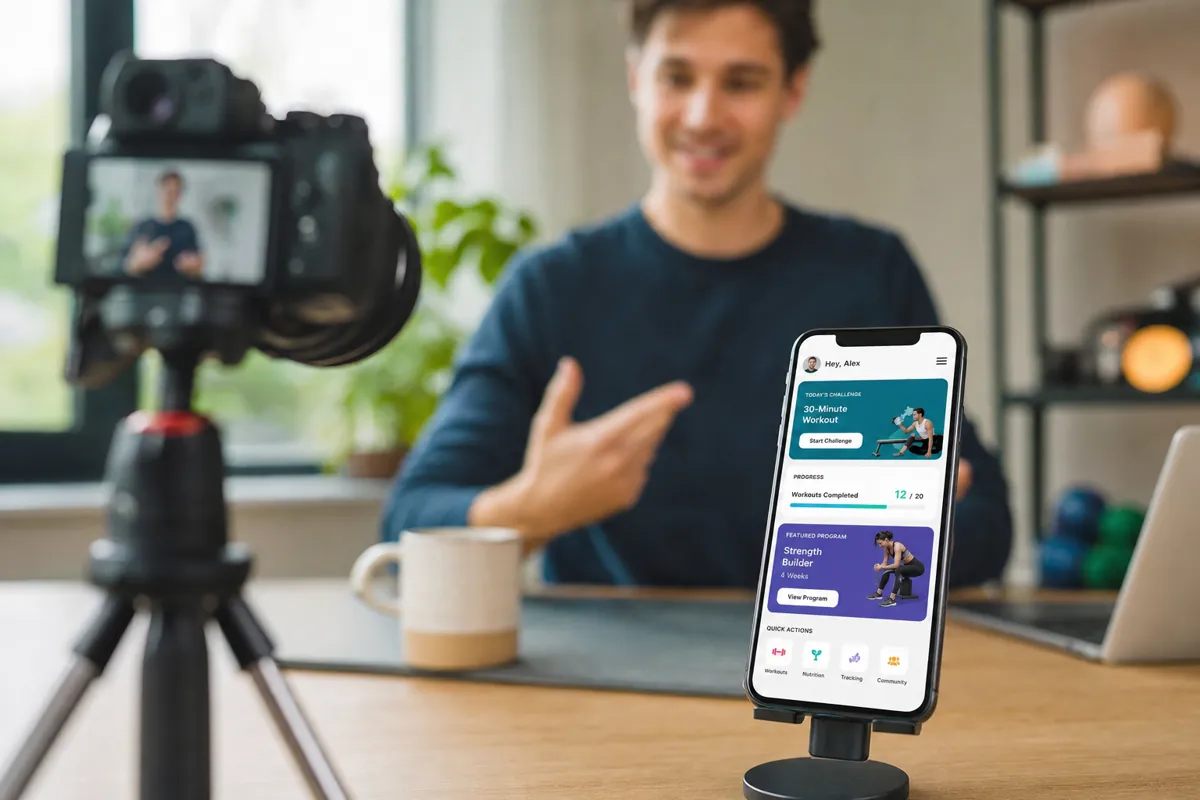
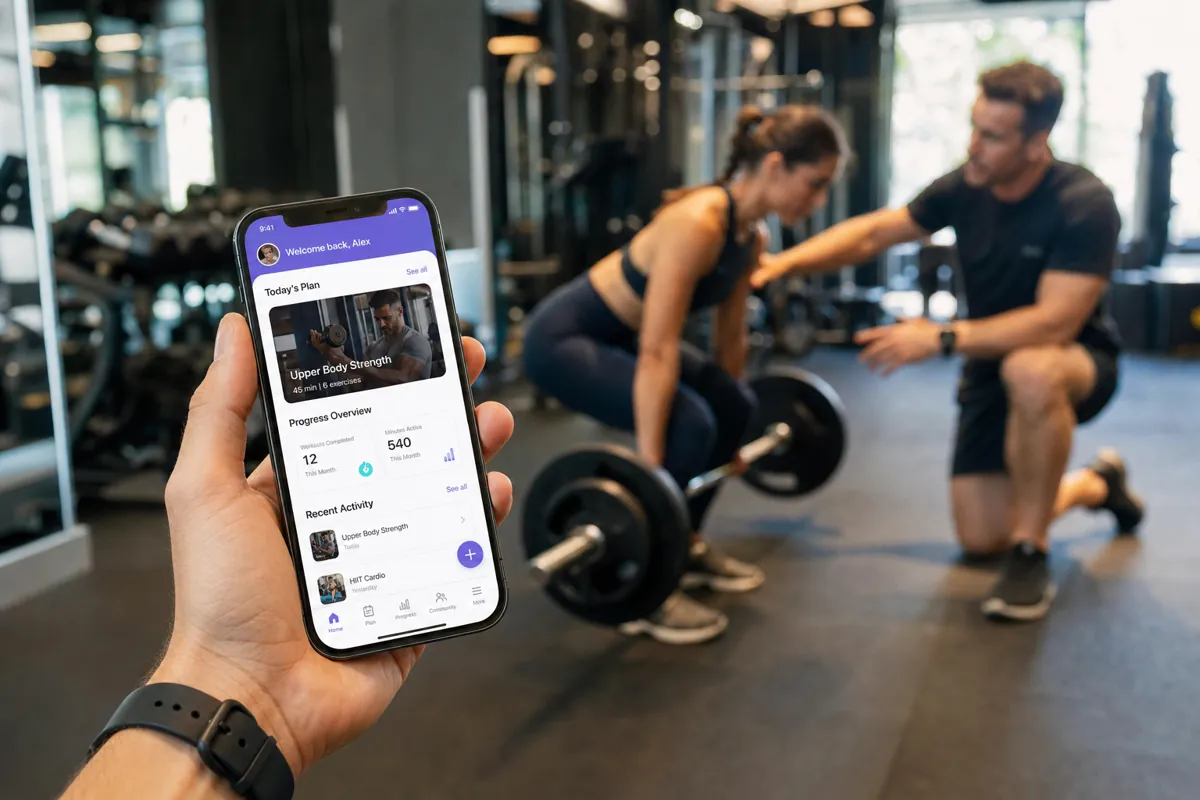
Your Instagram app will sit alongside these in the App Store, Google Play and on the web.
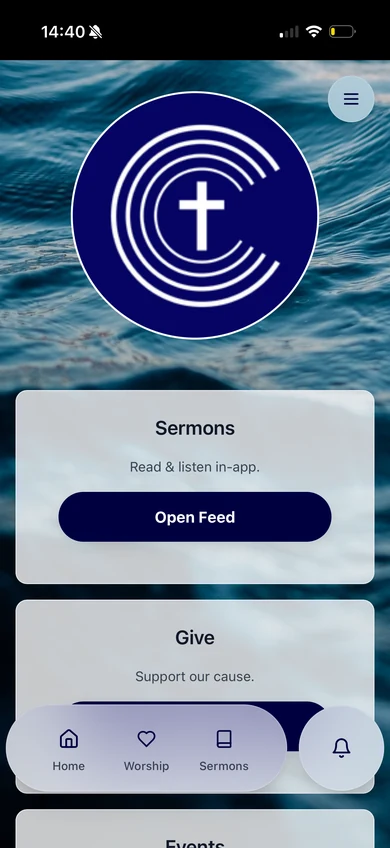
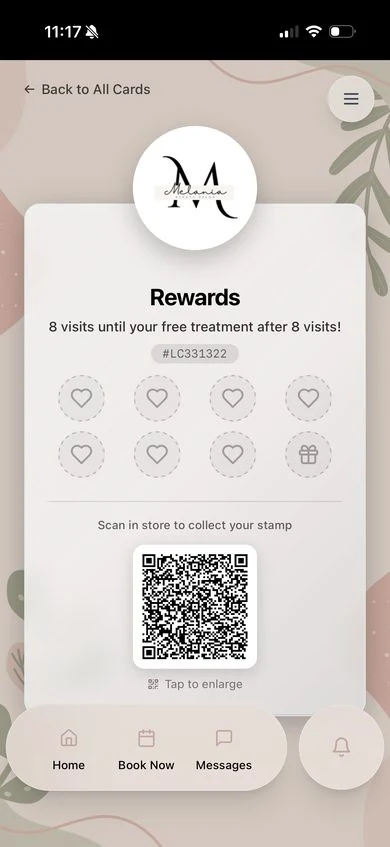
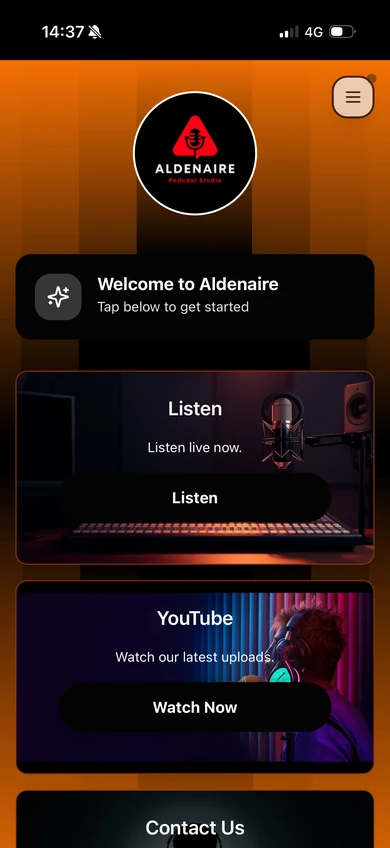
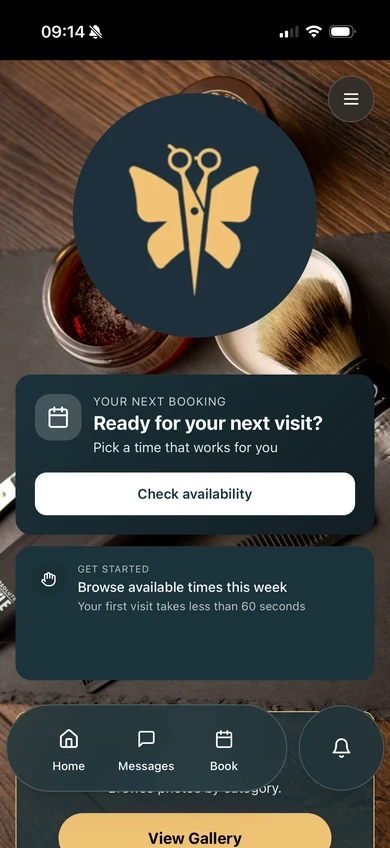
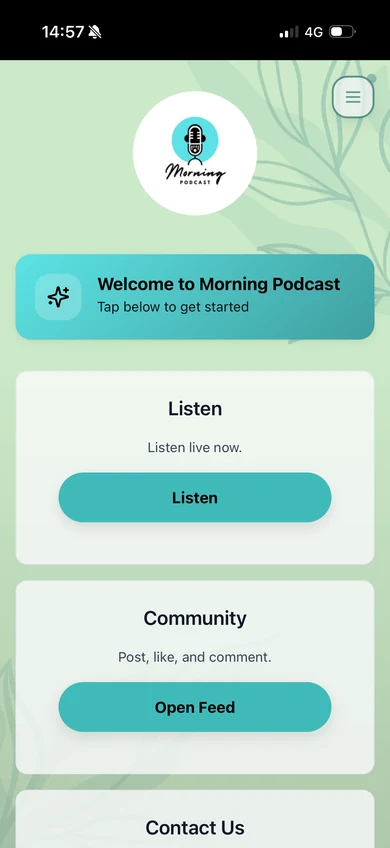
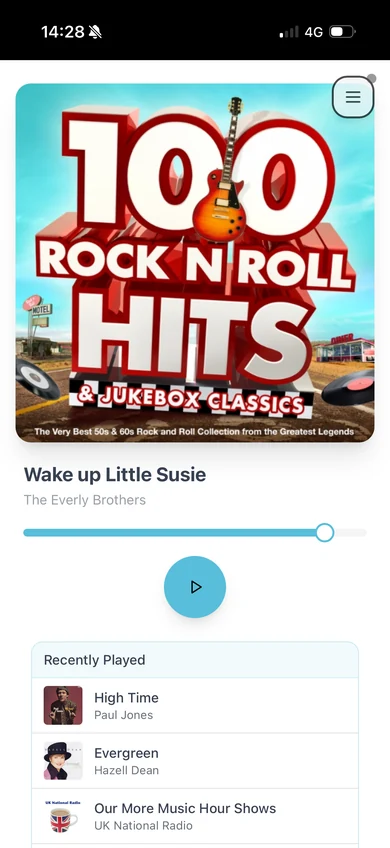
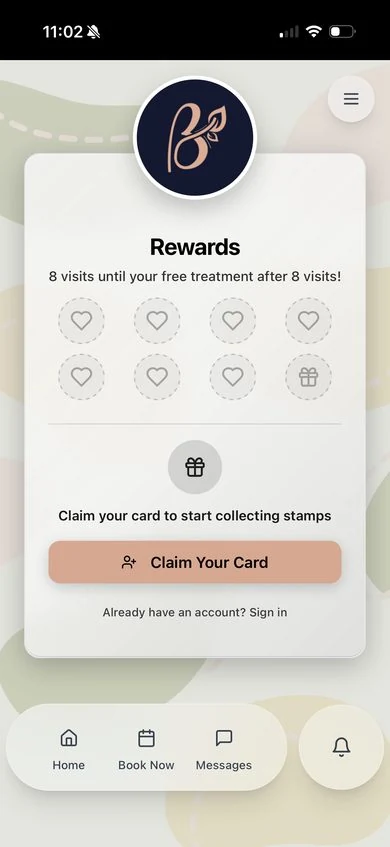
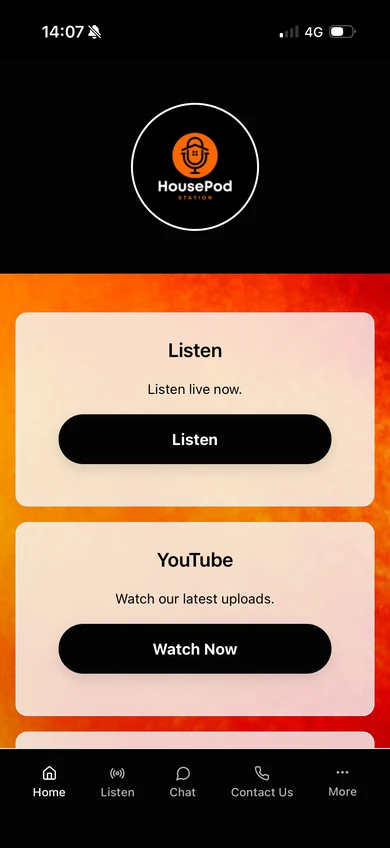
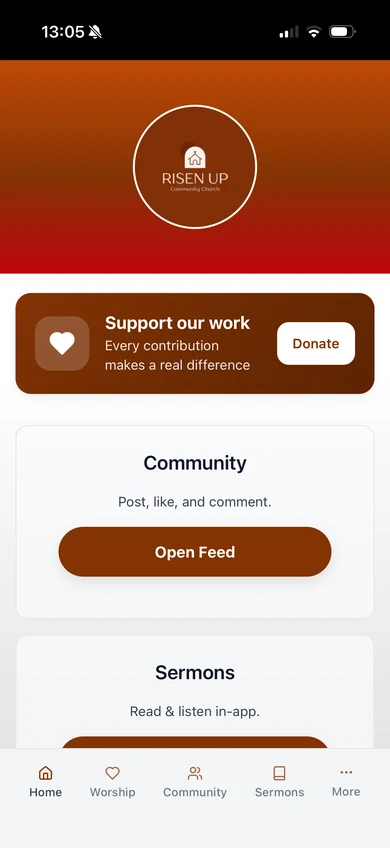
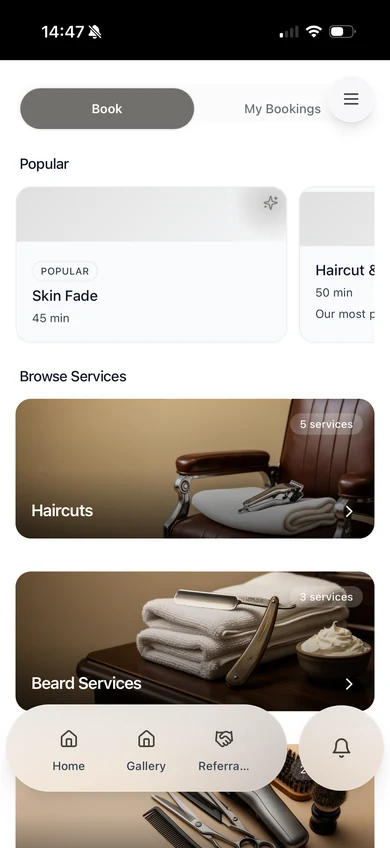
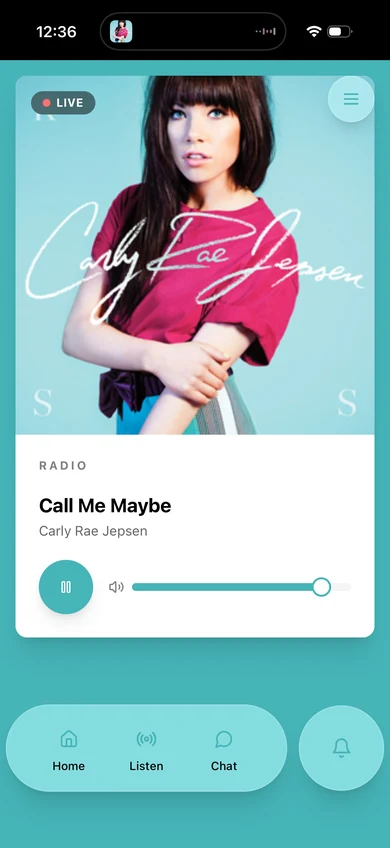
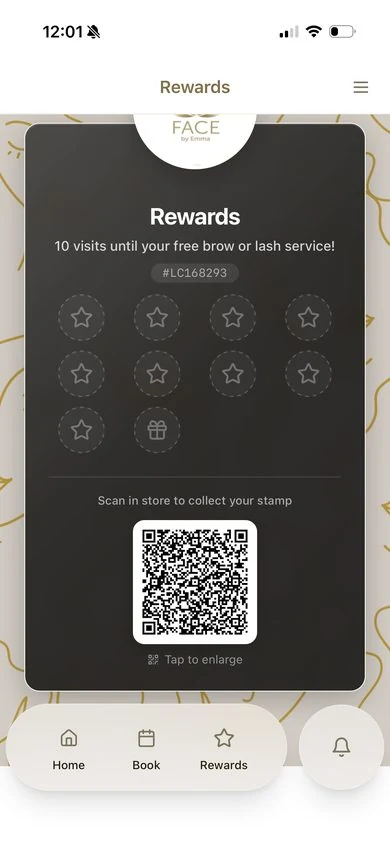
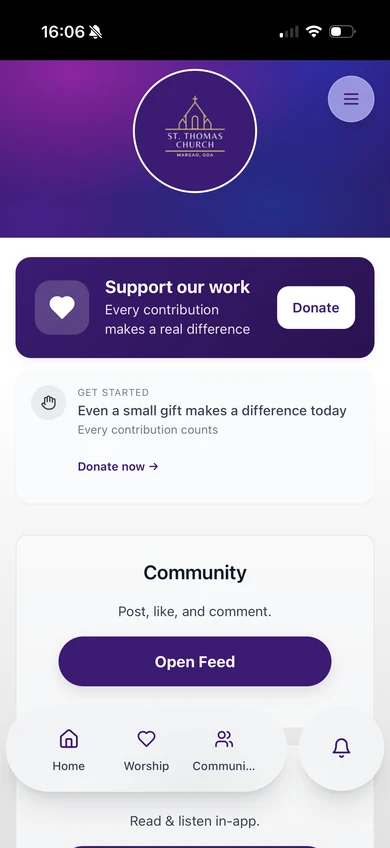
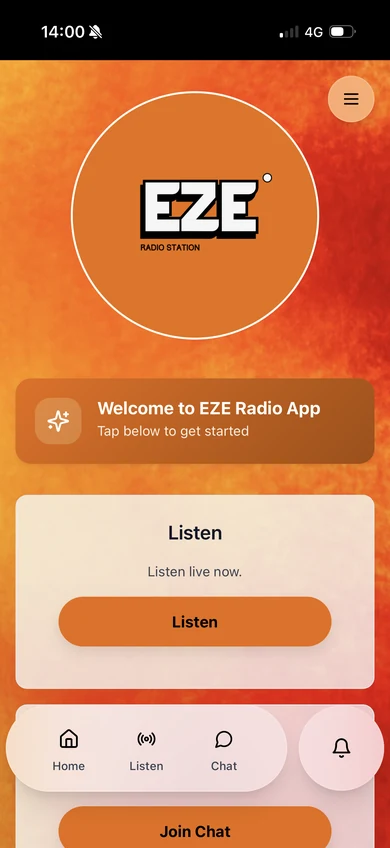
Hover to pause. Each of these was built and published by one person in under a day.
More integrations
 Google Calendar
Your Google Calendar, in a branded app
Sync your Google Calendar with a branded mobile app. Show availability, take bookings, and send free push reminders — all…
Open → Square Appointments
Turn Your Square Bookings Into Repeat Customers
Turn Square Appointments into a branded mobile app. Native booking, push reminders and loyalty — your Square calendar stays in…
Open → HubSpot
Turn app activity into HubSpot pipeline
Build a branded mobile app that pushes every sign-up, lead and form fill straight into HubSpot CRM. Trigger workflows, sequences…
Open → Vagaro
Your Vagaro booking, your branded app
Keep Vagaro running your salon or spa back office, and give clients a branded mobile app for booking, reminders and…
Open → Mailchimp
Pair Mailchimp email with free push notifications
Push every app signup straight into Mailchimp. Sync audiences, trigger journeys and pair email with free push notifications from your…
Open → BookedIn
 appointments, in a branded app
Wrap your BookedIn appointment scheduling in a branded mobile app. Free push reminders, easy rebooking, and a native experience for…
Open →Ready to bring Instagram into a branded app?
Build it free in minutes. No credit card required.