
YouTube apps
Your YouTube Channel’s Own App. Direct To Your Fans.
Your YouTube channel's own app, direct to your fans.
All your videos in one place, push notifications for new uploads and community features. Bypass the algorithm and reach your fans directly.
- Latest uploads and playlists synced automatically
- Push alerts for new videos and live streams
- Community wall and fan messages
- Videos still play on YouTube, so views and monetisation stay put
Free for up to 10 app users. No credit card required.
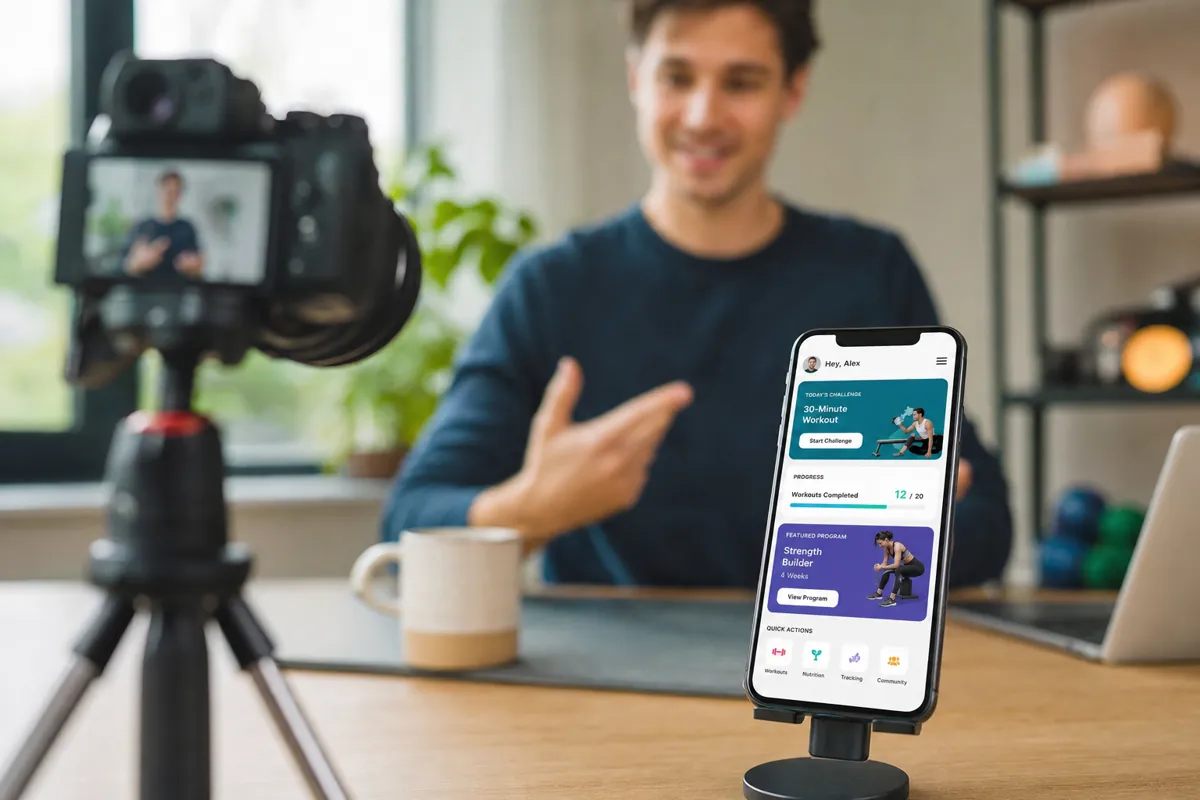
Your Channel · now
New video live
My Studio Tour. Tap to watch first!
AppBuild.diy is best for YouTubers that want their videos, new-upload alerts and community updates in their own app, with a free plan to start.
What's the best way for a YouTuber to get their own app?
AppBuild.diy gives you your own branded app on the App Store, Google Play and the web. It's free for up to 10 app users, then $49/month for up to 1,000.
YouTube notifies 5% of subscribers. Maybe.
- The bell icon barely works. Subscribers miss your videos for days.
- The algorithm decides who sees you. Your own app delivers your videos to your fans, always.
- No direct line to your fans. Community features and fan messages build deeper connections.
✕ Without an app
- Subscribers miss your uploads for days
- The algorithm filters your content
- No direct line to your fans
- Alerts buried behind the bell icon
✓ With your app
- Push within minutes of upload
- Your content shown to your fans, always
- Fan messages and a community wall
- Alerts straight to the lock screen
Your channel app, live in minutes
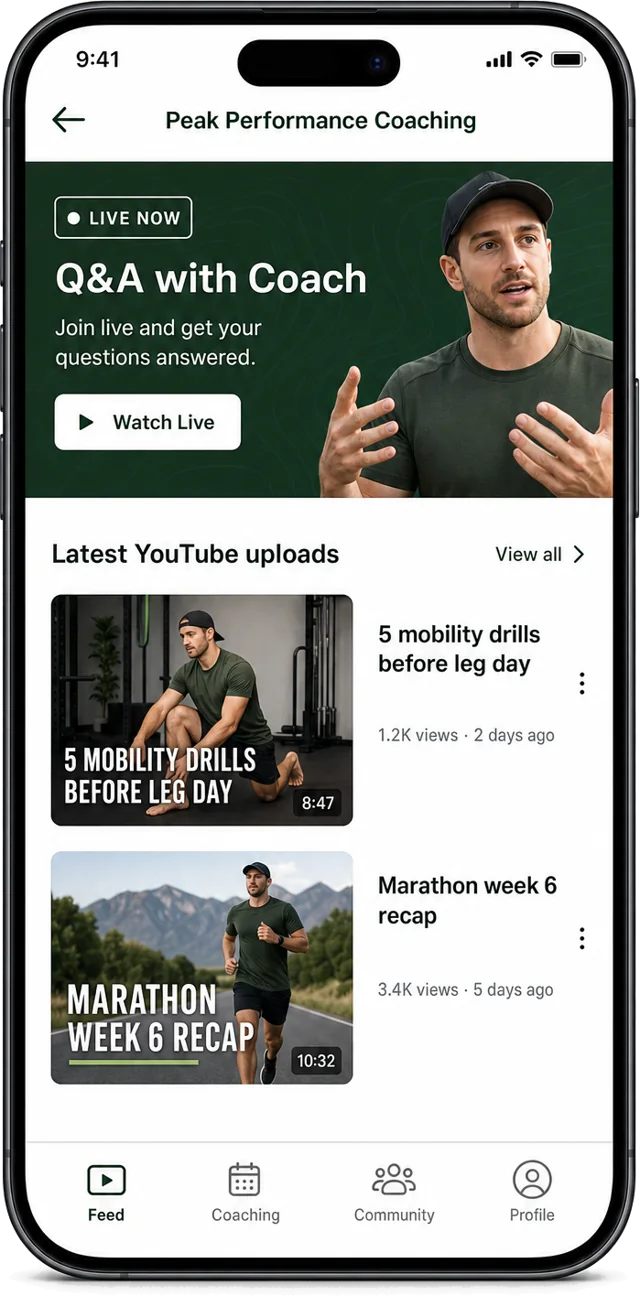
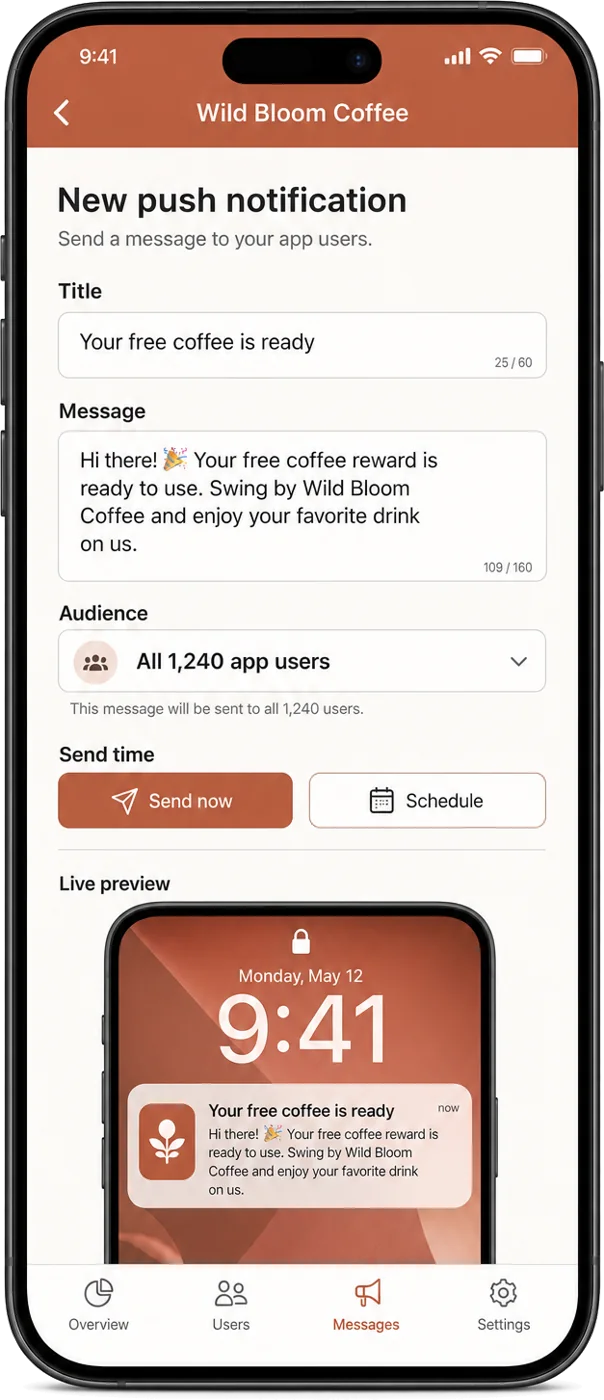
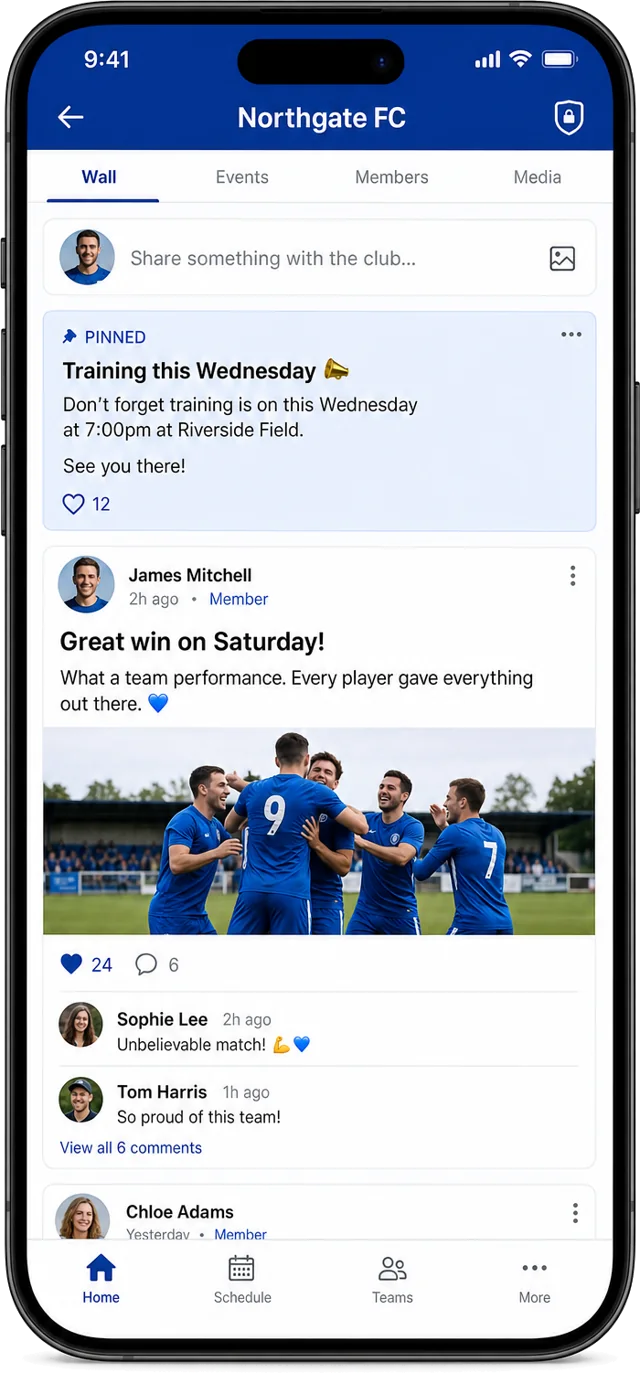
Example screens from the AppBuild.diy creator features.
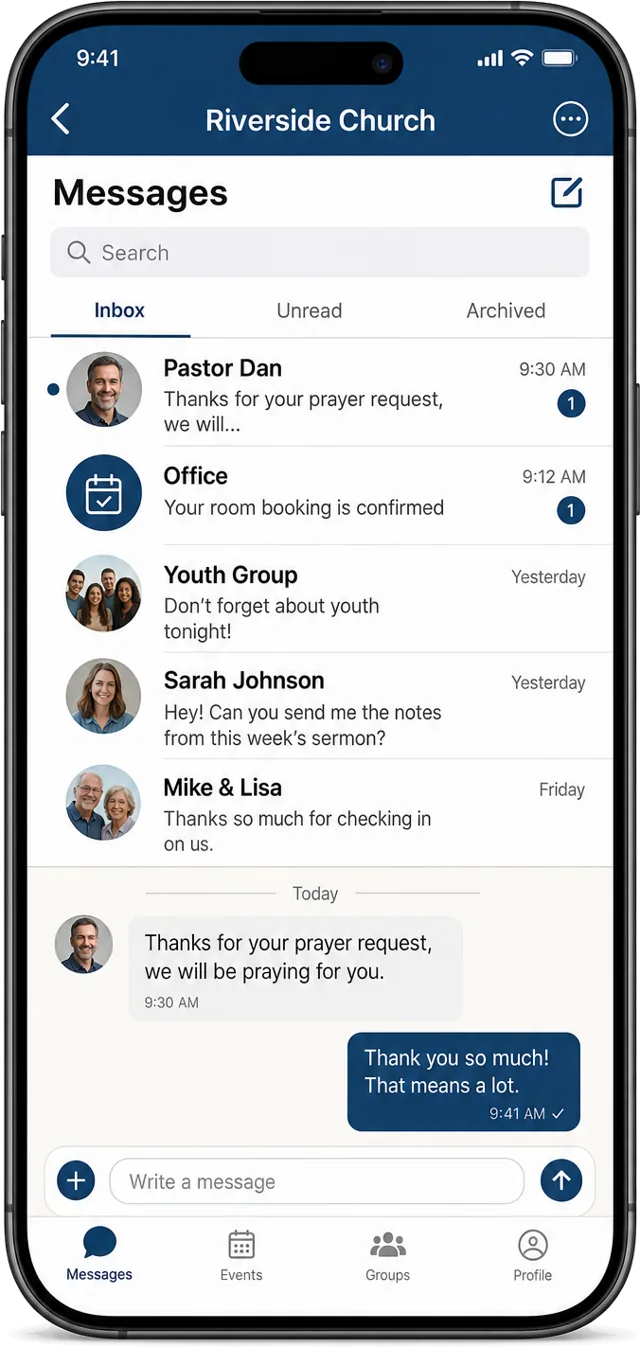
Create your app in 3 minutes
From channel URL to live app, no API keys or complex setup.
Connect your channel
Enter your YouTube channel URL or handle and we auto-import your branding.
Choose your content
Select latest uploads, specific playlists or live streams to feature.
Launch and share
Your app is live instantly. Share the link with your fans.
Everything your channel needs
Connect directly with your fans, with no algorithm in the way. Also stream on Twitch? A Twitch streamer app keeps live streams close to your videos.
Latest uploads feed
Automatically sync your newest videos so fans never miss an upload.
Playlist collections
Organise your content into playlists such as tutorials, vlogs and series.
Live stream alerts
Notify fans when you go live and embed your stream directly in the app.
Fan messages
Receive direct messages from your most loyal fans without spam.
Community wall
Build a community space where fans can interact and share.
Easy sharing
Fans can share your app and videos with one tap to grow your audience. Available as a PWA instantly, plus App Store and Google Play.
What it is
- Your dedicated fan appYour brand, your channel and your community.
- Direct access to your audiencePush notifications that actually reach fans.
- Algorithm-free deliveryYour videos shown to your fans, always.
What it isn’t
- A YouTube replacementVideos still live on YouTube. This is your companion app.
- Dependent on YouTube's algorithmYou control the notifications, not an algorithm.
- Another social media appThis is your app for your fans only.
Push notifications
Reach 100% of your real fans, instantly.
YouTube's bell icon barely works and subscribers miss your videos for days. Push notifications from your own app land straight on the lock screen within minutes of upload. Send unlimited push to every fan who installs your app, with no algorithm, no throttling and no per-message charges. Included free.
- Instant
- Lock screen
- Unlimited
- Every plan
- $0
- Per message
Perfect For Every Creator
YouTubers
Build a loyal fan community with your own branded app
Live Streamers
Never miss alerting fans when you go live
Educators
Organize courses and tutorials for your students
Brands
Showcase product videos and brand content professionally
YouTube app questions
How does it connect to my YouTube channel?
Just paste your channel URL, handle (@username) or channel ID and we'll automatically fetch your channel info, branding and videos. No API keys or complex setup required.
Do videos still play on YouTube?
Yes. Your videos continue to be hosted on YouTube. The app embeds your YouTube content, so you keep all your views, watch time and monetisation. This is a companion app, not a replacement.
Can I send push notifications?
Yes. Send unlimited push notifications to fans who install your app. Alert them about new uploads, live streams, announcements or anything you want, and they'll actually see it.
How is this different from the YouTube app?
The YouTube app shows content from millions of creators and uses an algorithm. Your app shows only your content, with push notifications that actually reach fans, and community features for deeper engagement.
Can I customise the look and feel?
Yes. Your app features your logo, your colours and your brand identity. It's 100% your app, with no competing branding or distractions.
What's included in the free plan?
All features are included for free: video feed, playlists, community wall, messages, push notifications and PWA distribution. Upgrade for native app store submission and priority support.
Can I cancel anytime?
Yes. Plans are month-to-month with no contracts. Cancel and your app stays live until the end of the billing period, and you can drop back to the Free plan anytime.
Do I need a YouTube Partner account?
No. The integration works with any public YouTube channel, and Partner status isn't required. Your monetisation (ads, memberships, Super Chat) continues to work exactly as it does today.
Will video plays still count toward my YouTube views?
Yes. Videos play via the official YouTube embed, so every view counts toward your YouTube analytics, ad revenue and watch-time metrics. Nothing gets fragmented.
Are there any commission or per-view fees?
No. We never take a cut of ad revenue, memberships or any income from your channel. Pricing is a flat monthly or yearly fee: $49/mo Business (1,000 users) up to $99/mo Business Pro (unlimited users).
What's the best way for a YouTuber to get their own app?
AppBuild.diy is a strong fit for YouTubers that want their videos, new-upload alerts and community updates in their own app. You get your own branded app on the App Store, Google Play and the web. It's free for up to 10 app users, then $49/month for up to 1,000.
Can I customize the look and feel?
Yes! Your app features your logo, your colors, and your brand identity. It's 100% your app - no competing branding or distractions.
Free live webinar
See how a youtuber app is built, live
A free 30-minute session showing how to create your app on AppBuild.diy: pages, branding, bookings, loyalty and push, then publishing to the App Store, Google Play and the web. Live Q&A at the end.
- Weekly sessions in UK, US and APAC-friendly slots
- Watch instantly if you would rather not wait
- Bring your questions, leave with a plan


Your channel. Your fans. Your app.
Perfect for YouTubers, live streamers, educators and brands. Free for up to 10 app users, no credit card required.