
Features / Calendar & Scheduling
Events & Ticketing
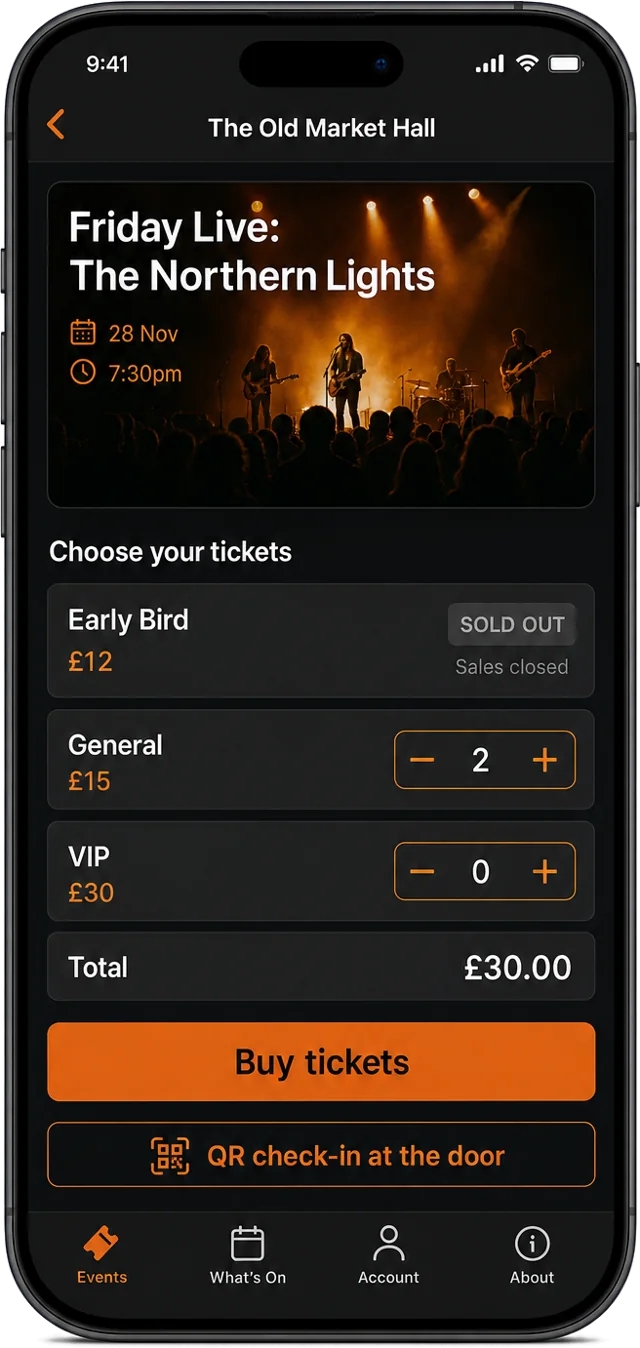
Sell tickets in your own app and keep the fee. Early Bird, General and VIP ticket types, real-time capacity, QR codes scanned at the door, and a push notification the moment the next gig is announced.
- Ticket types with prices, quantities and sale dates
- QR check-in with the free Data Manager app, live capacity
- Only Stripe's fee, around 2.9% + 30p, instead of 6 to 8%
Included on every plan, including Free. No credit card required.
Events & Ticketing: the quick answer
- What it is
- Events with ticket types, registration and QR check-in at the door. Only Stripe's processing fee, not the 6 to 8% a ticketing platform takes.
- Cost
- Included on every AppBuild.diy plan, including Free for up to 10 app users. Business is $49/month for up to 1,000 users and Business Pro is $99/month for unlimited users.
- Works on
- Your app on the App Store, Google Play and as an installable web app, from one setup.
- Setup
- Add it in the AppBuild.diy editor and fill in your details. No code.
- Popular with
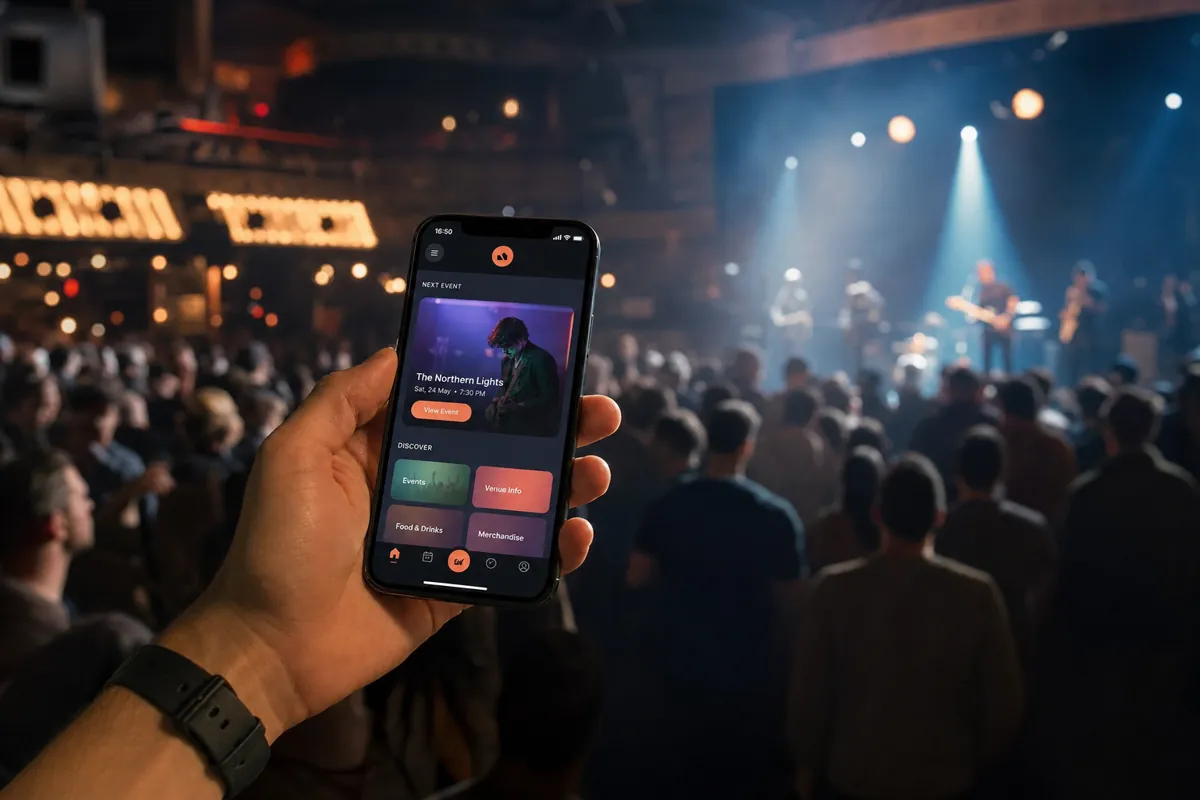
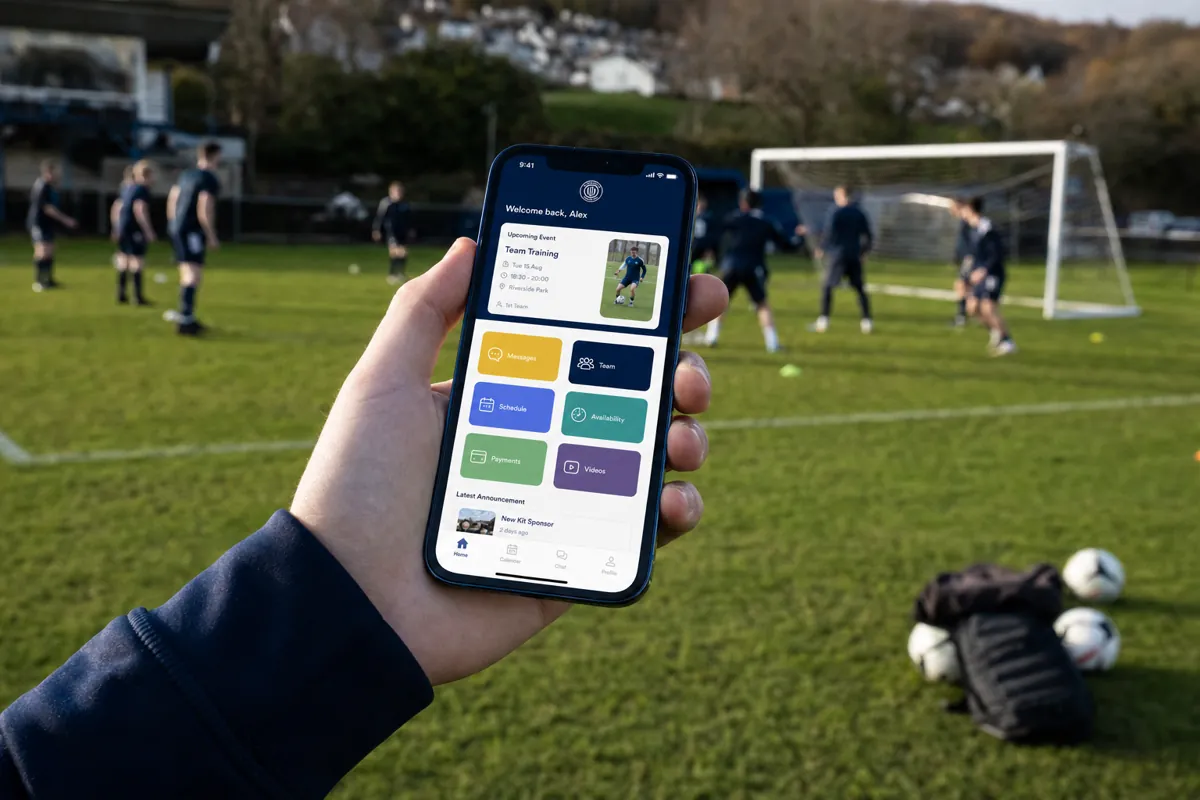
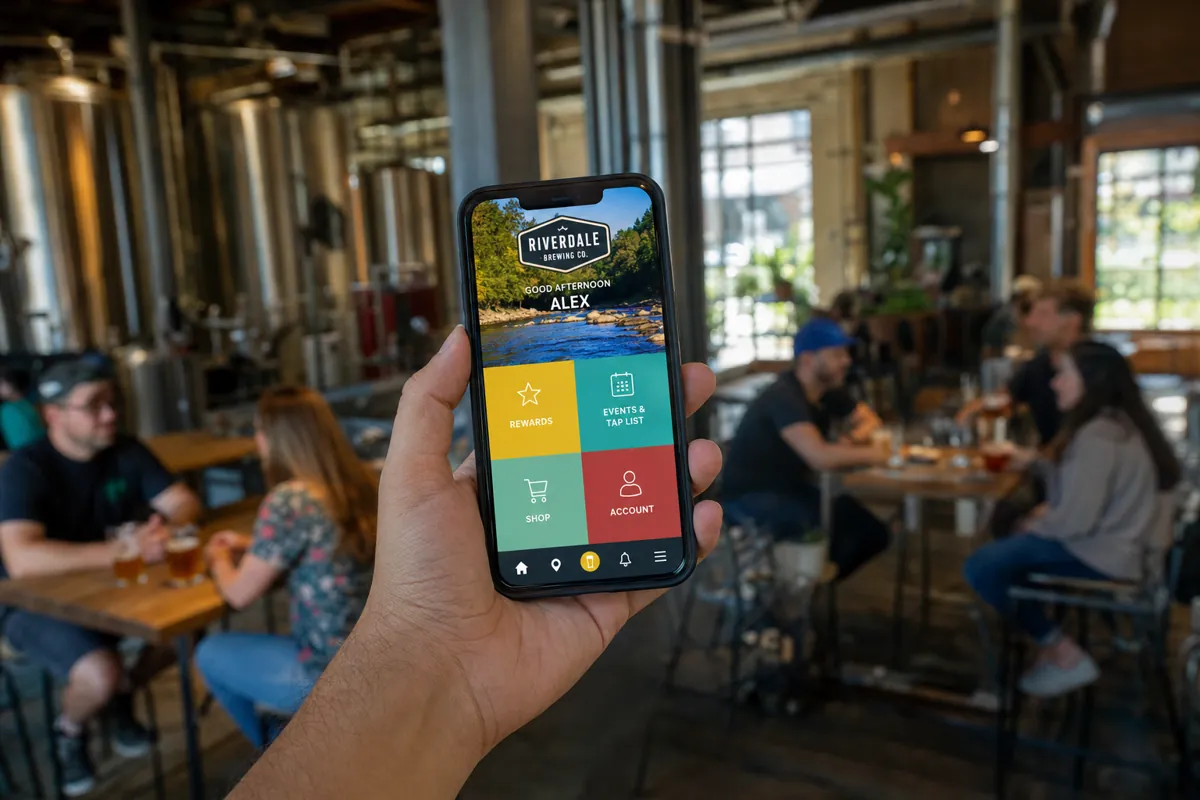
- Live music venue, Sports club, Craft brewery, Garden centre
What events and ticketing do for your business
Ticketing platforms charge the fee and keep the audience. Your app does neither.
Keep the fee
On a £15 ticket the difference between Stripe and a ticketing platform is around £1 a ticket. That is yours.
Keep the audience
Everyone who buys has your app. The next announcement goes straight to their lock screen.
Run the door
Scan QR codes with any phone and watch capacity update live.
How it works
Set it up once in the AppBuild.diy editor. Your customers get it in the app the same day.
You set it up
- Add Events & TicketingOpen Pages, tap Add Page or Function and choose Events & Ticketing.
- Create the eventDate, time, venue, description and image.
- Add ticket typesEarly Bird, General, VIP: price, quantity and on-sale dates.
- Check people inScan QR codes at the door with Data Manager.
Your customers see
- See what is onUpcoming events with dates and prices.
- Buy ticketsChoose type and quantity, pay with card or wallet.
- Keep the QR codeTickets live in the app, no printing.
- Hear about the next onePush notification when you announce it.
Full step-by-step guide with screenshots: AppBuild.diy user guide →
Who uses it
Live music venues, clubs, churches, sports clubs, schools and anyone running events.
Included on every plan
- Free for up to 10 app users, then $49/month for up to 1,000
- Works in the web app (PWA), on iOS and on Android
- 0% commission on paid plans
- Unlimited push notifications to go with it
- Switch it on or off from the editor at any time
Works well with
Push Notifications
Unlimited push notifications on every plan, including Free, at $0 per message. The lock-screen channel that email and social cannot match.
Online Shop
Sell your own products in your app with options, stock and collections, paid through your own Stripe account. No marketplace, no commission on paid plans.
Social Wall
A members-only community feed inside your app. Members post updates and photos, react and comment, with nothing shown to the public.
Events & Ticketing questions
What does it cost per ticket?
Only Stripe's card processing fee. AppBuild takes 0% commission on paid plans.
Can I sell free tickets for registration?
Yes. A ticket type can be free, so registrations and headcount still work.
How do I check people in?
Scan the QR code on their phone with the free Data Manager app. Capacity updates live.
Can I use Eventbrite instead?
Yes. There is a separate Eventbrite integration if you want to keep selling there and show events in the app.
What is Events & Ticketing in AppBuild.diy?
Events with ticket types, registration and QR check-in at the door. Only Stripe's processing fee, not the 6 to 8% a ticketing platform takes.
Does Events & Ticketing work on iPhone and Android?
Yes. It works in your app on the App Store and Google Play, and in the installable web app, from the same setup.
Do I need to code to add Events & Ticketing?
No. You add Events & Ticketing in the AppBuild.diy editor and fill in your details. Most businesses are live in 5 to 15 minutes.
Which businesses use Events & Ticketing?
It is popular with Live music venue, Sports club, Craft brewery, Garden centre, among others.







Sell your next event without the platform fee
Free for up to 10 app users. No credit card required.